

Peter Cobbe
-
Posts
34 -
Joined
-
Last visited
Content Type
Profiles
Forums
Events
Gallery
Store
Premium Membership Discounts
News
Videos
Posts posted by Peter Cobbe
-
-
Any advice on the best approach to achieve reasonable service costs for XE 2017 180 Portfolio 2.0 d. It would be good to get views and experience regarding this issue
-
Clearly as case of buyer beware ....glad you got it fixed
-
My Sat Nav maps are on a SD card so not sure about the USB drive issue
-
Thank you Tom
-
-
Hi
I am considering using the WiFi hotspot function and understand about the need for a data SD card.
What I cannot find out is where the SD slot actually is enabling me to put the card in. It cant be the one used for Sat Nav . Any help or advice would be welcome. I have the 8 inch Infotainment system ( not Pro). There is nothing i can see in the manual. -
Hi Kieron
There is something magical about Jaguars
-
-
Hi Stephen from another newbie and XE owner . What a great car- enjoy.
-
-
Thank you for the good advice - very helpful
-
Great car but just not enough space in the back and care needed getting in and out. It is a 2+2 really and if that suits you then the superb drive and front seats comfort are a winner sounds like you need the XF ...
-
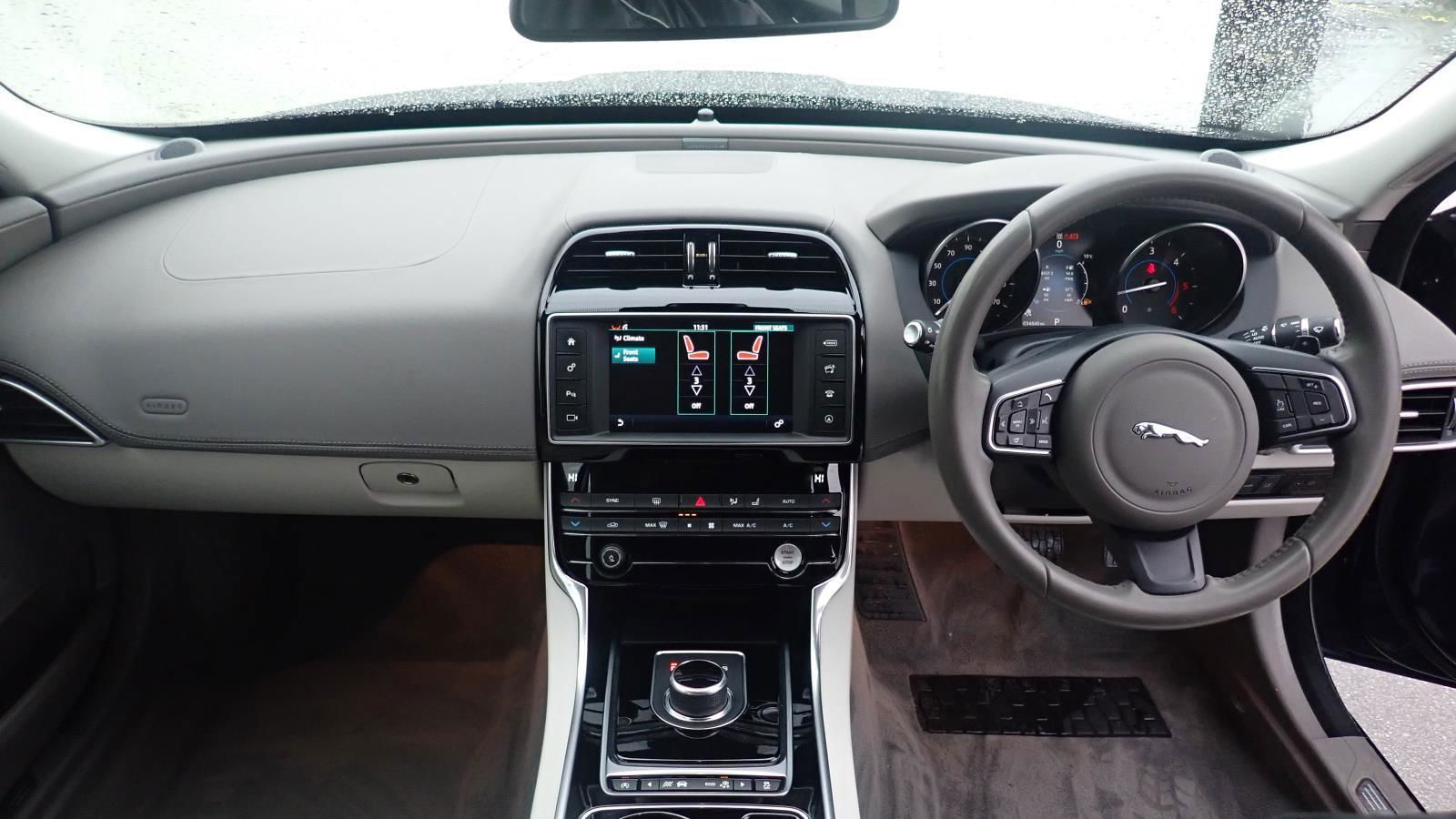
Hi from a new member - I’ve just bought a low mileage 2017 XE Portfolio 2.0 D and enjoying the driving experience and learning all of the controls.
Any advice from XE owners welcomed. I also made good use of the Owners clubs Halfords discount card -With excellent savings of £30 on a nextbase 522w dash cam installation

Major service cost
in Jaguar XE Club
Posted
Thank you for the comments and advice