XJ6Exec
Members
-
Joined
-
Last visited
-
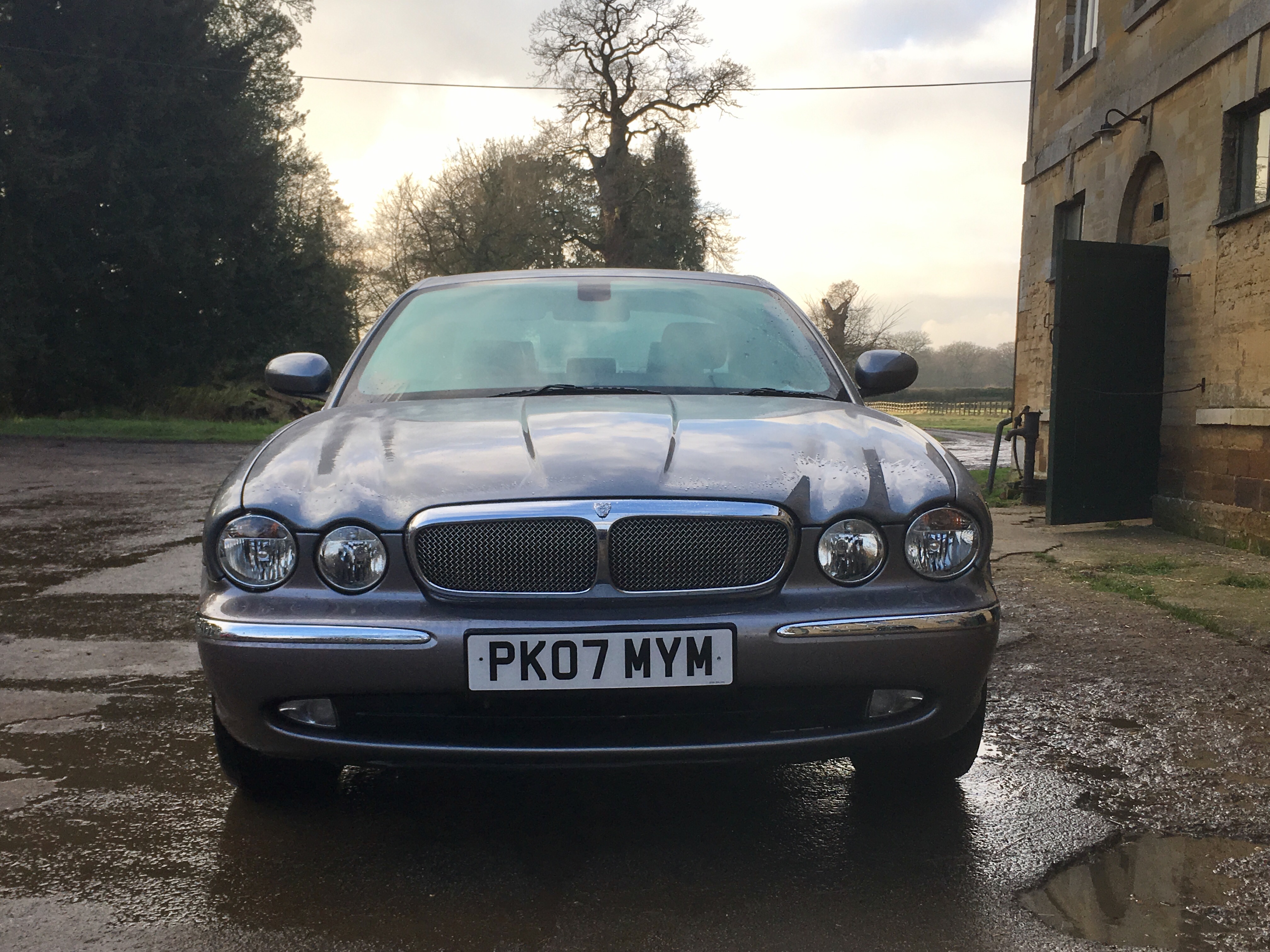
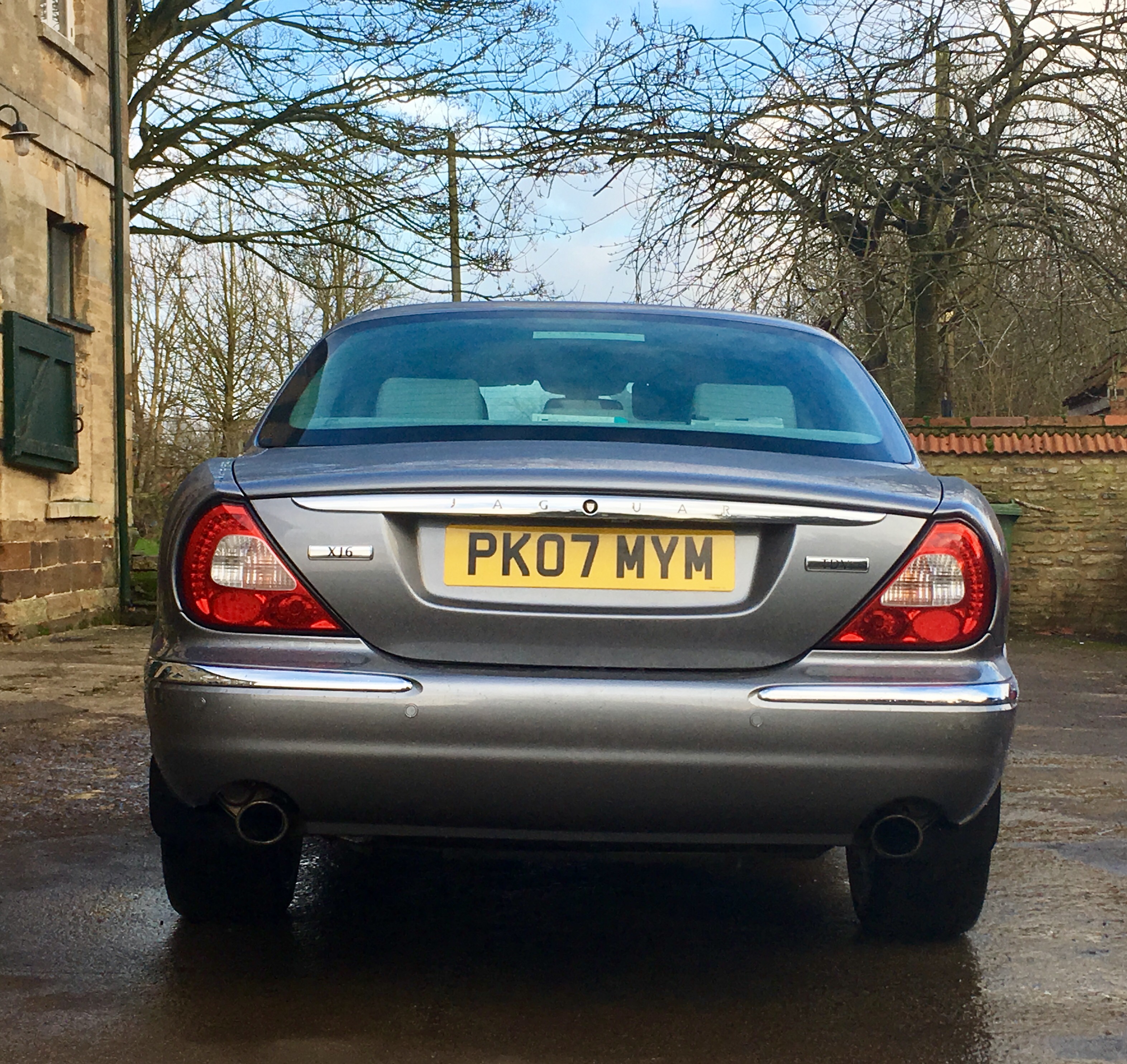
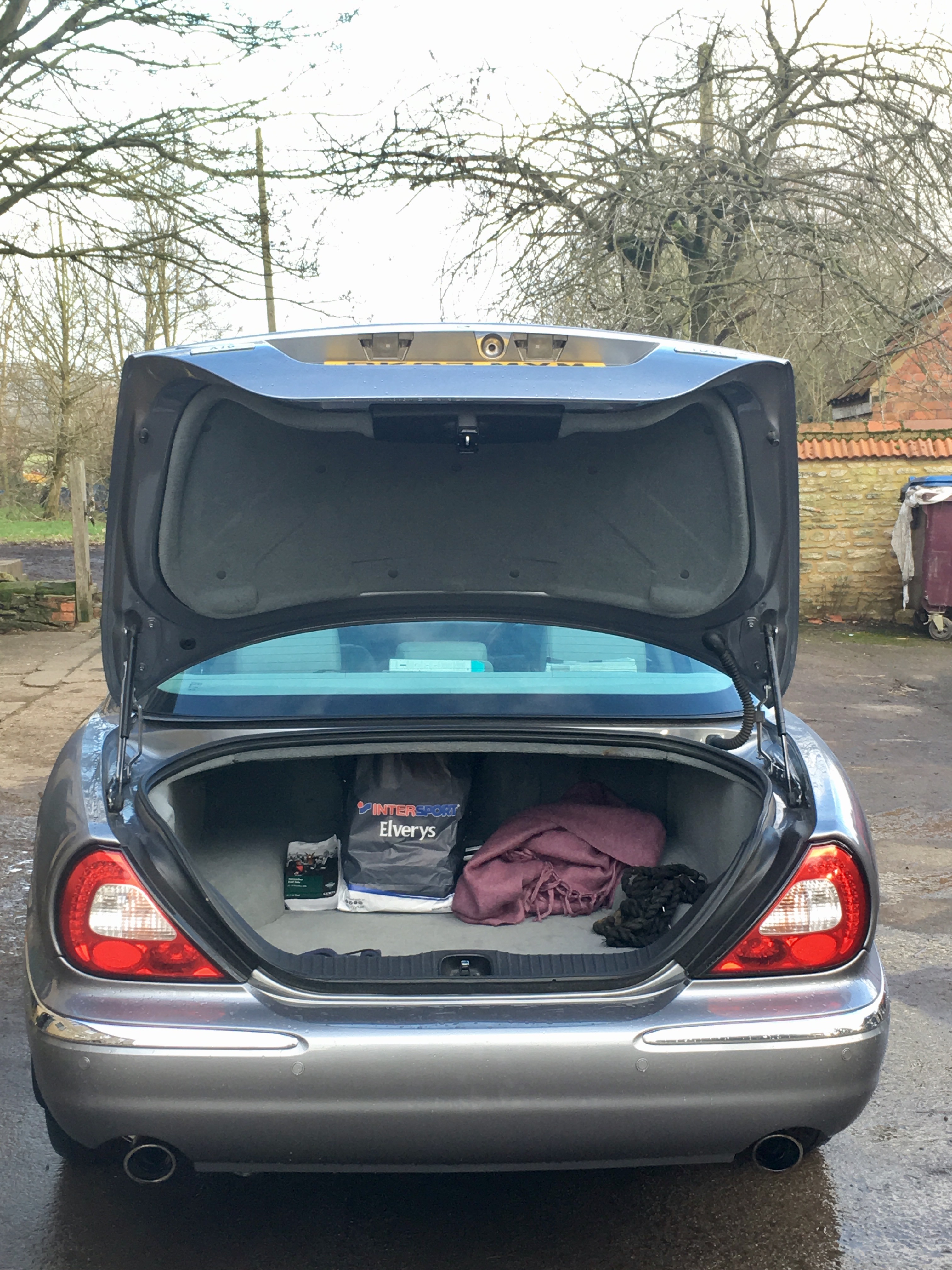
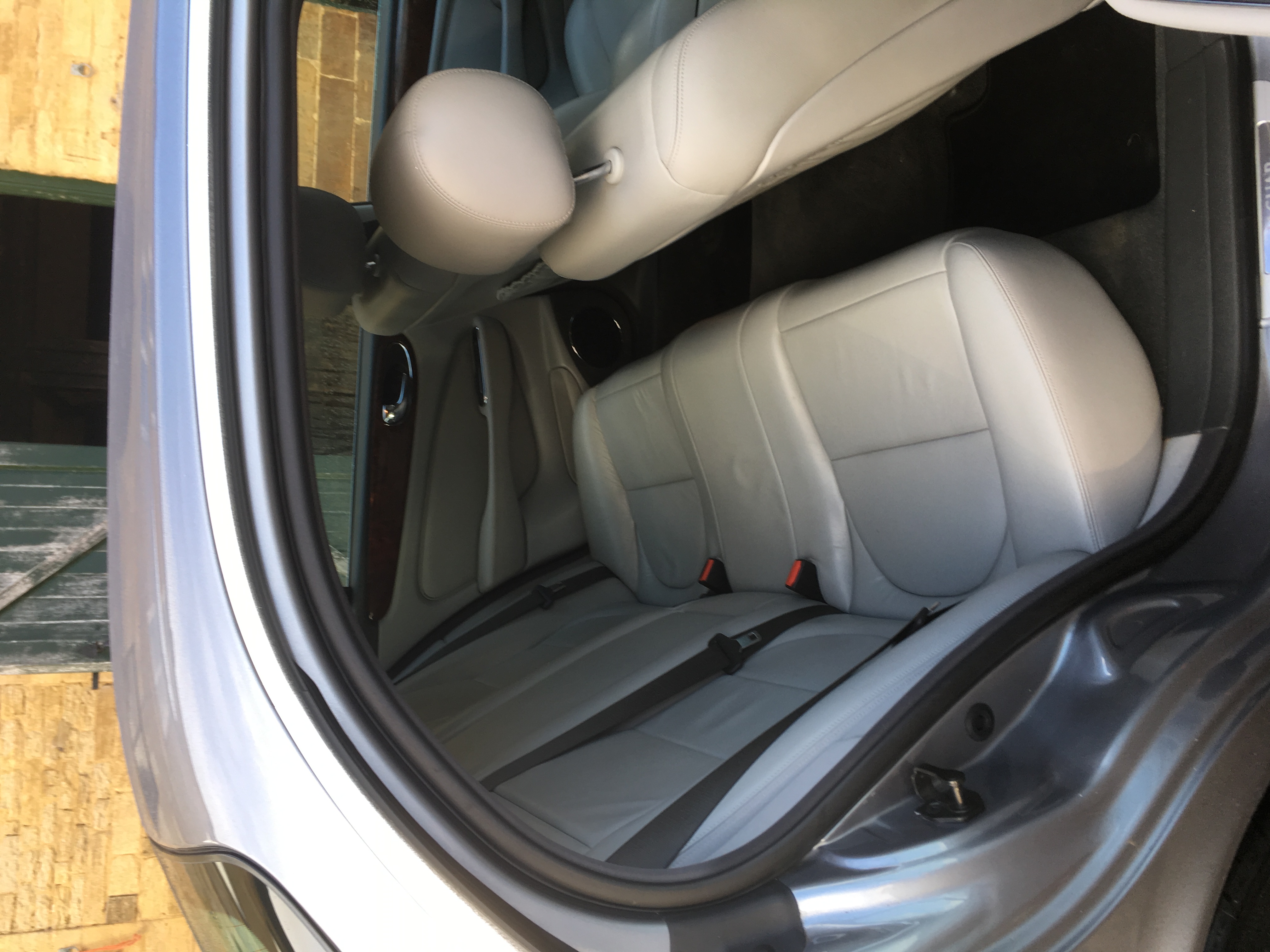
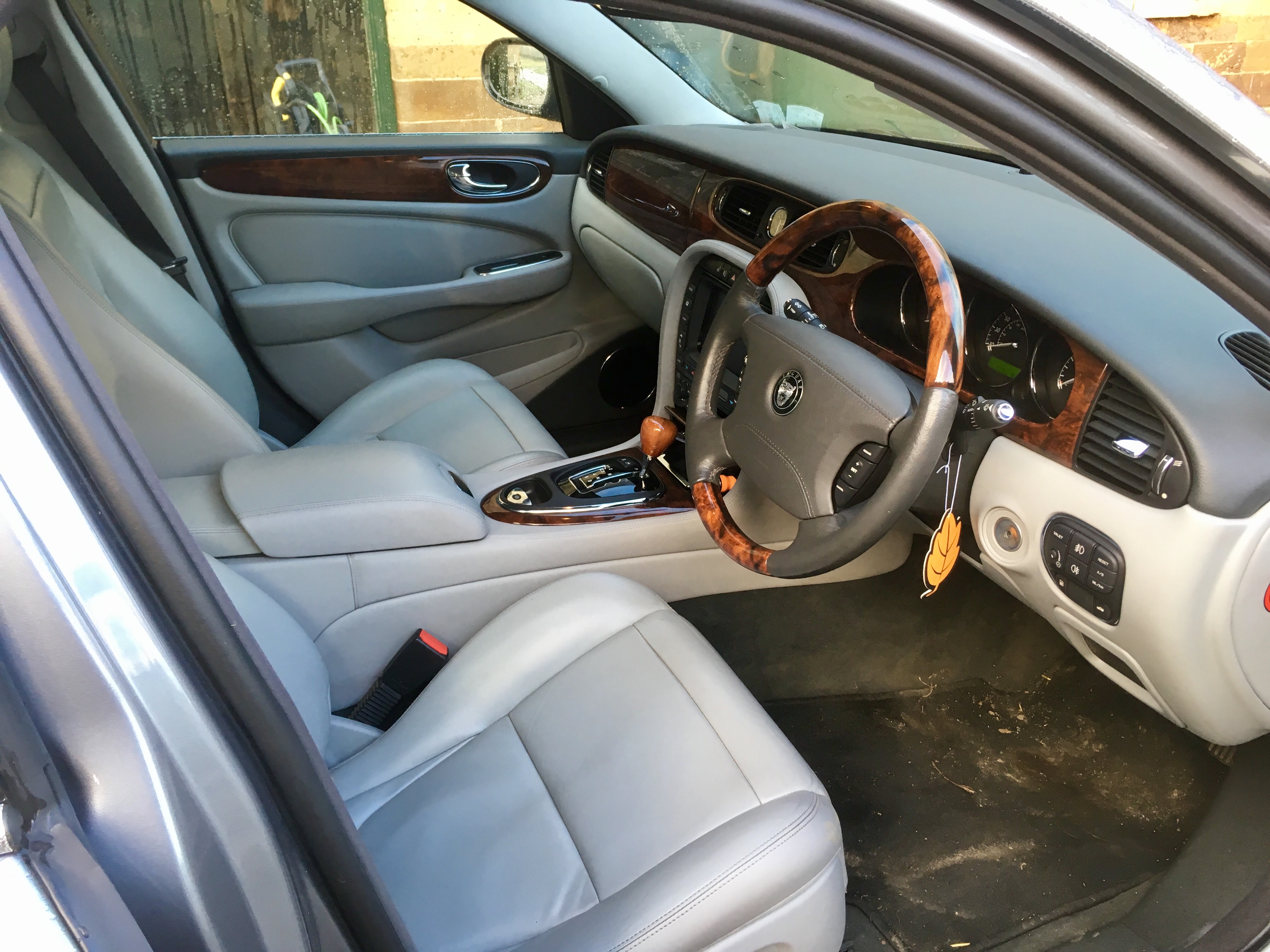
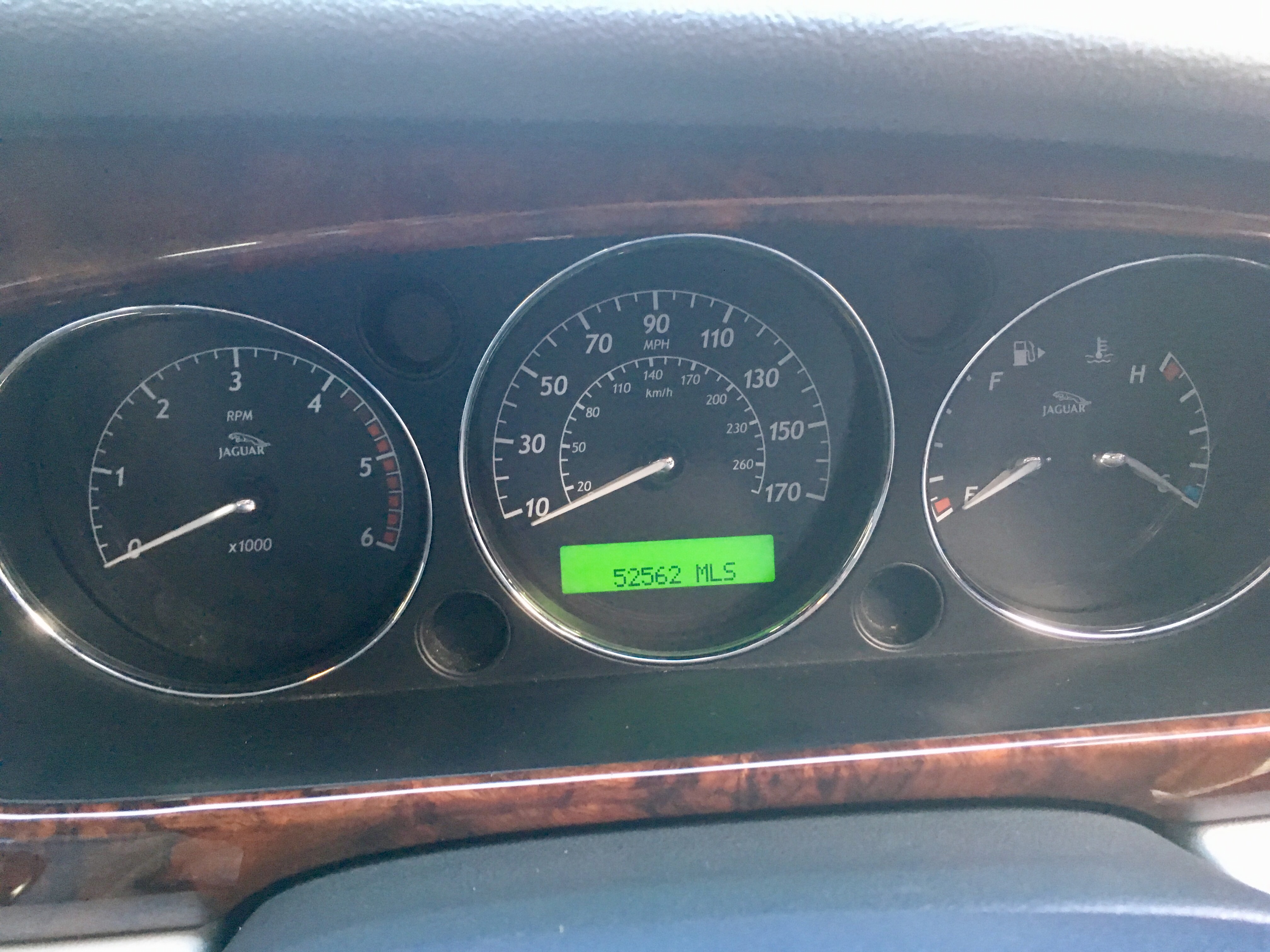
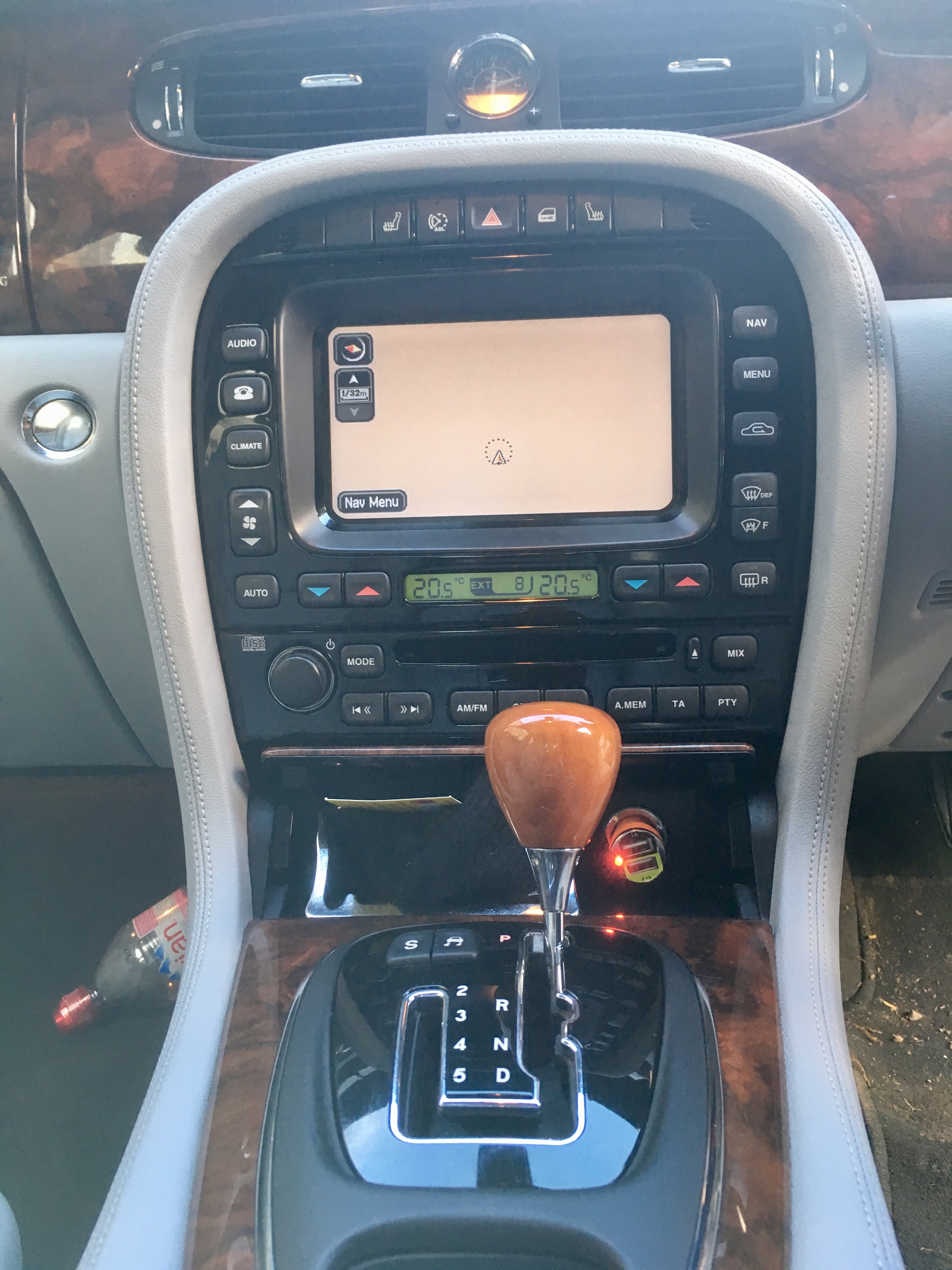
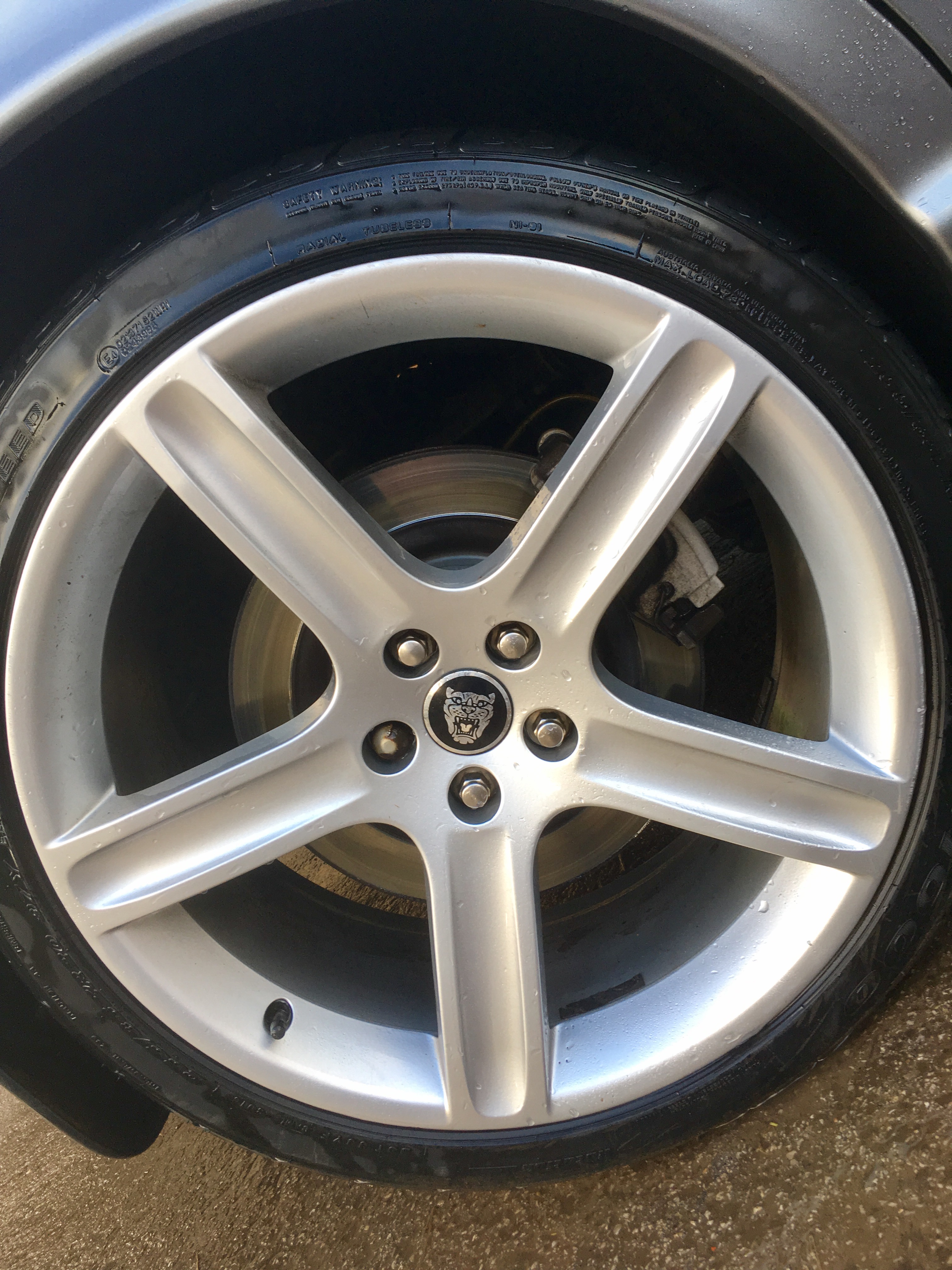
Immaculate condition with all the extras. When I picked this car up it still had Jaguar plastics over the back seats and belts. Very little use and well looked after. Heated steering wheel and front seats. Auto de-frost windscreen and wing mirrors. Auto dim rear view mirror. This car will do about 550 miles doing a full tank - £110 to fill up using Shell V-Power. Sat nav is functional, climate control, Bluetooth telephone all accessible from the touch screen. Recently put in a new electric handbreak (for reassurance) and replaced front steering arm. 4 new tyres only a month ago. This is one not to be missed - a real head turner. Genuine reason for sale 52562 miles 1 previous owner before me £8500 - Genuine and reluctant sale.


-
Anyone any thought or experience with this.... Thinking about replacing the touch screen system in my 2007 XJ6 - any one done this before and if so what with? Possible issues to get around - climate which is controlled by the original unit as well as radio and the other bits which are accessed from this original touch screen. Any thoughts welcome and appreciated...
-
Thanks. This has worked an absolute treat.
-
Hi All. Just bought my first ever jag. Lovely 07 XJ6 Exec. Has a little niggle. Message appears saying cannot apply handbrake. It's one of those EPB. any ideas?