
Do Not Sell My Personal Information
Jump to content
View in the app

A better way to browse. Learn more.

Jaguar Owners Club

A full-screen app on your home screen with push notifications, badges and more.

To install this app on iOS and iPadOS
  1. Tap the Share icon in Safari
  2. Scroll the menu and tap Add to Home Screen.
  3. Tap Add in the top-right corner.
To install this app on Android
  1. Tap the 3-dot menu (⋮) in the top-right corner of the browser.
  2. Tap Add to Home screen or Install app.
  3. Confirm by tapping Install.

iantoseland

Members
  • Joined

  • Last visited

  1. Hi Peter, Thanks for the welcome and the information. I am loving the car and the whole Jaguar experience. Looking forward to meeting up with other members in the future. All the best Ian
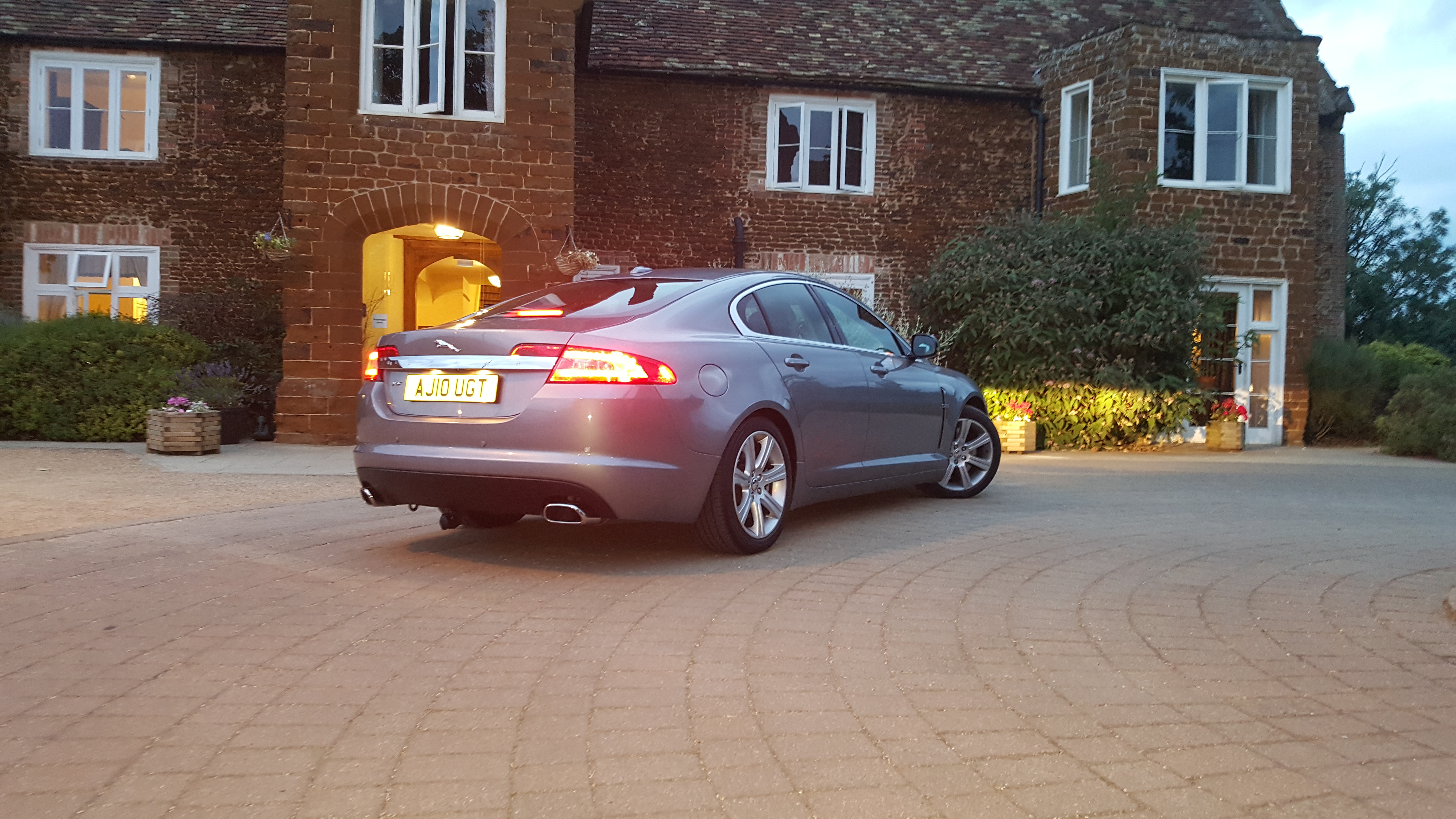
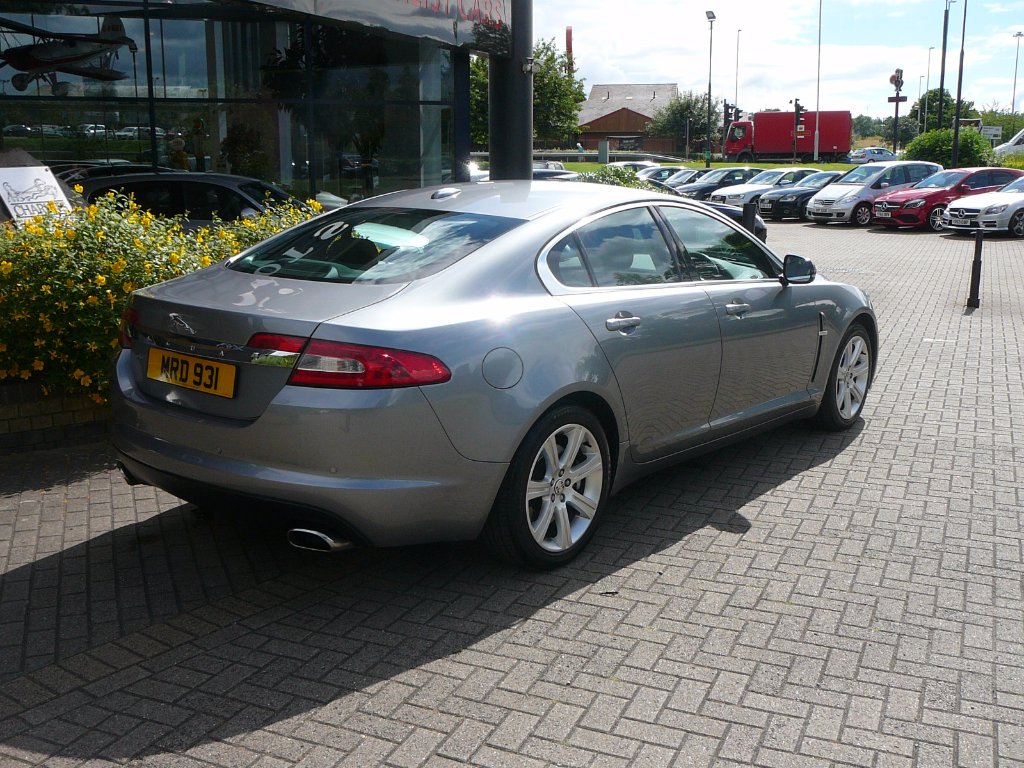
  2. Hello everyone, Just to say hello. Christmas came early for me in the form of my Jaguar XF 3.0 premium luxury. Always been a dream to own a Jaguar and now it is here all I can say is WOW" what an awesome machine I love it. Hope to make it to an event or two in the future. Ian
  3. Hi all, I have just taken delivery of my 2010 XF'S 3.0 diesel. It has 55.000 miles can anyone give me an idea of when belt needs doing and how much I can expect to pay. Thanks Ian


Background Picker
Customize Layout

Configure browser push notifications

Chrome (Android)
  1. Tap the lock icon next to the address bar.
  2. Tap Permissions → Notifications.
  3. Adjust your preference.
Chrome (Desktop)
  1. Click the padlock icon in the address bar.
  2. Select Site settings.
  3. Find Notifications and adjust your preference.