Do Not Sell My Personal Information
Jump to content
View in the app

A better way to browse. Learn more.

Jaguar Owners Club

A full-screen app on your home screen with push notifications, badges and more.

To install this app on iOS and iPadOS
  1. Tap the Share icon in Safari
  2. Scroll the menu and tap Add to Home Screen.
  3. Tap Add in the top-right corner.
To install this app on Android
  1. Tap the 3-dot menu (â‹®) in the top-right corner of the browser.
  2. Tap Add to Home screen or Install app.
  3. Confirm by tapping Install.

David 24

Members
  • Joined

  • Last visited

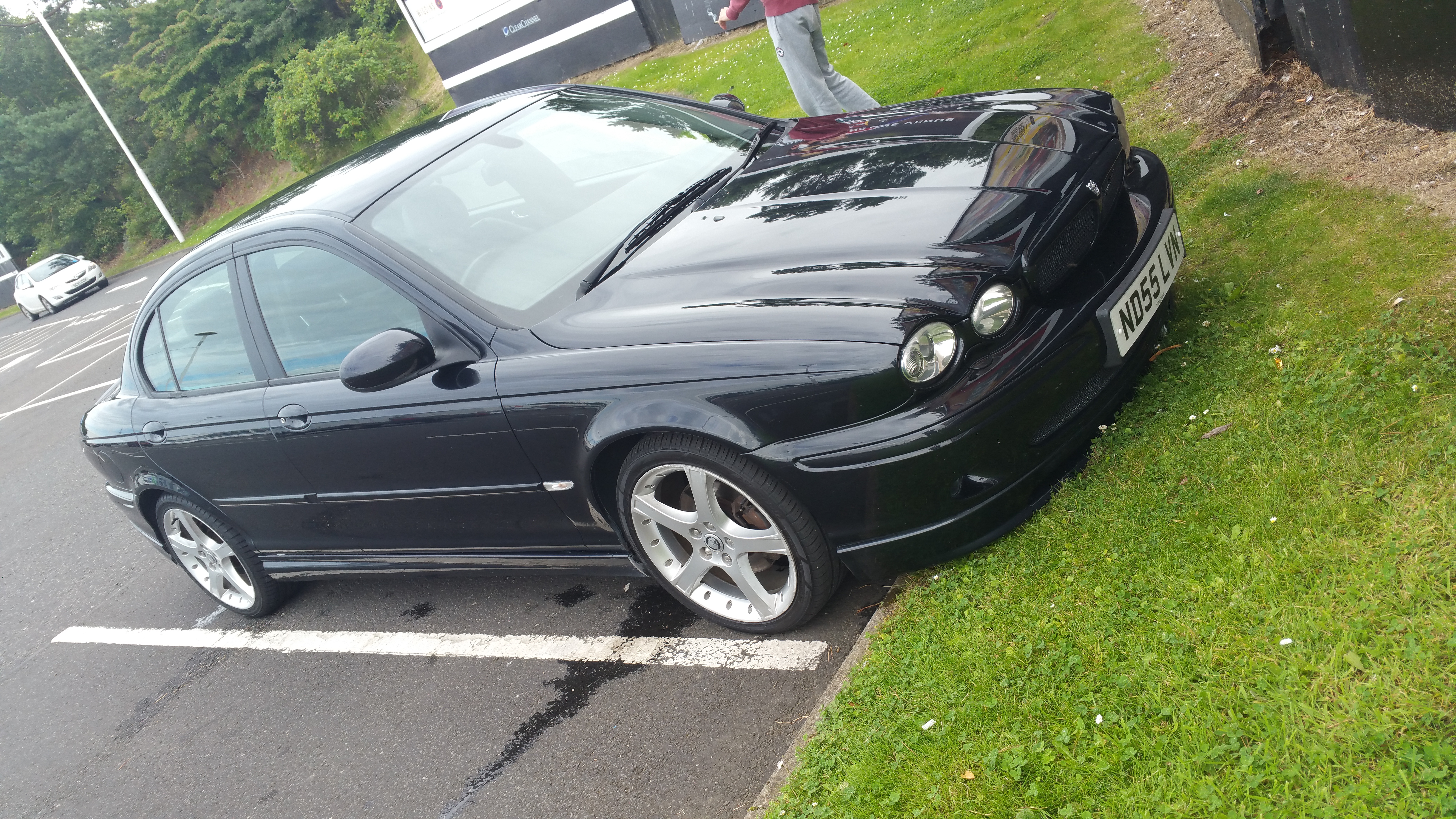
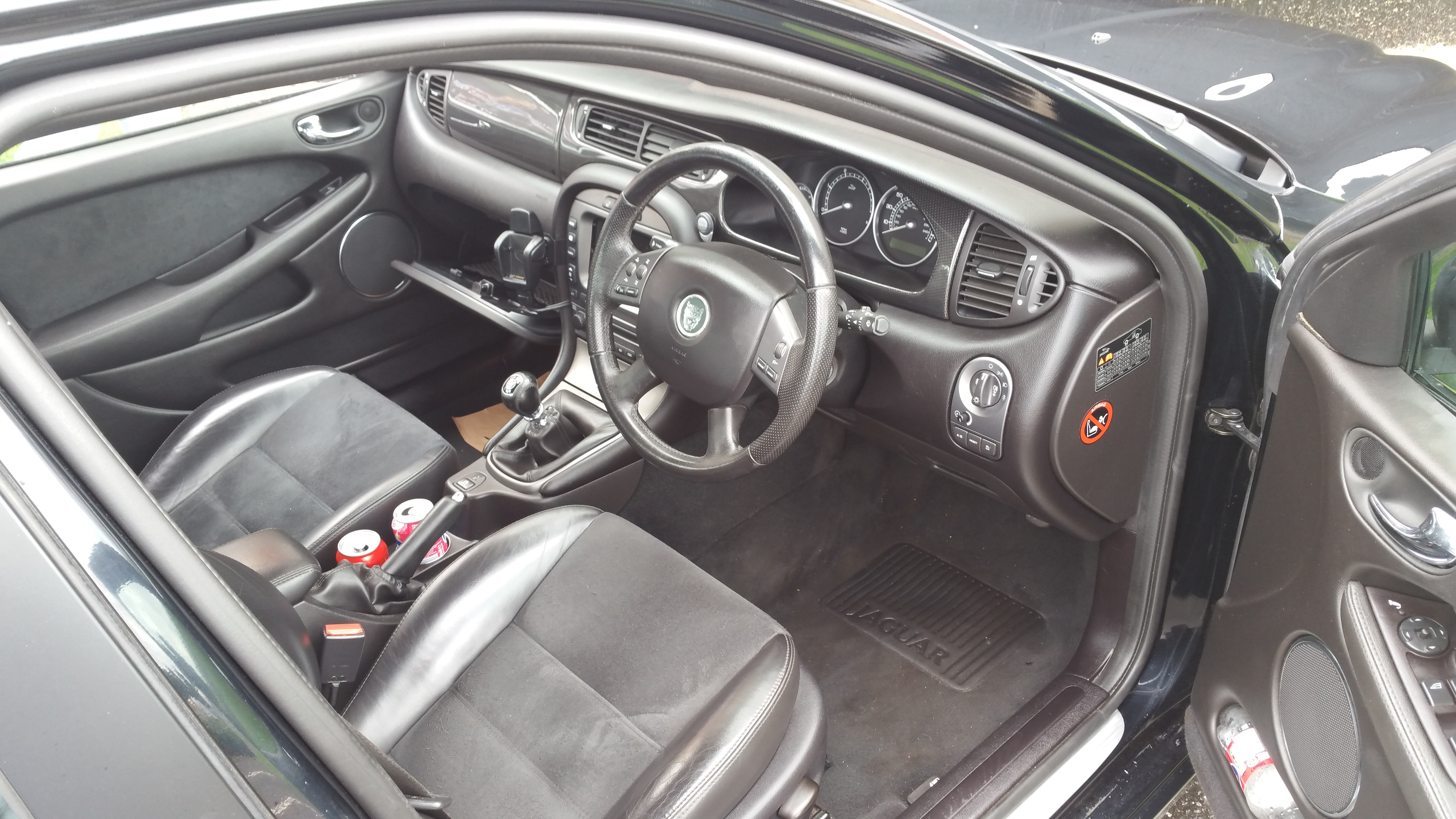
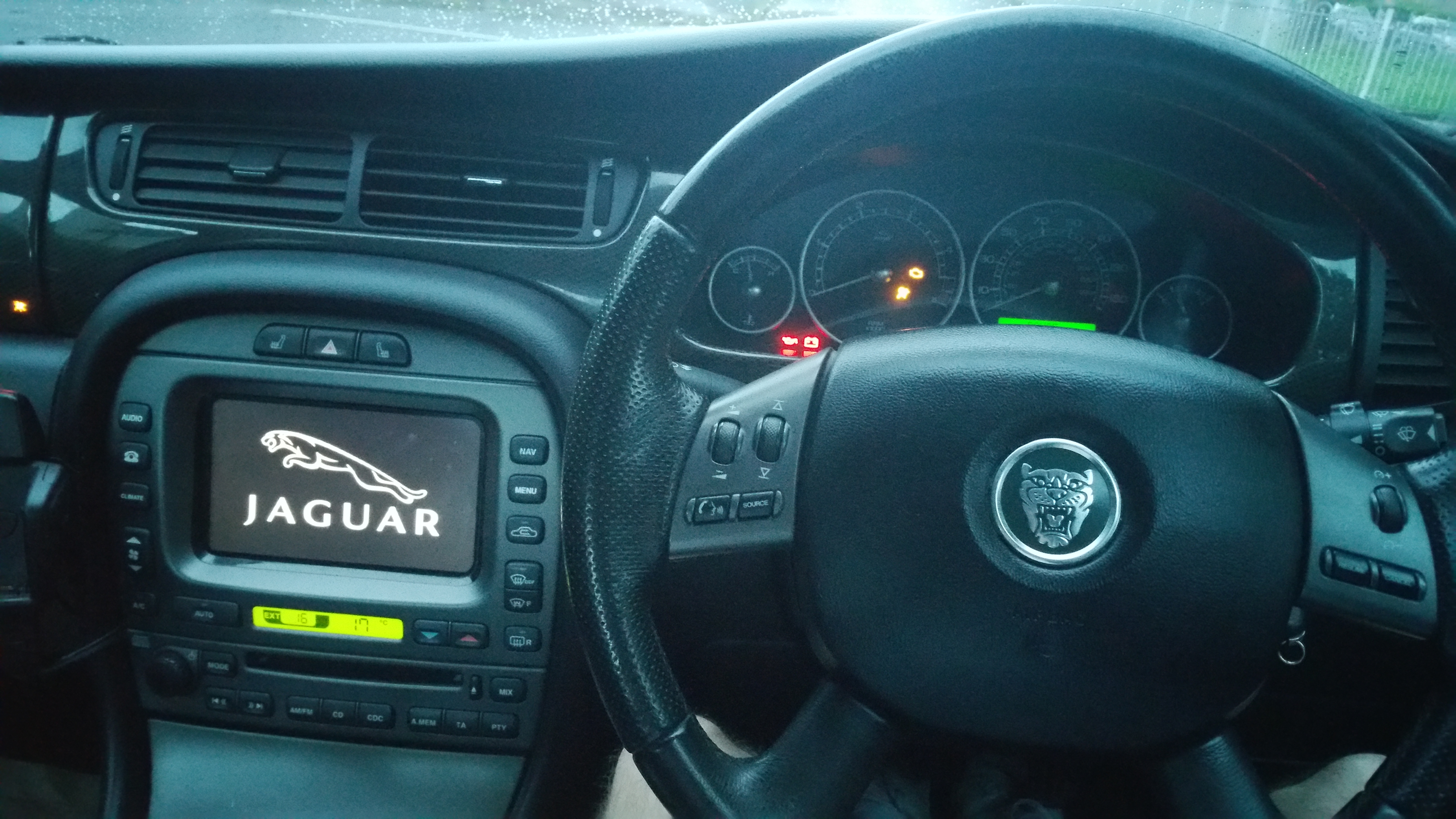
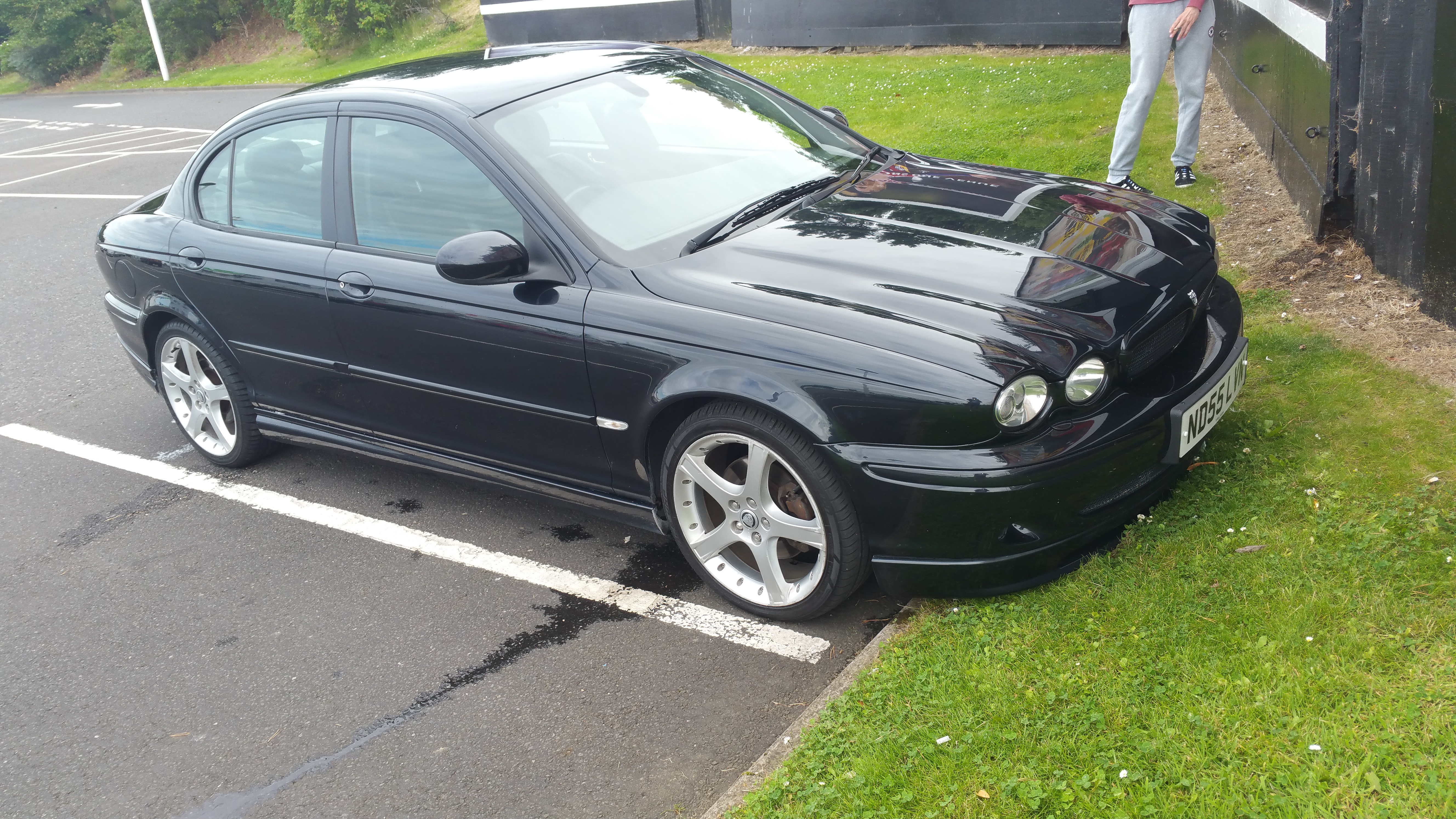
  1. Right guys, I recently bought my jaguar first one ever and managed to get the 2005 xtype 2.2d sports premium package. I've been waiting months for the right one. Being 24 I was nervous about buying thinking people would say it's a an old man's car buy it proved them wrong !. No one could believe you could get one with such beauty. Anyway travelled 300 miles in the past two days littilary driving about to random places as it's a pleasure to drive. The way it handles and the power delivery is phenomenal but driving a van 5 days a week will never take the fun out of driving a jaguar. Anyway here's a couple photos👍


Background Picker
Customize Layout

Configure browser push notifications

Chrome (Android)
  1. Tap the lock icon next to the address bar.
  2. Tap Permissions → Notifications.
  3. Adjust your preference.
Chrome (Desktop)
  1. Click the padlock icon in the address bar.
  2. Select Site settings.
  3. Find Notifications and adjust your preference.