


Ray_Courtney
Members
-
Joined
-
Last visited
Everything posted by Ray_Courtney
-
I have been informed that the seat runners and mat mounting points on the x200 chassis are different to the later x202 (2002) models. Who knew . . . Ray
-
Good morning all. I have purchased some apparently genuine floor mats off a wonderful online auction site and they do not match up with the mounting points at the foot of the seats (yes, I'm thinking they are not genuine too) My question is this. 'Are the mounting points positioned differently on the older S Type's compared to the newer ones?' Regards Ray
-
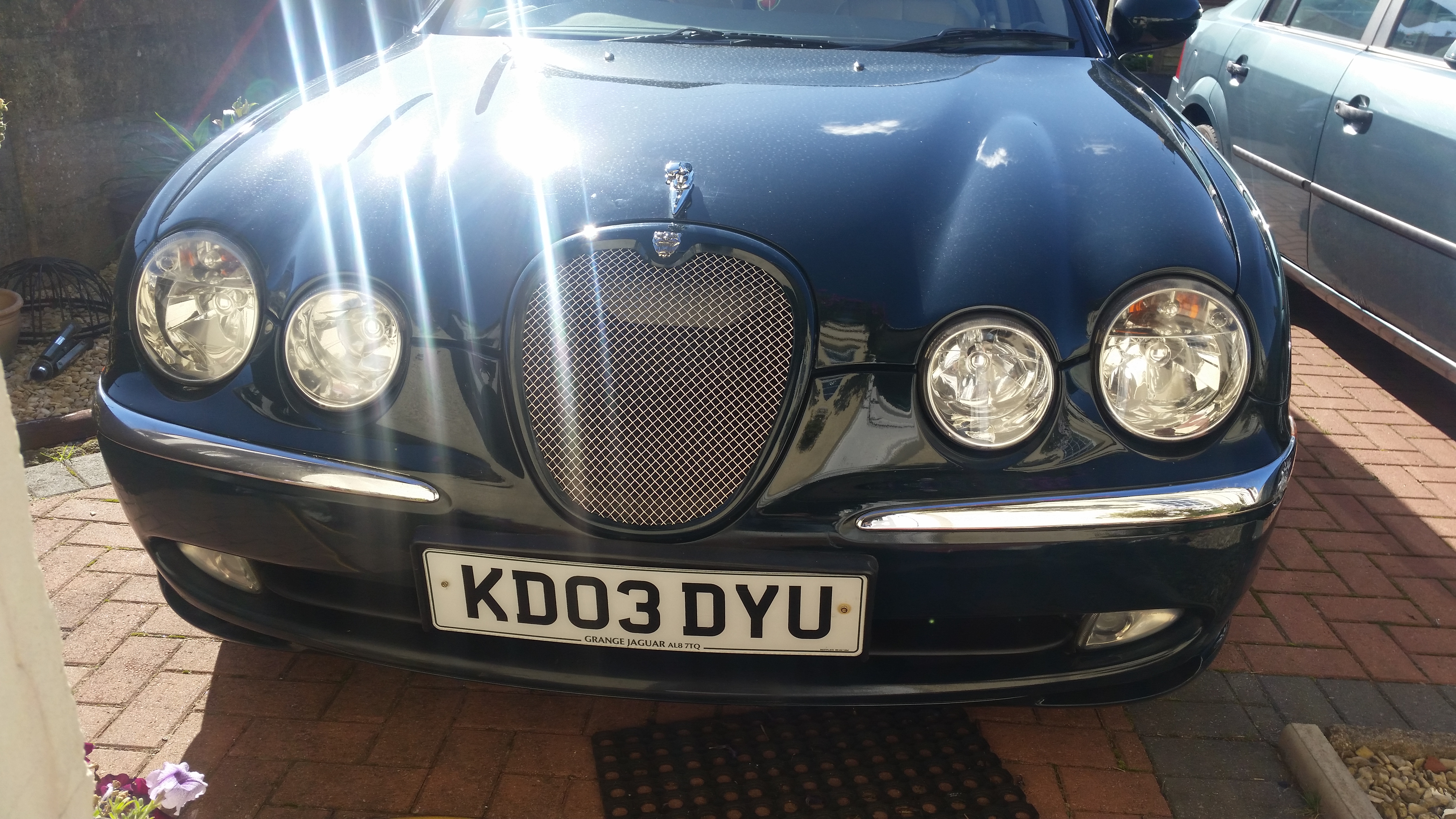
Cheers Frank. The sports grill is surprisingly subtle. But I like it much more that the chrome surround and vertical bar grill. Ray
-
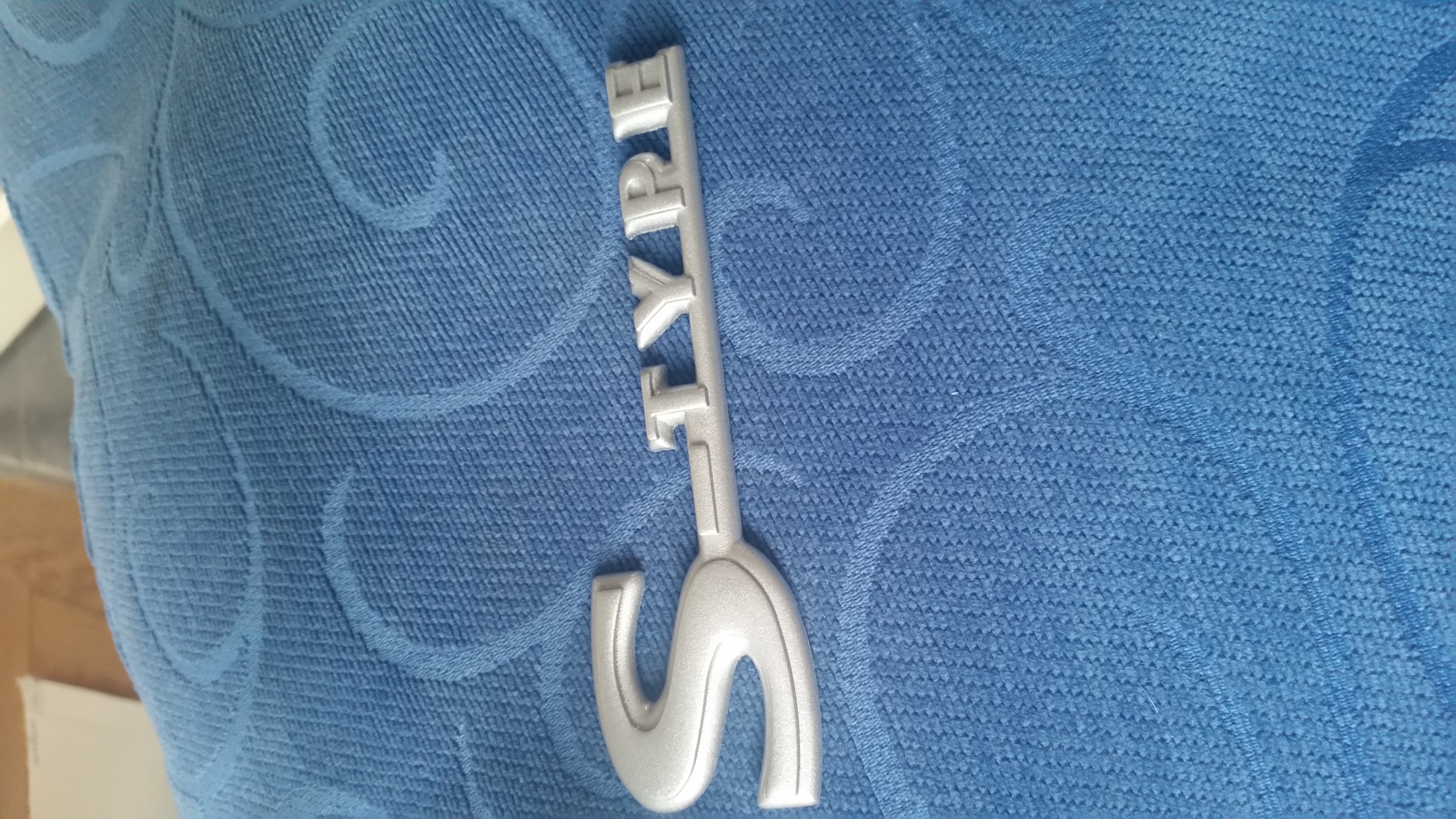
Badges are on. Looking smart again. I really did not like the debadged look.

-
New grill. Sprayed and fitted

-
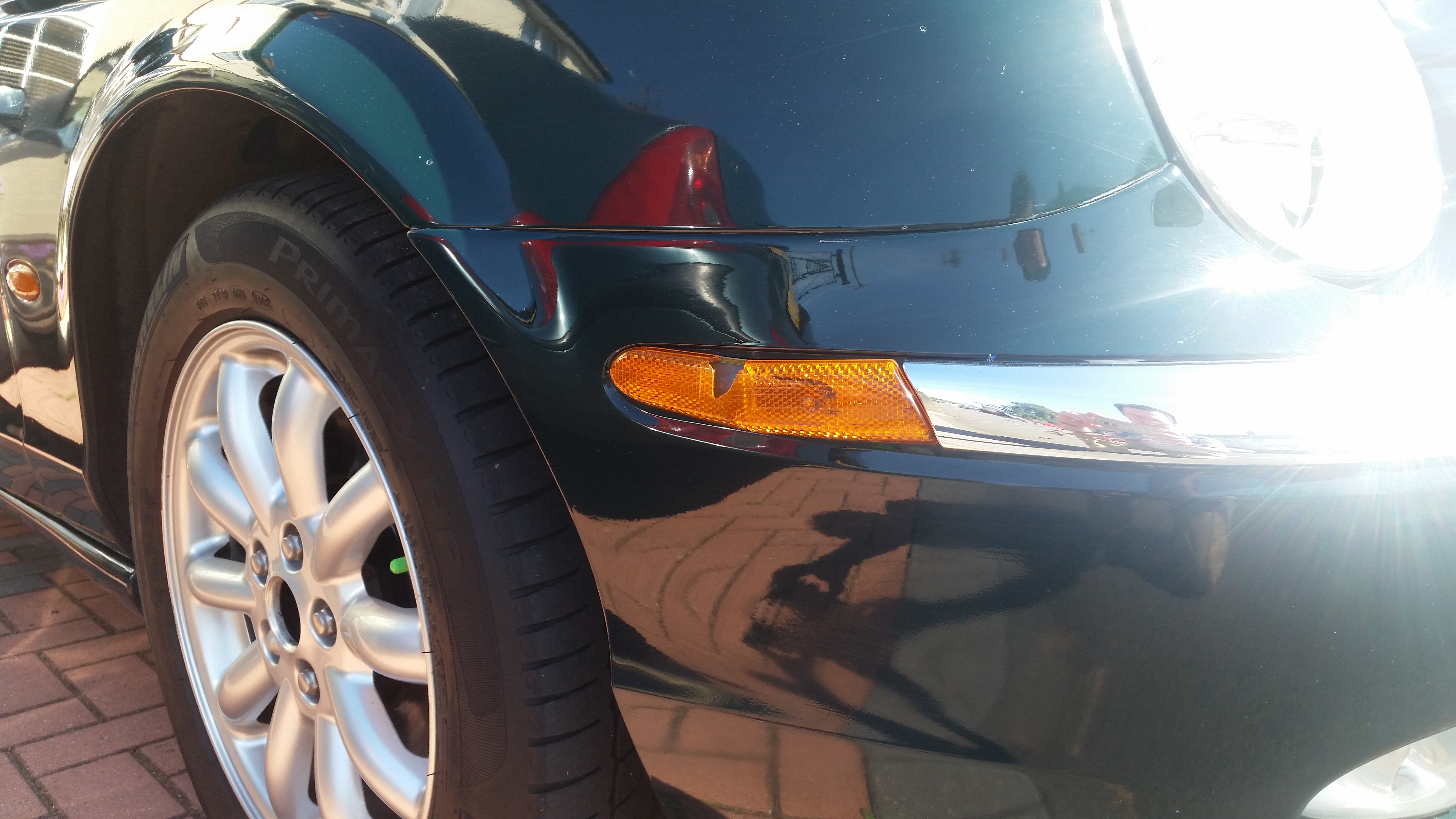
Good morning. The Jag has been in for it's respray. New Sport Grill is on. Still looking for indicator lense covers . . no luck with the breakers, so i've contacted Jaguar . . . . The missing interior plastics are a nuisance too. BUT! The big bug bear is the cigar lighter . . it wasn't working, so I checked the fuse and there was no fuse . . or the power point . . . so, i've put the correct fuses in, but the lighter still doesn't work. . . i have no idea what the power point is, I thought that's what the suits use for presentations . . . anyway, lets have a good read of the instruction manuals. i'll try and get some new photos up.
-
Just bought an S-Type badge. But I've been sent a grey plastic badge. Is this right? I thought it was Chrome metal? Thanks Ray

-
Will do. Thank you so much for chatting with me. Thanks Ray
-
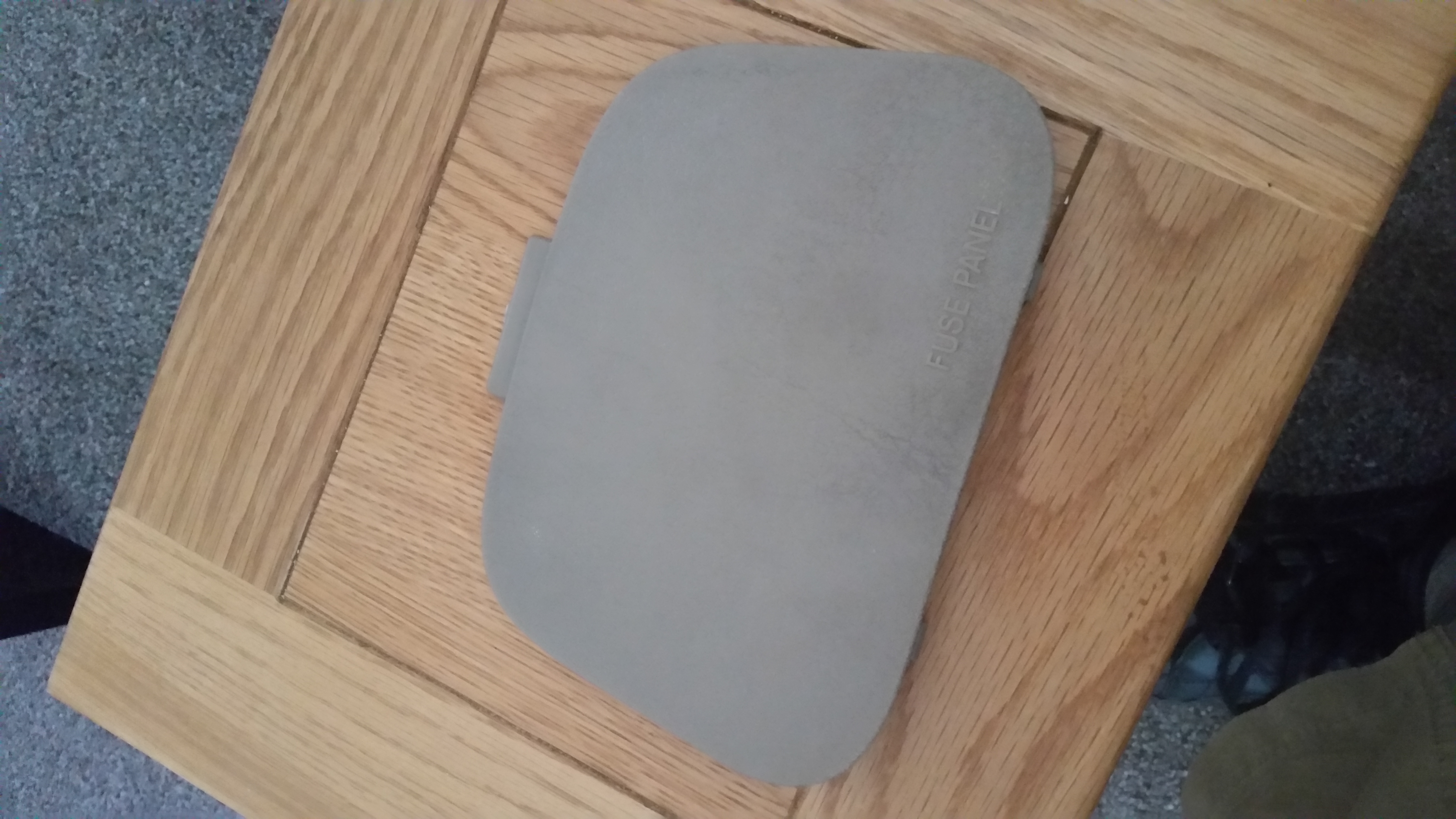
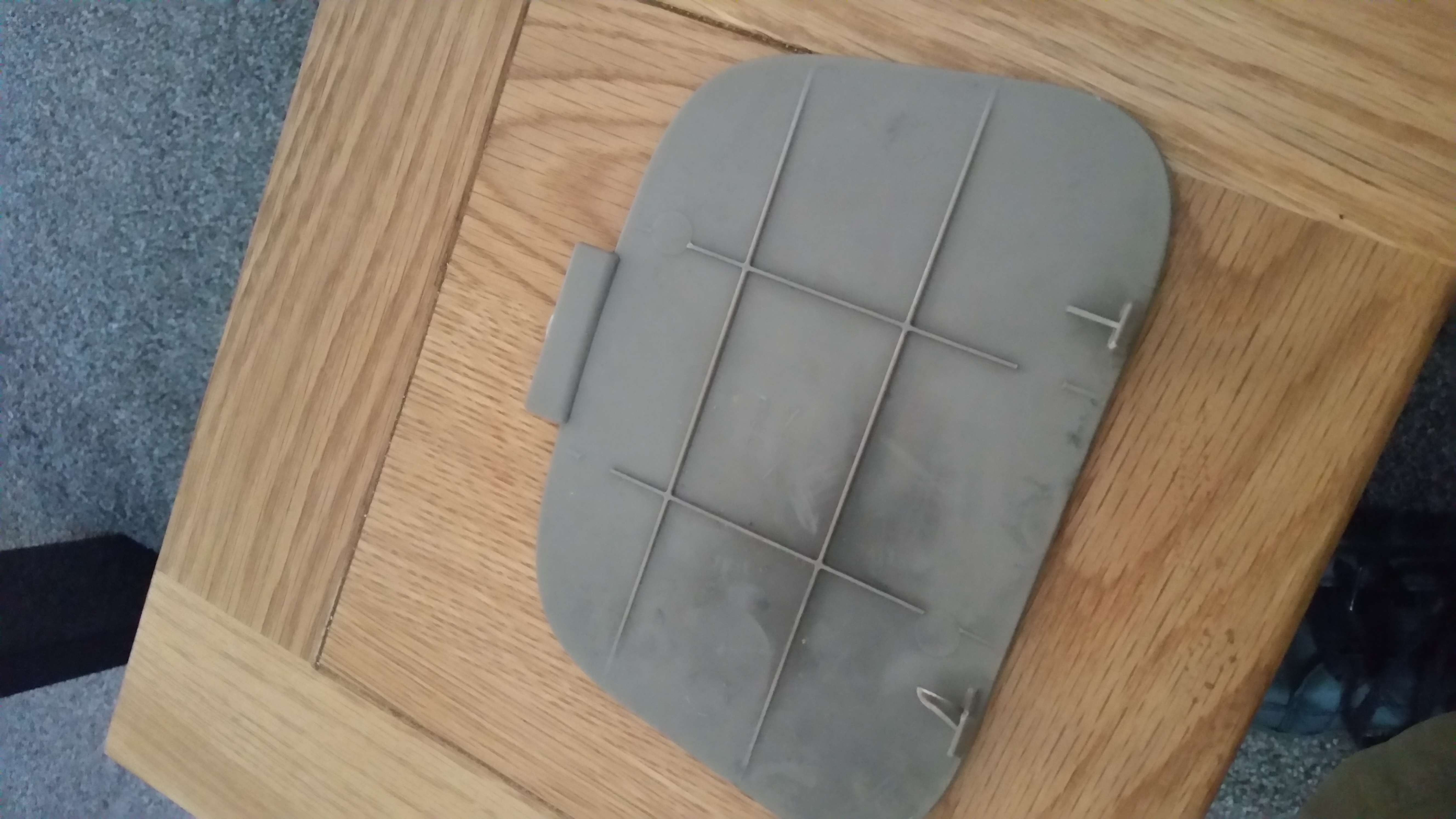
Yeah, this is the drivers side footwell cover. The top tab has broken and it won't stay in place. Just another small thing to fix.
-
Hmmmm. Fuse cover . . .


-
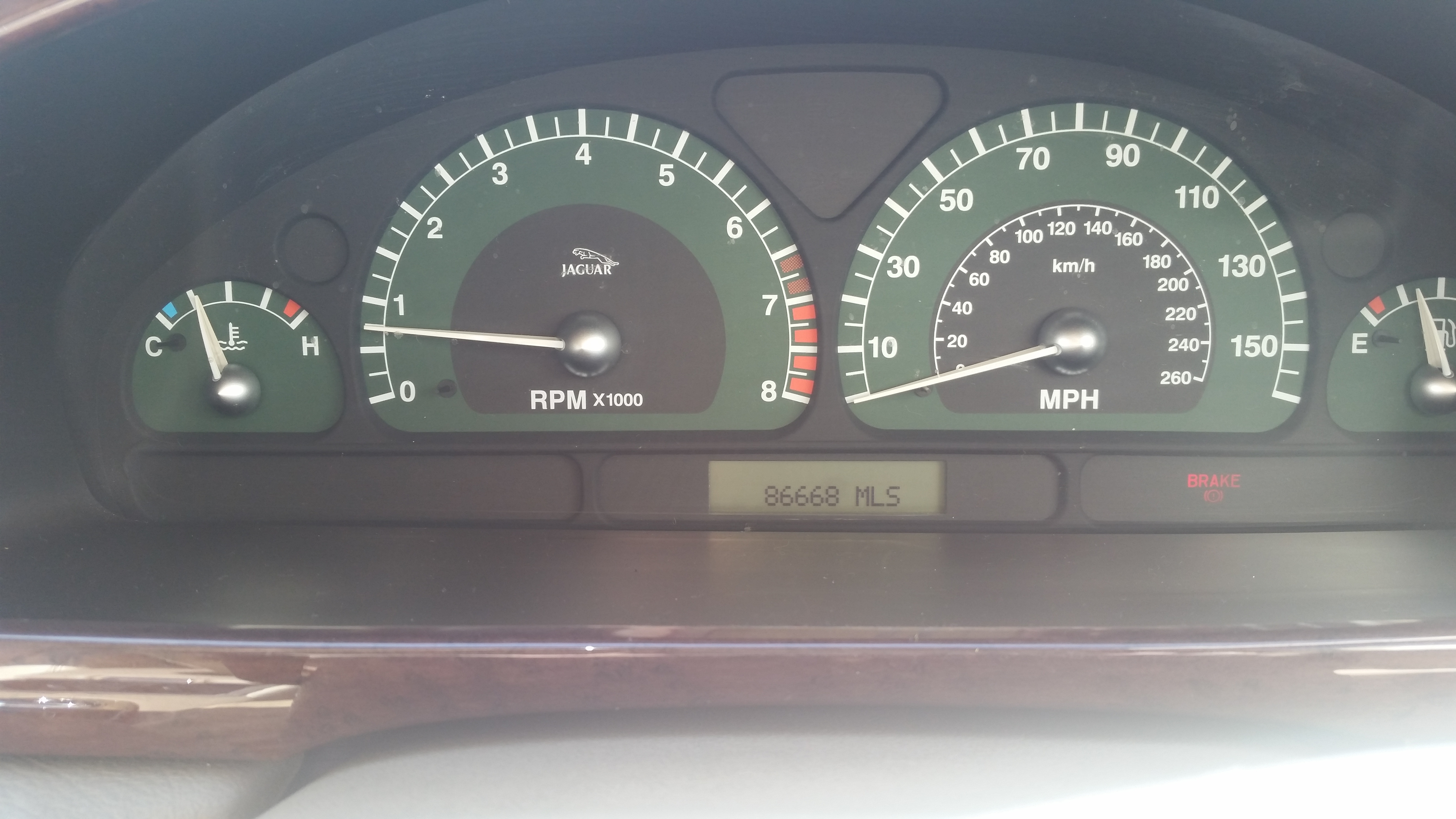
86600 mileage from new. It drives nicely.

-
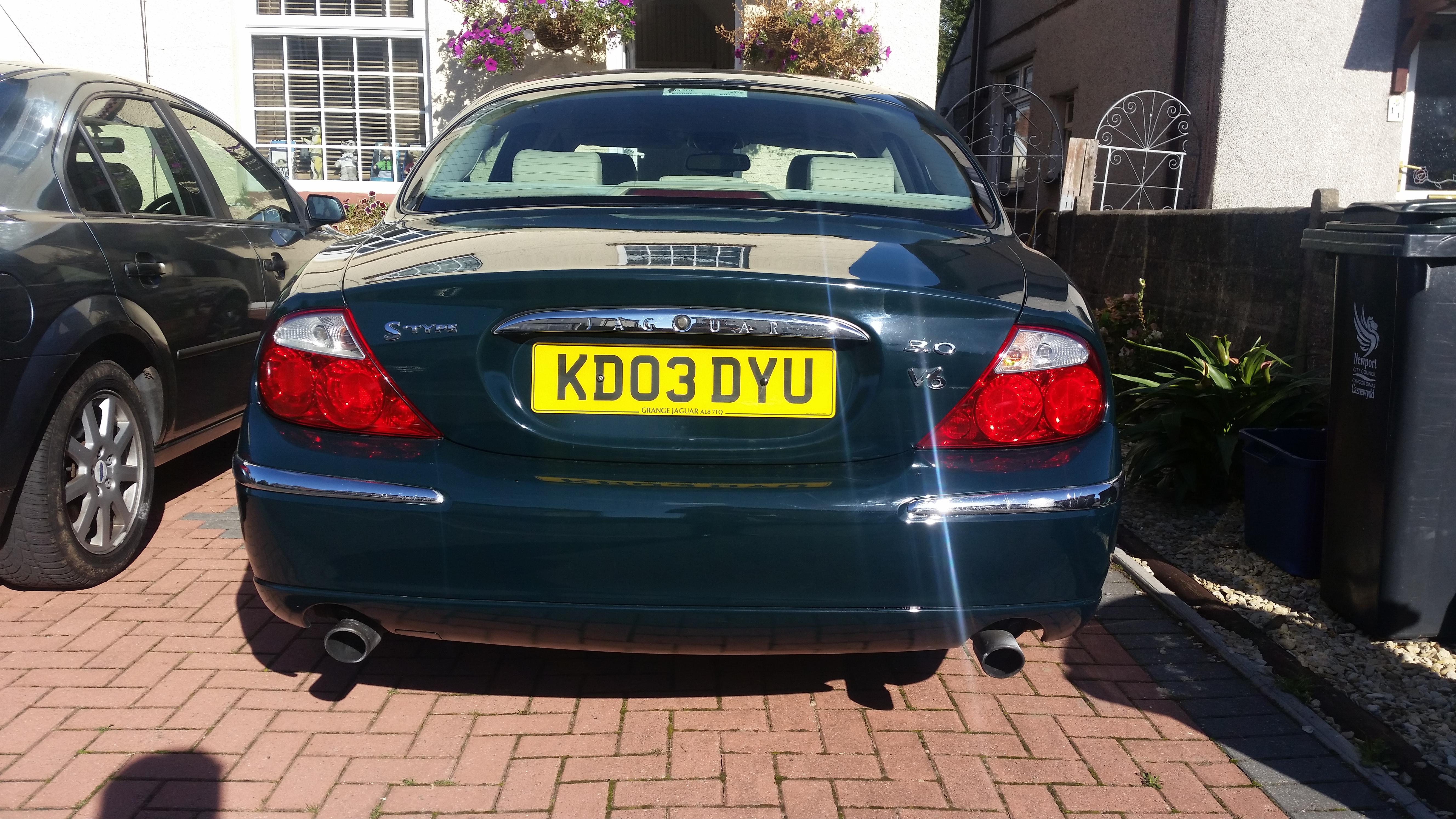
Yes. All sills look and feel really good. Full Jaguar service history. The alloys are not curbed. I'm amazed.
-
Again, it's small little things. . . Can't believe I only paid £800 for it . .

-
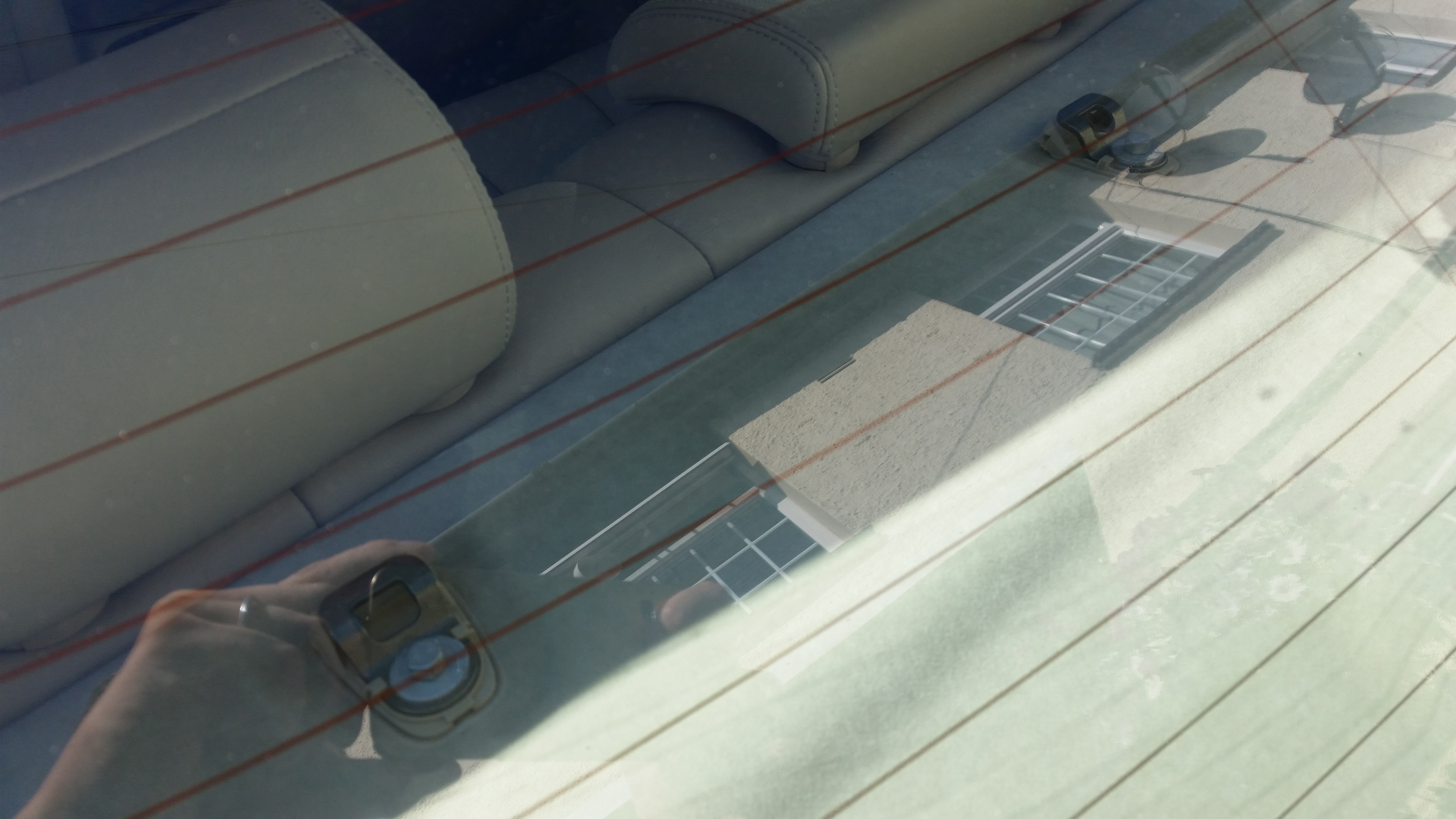
Also, is ebay the best place to look for these seat belt anchor point covers? I've only got one out of three.

-
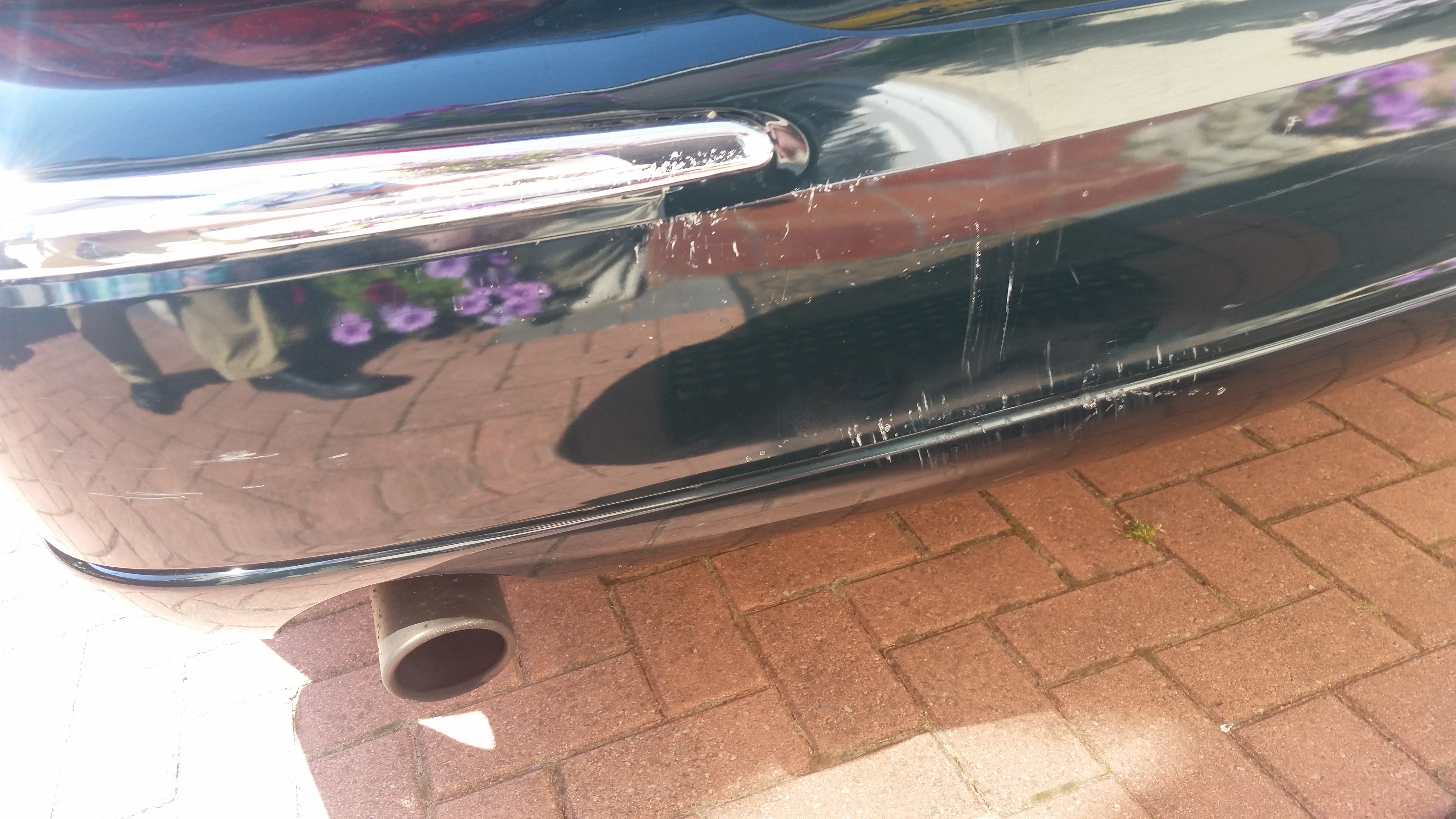
It's small little scratches all over and from a distance, you can't notice them. But, I want it to look like it should. Like a Jaguar. Showroom clean.

-
It seems that a respray has occurred at some point, as the rear door is a shade darker than the front. . .
 You used the mesh and separated the grill yourself? I've seen some coloured grills, but they say the later grill surround is thicker? Does it still fit the mounting points of the older version, if I decide changing the mesh is too difficult? Thanks Ray
Thank Steve. I'll grab my camera now. Give me a week. I'll try to email them and upload them. Lol. These cameras on phones are marvellous, eh? Thanks Ray
Good morning all. I've just picked up a 2003 Jaguar S Type. It's looking great in British Racing Green. It's going to have some scratches sprayed to make it look as good as it should. I want to know if the later, post facelift, model grill will fit straight on, as I'd like to have the mesh grill. I've seen some posts about changing the mesh over, but on the existing grill? Thank you in advance. Ray
You used the mesh and separated the grill yourself? I've seen some coloured grills, but they say the later grill surround is thicker? Does it still fit the mounting points of the older version, if I decide changing the mesh is too difficult? Thanks Ray
Thank Steve. I'll grab my camera now. Give me a week. I'll try to email them and upload them. Lol. These cameras on phones are marvellous, eh? Thanks Ray
Good morning all. I've just picked up a 2003 Jaguar S Type. It's looking great in British Racing Green. It's going to have some scratches sprayed to make it look as good as it should. I want to know if the later, post facelift, model grill will fit straight on, as I'd like to have the mesh grill. I've seen some posts about changing the mesh over, but on the existing grill? Thank you in advance. Ray



Account
Navigation
Search
Configure browser push notifications
Chrome (Android)
- Tap the lock icon next to the address bar.
- Tap Permissions → Notifications.
- Adjust your preference.
Chrome (Desktop)
- Click the padlock icon in the address bar.
- Select Site settings.
- Find Notifications and adjust your preference.
Safari (iOS 16.4+)
- Ensure the site is installed via Add to Home Screen.
- Open Settings App → Notifications.
- Find your app name and adjust your preference.
Safari (macOS)
- Go to Safari → Preferences.
- Click the Websites tab.
- Select Notifications in the sidebar.
- Find this website and adjust your preference.
Edge (Android)
- Tap the lock icon next to the address bar.
- Tap Permissions.
- Find Notifications and adjust your preference.
Edge (Desktop)
- Click the padlock icon in the address bar.
- Click Permissions for this site.
- Find Notifications and adjust your preference.
Firefox (Android)
- Go to Settings → Site permissions.
- Tap Notifications.
- Find this site in the list and adjust your preference.
Firefox (Desktop)
- Open Firefox Settings.
- Search for Notifications.
- Find this site in the list and adjust your preference.