geezee75
Members
-
Joined
-
Last visited
Everything posted by geezee75
-
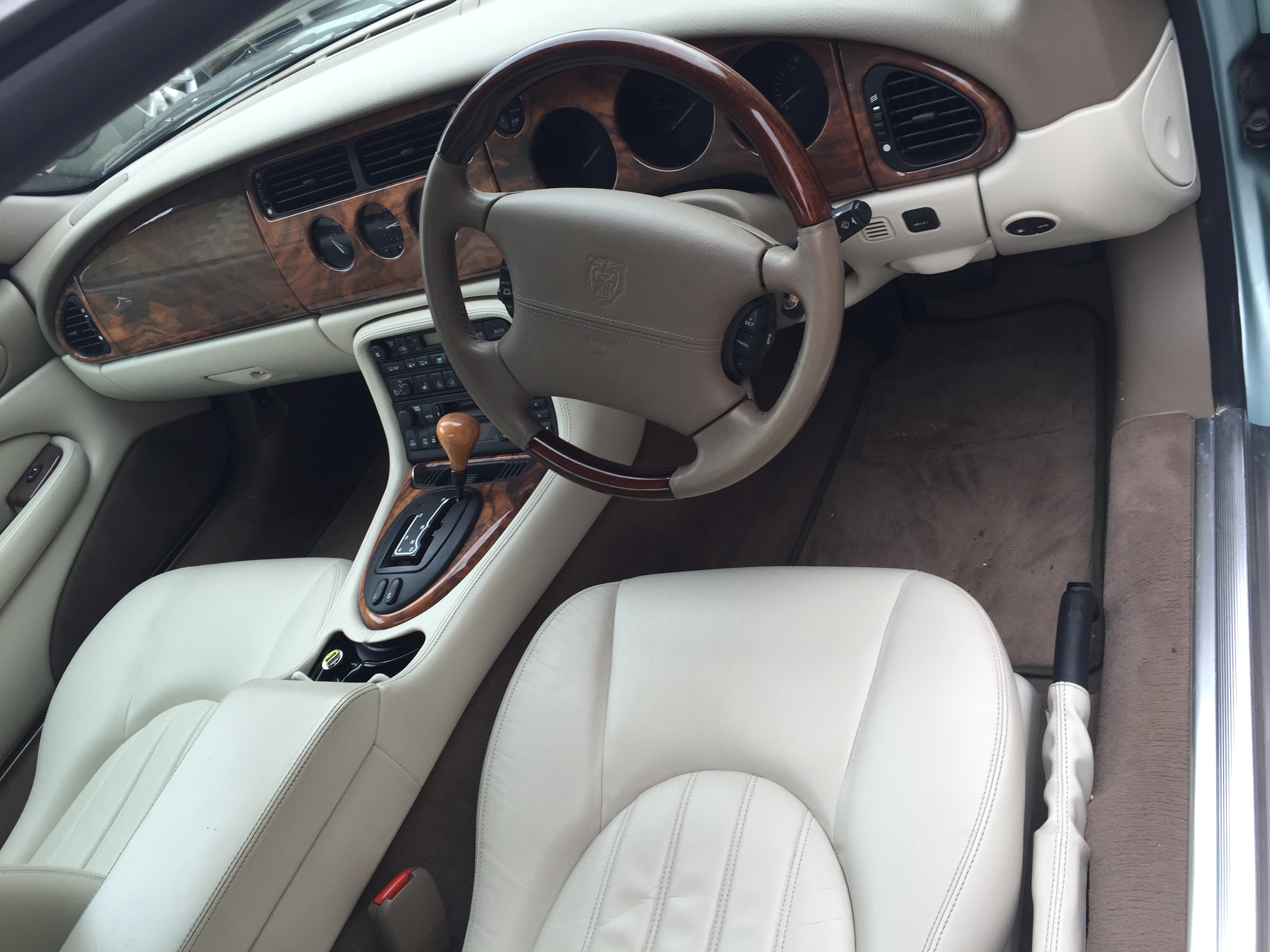
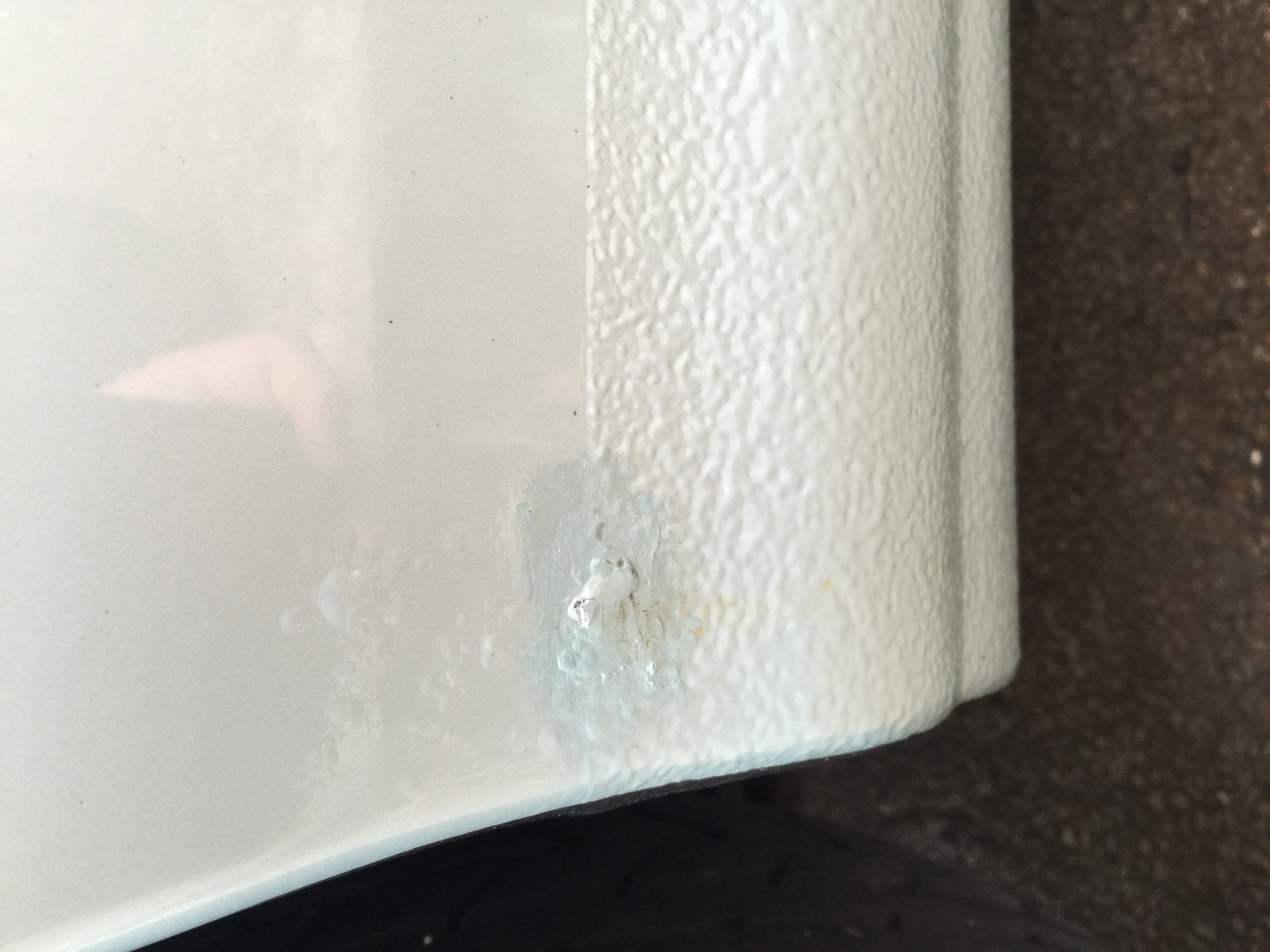
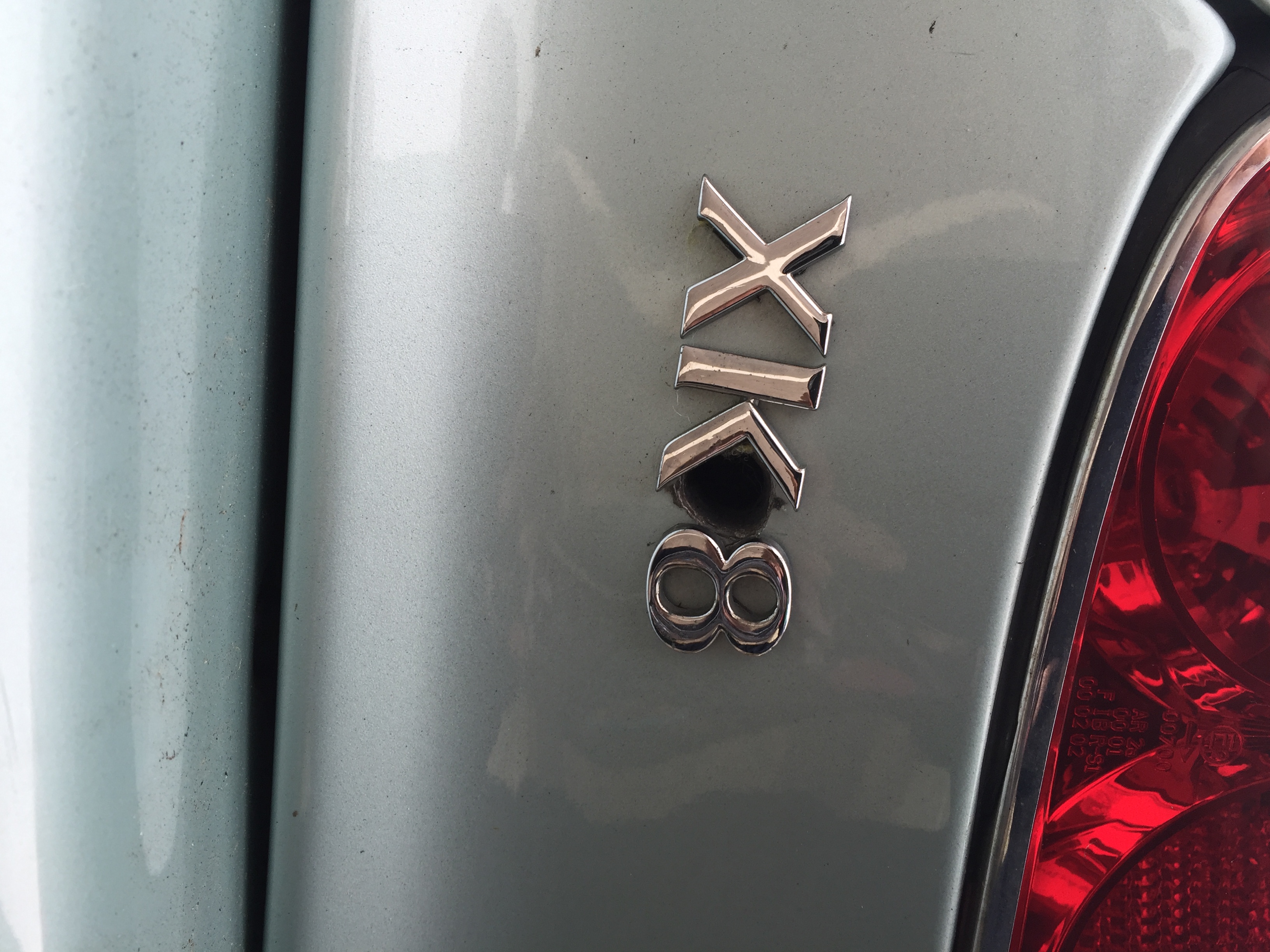
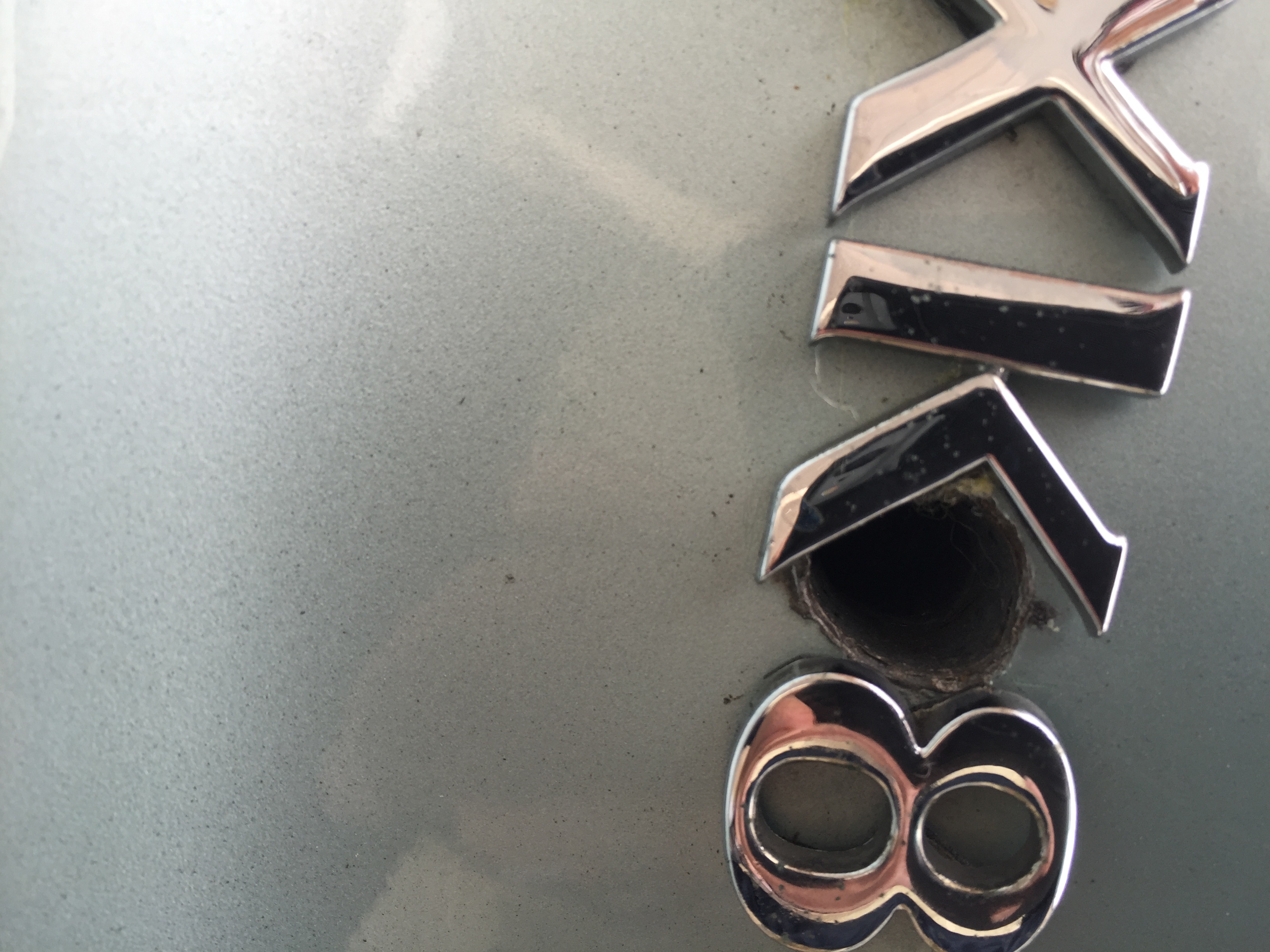
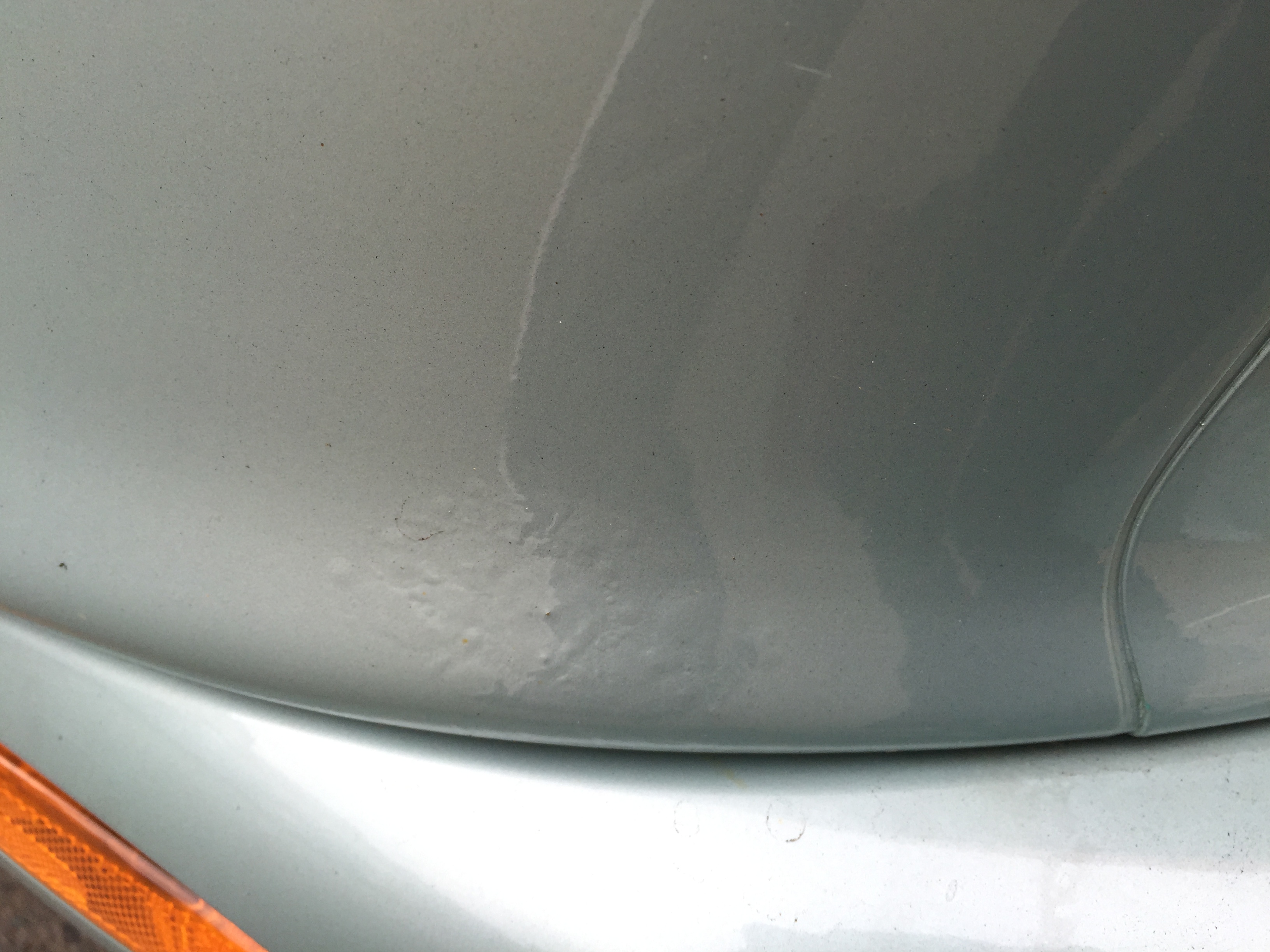
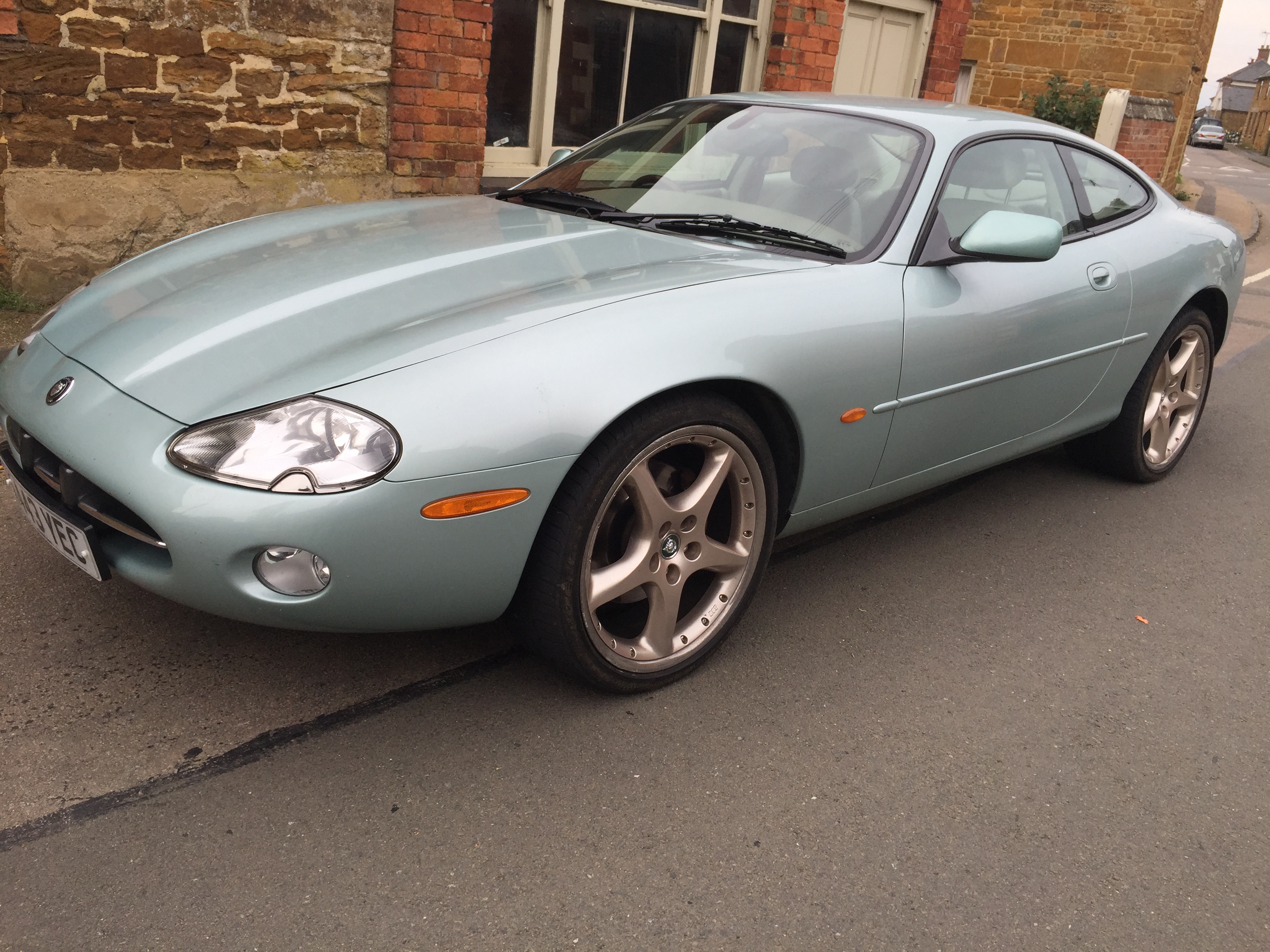
Hi, I have some pics I am attaching. After buying the car, I have noticed that there is a 'hole' ibetween the XK and 8 badge on the back. I believe that this may have been done to drill out the boot lock? Not sure how to correct it. The car is in pretty good condition ( I think) it has done 71500 miles with fsh Thank you for the welcome Steve.




-
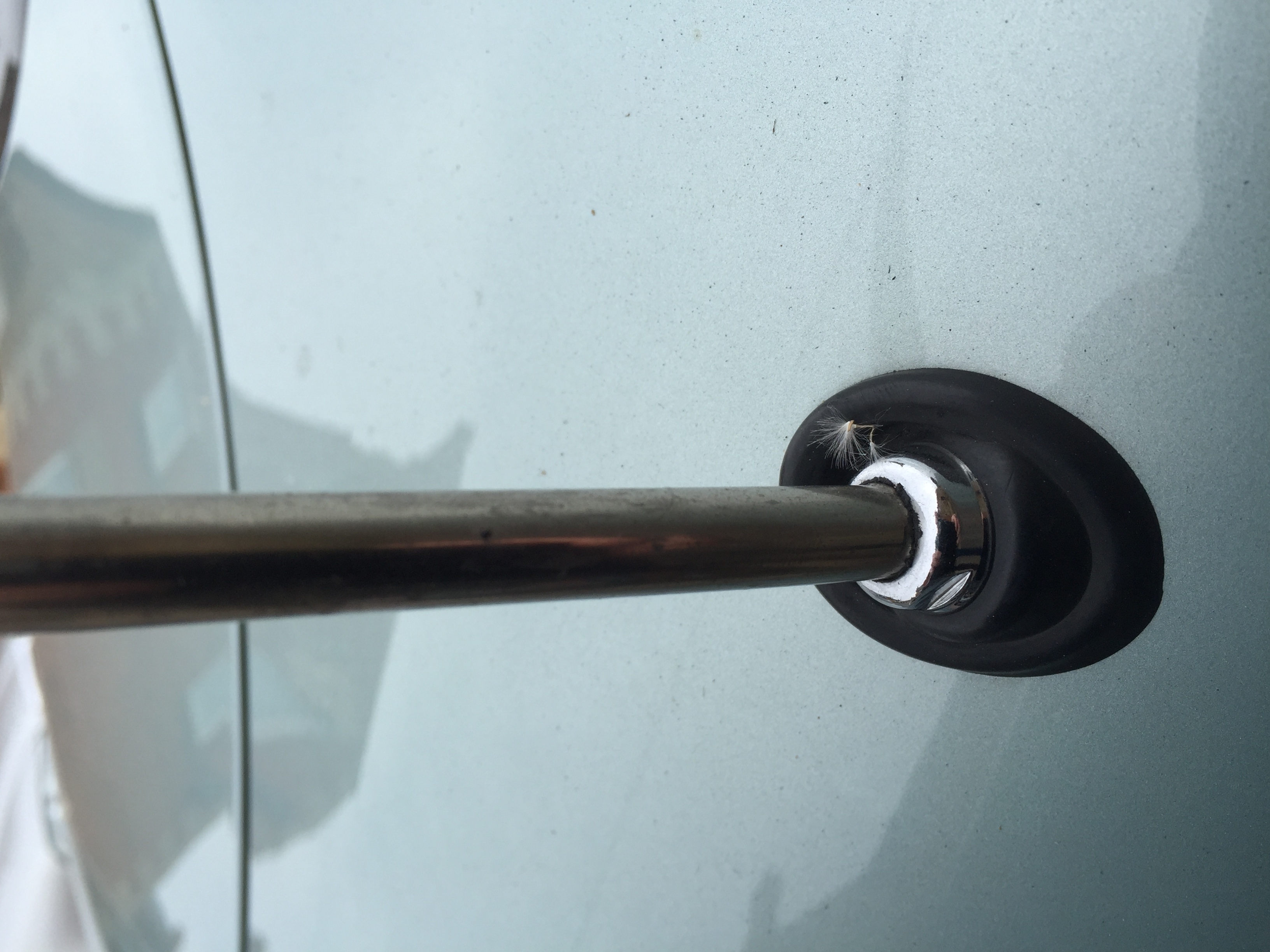
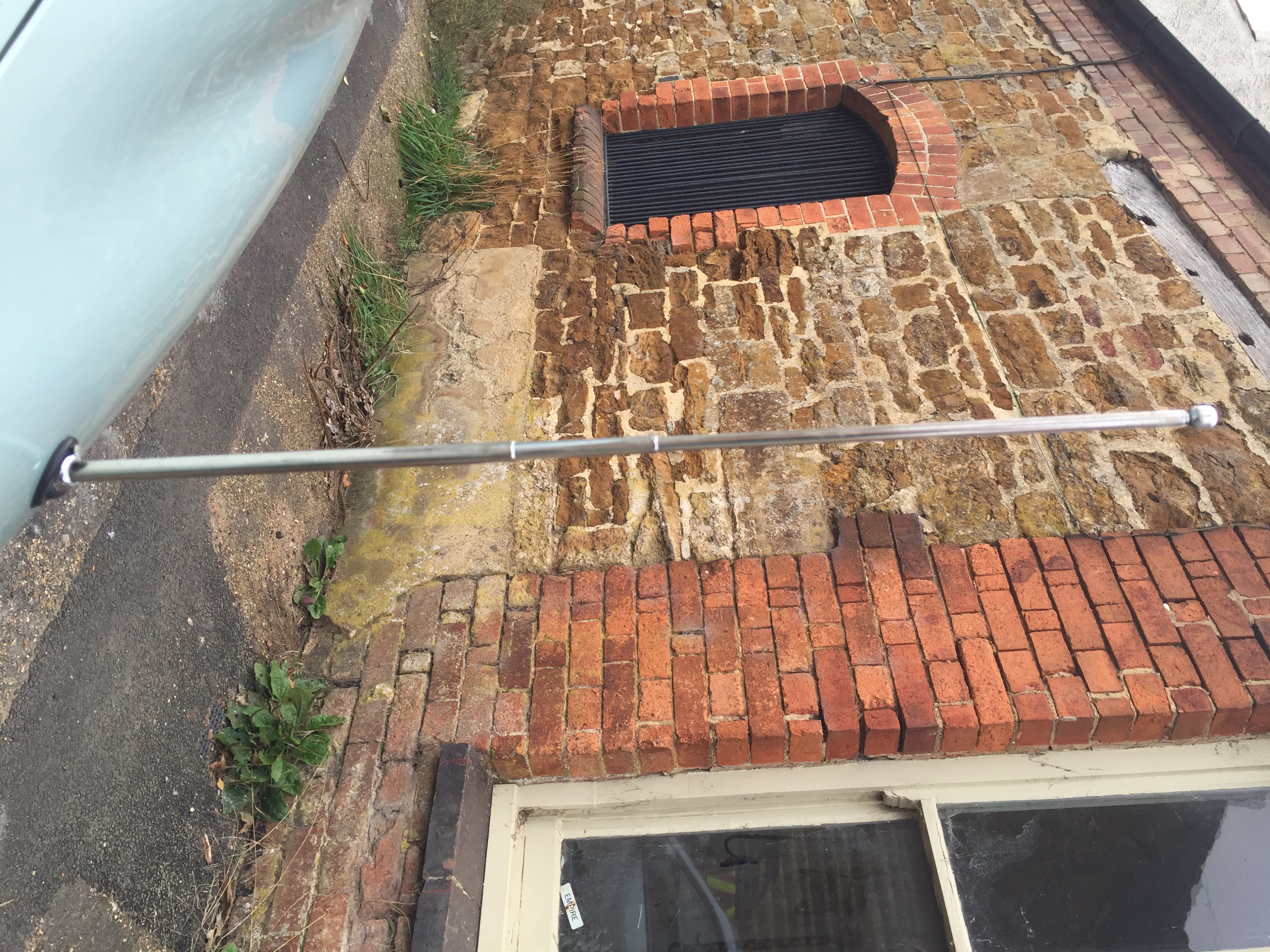
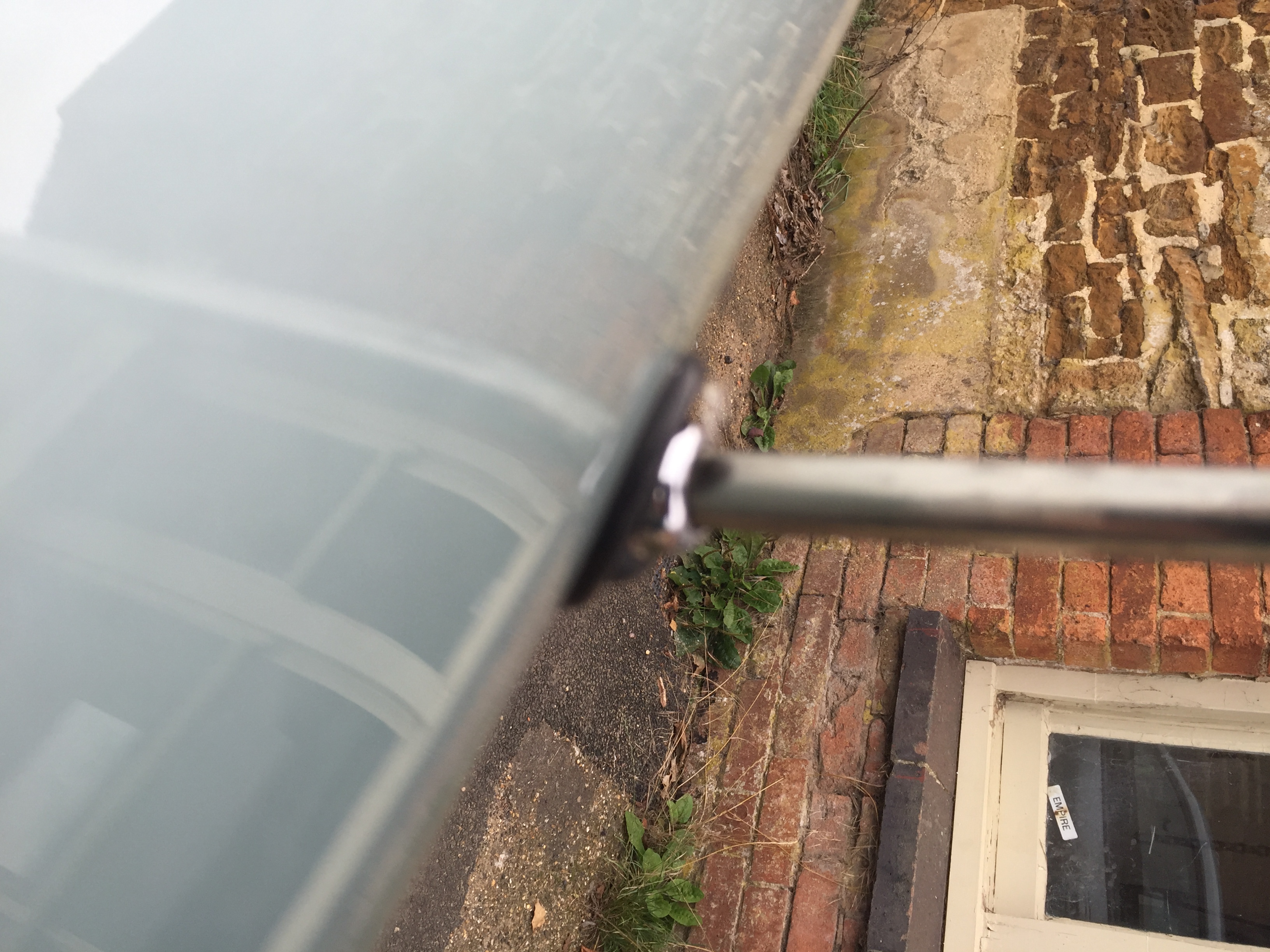
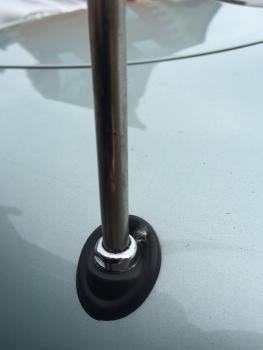
Hi, I have a jaguar xk8 and the aerial will only go down about half way. It looks like it has a little 'kink' in it of which it will not pass. I have tried 'persuading' it but with no joy. I have next to no technical knowledge so please be gentle Any suggestions/directions would be greatly appreciated Additionally, I have just purchased the car (xk8 2000) and would like to get it to concourse level. I live in Market Harbourough so if anyone is near to offer me any input that would be great as I know very little. cheers, Zack