meestarB
Members
-
Joined
-
Last visited
-
Thanks for the help/info folks much appreciated
-
Hi thanks for reply,yes that would be great how much inc p&p? Its the right hand side inner one if it makes any difference
-
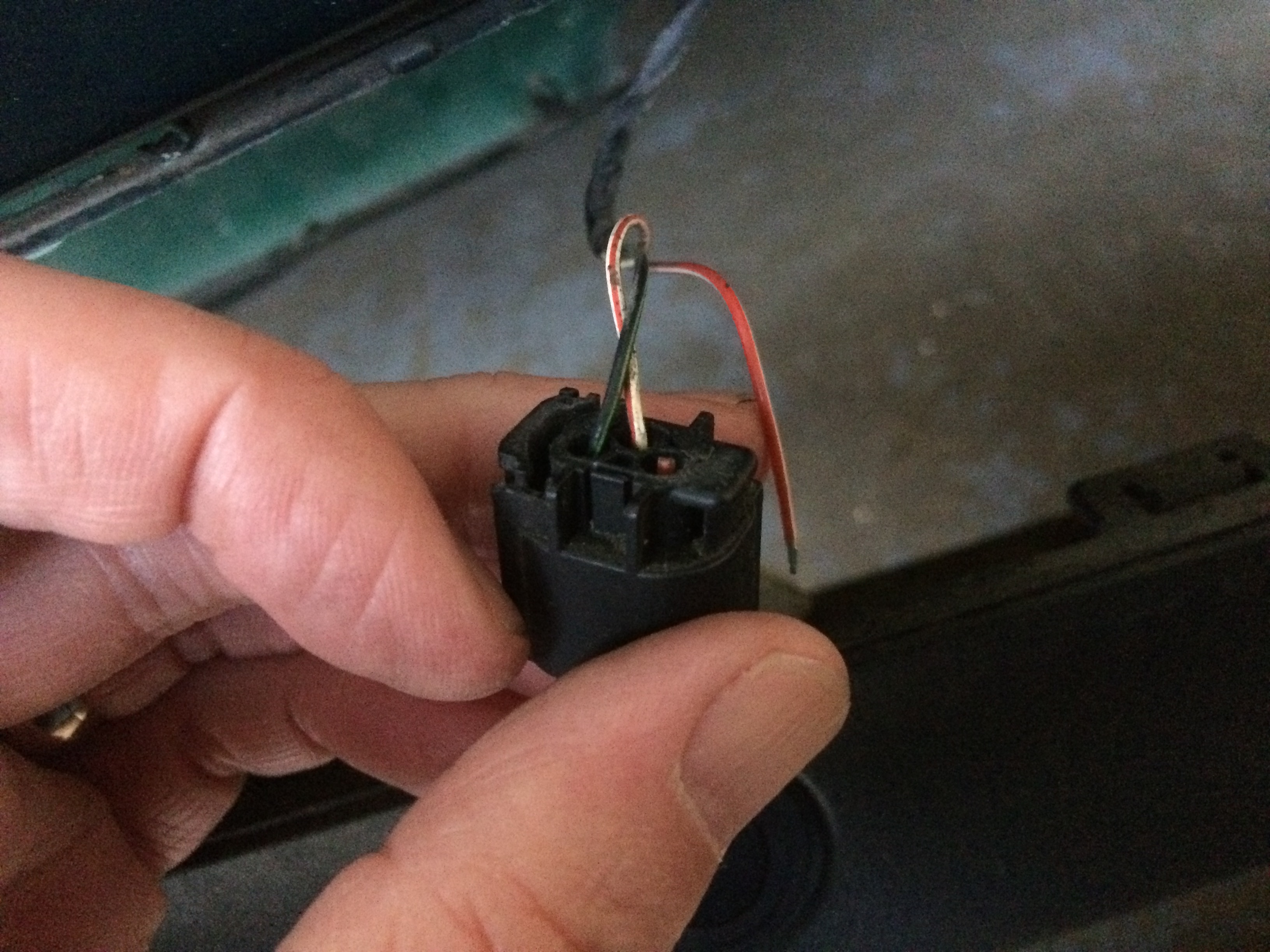
Hi Have been reading up on the rear parking sensor issue and how to remove sensors but how do you seperate the plug that holds the wires in place? Mine is broken so close to the connector that i cannot just re-connect them. Is there a simple way of releasing it as i dont want to use brute force and ignorance method just byet Any help or info much appreciated Thank you

-
-
Hello everyone. Just bought my first Jag its a x-type 2.0d estate 5sp manual. First impressions are very good so far,loving the ride and refinement. This car ticked all the boxes for me and i just couldnt pass it by the wife would have killed me,sunroof,sat nav,half leather/alcantara seats,bbs alloys etc and finished in a lovely pearlescent green.......when the sunshines that is. Looking forward to joining in the forum topics etc Happy motoring Barrie