dukesdave
Members
-
Joined
-
Last visited
-
https://rover.ebay.com/rover/0/0/0?mpre=https%3A%2F%2Fwww.ebay.co.uk%2Fulk%2Fitm%2F232798404322
-
Hi there they are called boot actuators
-
Hi there I'm not local but I have fitted around 10 of these and can advise you if you like. Cheers Dave
-
Hi there, it's not a straight forward swap as the plugs are different on the touchscreen display. I make custom looms for £80. They allow you to install the dvd player in the glove box and then it will work. The screen uses the dvd player for all its graphics, without it you wouldn't be able to use the screen. Hope this helps, if you have any questions please contact me. I've retro fitted a few now.
-
First pipe i would check is the pipes from the egr valve. The large Black one that goes down to the intercooler is prone to coming off. On mine I heard a hissing noise( like lorry air brakes) but mine was the silver pipe from the egr valve had blown off. Hope this points you in the right direction
-
Evening all. I'm working with a mate who ownes a 3D printer and are currently in the process of making plug and play looms for the sat nav retro fit. We have successfully installed one tested it and it works well. Just wondering if anyone would be interested in them. Before we make any more.
-
Sorry to bring this topic back up. I've successfully retro fitted the touch screen and voice control to my 53 plate x type. Now started doing the phone retro fit. I obtained the module,loom and Bluetooth btm from a donar car. Fitted it all in mine. Now when I press the phone button it says: Handset in use Mute and replace Handset to continue hands free calls,or replace handset to end call. Has anyone seen this before or have I done something wrong. Thanks in advance
-
Sorry to bring this topic back up. I've successfullyretro fitted the touch screen and voice control to my 53 plate x type. Now started doing the phone retro fit. I obtained the module,loom and Bluetooth btm from a donar car. Fitted it all in mine. Now when I press the phone button it says: Handset in use Mute and replace Handset to continue hands free calls,or replace handset to end call. Has anyone seen this before or have I done something wrong. Thanks in advance Dave
-
Hi Jim sorry just seen your message yes all the bits are still available
-
Hi there sorry for the late reply I can have a look for you in the morning
-
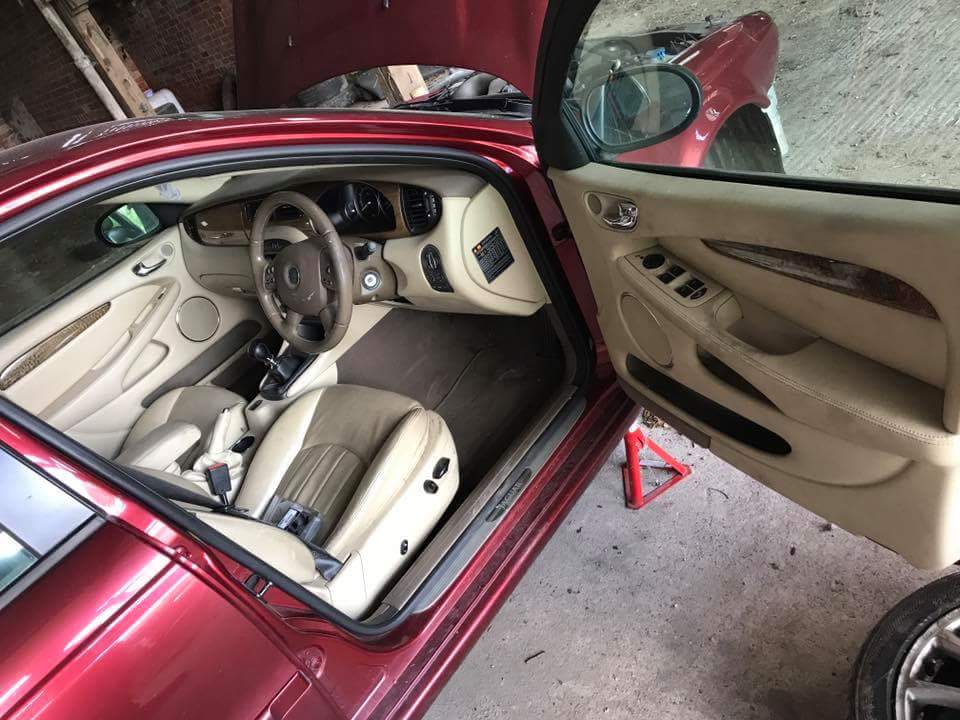
Hi Jim yes the interior is still available. I have all the bit you need. Are you local to Lincoln and can collect or would I need to post them. Thanks
-
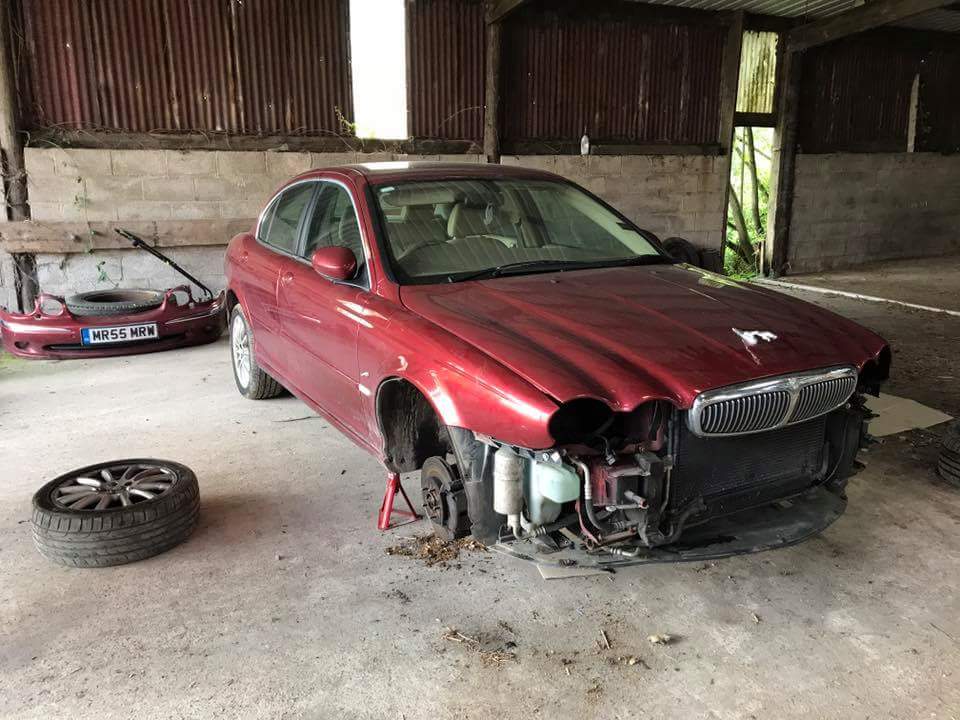
Hi again car now sold!!!!
-
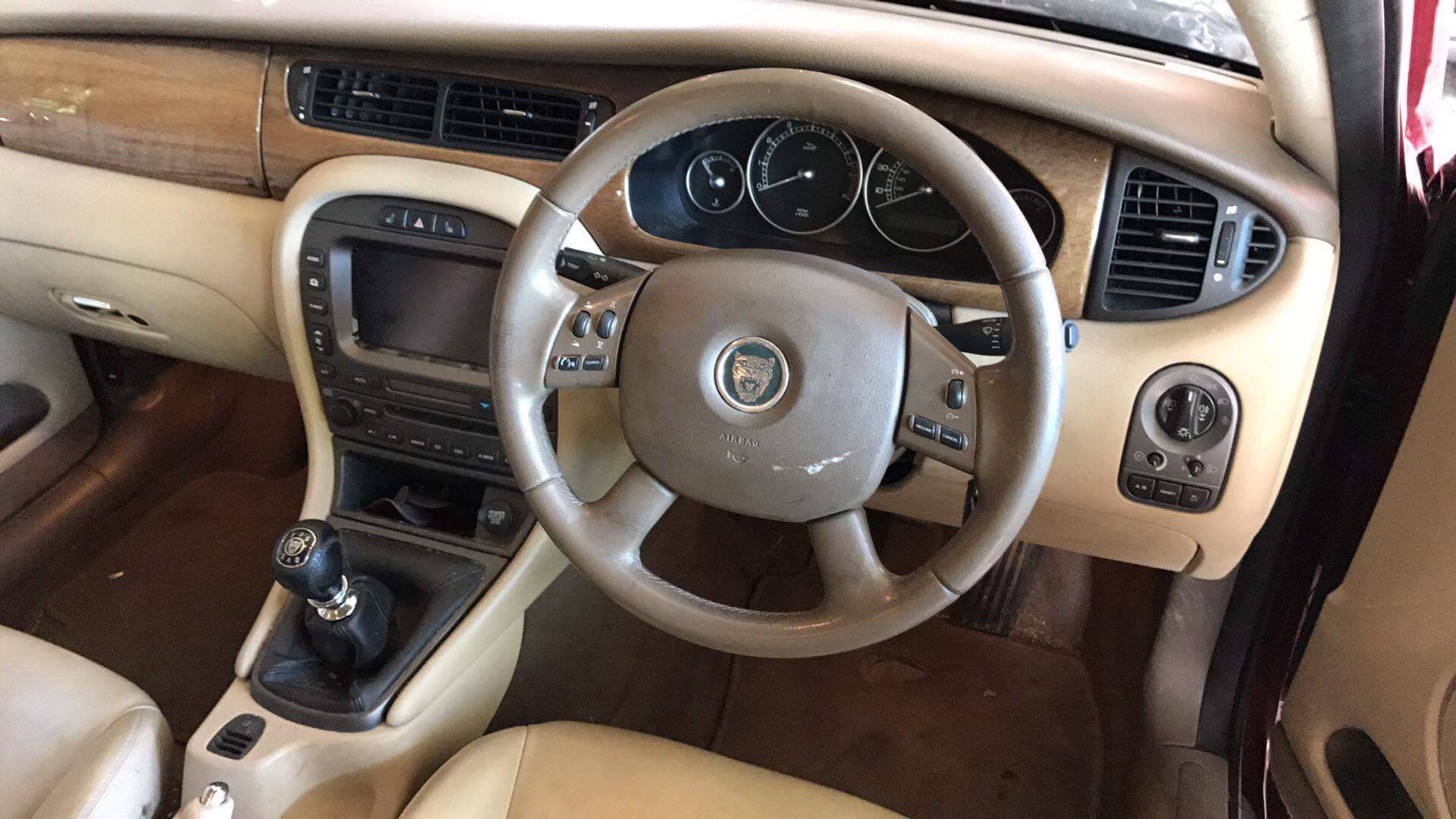
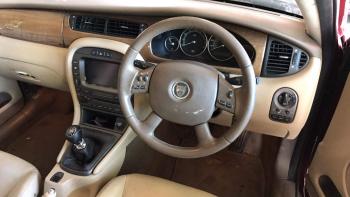
Hi all. Just taken in for breaking a 2.5 v6 awd x type. Fully working sat nav system As I have one already fitted in my car Im selling it. Included is the display, cd player, dvd drive and disk (2004), acm module and complete wiring loom. So basically the whole thing.


-
Hi all this may seem like a strange question but are the rear shocks left and right sided? As ever since I changed the passenger side one I have gained a strange noise. On inspection the top of the shocker is catching on the body work. Has anyone had this before or is it just that I've got a drivers side on the passenger side. Thanks in advance
-
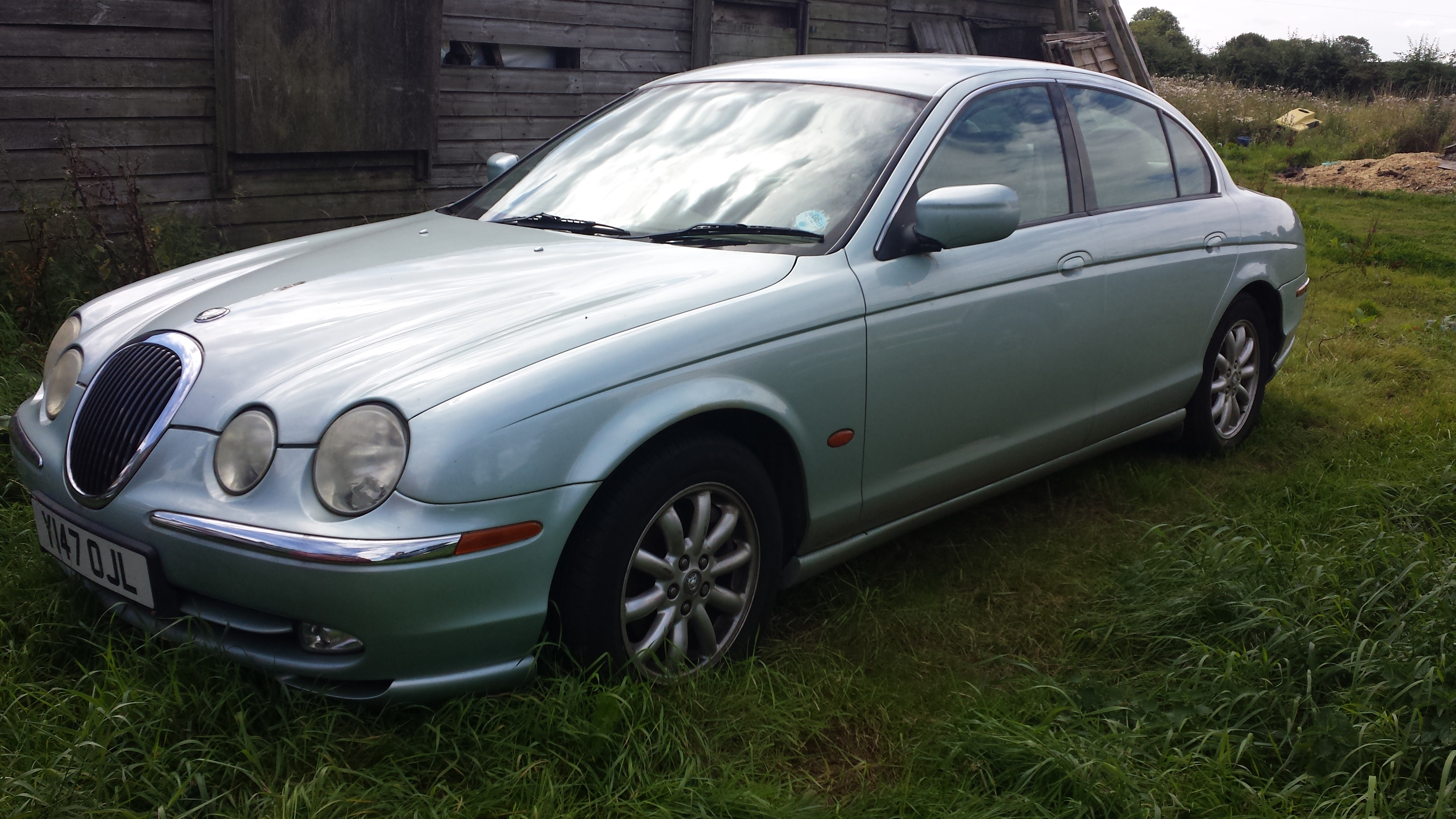
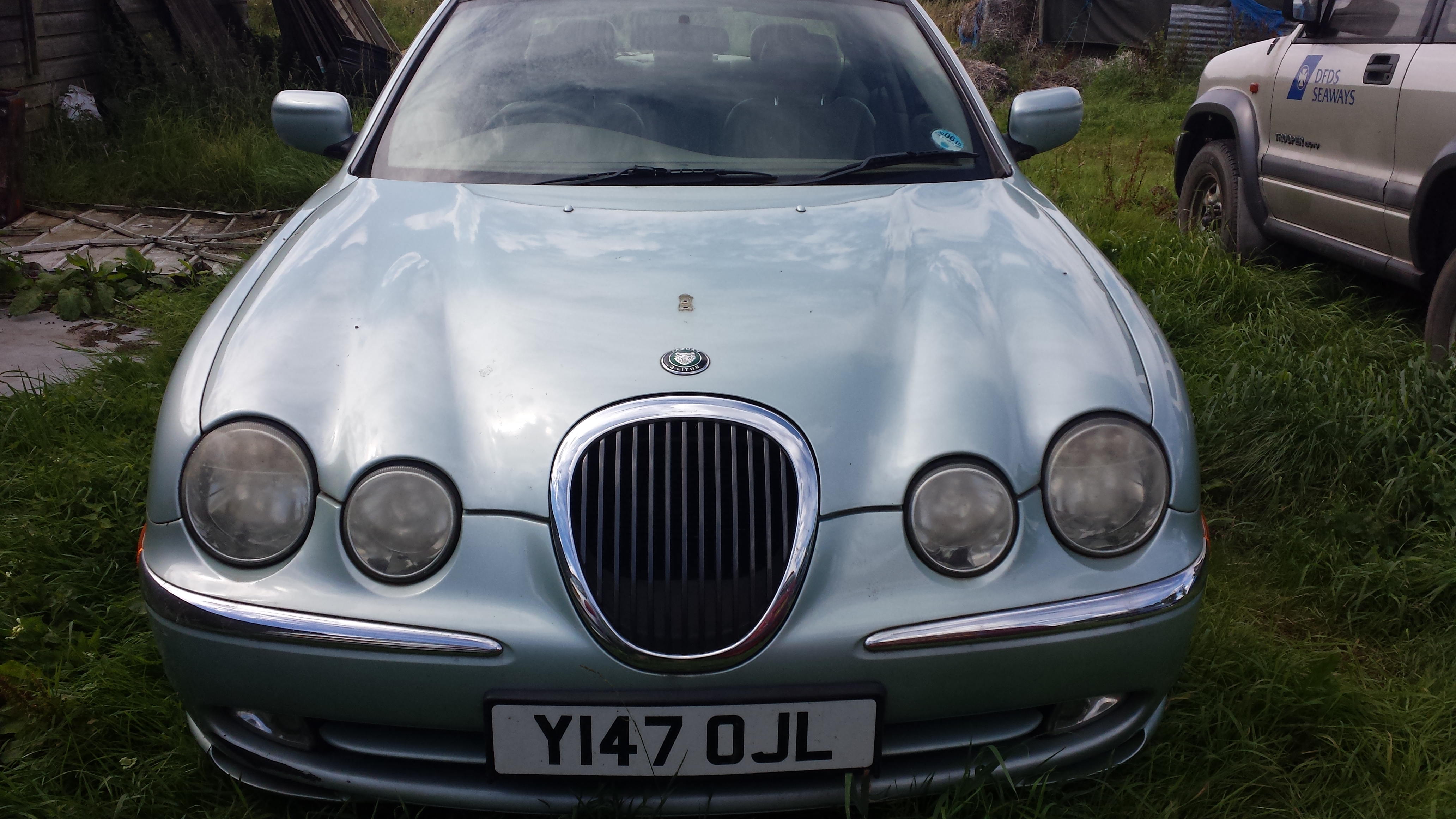
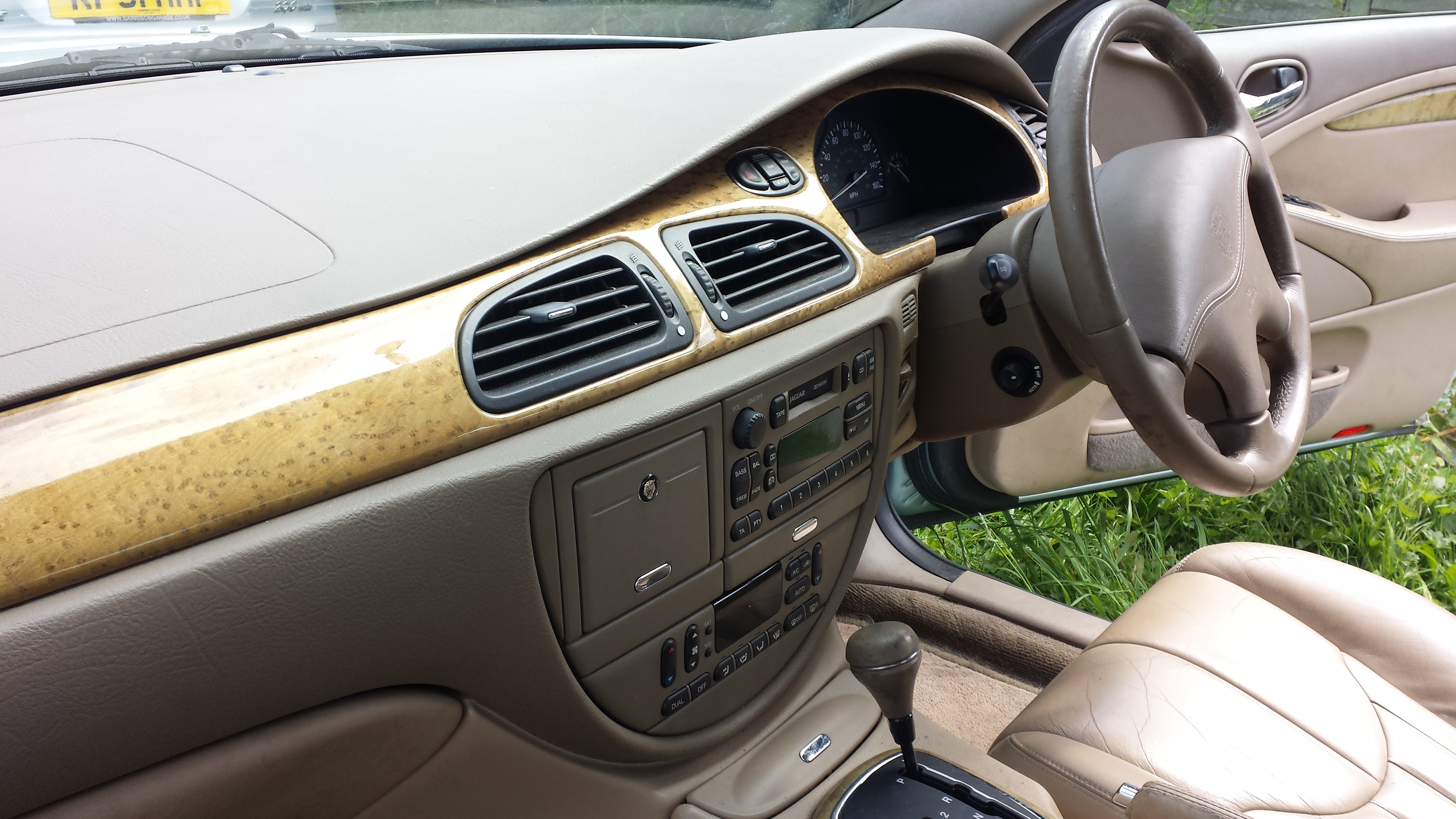
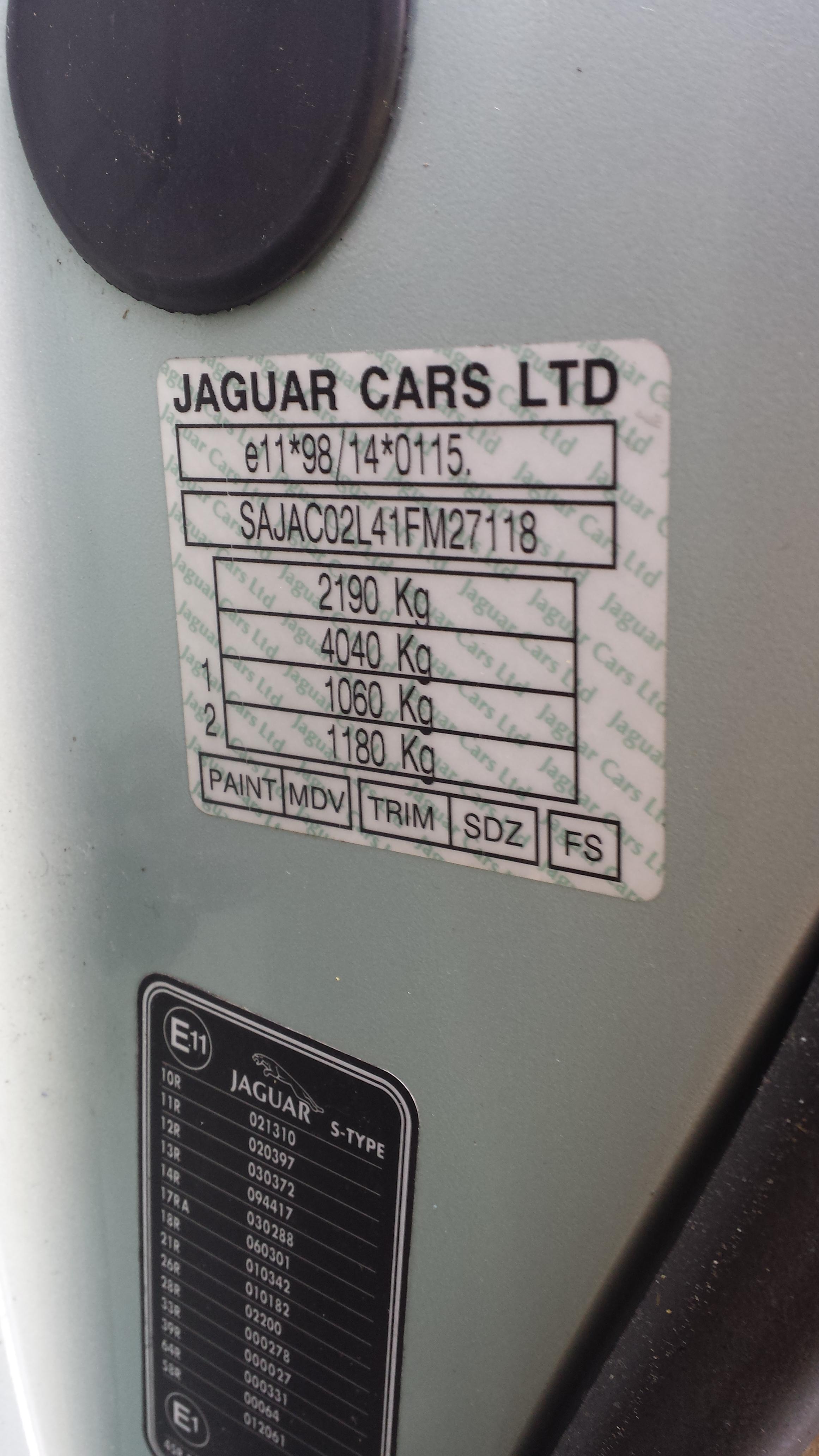
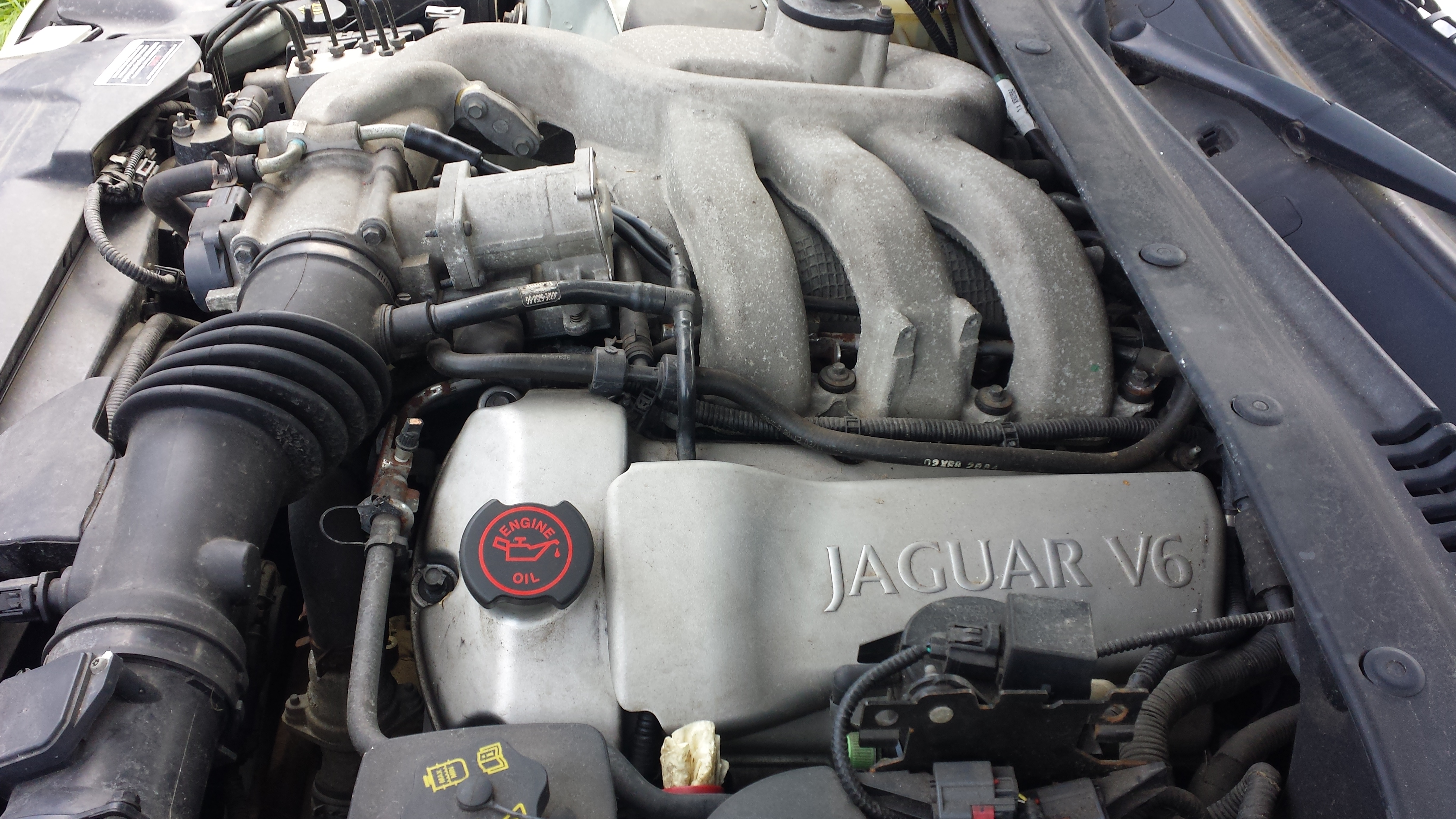
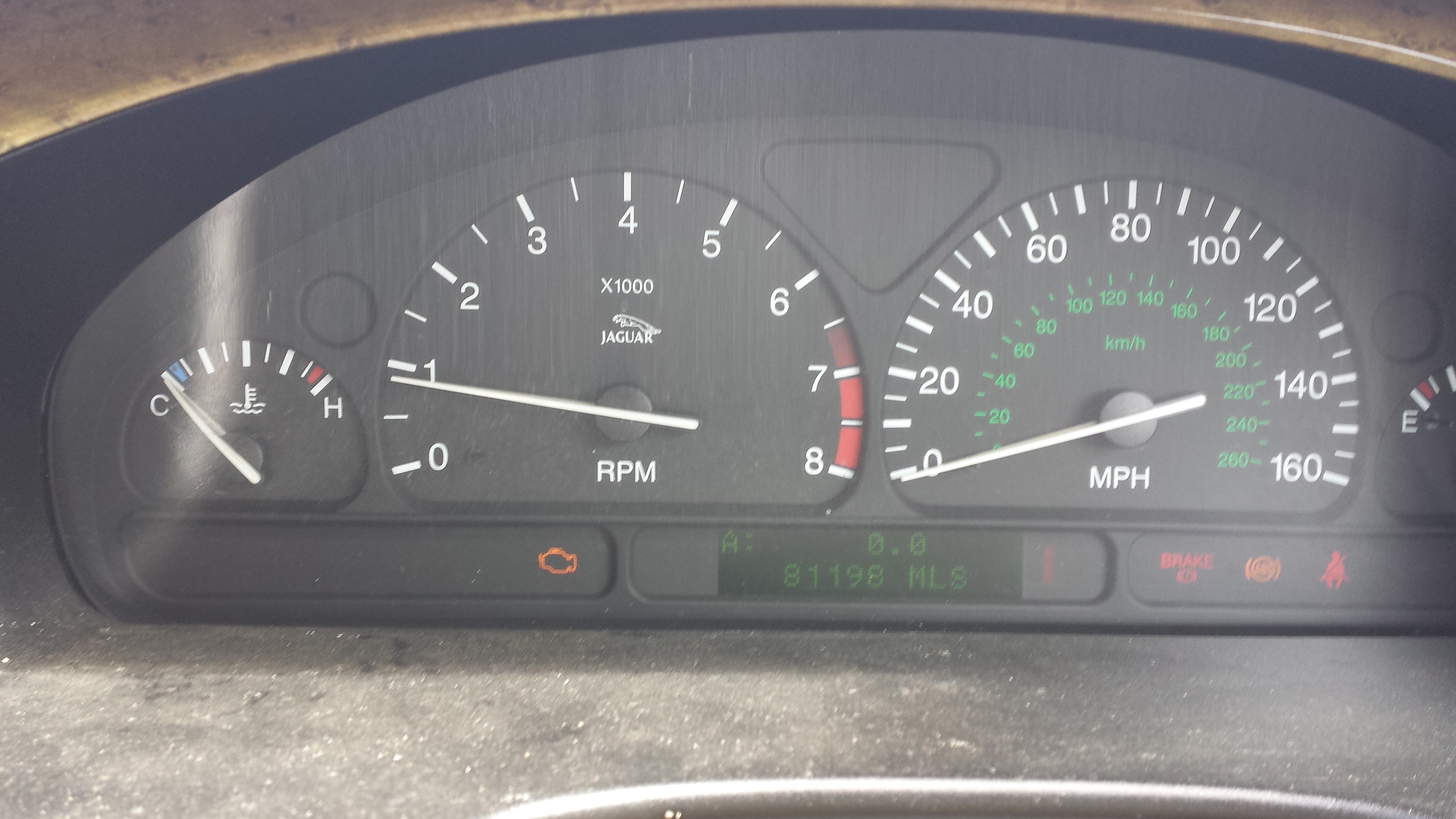
I have just got a y reg 3.0 v6 auto s type mot failure which I'm breaking for parts Good strong engine only covered 81,000. Please contact me if you require any parts