Shb1988
Members
-
Joined
-
Last visited
Everything posted by Shb1988
-
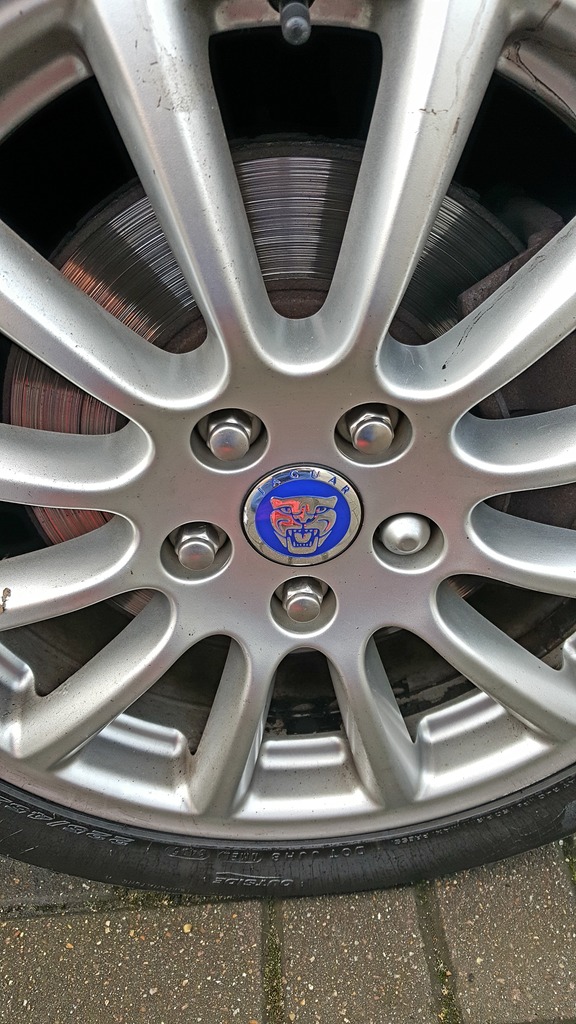
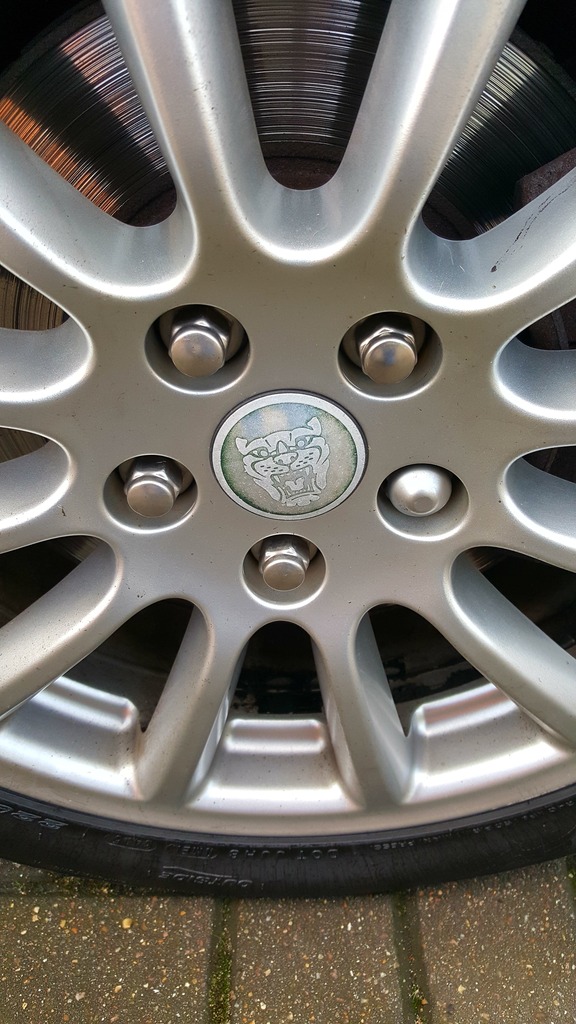
Changed the wheel centre badges too as they were pretty worn. excuse the dirt and the condition of the disc, they will be done in the new year.


-
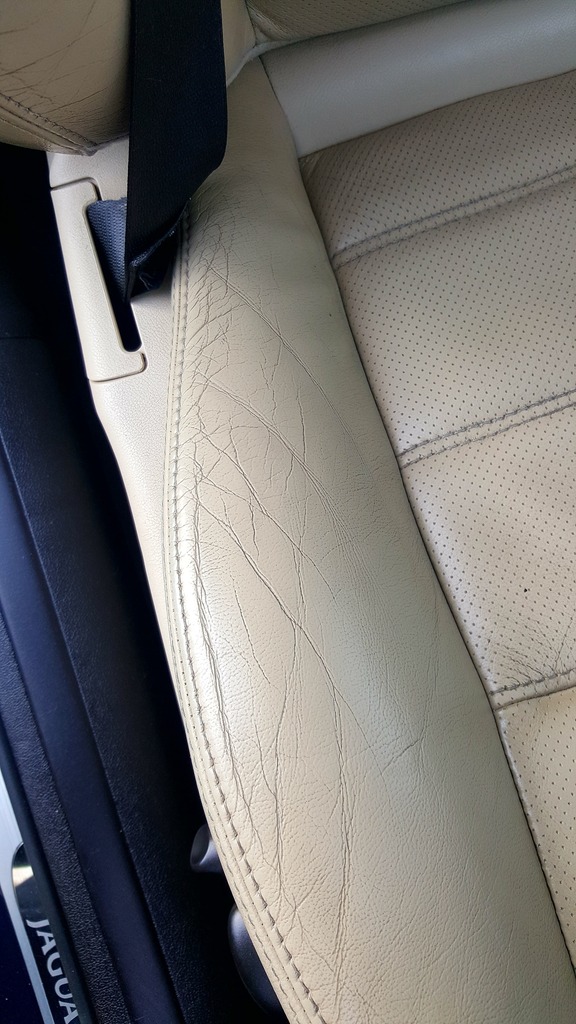
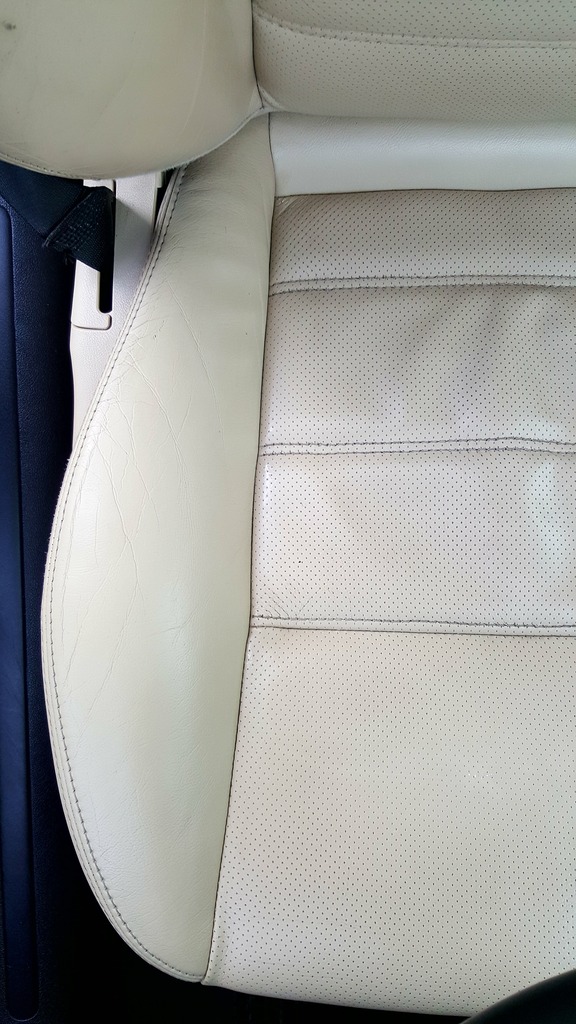
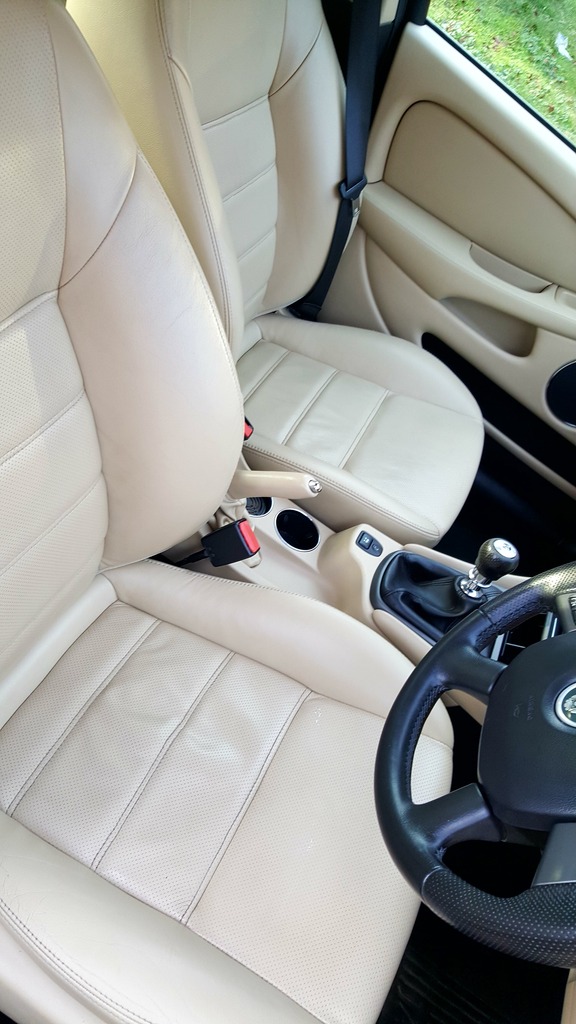
Hi yeah, I used autosmart g101 diluted down 1:10 and then treated with Autoglym leather balm.
-
Thank you Peter, yeah had a quick look through and there is a lot of information about the cars on here which is handy.
-
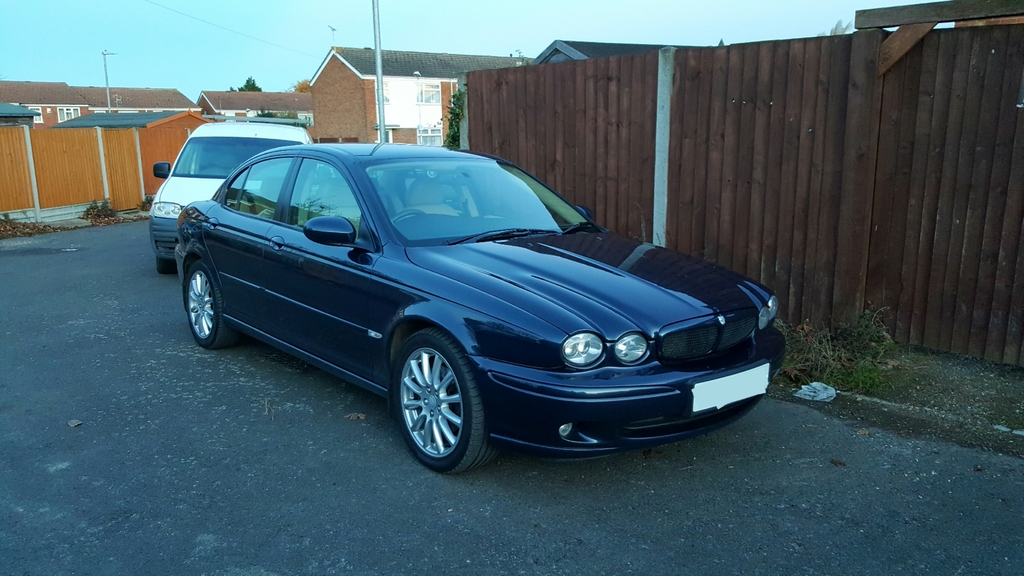
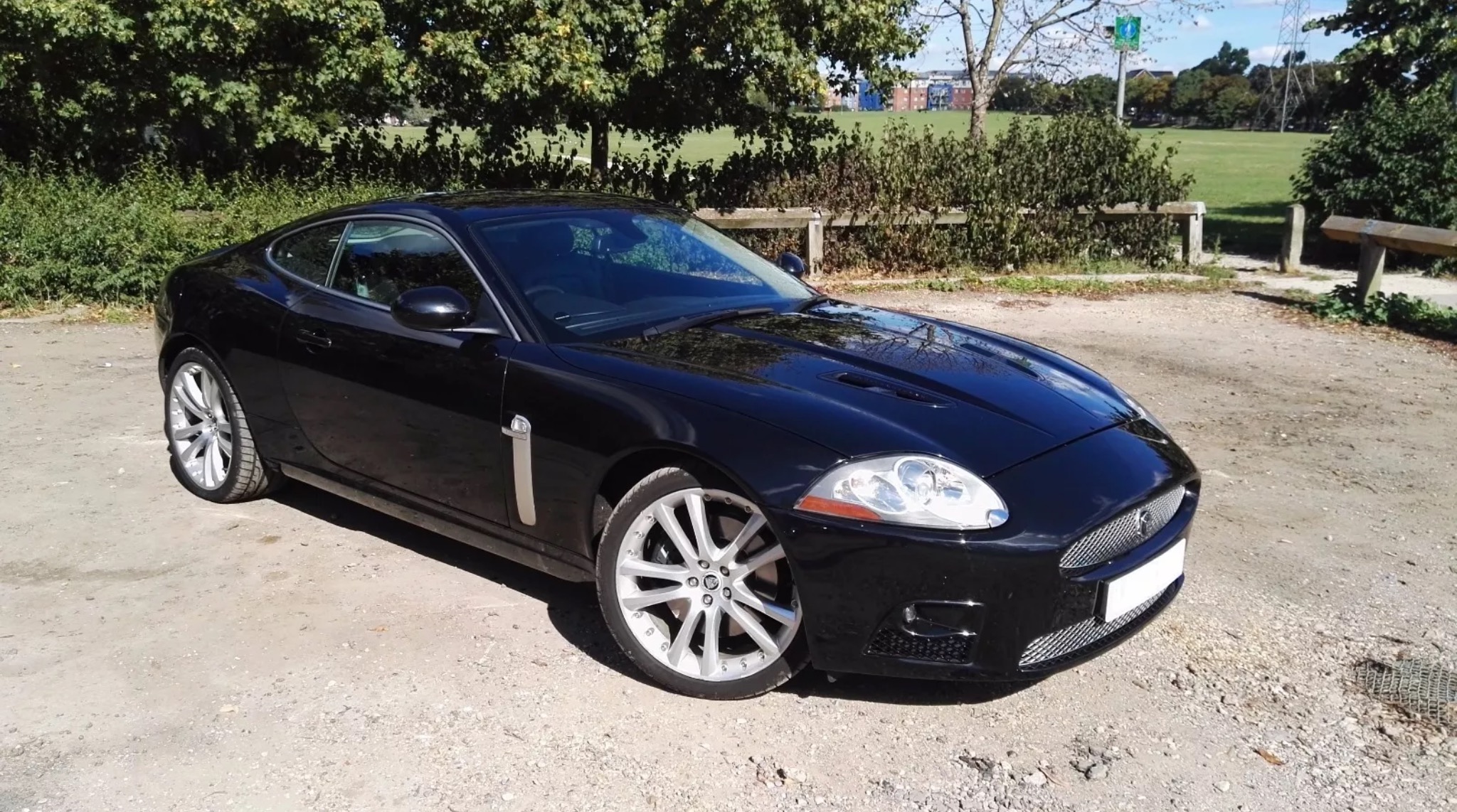
Well I picked up my first jaguar on the weekend, to say I'm pleased with it would be an understatement! First job was to clean the leather back up. For an 11 year old car, it certainly came up well :)


.thumb.jpg.3978474f15ecc07235d4022d848824c2.jpg)
.jpg.f001c1f5281224c4d254e7d89c70ffab.jpg)
.thumb.jpg.fc70e069341297e26af99ba2dc37d742.jpg)


.jpg.3f63f16eff61367252324193cdf00ac3.jpg)
.jpg.f001c1f5281224c4d254e7d89c70ffab.jpg)
.jpg.f9361646090f30df96ae3f201920d773.jpg)