
Do Not Sell My Personal Information
Jump to content
View in the app

A better way to browse. Learn more.

Jaguar Owners Club

A full-screen app on your home screen with push notifications, badges and more.

To install this app on iOS and iPadOS
  1. Tap the Share icon in Safari
  2. Scroll the menu and tap Add to Home Screen.
  3. Tap Add in the top-right corner.
To install this app on Android
  1. Tap the 3-dot menu (⋮) in the top-right corner of the browser.
  2. Tap Add to Home screen or Install app.
  3. Confirm by tapping Install.

Captain Chaos

Members
  • Joined

  • Last visited

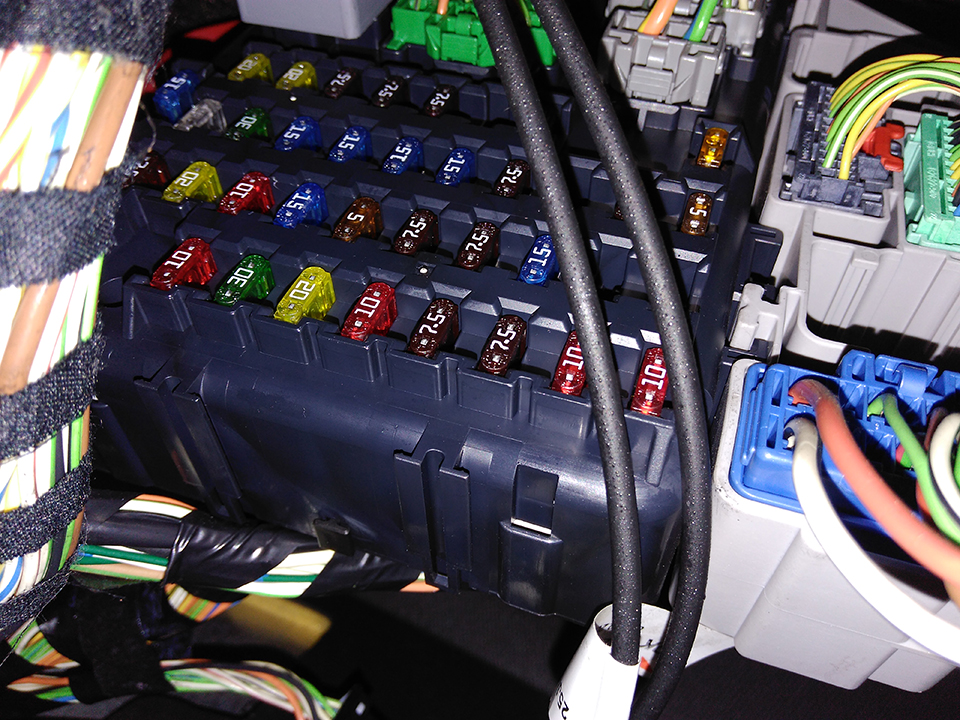
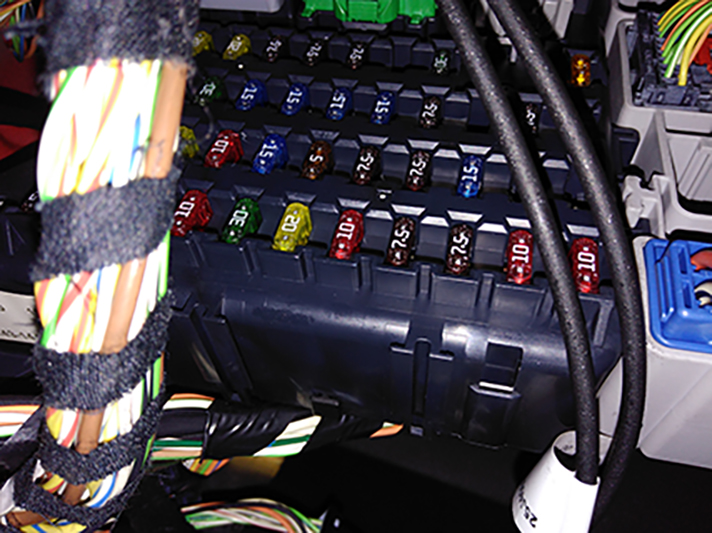
  1. Help please, My radio won't work, so I've tried checking the power to the unit and there's none there! So checking the fuse box is the next thing, however in the workshop manuals it shows a fuse box of roughly 12 x 5 fuses with fuse 1 being at the bottom right. According to the manual, I should be checking fuse 43 and 44. However, my fuse box seems to be 10 x 4 (pictures attached) - so, does anyone know which fuse I should check /replace please??
  2. Just bought an X-Type 2.5 - Phoenix Red - love it!! First Jaguar! Hello everybody I'm hoping I can dip in here from time to time and gain knowledge from your good selves and eventually help others!


Background Picker
Customize Layout

Account

Navigation

Search

Configure browser push notifications

Chrome (Android)
  1. Tap the lock icon next to the address bar.
  2. Tap Permissions → Notifications.
  3. Adjust your preference.
Chrome (Desktop)
  1. Click the padlock icon in the address bar.
  2. Select Site settings.
  3. Find Notifications and adjust your preference.