TR15T4N
Members
-
Joined
-
Last visited
-
 Nice! Helped me too, been looking for an audio manual for a while Thanks!
 -
-
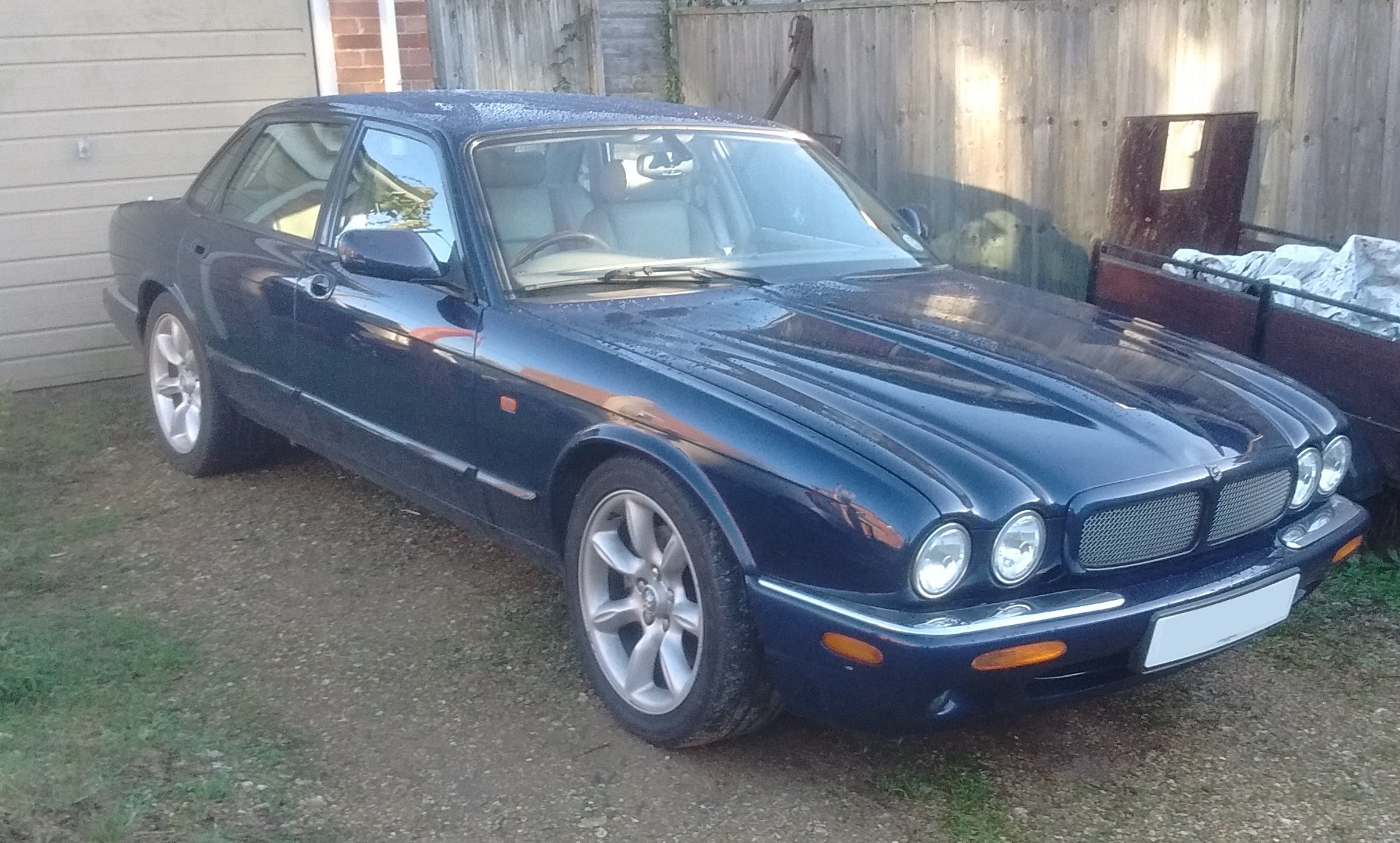
Yes I do like the de-chromed look of the R type Jags
-
TR15T4N changed their profile photo
-
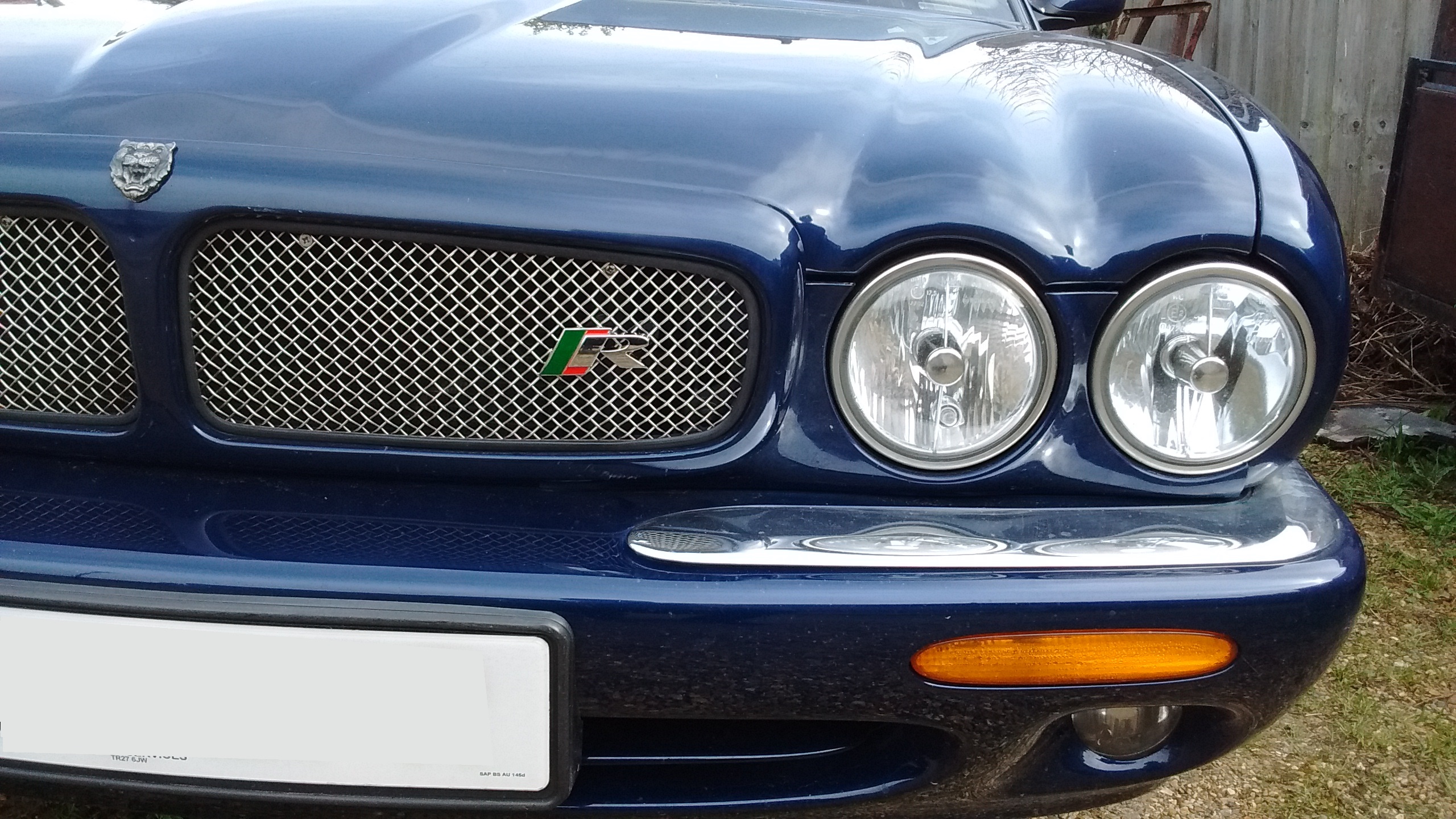
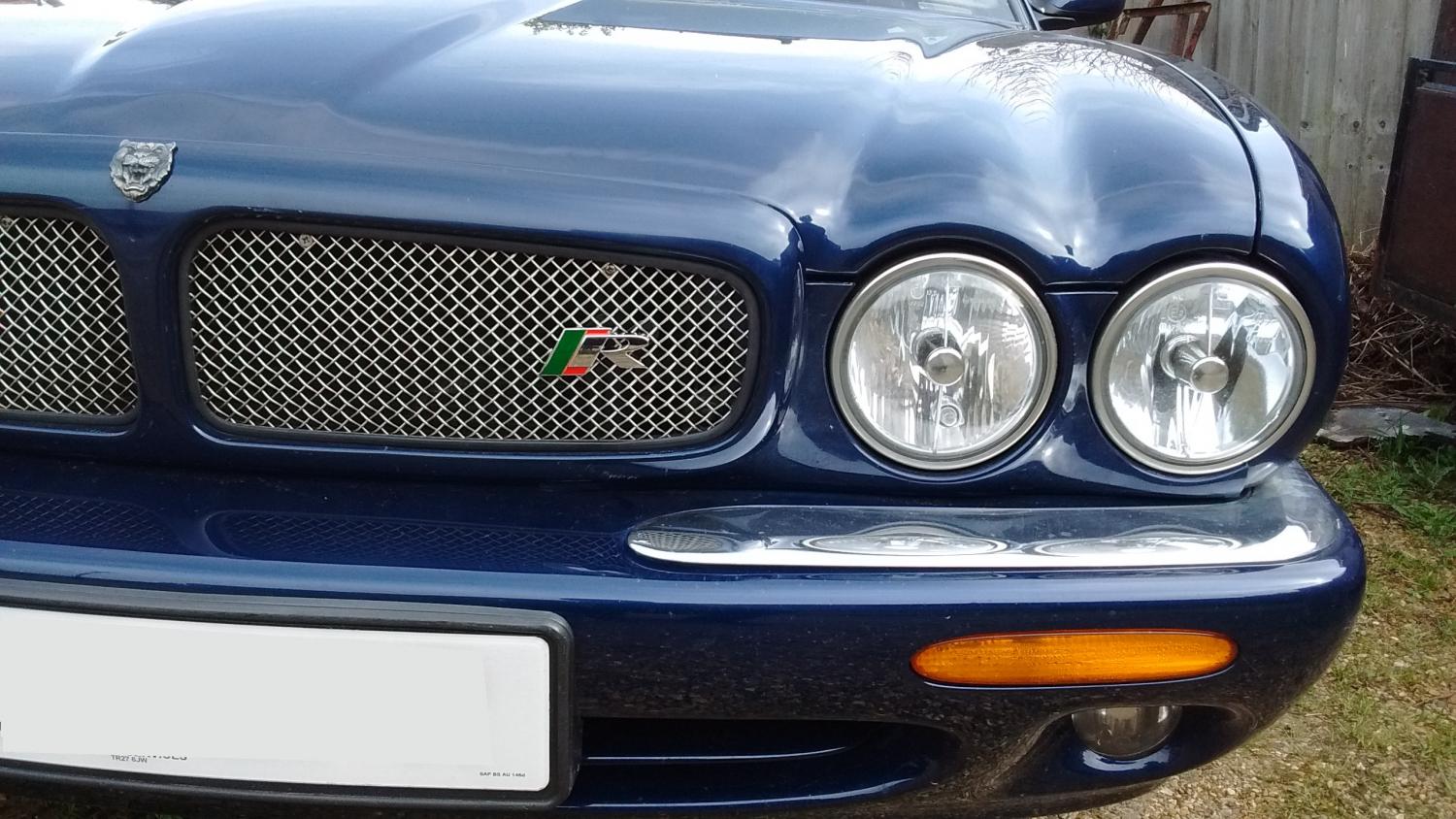
Got a little grille badge, I know its not strictly the correct period but I think it looks good

-
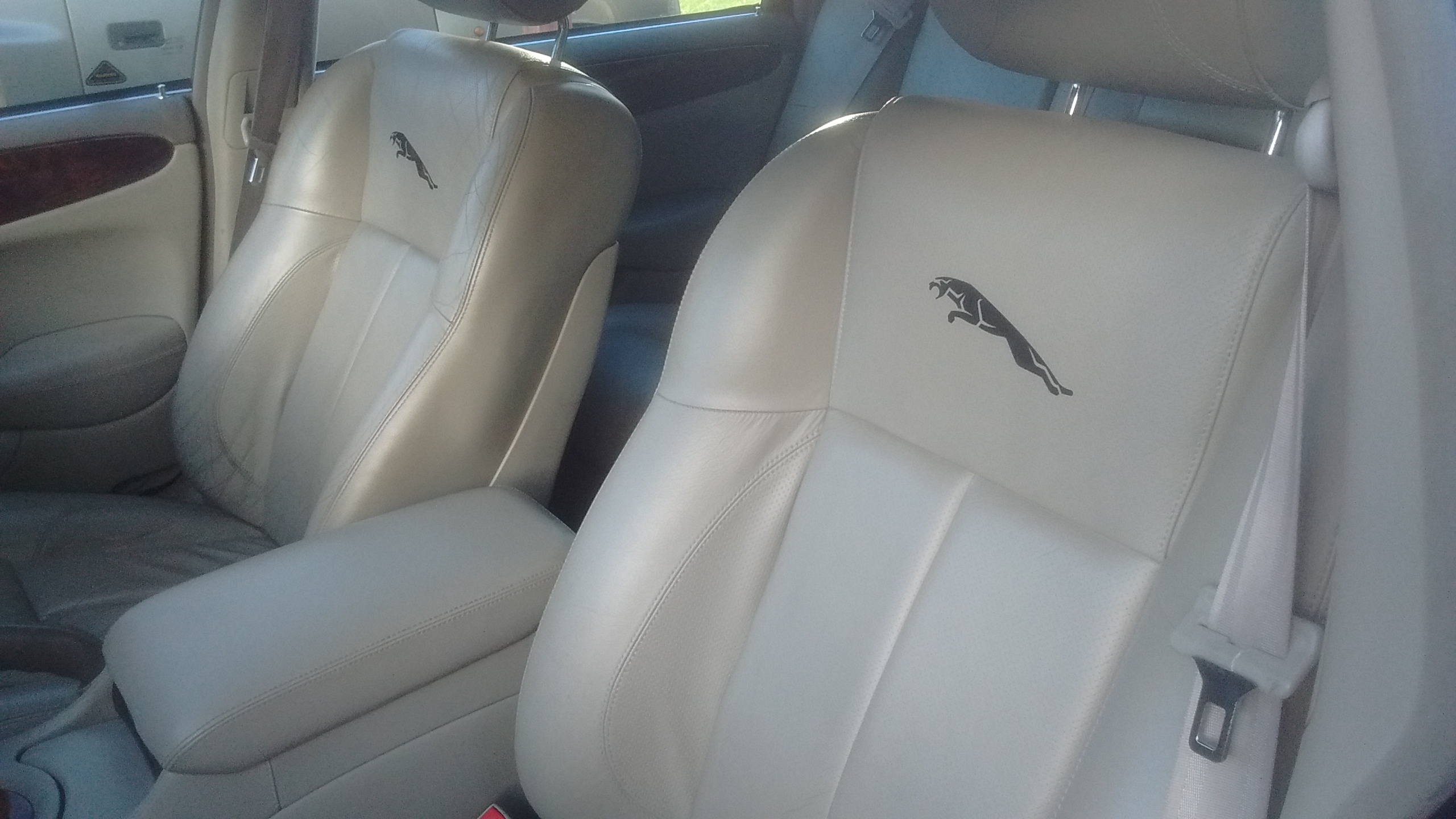
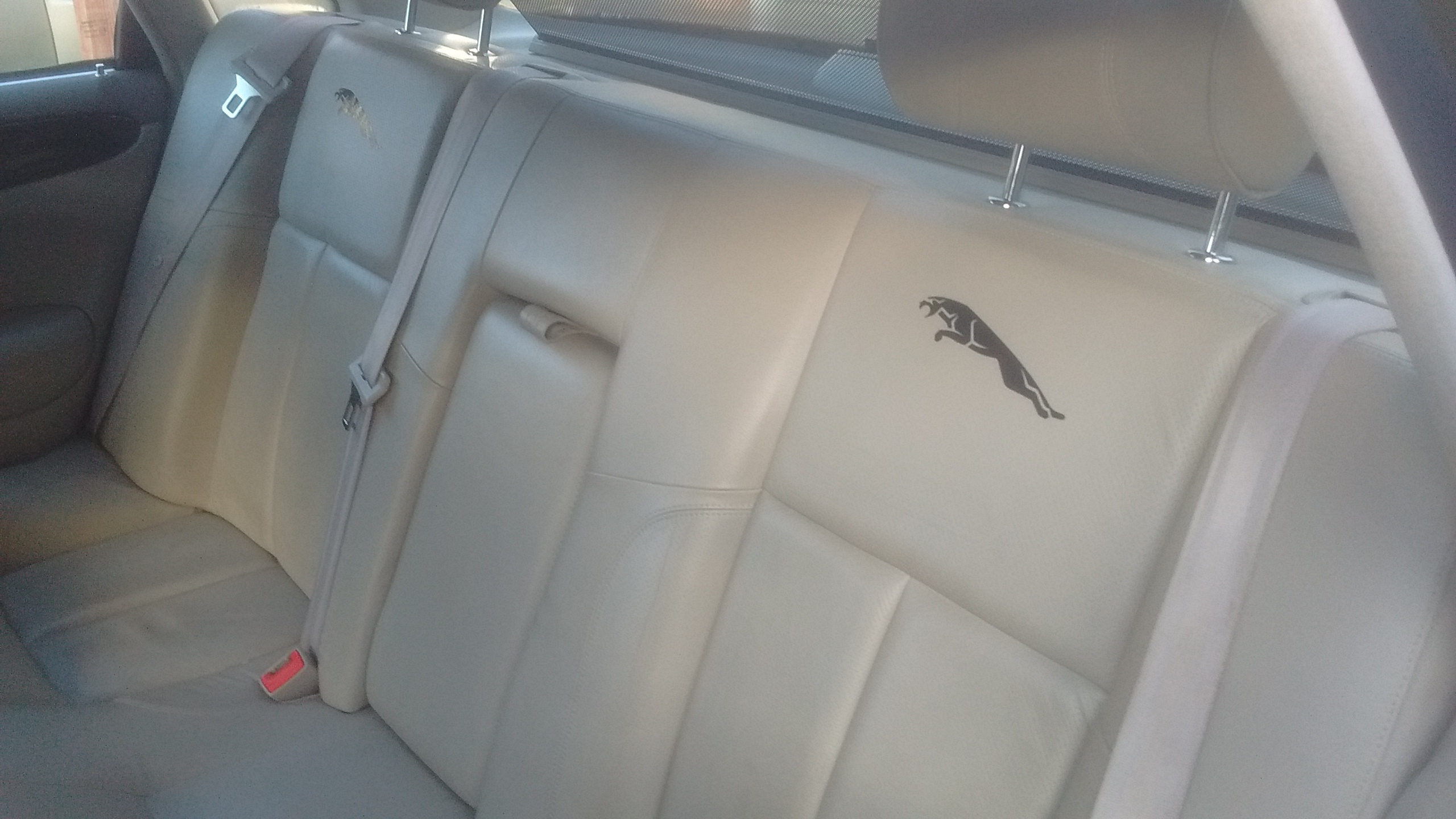
Little update... Since last post i have done oil and filters. There's something very satisfying about filling it with nice clean oil. Also got some seat decals...


-
Thanks for your replies. I think I will try to recover the headlining myself i think before resorting to a new one. Hopefully I will be able to get under the front and re-stick the fabric down. I am just going to enjoy driving it now, although I have found that the mpg gauge goes scarily low when i go anywhere near the throttle First job i think has got to be a full service - just to be sure.
-
Hi all would like to introduce myself and my car... Its a 1999 XJR and hopefully it will give me many miles of pleasurable motoring As I am a qualified mechanic i intend to do as much work as possible on the car myself and will keep you updated as to whats going on. On the to do list: fix saggy headlining, dent in bonnet, couple of small scuffs on bumper.

-
I found a broken breather hose on the top of the engine. I have now replaced this and so far have not seen any blue smoke. Thanks for your help and suggestions!
-
Thanks for your replies. Unfortunately it was bought privately so it looks like i will have to sort out the problems myself. I should have checked it over more thoroughly. I will look into the egr valve though. I have found out that the limp mode was caused by the maf sensor plug shaking loose. Pretty sure the blue smoke wont be sorted as easily though!
-
Hi all im new to this club and have just bought a 1999 Jaguar XJR 4.0 but am concerned I have been sold a lemon! It has 77000 miles on it which i thought to be a good sign. This was backed up by the old MOT's on the DVLA website. The test drive went well, very smooth and powerful with the slight supercharger whine. So i Parted with a very large chunk of my savings and bought it. However less than 10 miles down the road we were passing through a village when the car went into limp mode. My father was driving and i was following in our car. We tried stopping and restarting but no change. A little way down the road as he accelerated away from a roundabout at the bottom of a hill there was a great cloud of blue smoke! This was panic time and i called the seller who denied everything and any responsibility, saying we had broken it and it was our problem. So we drove it the 200 miles back home not being able to do anything else. It was running very smoothly on the way back but still in limp mode. Occasionally i noticed a puff of blue smoke when accelerating after a decent. Does anybody have any suggestions as to what to look for or what to do? Any help would be greatly appreciated. Thanks