Pgups
Members
-
Joined
-
Last visited
Everything posted by Pgups
-
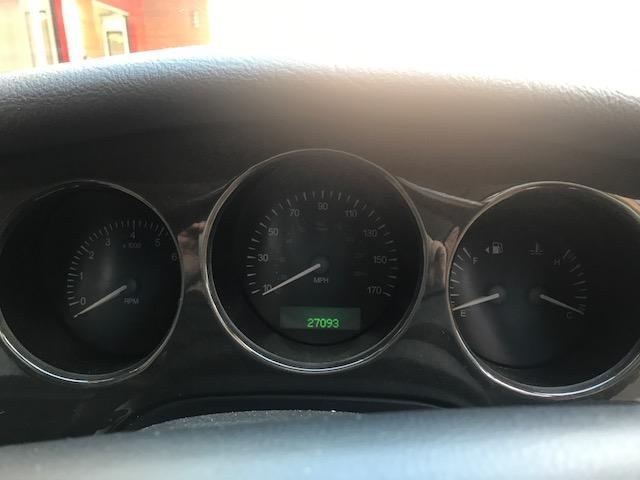
Might be worth a few quid too with the low mileage!
-
Yeah I will have a look and see what's out there. failing that I could stick it on eBay and see what it goes for. I'd like to keep it I'm still undecided.
-
Haha yes fair point. But that was before I tidied it up and put an MOT on it.
-
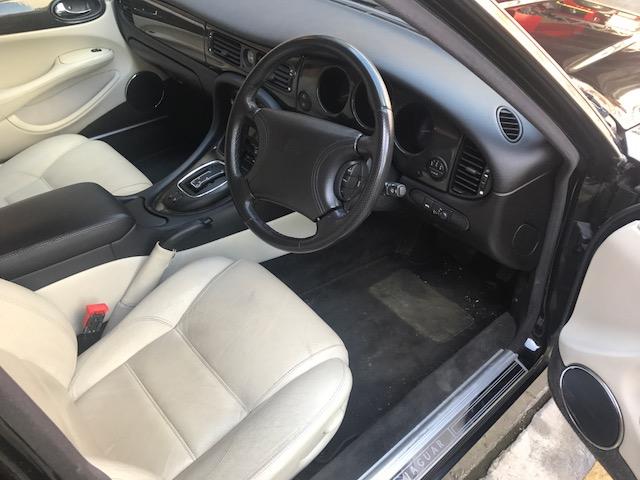
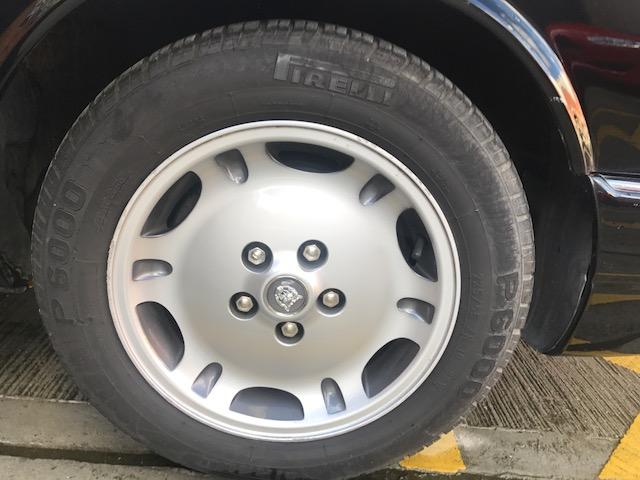
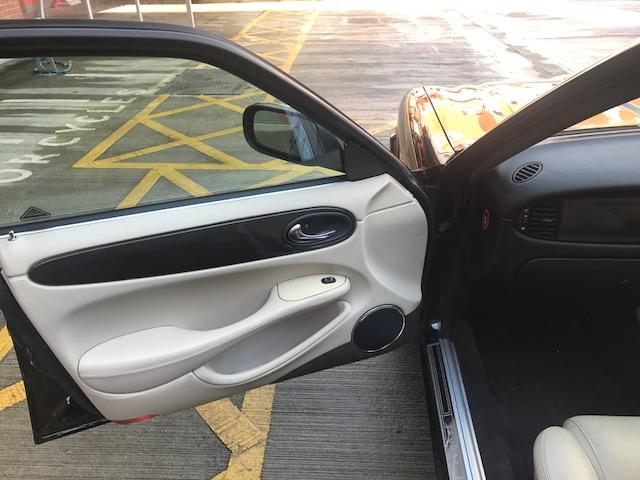
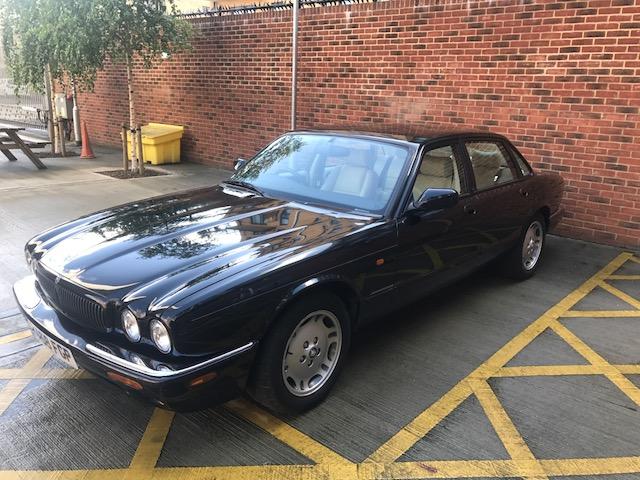
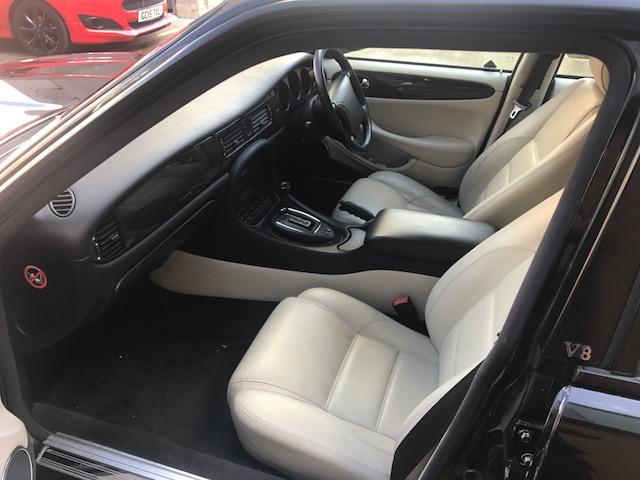
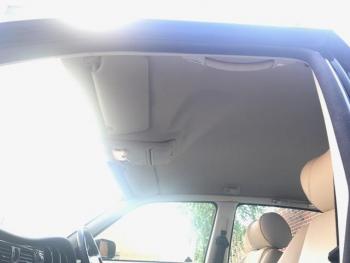
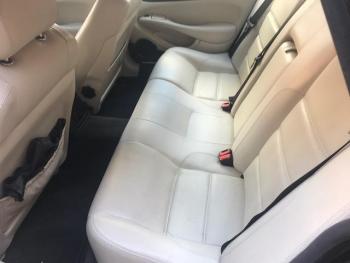
Can anybody help me in putting a value on this car? im thinking of selling due to having a baby on the way but have no idea of it's value.
-
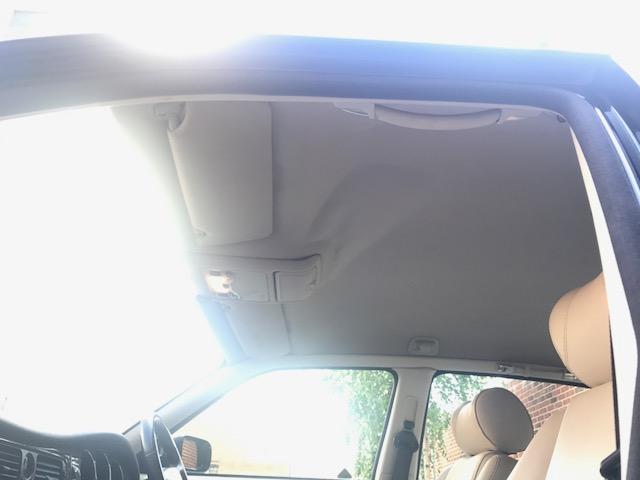
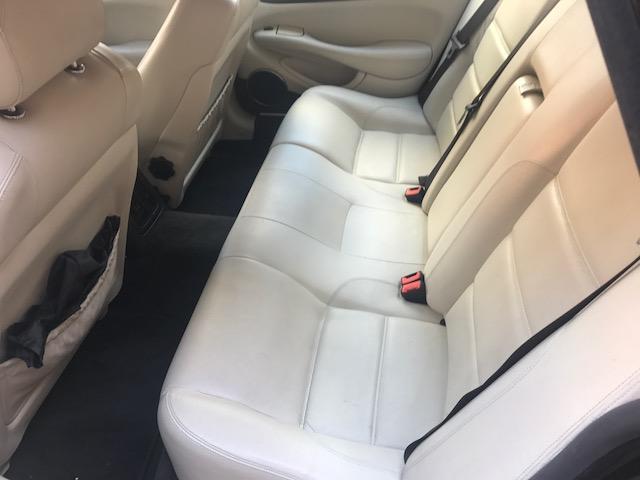
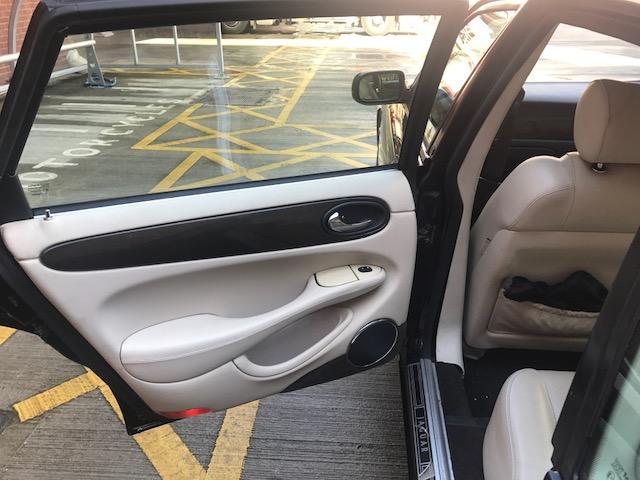
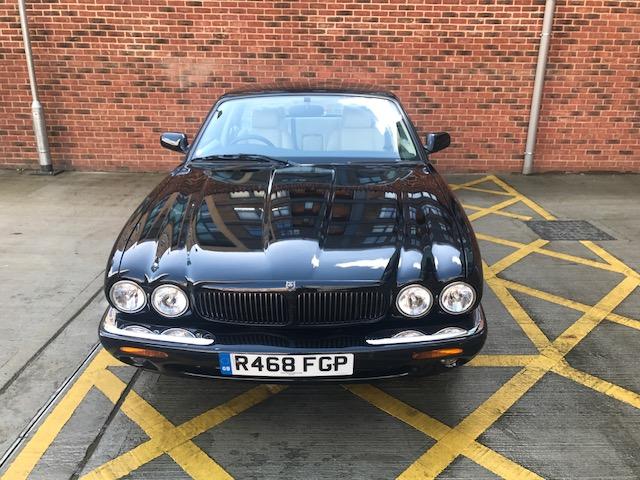
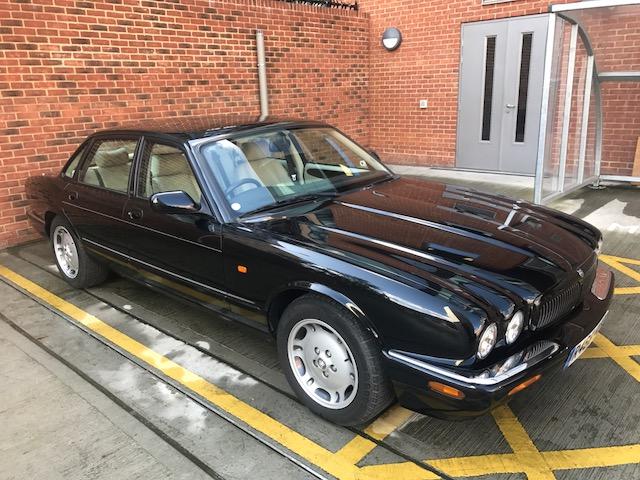
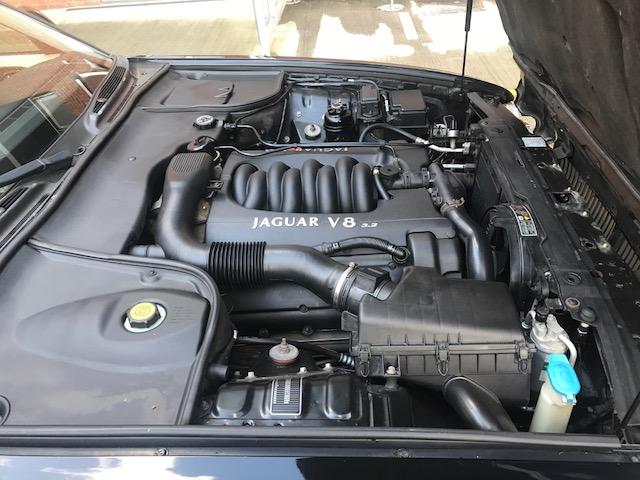
Afternoon All, Sorry its taken so long but here are some pics of the my Jag.






-
Will do. i have run a hpi check today and the mileage seems to check out ok. All the data was supplied by manufacturers too so I'm hoping to be lucky enough with full dealer service history.
-
Hi all, ive just entered into the world of Jaguar by buying a 1998 xj sport 3.2 v8. Not taken delivery yet but it's due this week and I can't wait! Im sure I'll enjoy looking through the topics searching for advice etc. the car claims to have 27,000 miles which I find hard to believe but at just over £600 I thought it might be worth a gamble. I have spoken to Jaguar but they say they can't help me until I am the legal owner. MOT mileage seems to check out ok and an RAC car passport didn't flag up any mileage discrepancies so fingers crossed!!! Peter.