


Dave G
Members
-
Joined
-
Last visited
-
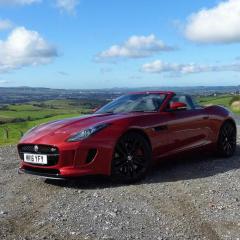 Hi Guys Here are a couple more pics of my Ftype .One pic shows a clear windstop I made beuase I preferred to see though the rear window with the roof up,the factory item is great with roof down but I found restricted my vision roof up.


-
Dave G changed their profile photo
-
Hi, I have my Ftype s for about six months what a great car.I really carn`t fault it. This my first Jaguar and must say I am very pleased with it. Regards David


