teapot tony
Members
-
Joined
-
Last visited
-
 last week i noticed a noise when going round a roundabout think its the wheel bearing and can now hear it when going round right hand bends so it needs sorting out is it a job a diyer can do on the driveway was also wondering whether i can replace the hub assembly instead of just the bearing as i don't have a bearing press
 -
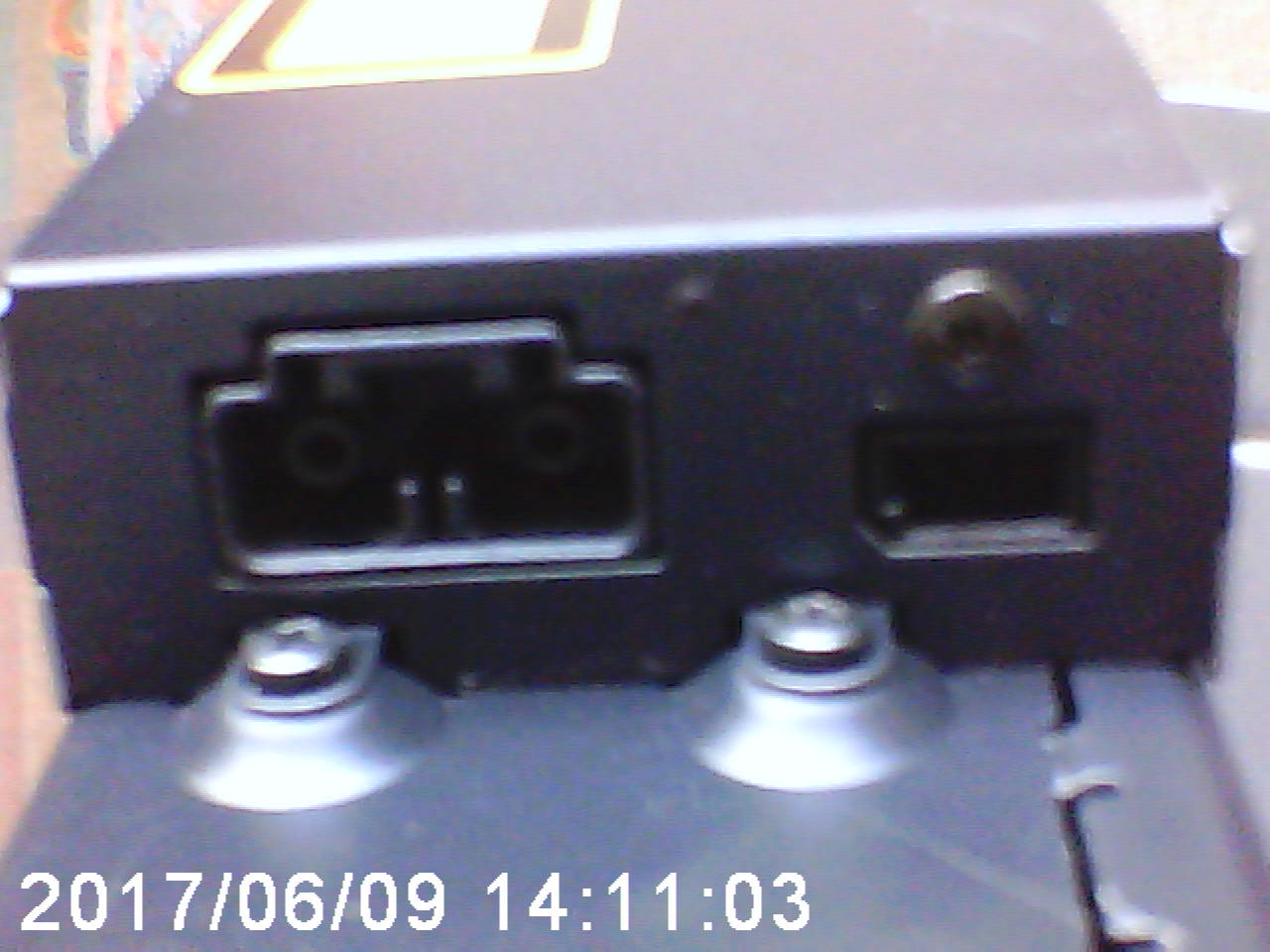
attempting to fit jaguar cd changer in my 2007 x type but there is no power feed plug in boot i have a couple of spare plugs on wall do i need a harness extension for the power, i have sat nav fitted but no phone aware i need a fibre optic lead picture 3 is the cd changer i want to fit


-
had my xtype a week now and only noticed today the rear number plate is shaped, where can i source a new one with the union jack or will it have to be a sticker
-
teapot tony changed their profile photo
-
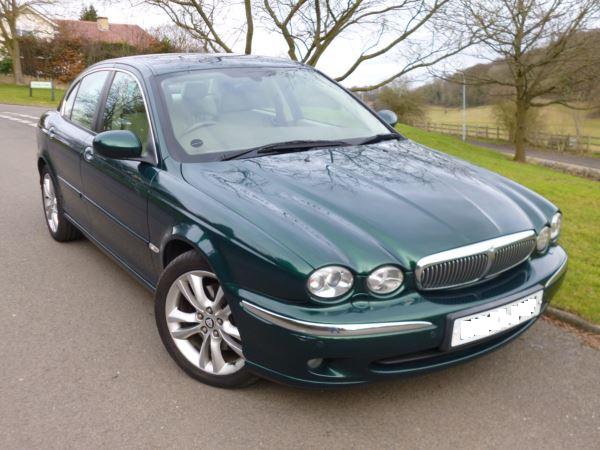
scrolling through the posts and realised although i have made some posts i have not introduced myself, SO howdo to all from a PROUD newbie jaguar owner, finally got myself an x type its the 2.2d se saloon 07 plate in green and i love it puts a smile on my face everytime i drive it, jag owners club is a great site... help and tips in abundance

-
http://www.ebay.co.uk/itm/Jaguar-Badge-3D-Leaping-Cat-Mascot-CHROME-emblem-XF-XJ-XJS-XK-S-TYPE-X-T-/252529531497?hash=item3acbeeda69:g:23oAAOSwtnpXoMH2
-
after the first clean i had loads of visible cracks but they did tone done by the next day, i have now cleaned them again and the cracks are barely visible, so not sure whether to put any dye on them now because as you said leather does change slightly with age. so going to leave it for now and see how they look in a few weeks
-
had a look at this Bovril, do you need any special leads/ loom cables to use the steering wheel controls
-
joe, would you have the product name or seller id please, i need to double check but believe my leather is ivory also thanks
-
its an 07 x type se saloon
-
i want to replace a seal trim on my drivers door as i have noticed it has rust bubbling under the surface, its the lower one between door and window any ideas on part number or even the proper name for it would be helpful please. thanks
-
just cleaned my leather seats and now i have loads of cracks that are more visible on drivers seat, what products can i use if any, also have a faded area on front corner of seat. they are a beige/cream colour, thanks in advance
-
dont want the factory fitted ones, been looking at the parrot systems they seem ideal thanks
-
got my x type home today from dealer thought i would get to know it a bit better and gave it a good thorough wash and noticed the paint work feels really gritty, after a bit of internet searching i am now considering using a clay bar, just wondering if anyone here has used them
-
need help/advice please, picked up my 2007 x type se today, ( very happy) when i touch the phone button it states no phone fitted, tried the 1313 code no help,looked in menu no help there either so i have been looking at handsfree setups.... now very confused....recommendations for handsfree kits would be appreciated. thanks
-
Old Peter, thankyou, after reading some other posts had a look on amazon they have one for under £30, picking car up saturday so will have a proper play around over weekend