Conall
Members
-
Joined
-
Last visited
Everything posted by Conall
-
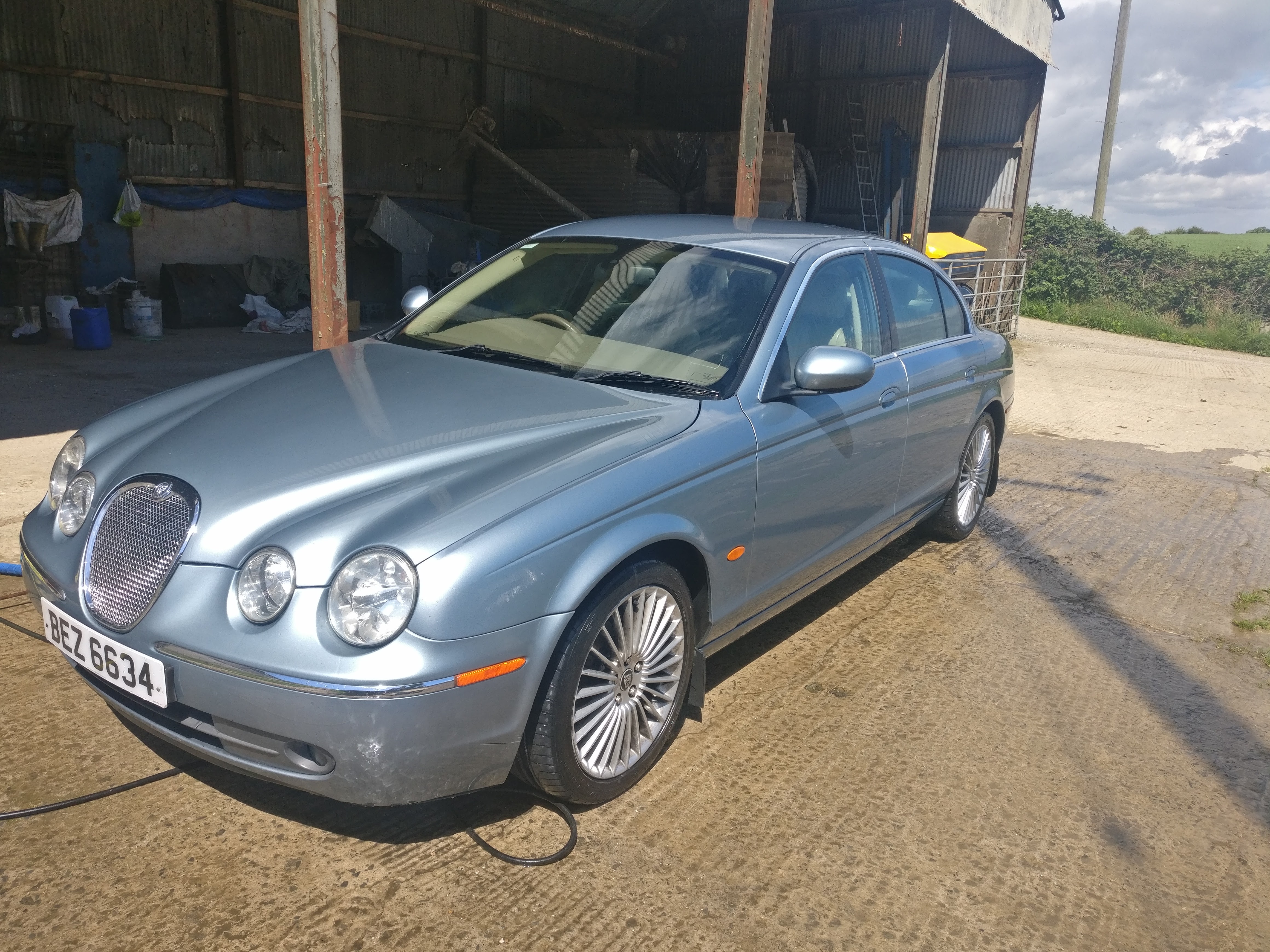
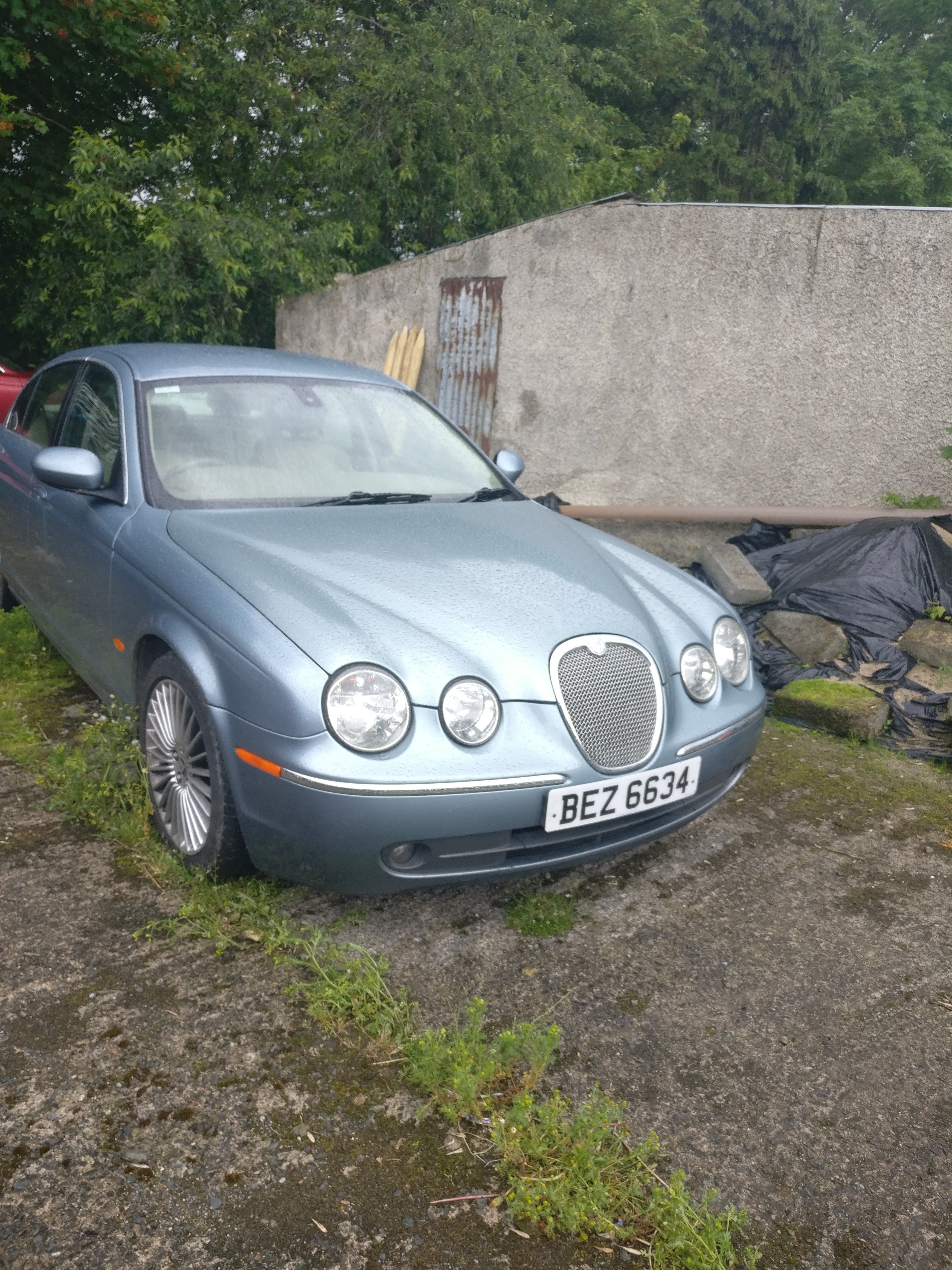
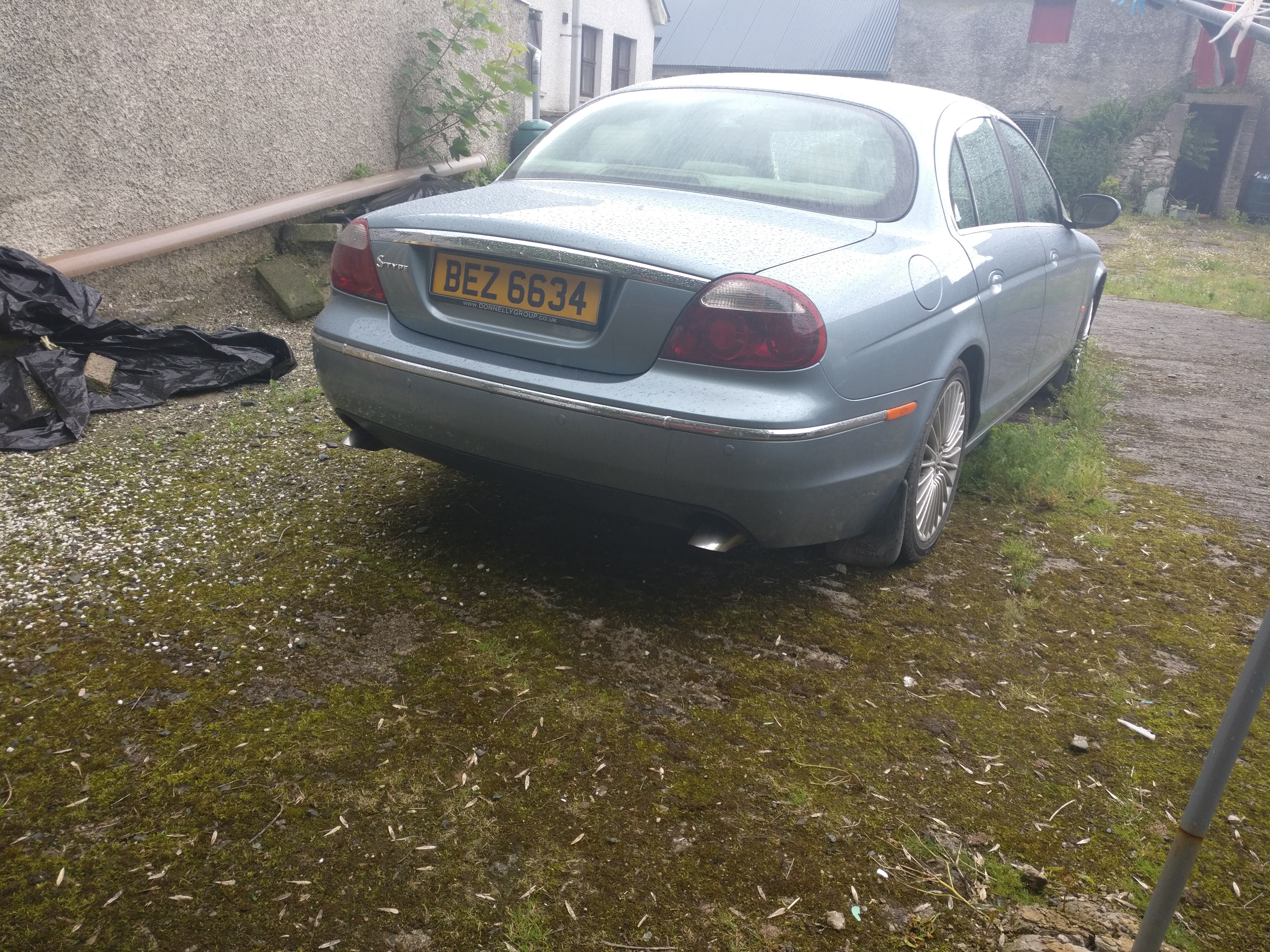
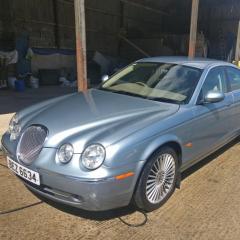 Yes I suppose these cars are deemed to made for the older driver, maybe why I get other drivers looking me ha! The dccv was switched from my donor car, but the problem of warm air was still occurring, after various research I realised that the climate control module had a burned out circuit, after a while tracing the circuit and soldering the problem was fixed, quite impressed with myself as I wouldn't say I'm great at that type of work. The gearbox oil has been changed twice now as the car currently has 177k on it and still drives like new, my brother who owned the car previously bought a xf and maintains it isn't as half a good driving car as the s type and wished he never sold it.
 -
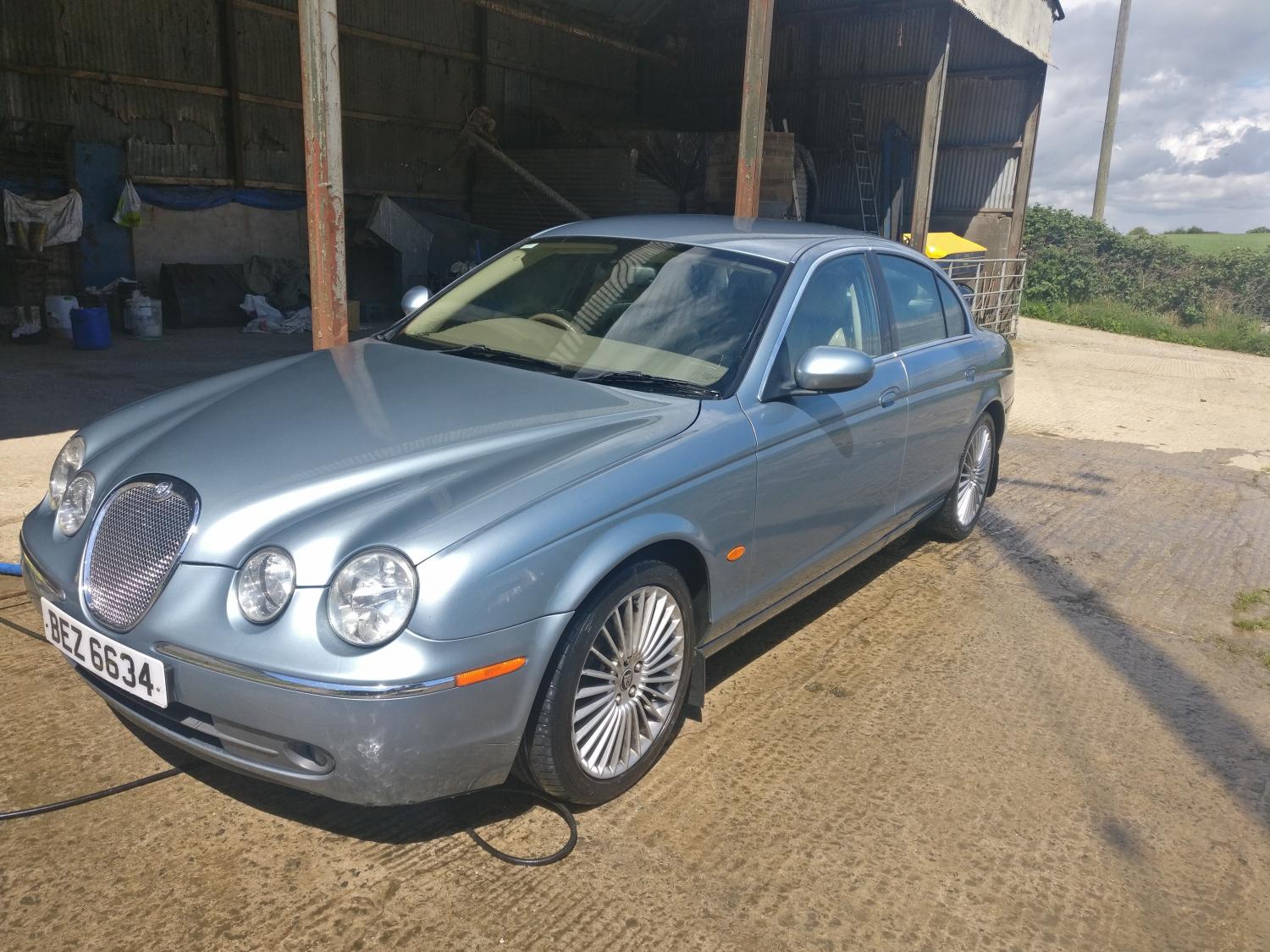
Hi, just bought my first jaguar at 23 years old-am i possibly one of the youngest owners on here? She's a 2006 2.7d that has been in the family since new. Been having a few issues regarding a dccv valve but after a replacement and a replacement climate control module she's all good now, it wasn't so bad as included in the sale from my brother, was a donor car so I'm not too short on any parts that I may require and hopefully save myself a few bob! thanks Colin.