Oddsocks
Members
-
Joined
-
Last visited
Everything posted by Oddsocks
-
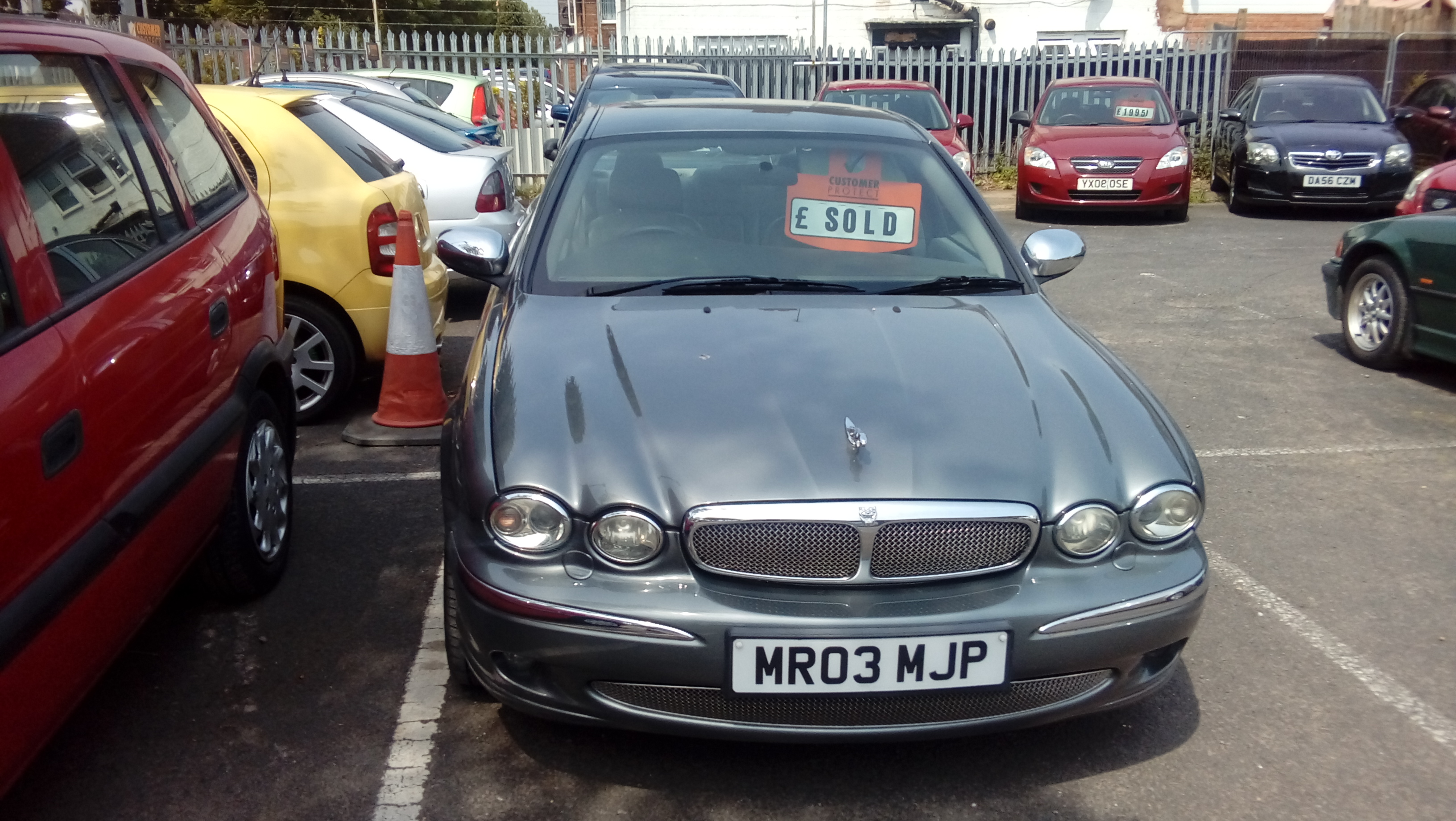
Hi I'm known as Oddsocks rex due to it being my poetic nom de plume. In the past I owned a 4.2 sovereign (1996) for a good few years. recently I picked up a 2003 X type 3.0 AWD and am very happy with it. Although I'm disabled with the help of my wife I still get to some of the DIY with the benefit of little dirt behind my nails :) Look forward to joining in the forums see you there . Paul

-
I find myself in a very similar health spot, it doesn't help when a dealer resorts to name calling and bad language when questioned about the functionality of air con, etc... I bought my 2003 3.0 X type today knowing it's going to need a few tweaks here and there but just wanting an honest overview of what they were projected to be. Still where ignorance is bliss... Here's hoping we both get our vehicles to perform as we want them to. happy motoring Dutchy