
Do Not Sell My Personal Information
Jump to content
View in the app

A better way to browse. Learn more.

Jaguar Owners Club

A full-screen app on your home screen with push notifications, badges and more.

To install this app on iOS and iPadOS
  1. Tap the Share icon in Safari
  2. Scroll the menu and tap Add to Home Screen.
  3. Tap Add in the top-right corner.
To install this app on Android
  1. Tap the 3-dot menu (⋮) in the top-right corner of the browser.
  2. Tap Add to Home screen or Install app.
  3. Confirm by tapping Install.

Lee235

Members
  • Joined

  • Last visited

  1. Thanks for the reply guys i appreciate! I don't dislike the wheels and the ride comfort is just lovely. I just kind of wanted to go for the xfr look that is all. But i reckon it will be a bit of a farce trying to sell my wheels and locate 20" wheels :( This is my first Jag went from a Mercedes c250 to this and for me the ride is miles better in the Jag, What cars did you guys come from? Regards, Lee
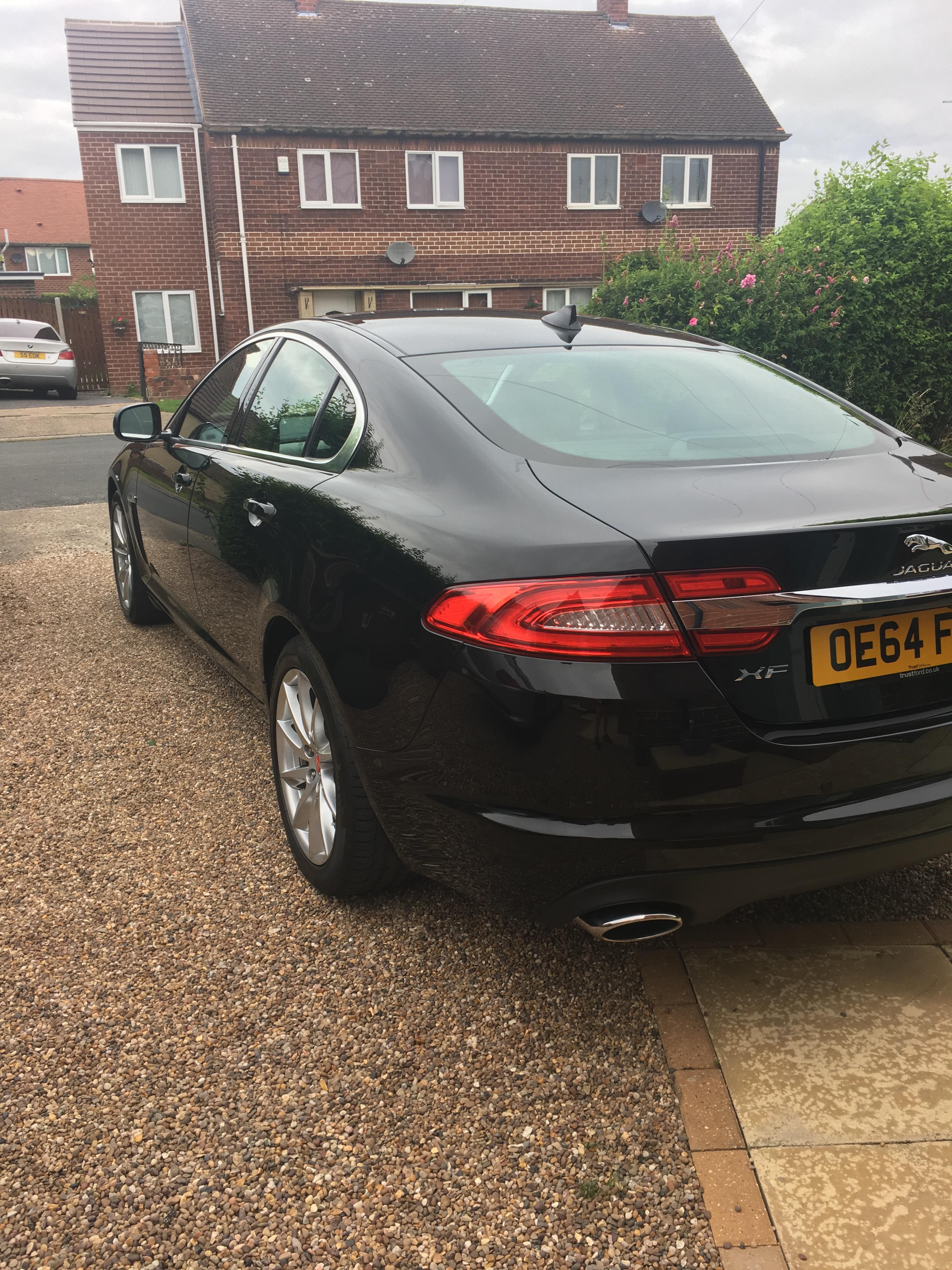
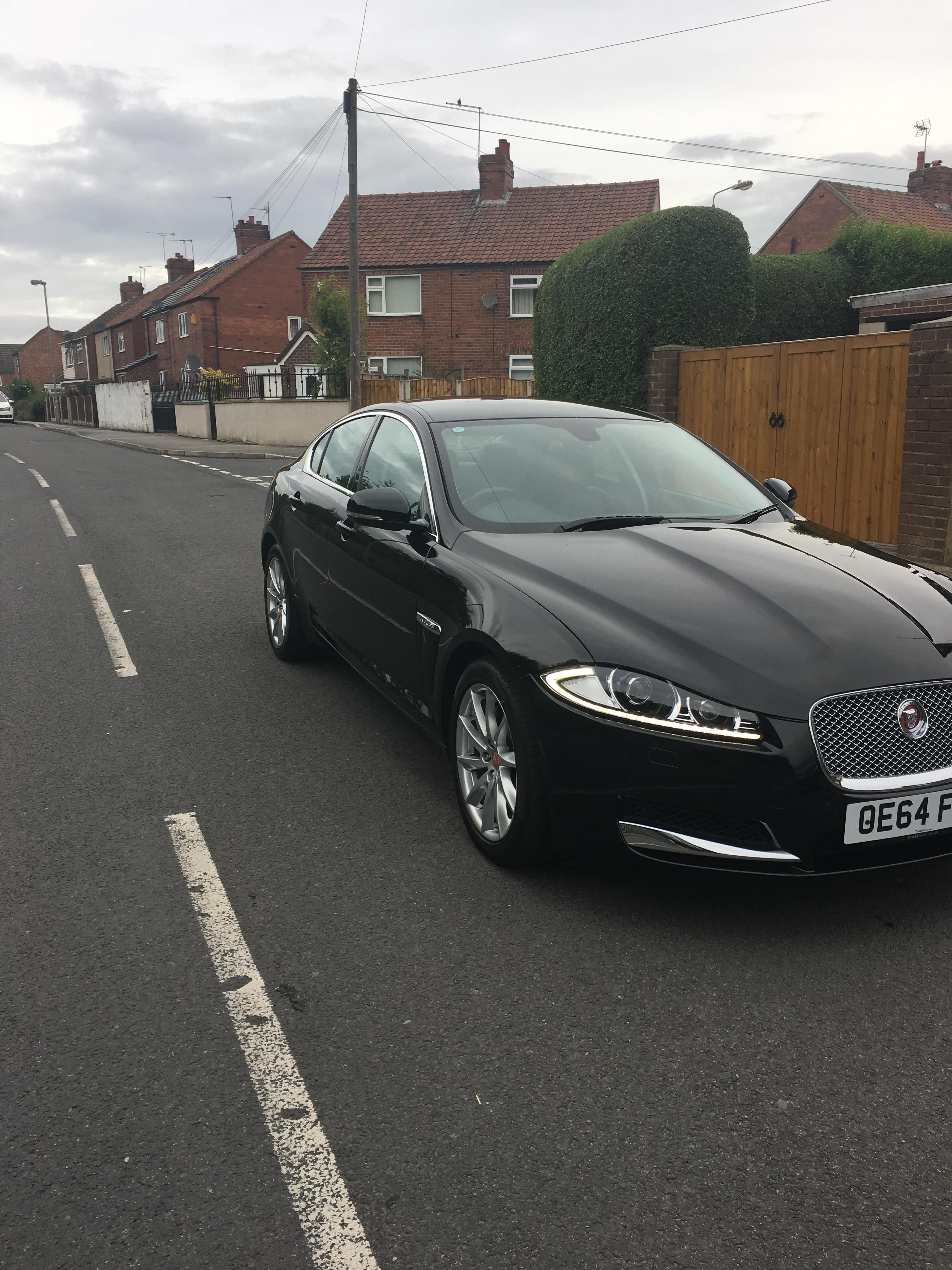
  2. Hello all, Just bought my first Jag Premium Lux 3.0 v6 D over a week ago and i love it! Got a really good deal but its only got the 18" Vela wheels. I would love the 20" Draco grey wheels. IS it jus as simple as swapping them over or do i need to make any adjustments? Just thought i would post a pic of my Jag so you can see the wheels :) Many thanks, Lee


Background Picker
Customize Layout

Account

Navigation

Search

Configure browser push notifications

Chrome (Android)
  1. Tap the lock icon next to the address bar.
  2. Tap Permissions → Notifications.
  3. Adjust your preference.
Chrome (Desktop)
  1. Click the padlock icon in the address bar.
  2. Select Site settings.
  3. Find Notifications and adjust your preference.