Bob G
Members
-
Joined
-
Last visited
-
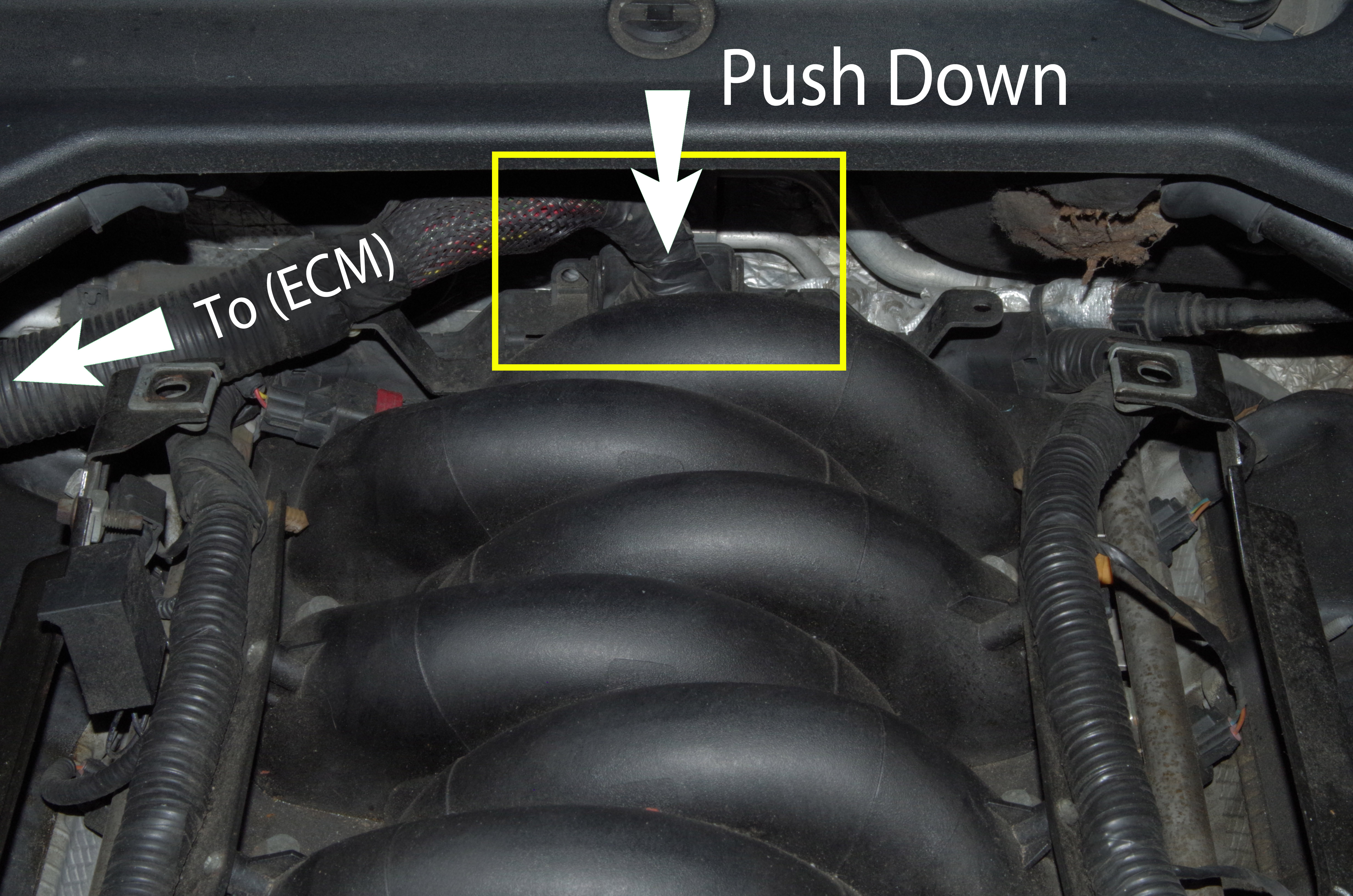
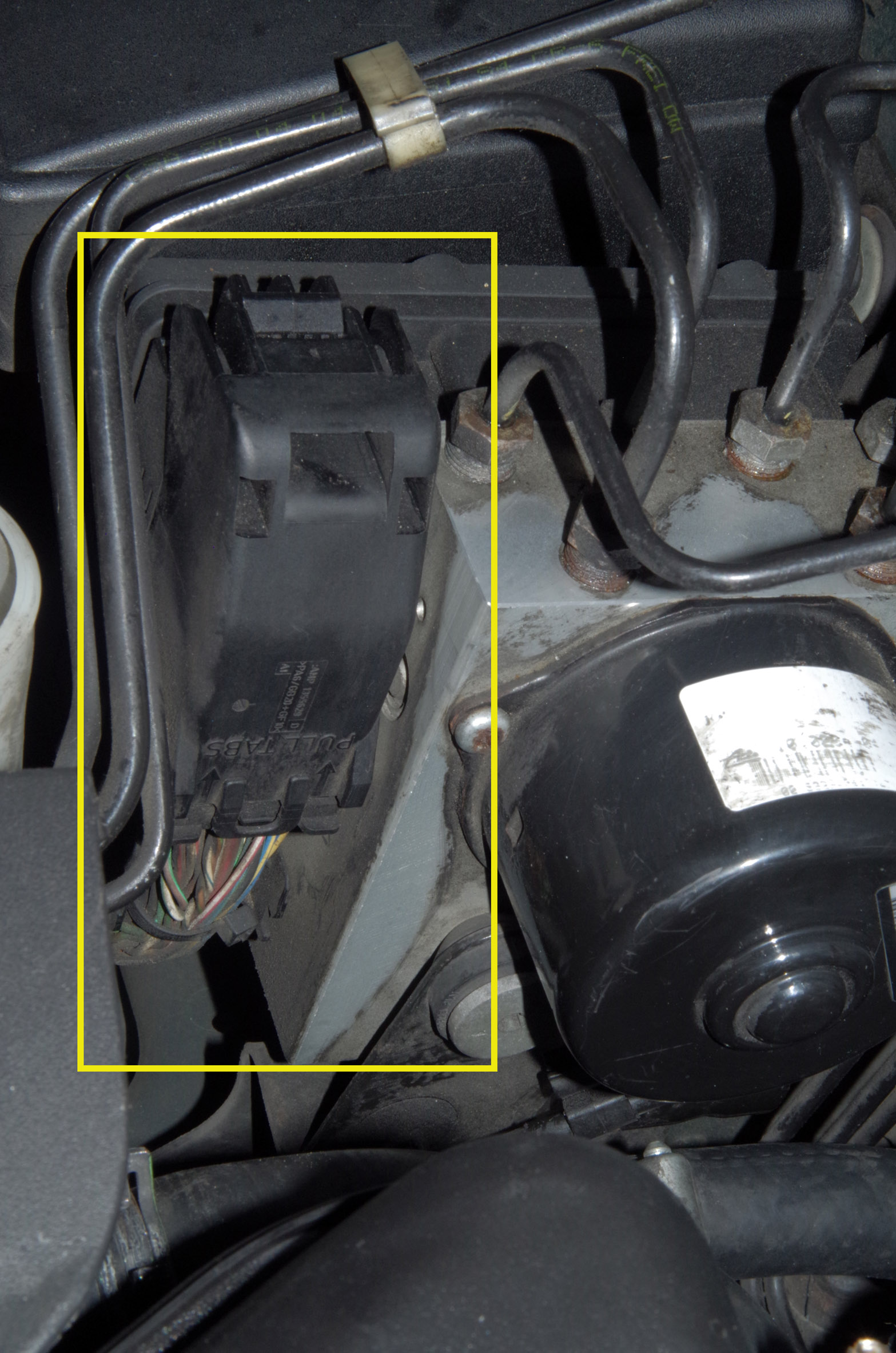
Hi Katee34, I had the same problem with the addition of "vehicle too low". Several shops and Jaguar dealer couldn't pinpoint the problem because it was intermittent. I have been working on cars for 37 years and this problem made me want to pull my hair out because it had been going on for 4 years. Very recently I spent a month trouble shooting and testing. The good news is the fix is easy and free. There is a loose connection from the Engine Control Module (ECM) to a cluster of wires on the back of the engine assuming you have the 4.2L engine (see photo). Push down hard. Now it purrs like a kitten. Depending upon weather conditions the car would loose the acceleration control when hot or when idling. Limped home many times, but never left me walking. The other adjustment made at that time was the connection to the main fuse box under the hood. I don't think this was the issue because it was clean and secure (see photo). Good luck. Bob G