Do Not Sell My Personal Information
Jump to content
View in the app

A better way to browse. Learn more.

Jaguar Owners Club

A full-screen app on your home screen with push notifications, badges and more.

To install this app on iOS and iPadOS
  1. Tap the Share icon in Safari
  2. Scroll the menu and tap Add to Home Screen.
  3. Tap Add in the top-right corner.
To install this app on Android
  1. Tap the 3-dot menu (⋮) in the top-right corner of the browser.
  2. Tap Add to Home screen or Install app.
  3. Confirm by tapping Install.

Mambo55

Members
  • Joined

  • Last visited

  1. Mambo55 posted a topic in Jaguar XF Club
    Having just taken delivery of my XF S 3.0 I was looking to the future as to whether winter tyres were worth the expense (20” tyres x 4 won’t give much change out of £1k). Does the increased grip and improved handling on cold roads justify the cost? Do UK winters justify the cost? Advice would be gratefully received!
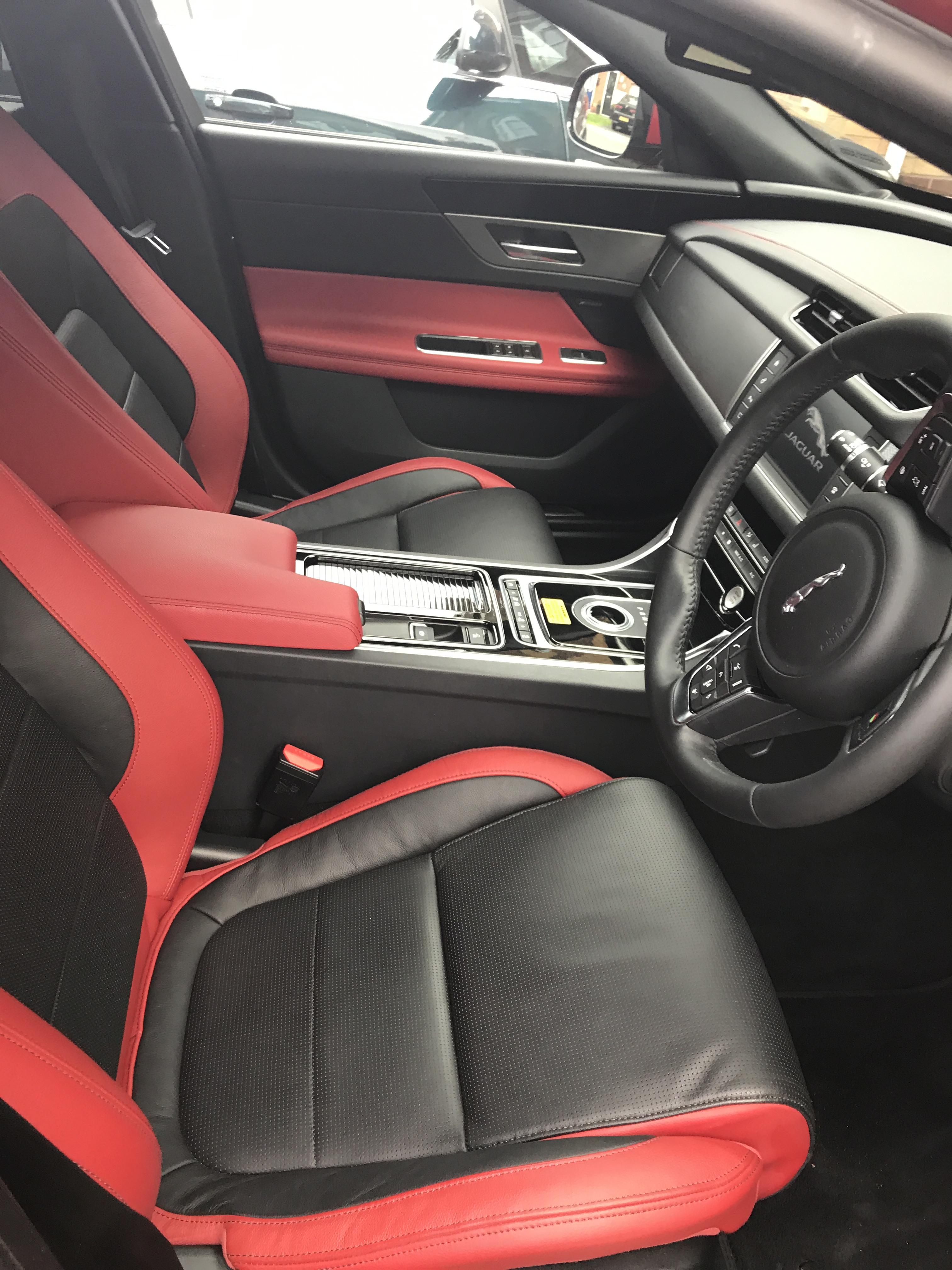
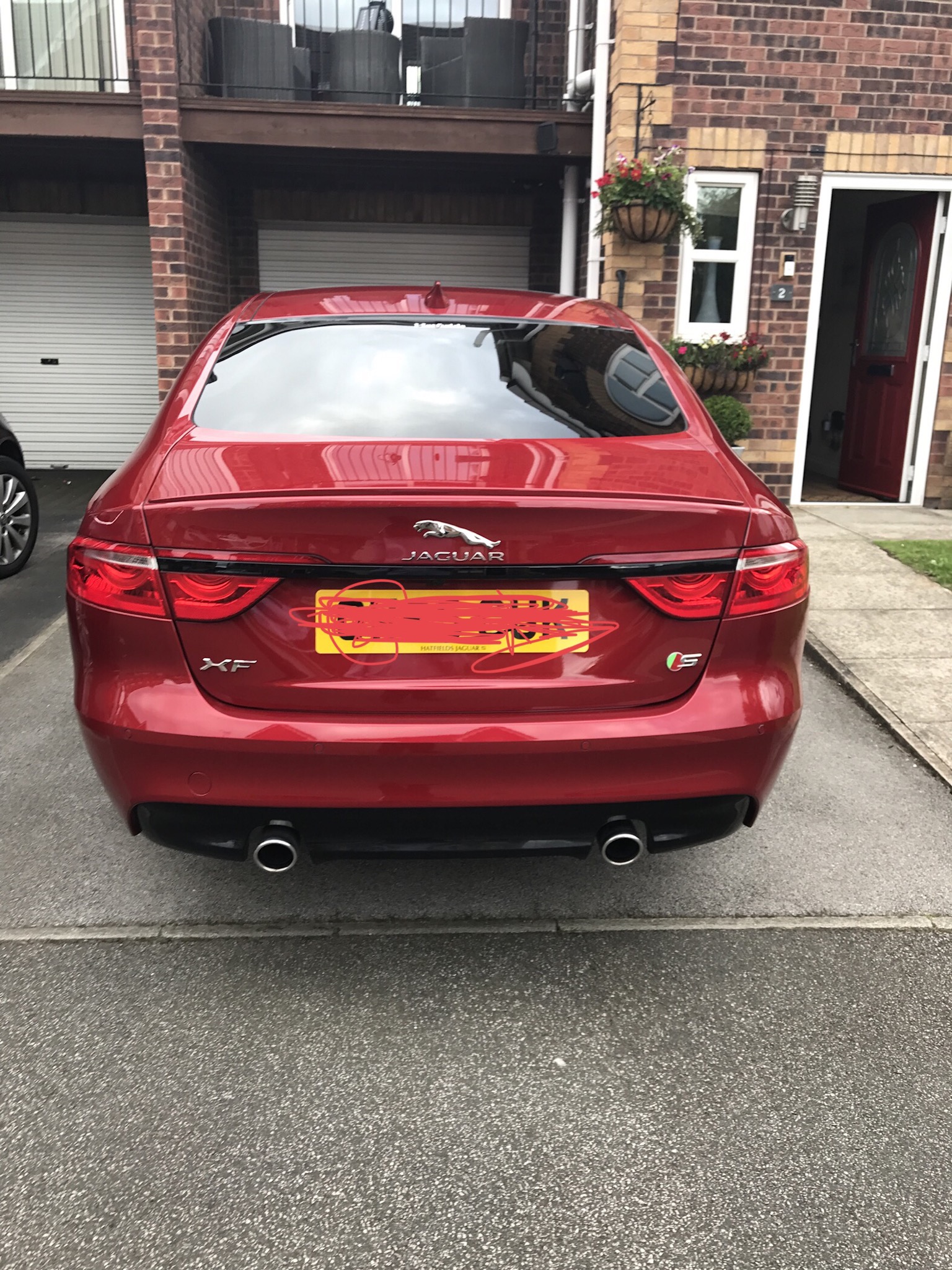
  2. Have just picked up my first Jag, it’s an XF S 3.0 diesel in Italian Racing Red with 20” black gloss venom and black pack with Privacy glass. I am absolutely made up with it and a decent upgrade on the Vauxhall Astra Estate it replaces. Tomorrow I shall attempt to fit the red gear knob, the metal gear paddles and illuminated tread plates (wish me luck).


Background Picker
Customize Layout

Configure browser push notifications

Chrome (Android)
  1. Tap the lock icon next to the address bar.
  2. Tap Permissions → Notifications.
  3. Adjust your preference.
Chrome (Desktop)
  1. Click the padlock icon in the address bar.
  2. Select Site settings.
  3. Find Notifications and adjust your preference.