


Mitch3065
Members
-
Joined
-
Last visited
-
 Hi John, You are certainly not poking your nose in. Thankfully fitting a new actuator (motor assembly) fixed mine, having taken the original one off twice to try and fix it and having it fail a couple of months later I decided that new would be the best option due to it being a pain to remove and replace. Regards Martin
 -
Hi JCB_2021 Sorry it was the electric parking brake on mine that was faulty, it wasn't stuck in park. I would advise you to open a new post, I'm sure someone will be able to help, you can probably get what you need from a breakers.
-
Many thanks for your prompt reply and advice.. At least now I can make an informed decision, having looked into it, new replacements are not as expensive as I had first feared so will go down that route. Cheers Martin
-
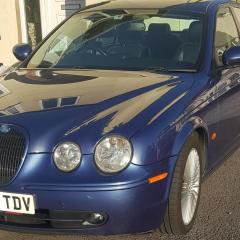
Hi, I need to replace my park brake actuator due to the nylon gears inside the unit being worn. Does anyone know if the actuator from the XF will fit? They look identical apart from the cable which is shorter but I would hope to be able to swap this from my S Type actuator as the cable is okay. The reasons I want to use the XF actuator is 1) they are newer and hopefully not as worn, and 2) they are approximately half the cost as the S Type ones on a well known auction site. Any advice much appreciated. Martin
