


Ed Elliott
Members
-
Joined
-
Last visited
Everything posted by Ed Elliott
-
I believe I need to fit a replacement antenna amplifier which I have but can’t find my into the trim to get at it. Any help would be appreciated !
-
This message is now coming up. AA tell me that it’s to do with an onboard computer that monitors the speed of the car. The message is intermittent - any ideas how to reset ?
-
Thanks a lot . Which side trim is it behind ? Drivers side or passenger? Cheers
-
Thanks for that. Is it easy to get to and replace ? Thanks Ex
-
Thanks Richard have now tried the USB removal, and it’s still useless ! ed
-
When I first had my 55 plate S type the radio worked well.Now I find that reception is very poor on all stations . Any ideas ?
-
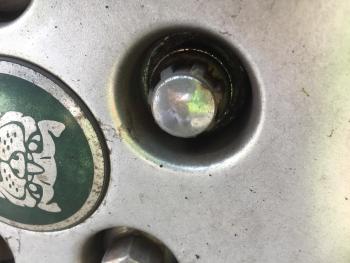
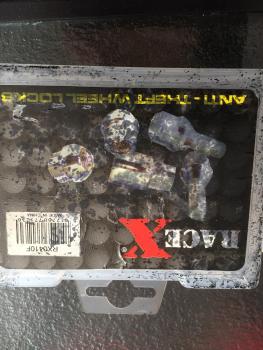
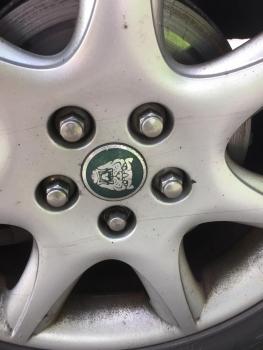
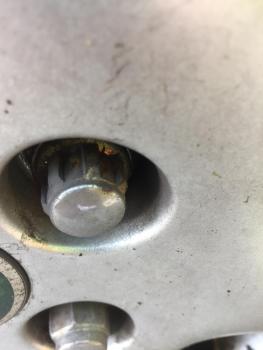
Attached photos thanks Joe I also show the empty box !
-
Thanks for that Joe , seems not too bad. I now have another problem ! The wheels are fitted with Race X locking wheel nuts but there seems to be no key ! Help - any ideas ? Regards. Ed
-
My S type is. a 2.7D 2006. It needs rear discs and pads . I am wondering whether or not this is possible to do at home as I hear tales of the EPB which needs winding in or out. Anybody have any knowledge of this please ? Ed


