Do Not Sell My Personal Information
Jump to content
View in the app

A better way to browse. Learn more.

Jaguar Owners Club

A full-screen app on your home screen with push notifications, badges and more.

To install this app on iOS and iPadOS
  1. Tap the Share icon in Safari
  2. Scroll the menu and tap Add to Home Screen.
  3. Tap Add in the top-right corner.
To install this app on Android
  1. Tap the 3-dot menu (⋮) in the top-right corner of the browser.
  2. Tap Add to Home screen or Install app.
  3. Confirm by tapping Install.

Metelyk

Members
  • Joined

  • Last visited

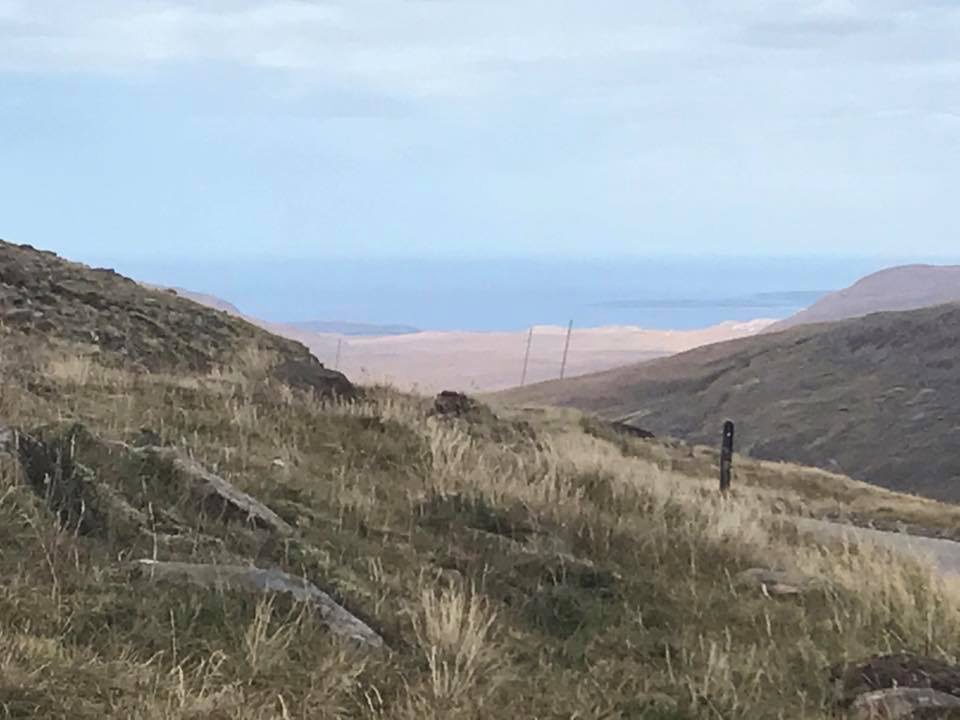
  1. I drove it in September after school holidays had finished. It was quieter and we had pretty good weather. I’d definitely recommend avoiding bank hols and summer hols to be honest as it would be far to busy to fully enjoy the roads and scenery.
  2. Head off to a Scotland for the joys of the NC500. Beautiful.
  3. Anything planned. In the RX8 Owners Club we attended various car shows, had road trips and regular social meets. What do you guys have lined up? Interested to hear. Thanks Andy
  4. Hi Good to be here. Just bought my first Jaguar after years of Japanese cars. Purchase of a XE R-Sport is a leap of faith after previous reliability issues with non Japanese cars. My Alfa 156 loved repairs, so did my Peugeot. My Mazda RX8, MX5, Subaru Impreza, Lexus IS250 and various Toyotas were trouble free. So far I’m loving the luxury and power of the Jag though, long may that continue! Andy



Background Picker
Customize Layout

Account

Navigation

Search

Configure browser push notifications

Chrome (Android)
  1. Tap the lock icon next to the address bar.
  2. Tap Permissions → Notifications.
  3. Adjust your preference.
Chrome (Desktop)
  1. Click the padlock icon in the address bar.
  2. Select Site settings.
  3. Find Notifications and adjust your preference.