


XF-MICHAEL-27
Members
-
Joined
-
Last visited
-
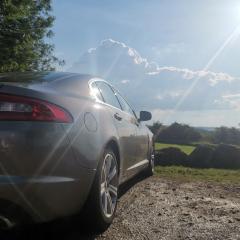 Hi Everyone, Need help! I have a 59 plate XF 3L V6 I have 3 electrical issues that are bugging me and can't for the life of me find the issue. Issue 1... the steering column adjustment doesn't work Issue 2... The passanger windows front and back have both stopped working And issue 3... The passanger side wing mirror won't move electronically. If anyone can help I'd be greatful
 -
XF-MICHAEL-27 changed their profile photo
-
Hi Everyone, Need help! I have a 59 plate XF 3L V6 I have 3 electrical issues that are bugging me and can't for the life of me find the issue. Issue 1... the steering column adjustment doesn't work Issue 2... The passanger windows front and back have both stopped working And issue 3... The passanger side wing mirror won't move electronically. If anyone can help I'd be greatful

