


Djm29xf
Members
-
Joined
-
Last visited
-
Just change the battery then put it in the porthole on the drivers side under the dashboard then it will reconnect the keys
-
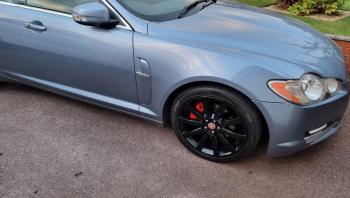
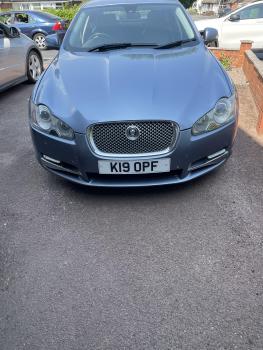
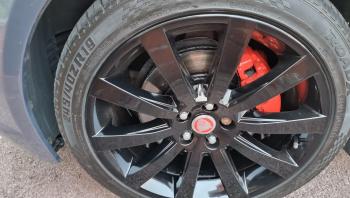
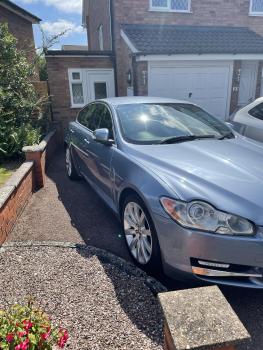
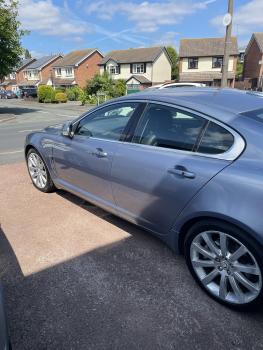
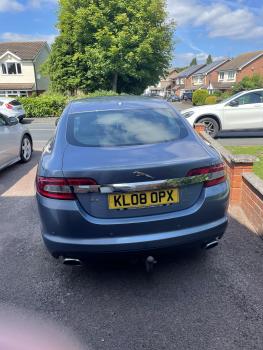
Hi I’m selling my XF supreme premier model it mot till December 22 just been serviced and it got full service history just had the wheels refurbished in black powder coated and the brake callipers powder coated red it’s got 14540 miles The pictures are from when the old reg and the wheels before being done my private reg I will keep




-
Needs a regeneration and fault code taking off
-
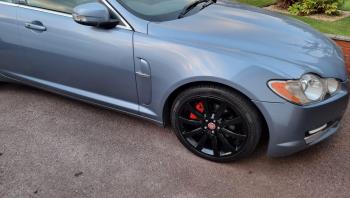
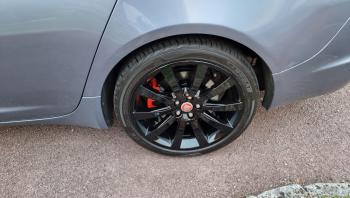
I’m thinking of selling my XF it a supreme luxury model with it just been mot 3 rd December and been service history and just been serviced it blue with powder coated black wheels and powder coated red break cacaliper s


-
There is a lot of electric faults on the XF s I truly think they should have done a recall on the electric s on the XF
-
Yeah I had them problem s so I brought a bigger battery for the and they went away
-
Where is the senior in the door as it’s had new door locks from main dealership
-
Can anyone help my alarm keeps going off randomly I’ve replaced the main battery and back up battery and door locks and it’s still happening on the dashboard well the security system on the control it says activated by driver s door





