


mickwragg
Members
-
Joined
-
Last visited
-
 Hi Carl, thank you for that. I have called the main dealers in my town and given them the registration to check original build criteria. They have checked and it looks like these were not optioned by the first owner when he ordered it so looks like they are an optional extra which is unbelievable considering the original build cost with extras was nearly £75,000.00!
 -
Hi, Looking on other forums, this is a common issue and generally is rectified by (re booting the system) disconnect the battery terminals and leave off for 10 minutes then re connect, that should sort it apparently.......
-
mickwragg changed their profile photo
-
Hi Jimbov8 Thank you for this info, I have looked through the infotainment screen and can't see an option so looks like they were probably not added as an option. I just presumed these were a standard item on this model.
-
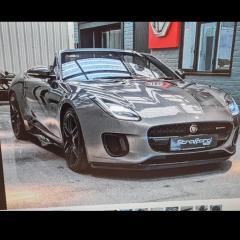
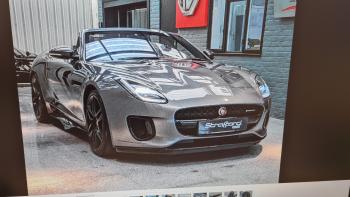
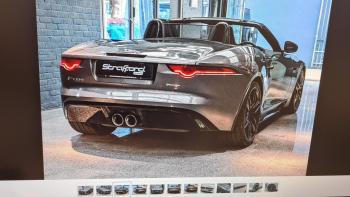
Hi, I'm new to Jaguar ownership and have just purchased a F-Type 3.0 V6 R Dynamic. I wondered if anyone could advise on the following..... When I lock the car the mirrors are not folding in electrically! I presumed that this was a standard fitment but wondered if anyone could let me know if this is the fact or maybe an optional extra that has not been added from new. Thank you in advance.
-
Hi, I'm new to Jaguar ownership and have just purchased a F-Type 3.0 V6 R Dynamic. When I lock the car the mirrors are not folding in electrically! I presumed that this was a standard fitment but wondered if anyone could let me know if this is the fact or maybe an optional extra that has not been added from new. Thank you in advance.


