Yelton
Members
-
Joined
-
Last visited
-
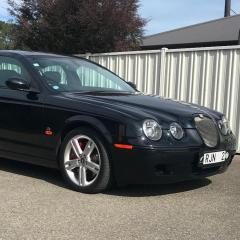 I've changed the language on my Japanese import 2006 S-Type and everything works great except I still get the warning message (only use when stationary??) in Japanese, anyone know how to change this?? The radio also has the restricted frequency range that is Japanese specific, surely also a 'software' limitation?!?
 -
Yelton changed their profile photo
-
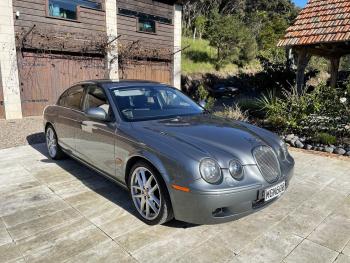
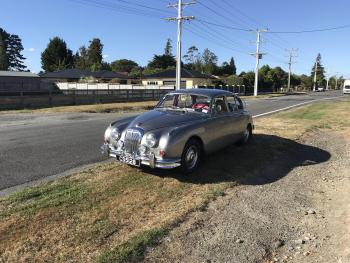
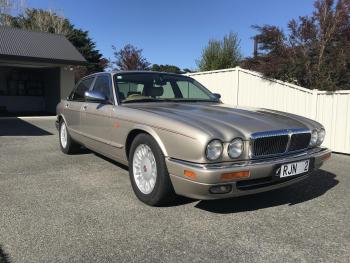
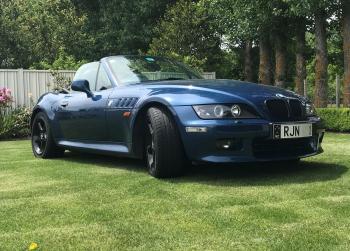
Hi and thanks for the add. I'm a Brit now living in New Zealand's North Island (Wairarapa for any kiwis on here). I'm just in the process of buying a 2006 STR, also own a '64 Daimler V8 and have recently sold a X305 Daimler Double 6. Have to admit to also owning a 2000 BMW Z3 3.0 Roadster!! Have added piccies for your delectation.