hcstr
Members
-
Joined
-
Last visited
Everything posted by hcstr
-
Thank you very much for the referral to the Jaguar Daimler Heritage Trust. I'm going to look into that today.
-
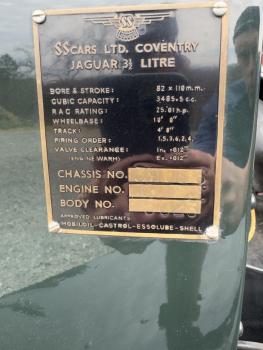
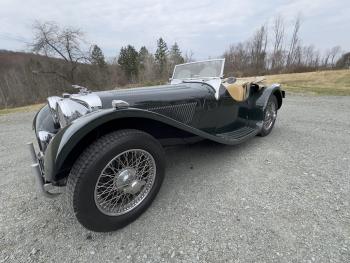
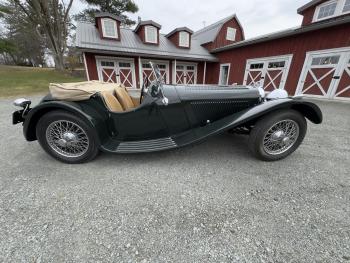
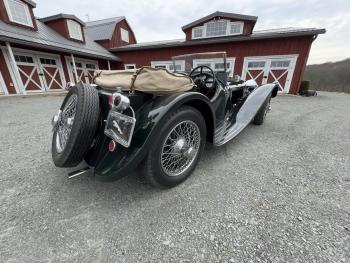
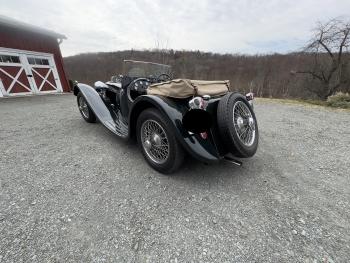
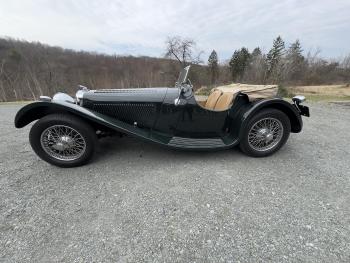
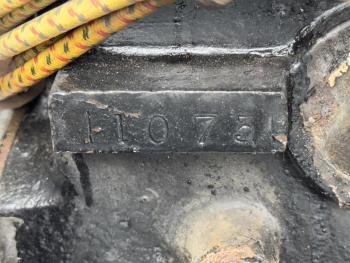
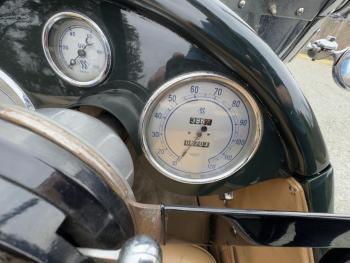
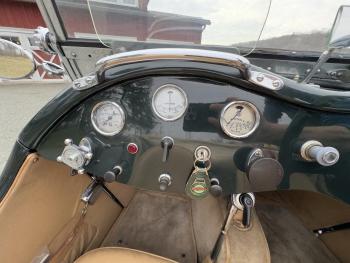
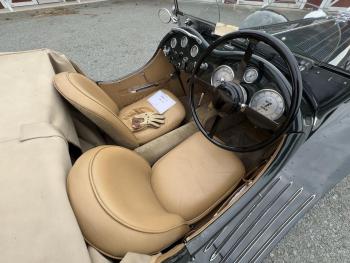
Hi All, My father in law has a 1939 (he believes) Jaguar SS100 which I was hoping to get some additional information on. He is located in the United States, and he believes he is only the second owner of the vehicle (purchased from a gentleman in Monaco in the 1990s). We are just beginning to research the history of the vehicle as he is considering listing it for sale soon, and would like to know as much as possible. If anyone has any history they can share, it would be tremendously appreciated. Thank you for your time! Vehicle details: Hunter Green 1939 (he believes, though there is some contradictory thinking it may be a '37) SS100, right hand drive. 3.5 liter engine Vehicle serial: 39096 Engine Serial: M1073E (serial matching on engine, to plate on car chassis) Body no: 5023