


naughtycat24
Members
-
Joined
-
Last visited
-
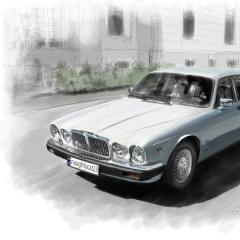 Hi to All cat lovers, I have a Jaguar XJ12 from 1988 yr and I'm new to this forum ( however we have one jaguar forum in Poland weher I live ). I hope this foreign Jaguar comunity is much much better in the meaning of quantity and quality then the comunnity here in my country :) I'll try to give a least one photo of my Jag all comments are waelcome:)
