Adamcf
Members
-
Joined
-
Last visited
Everything posted by Adamcf
-
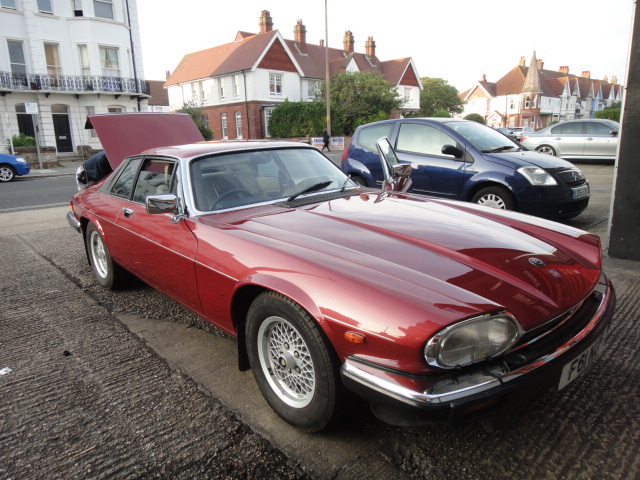
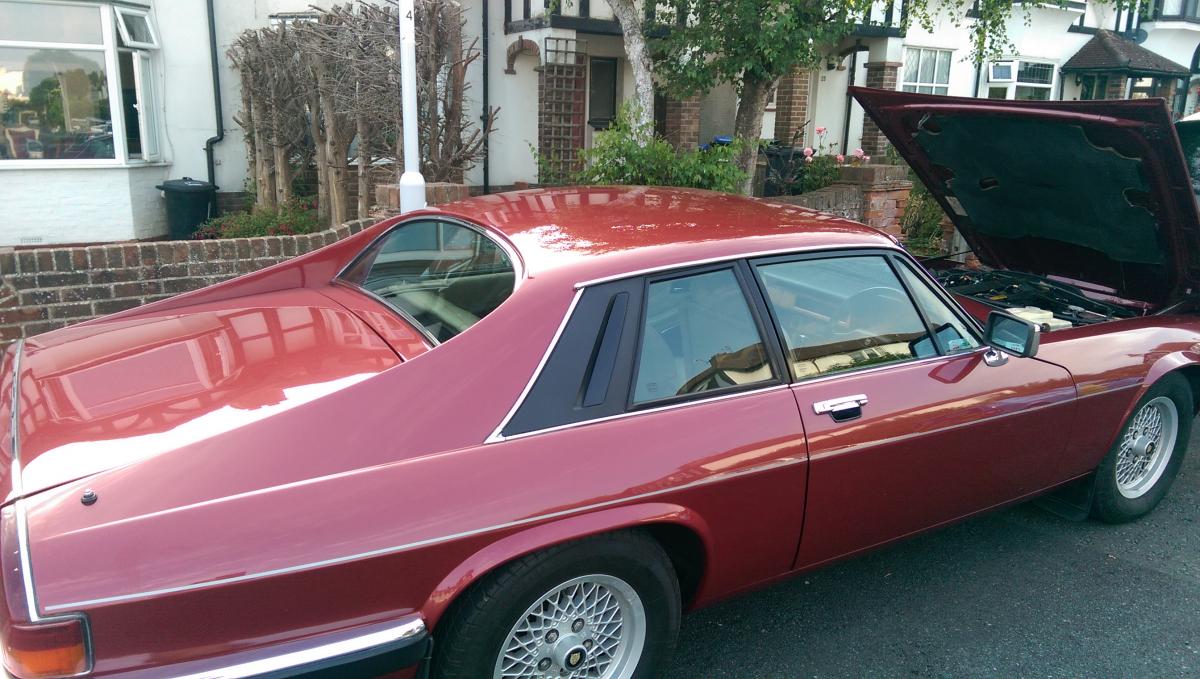
 XJS has always been my dream car. Last year I happened to see an 1989 XJS 3.6 Coupe on the road for sale. I just bought the car on the spur of the moment. It's a dream come true. The Jag is absolutely a wonderful car and runs perfectly well. Unfortunately, for some personal reasons, I have to give up the XJS. So, any advice would be deeply appreciated.