BusterBrownBB
Members
-
Joined
-
Last visited
-
 My wife has decided to call the car Kitty..... She's the boss.
 -
Hopefully in the right bit of the forum..... I have a 2007 2.0Ds and it doesn't have the touch screen Satnav onboard. It also doesn't seem to have the CD changer but there is a space in the boot for that. I'm wondering how easy / Do-able by myself it would be to take out the gubbins in the dash and replace with a Satnav Unit, a proper Jag one. I've seen them for sale on Fleabay and am kinda hoping it would be a fairly easy thing to do......... Anyone got any ideas? or is it not recommended? Thanks BB
-
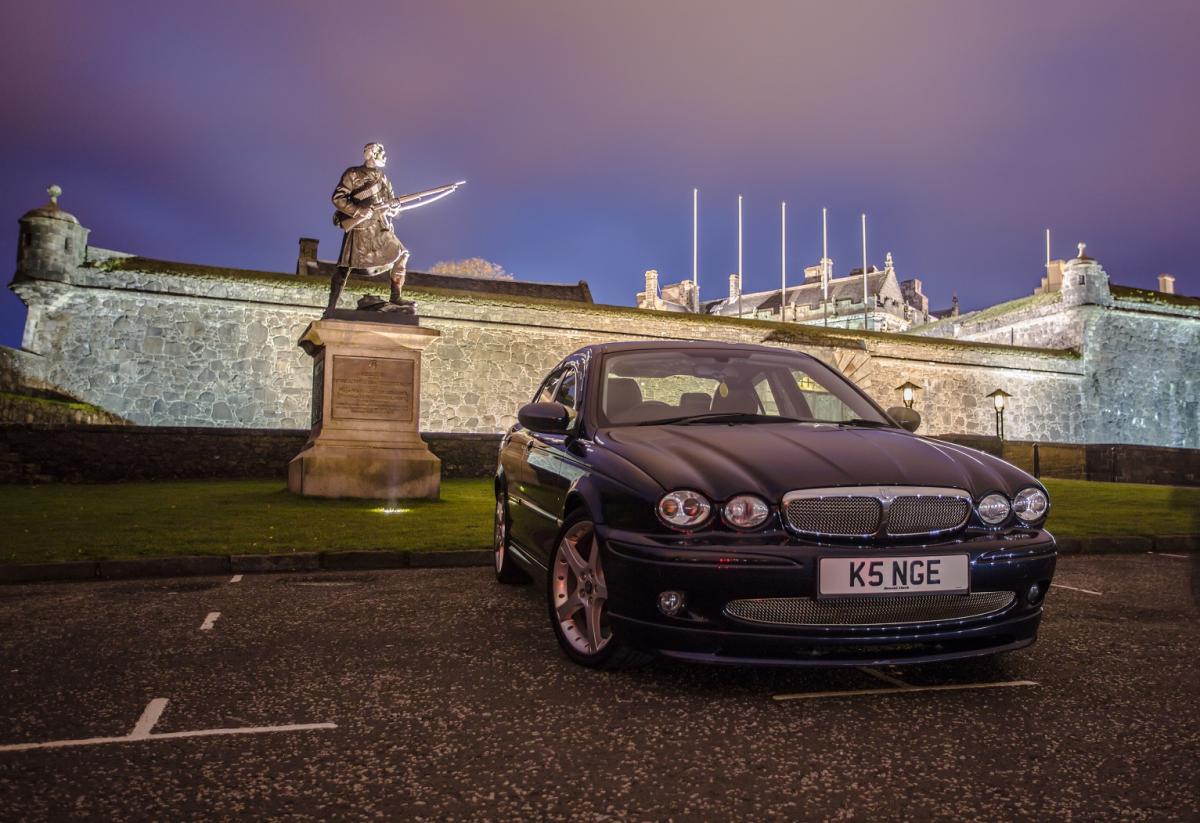
Hi guys. Call me BB. Am new to the Jaguar life. Been thinking about owning a Jag for many years but only now decided to go for it. Found a reasonably priced "57" 2.0d S with only only 47000 on the clock and after a wee test drive decided It was for me. I have a personal plate which will go on it too, not the K5 one on the car so it will be fully personalised soon too. (Is a chequered blanket on the back seat a step too far? ;) I've done my boy racing thing, done my Family Taxi thing, Now it's time for refined, luxury, Cravat and driving gloves thing. I love the car so far, A dream to drive. Looking forward to meeting other Jaguar owners. Cheers BB BU06 TER - soon to be adorning the Jag :)