
Do Not Sell My Personal Information
Jump to content
View in the app

A better way to browse. Learn more.

Jaguar Owners Club

A full-screen app on your home screen with push notifications, badges and more.

To install this app on iOS and iPadOS
  1. Tap the Share icon in Safari
  2. Scroll the menu and tap Add to Home Screen.
  3. Tap Add in the top-right corner.
To install this app on Android
  1. Tap the 3-dot menu (⋮) in the top-right corner of the browser.
  2. Tap Add to Home screen or Install app.
  3. Confirm by tapping Install.

shello

Members
  • Joined

  • Last visited

  1. Some drive that Matt! Nice looking motor :)
  2. Ha ha ha, cheeky buggers!!
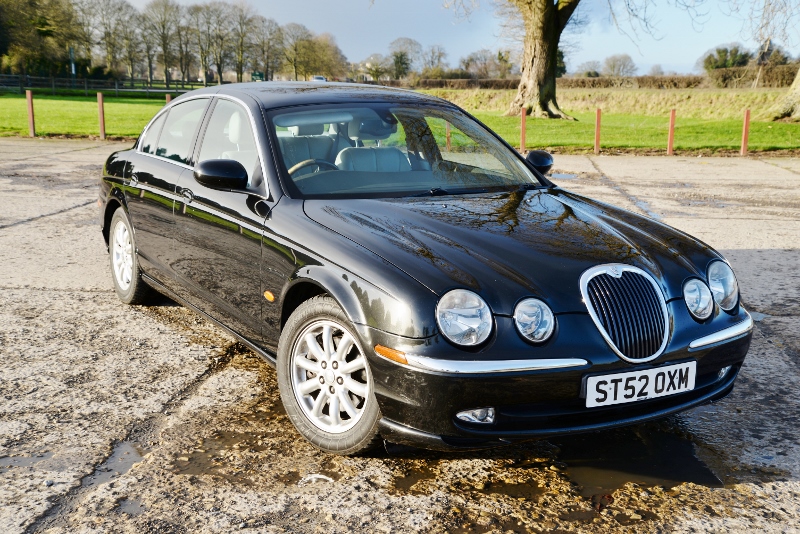
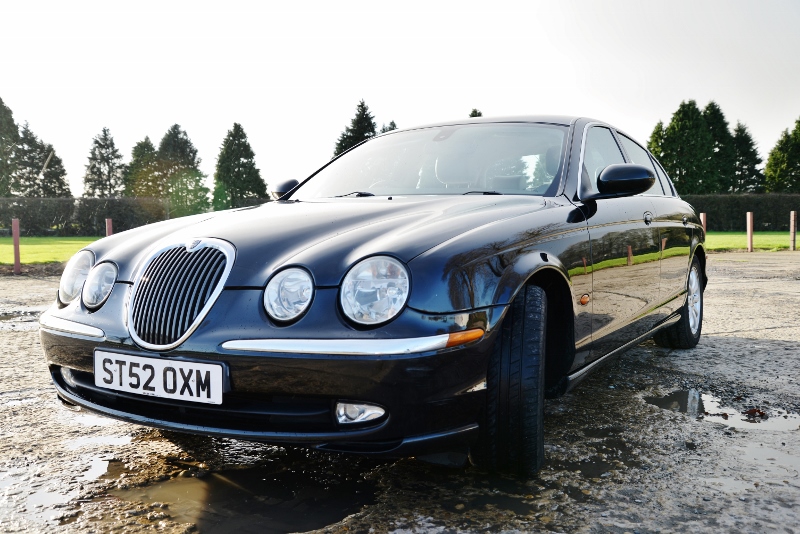
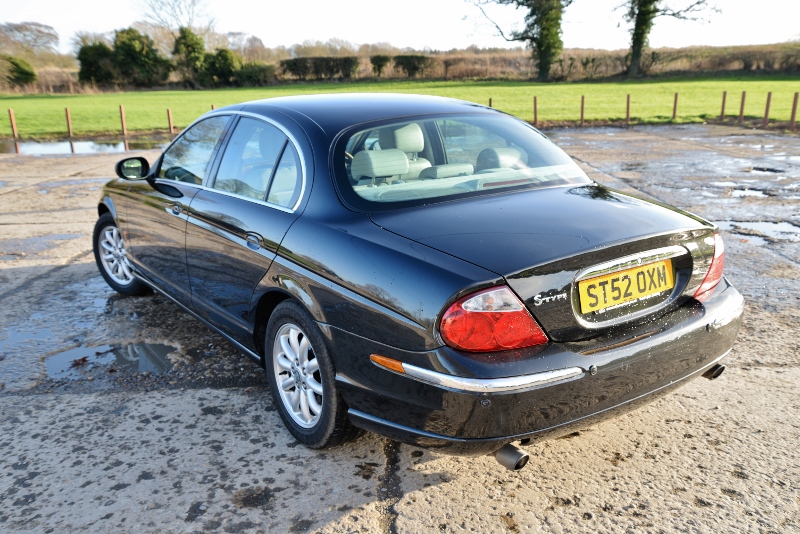
  3. My 2.5 V6 S type. Had it 2 weeks, nice smooth ride.
  4. Thanks Hugh, it's a spare fob I'm after, cheers anyway.
  5. Many thanks Peter, I'll try them.
  6. Hi folks. Just wondering where's the best (but reasonably priced) place to get a spare key and fob/transmitter as the car came with only one. Or how do I go about sourcing one! I'm in North Yorkshire (just north of Ripon) Cheers Shello.
  7. Hi

    shello replied to shello's topic in New Members Introductions
    Cheers Trevor and Peter
  8. Hi

    shello posted a topic in New Members Introductions
    Just saying hi. New to the site so thought I'd be polite and introduce myself. Live in North Yorkshire, just bought a 2002 S type 2.5.

Background Picker
Customize Layout

Configure browser push notifications

Chrome (Android)
  1. Tap the lock icon next to the address bar.
  2. Tap Permissions → Notifications.
  3. Adjust your preference.
Chrome (Desktop)
  1. Click the padlock icon in the address bar.
  2. Select Site settings.
  3. Find Notifications and adjust your preference.