raoul59jyc
Members
-
Joined
-
Last visited
Everything posted by raoul59jyc
-
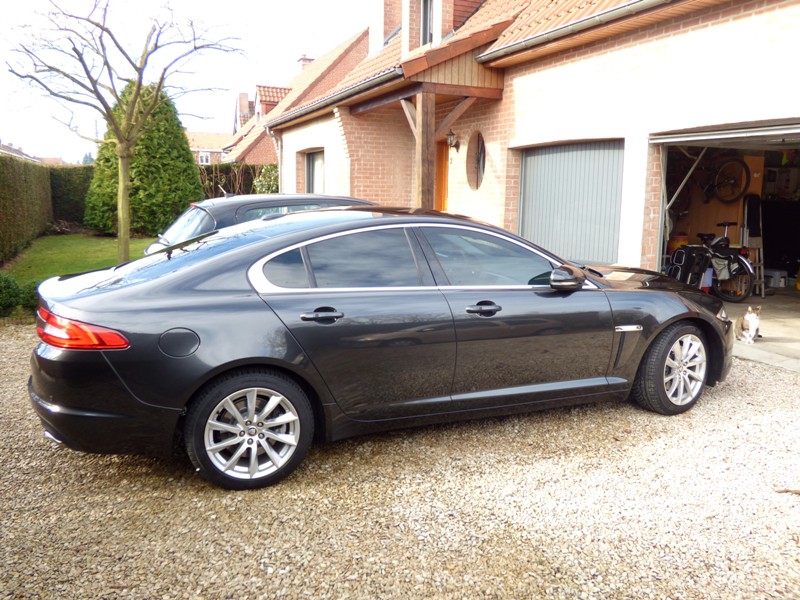
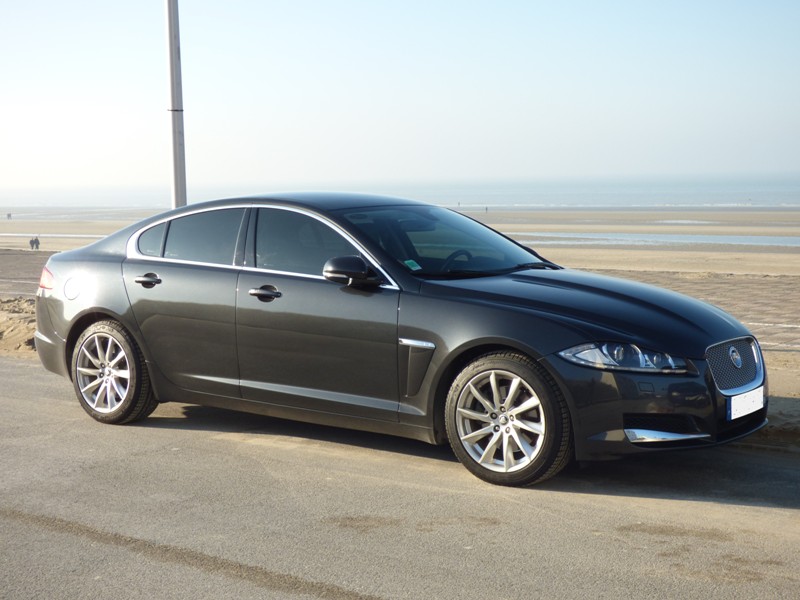
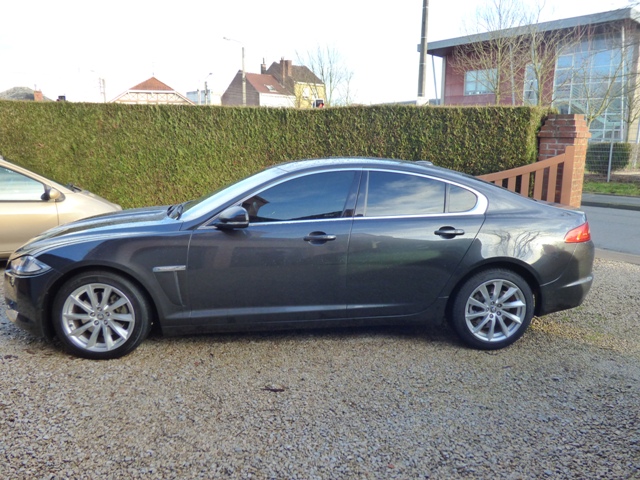
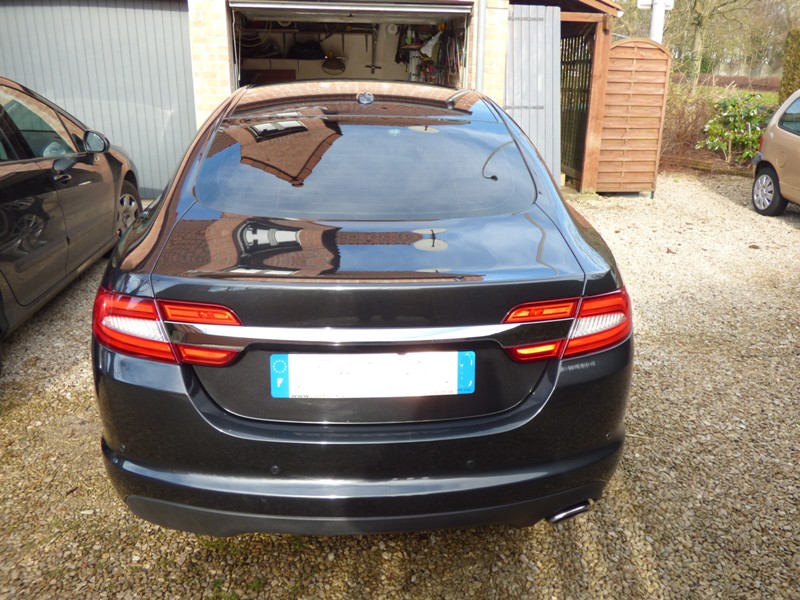
 Hi, my XF 2012 has all windows tinted, except the windscreen. According to the certificate of conformity, Front doors are tinted at 75%, and rear doors and back window are 85%. The car is a MY2012, the window tinting was done in november 2014. As I have my XF only since 10 days , and have not yet experienced night driving, I can't say if it is good or not, in terms of visibility. But the car looks really amazing in Stratus Grey and dark windows. Hope it helps in your decision to tint or not.


-
Hi from North of France, I've just bought an (used) XF 2.2 i4 D 190 (may 2012). I've been searching for two years, and finally got the jewel ! :) Stratus Grey - black charcoal, tinted windows, luxe premium, 18" Vela wheels. Just wonderful !!!