Do Not Sell My Personal Information
Jump to content
View in the app

A better way to browse. Learn more.

Jaguar Owners Club

A full-screen app on your home screen with push notifications, badges and more.

To install this app on iOS and iPadOS
  1. Tap the Share icon in Safari
  2. Scroll the menu and tap Add to Home Screen.
  3. Tap Add in the top-right corner.
To install this app on Android
  1. Tap the 3-dot menu (⋮) in the top-right corner of the browser.
  2. Tap Add to Home screen or Install app.
  3. Confirm by tapping Install.

Henry

Members
  • Joined

  • Last visited

Everything posted by Henry

  1. Henry posted a topic in Jaguar Owners Lounge
    Just made an account on instagram to share the work I do. Please have a look and follow me, thanks Jagworx
  2. Probably the sensor they do tend to play up. Have it replaced.
  3. Shropshire
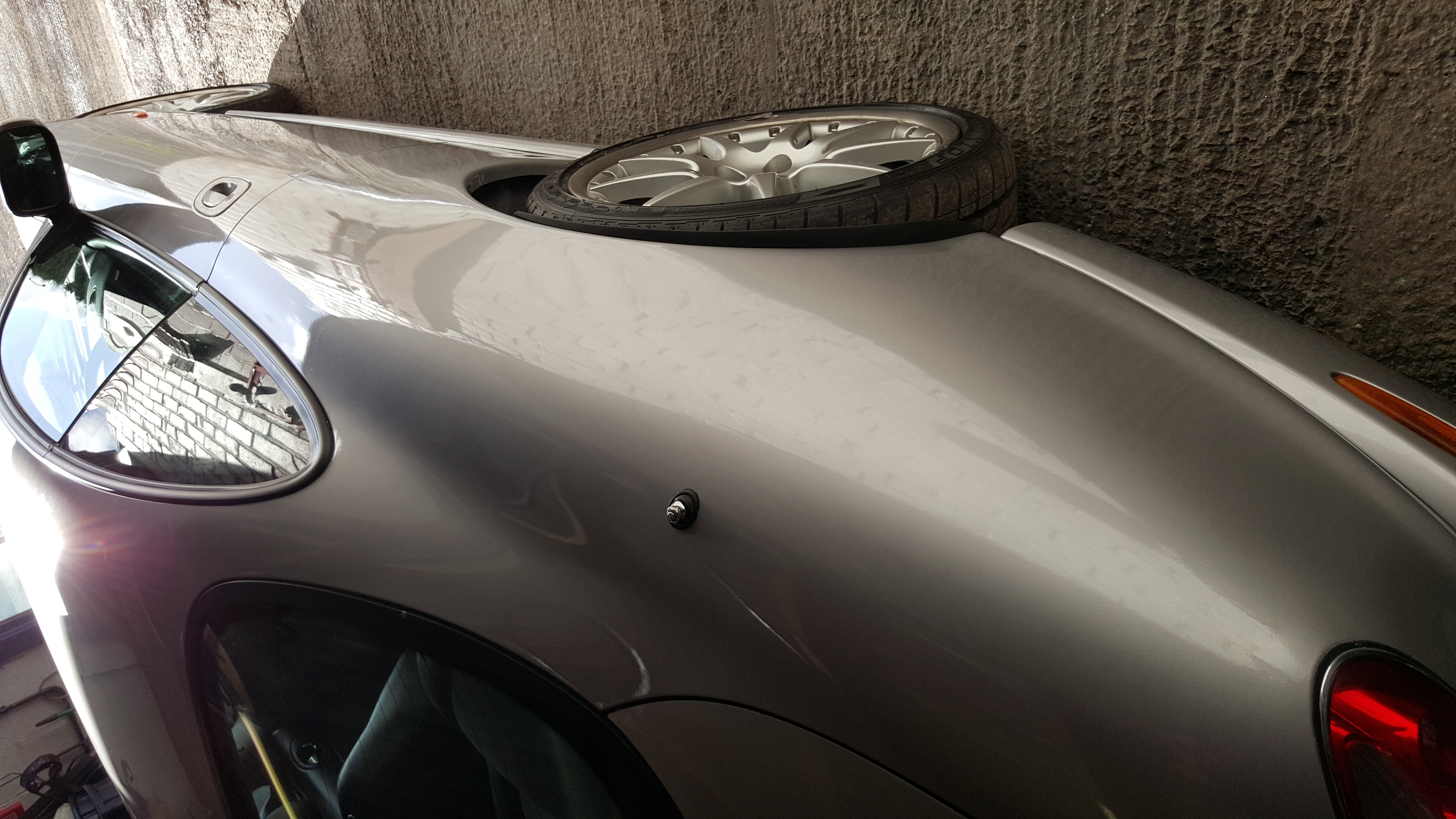
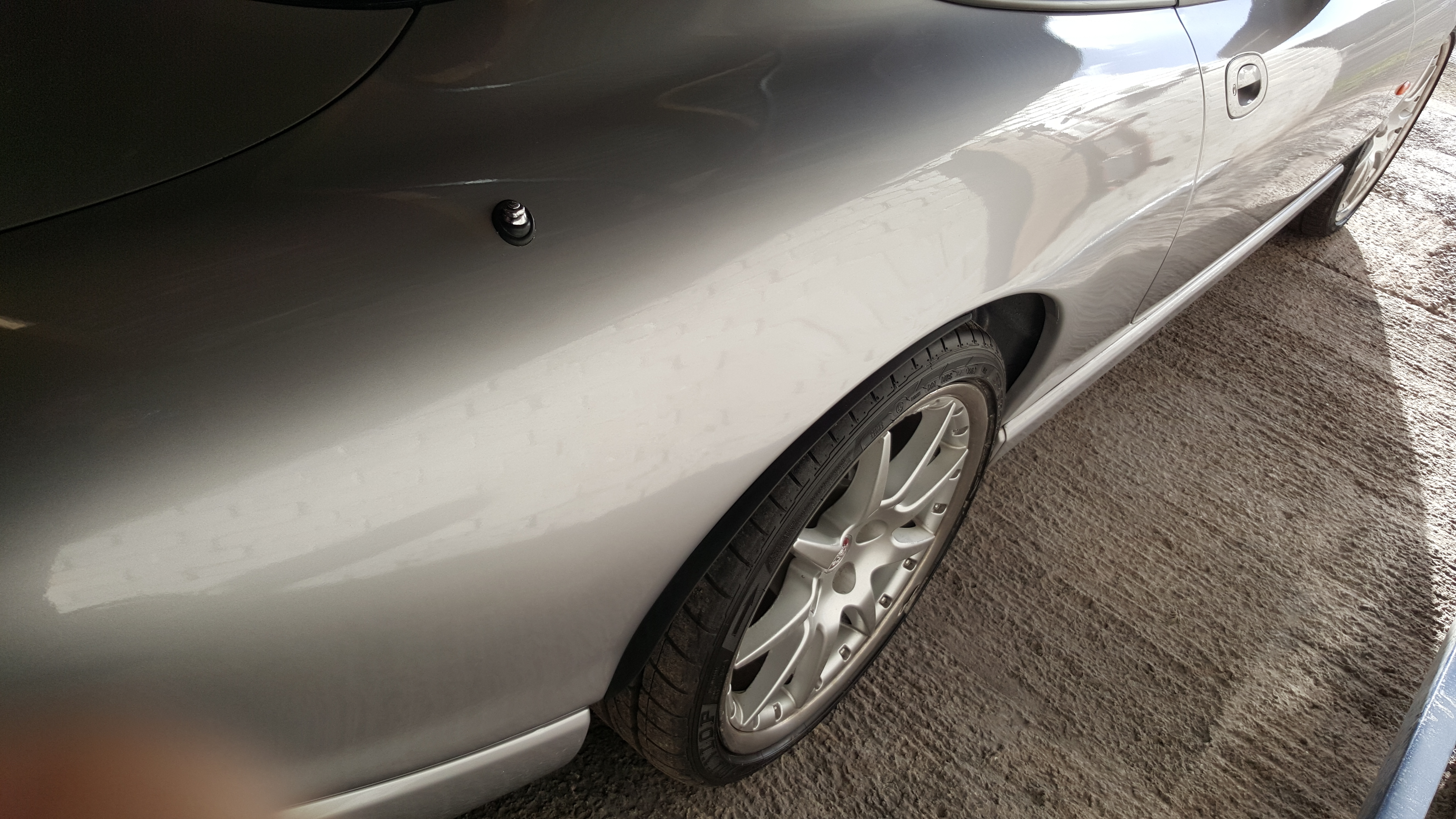
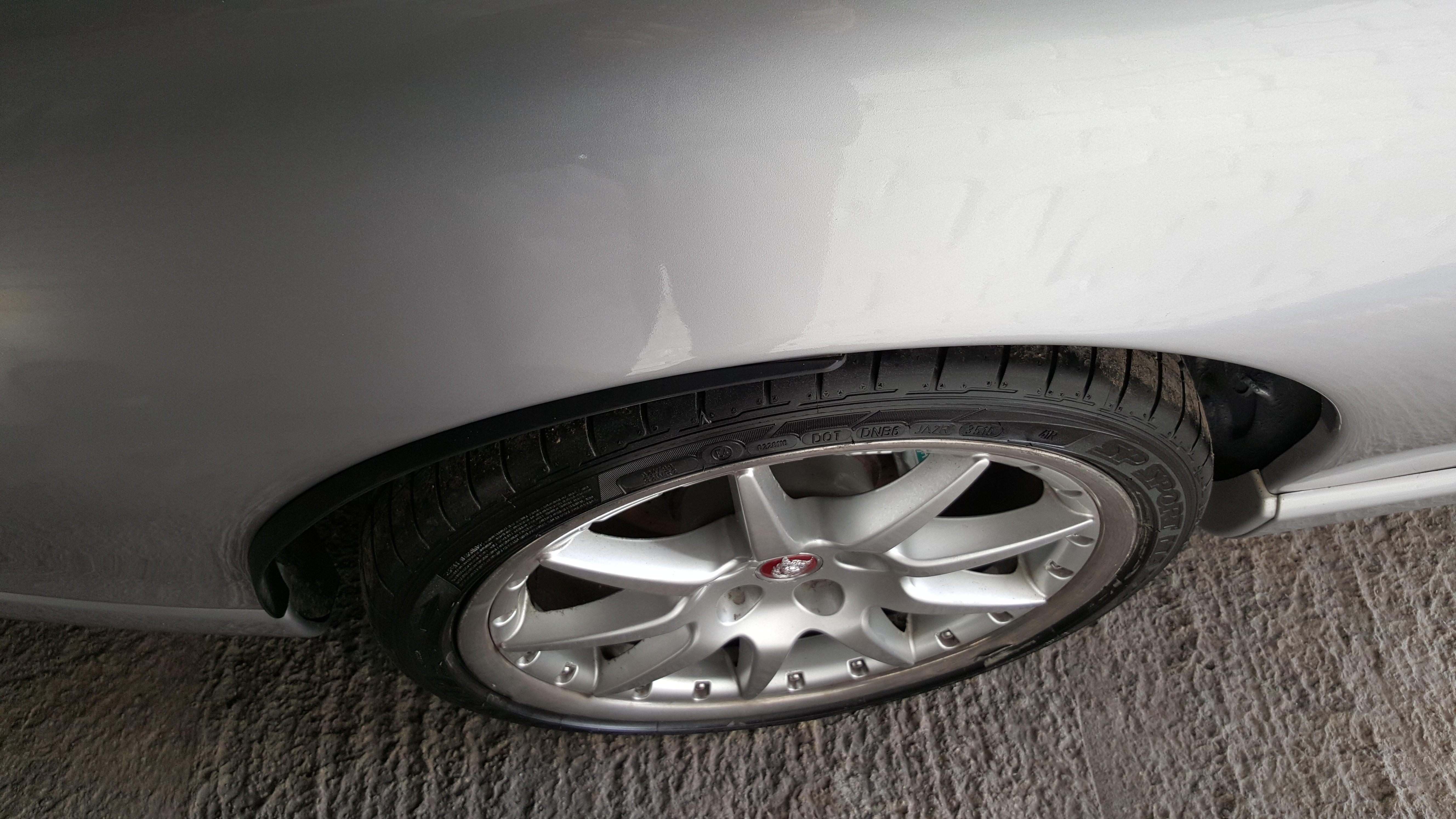
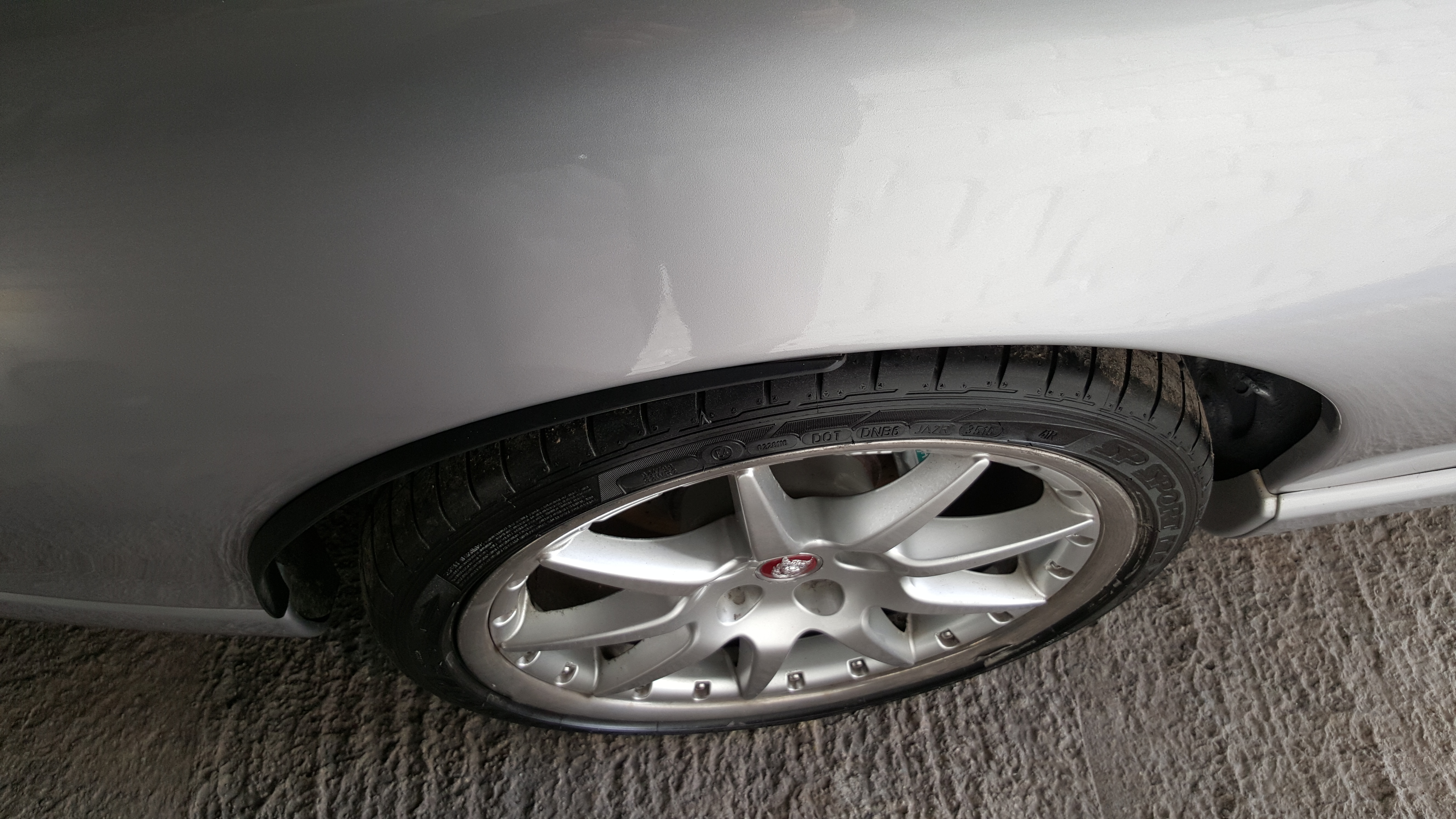
  4. Thanks a lot, the black rubber fillets are fitied to x100 x150 and x152. I don't have a website atm. But members can contact me through here if any work required.
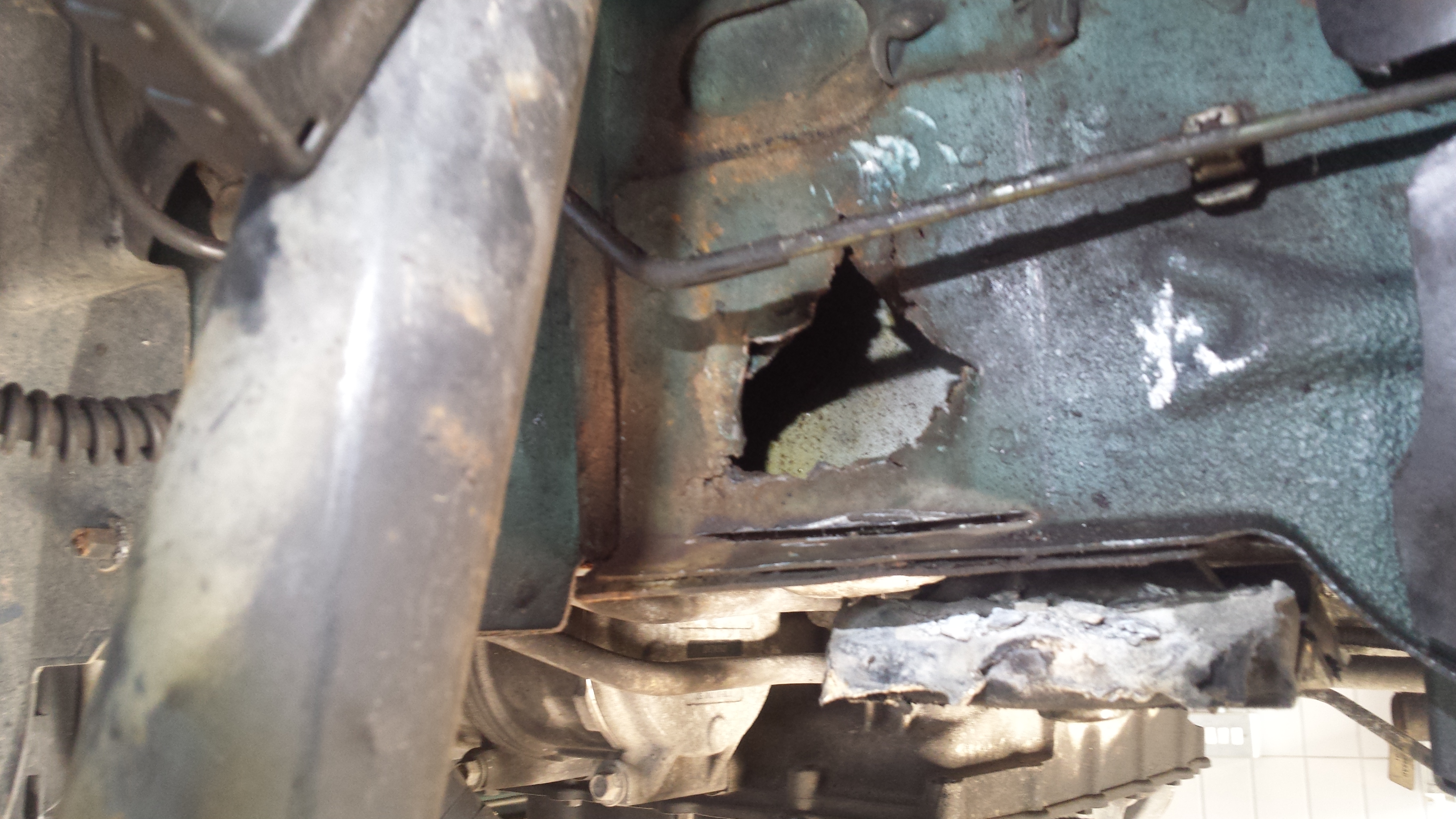
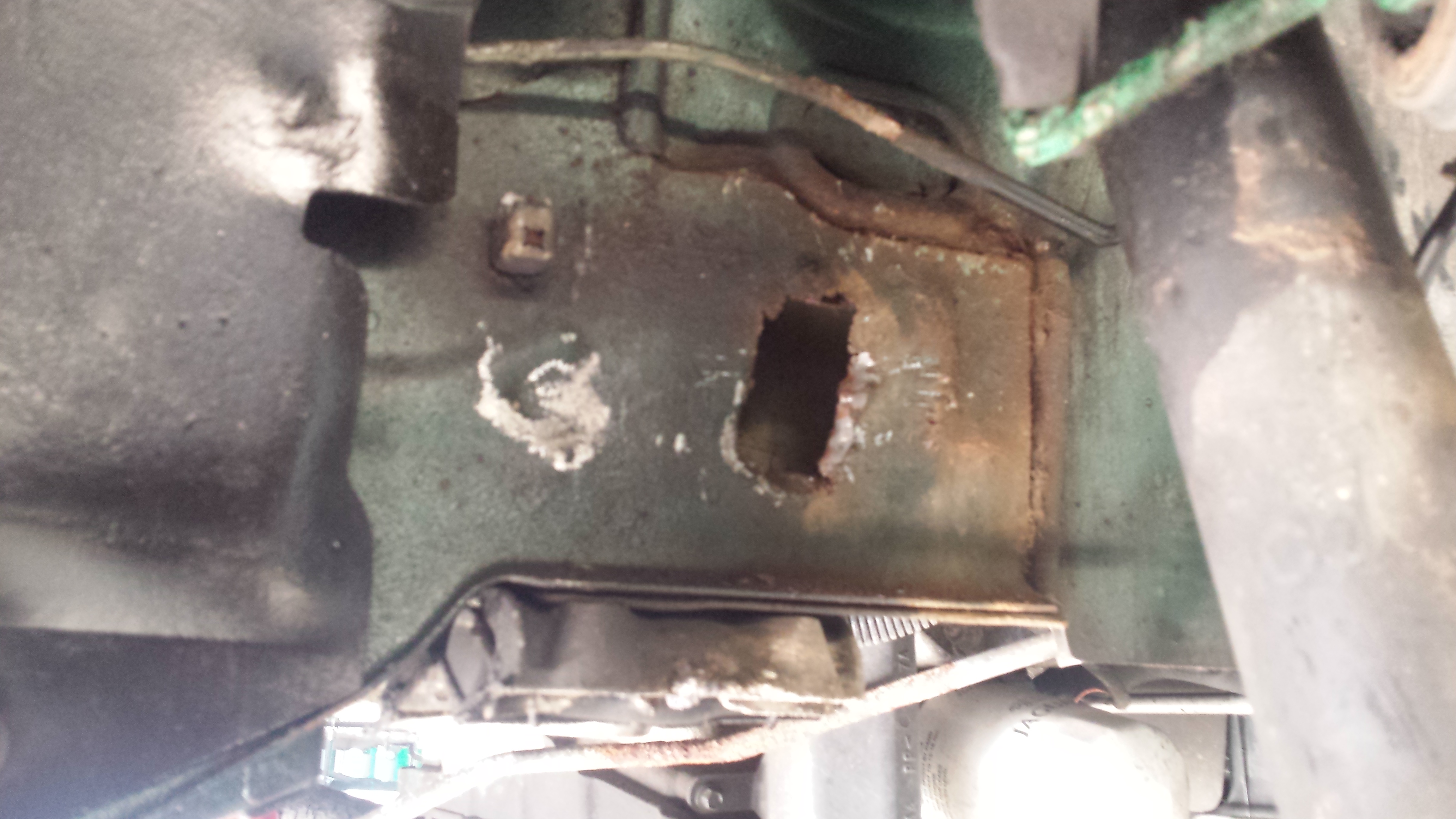
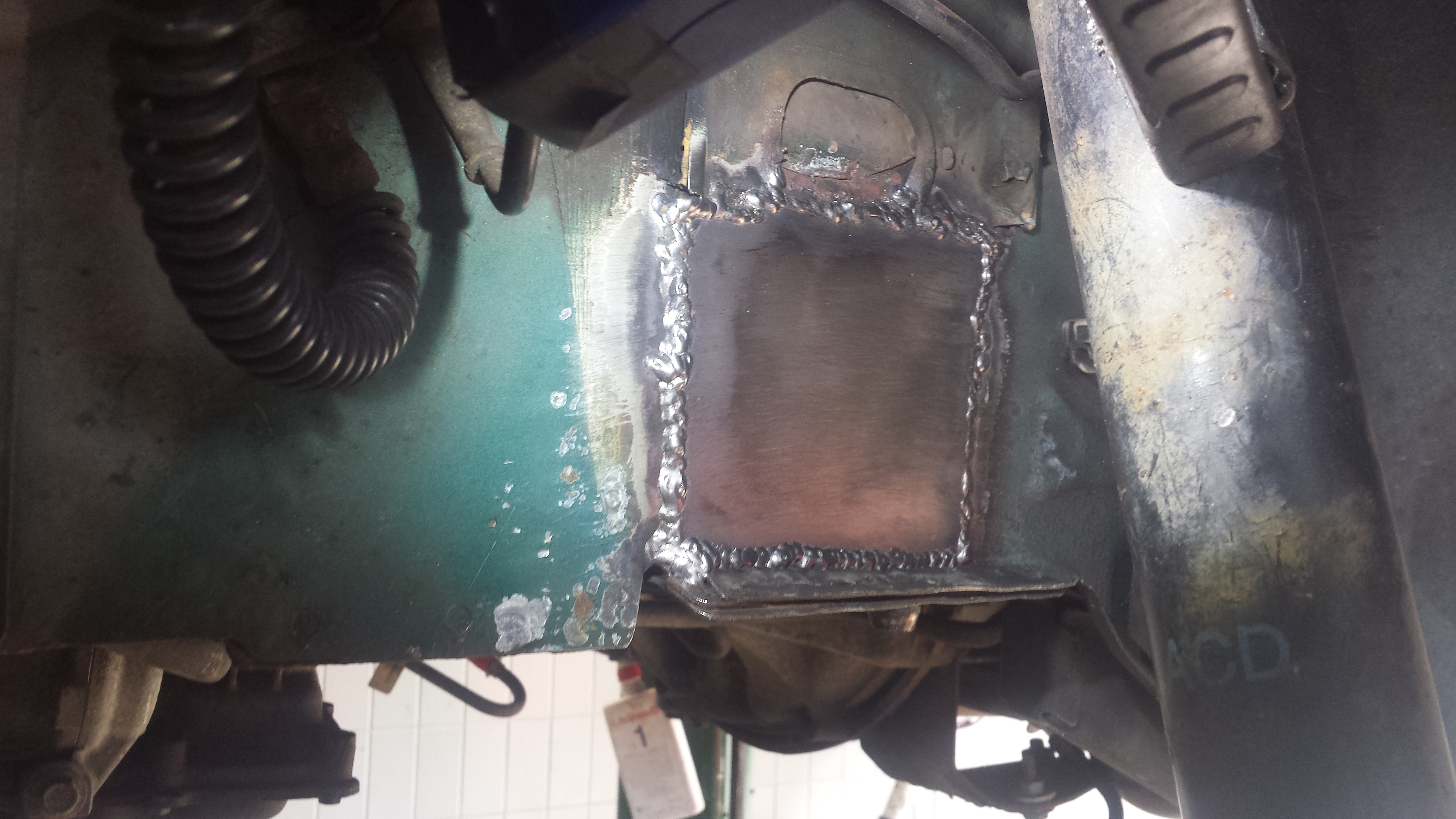
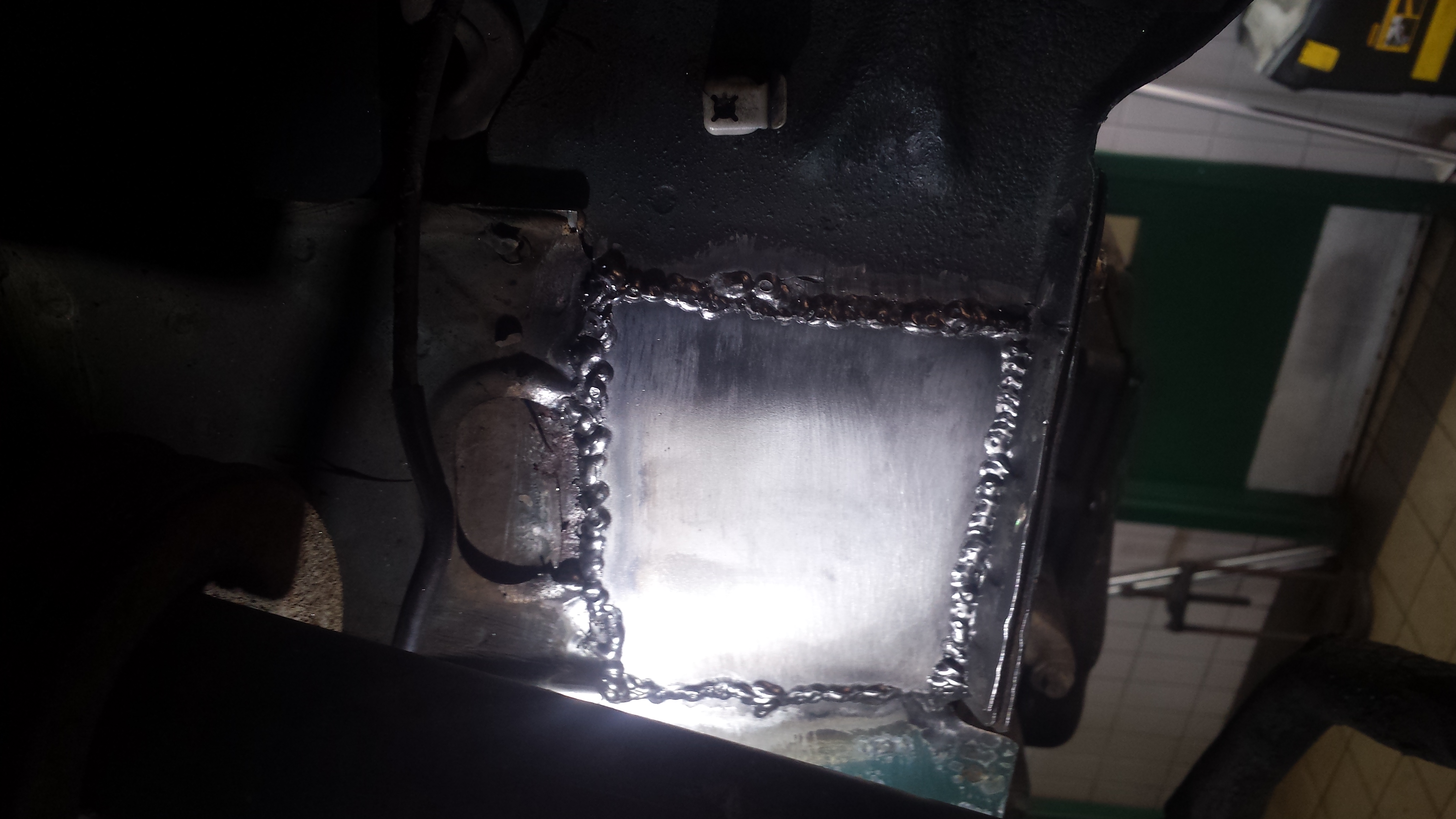
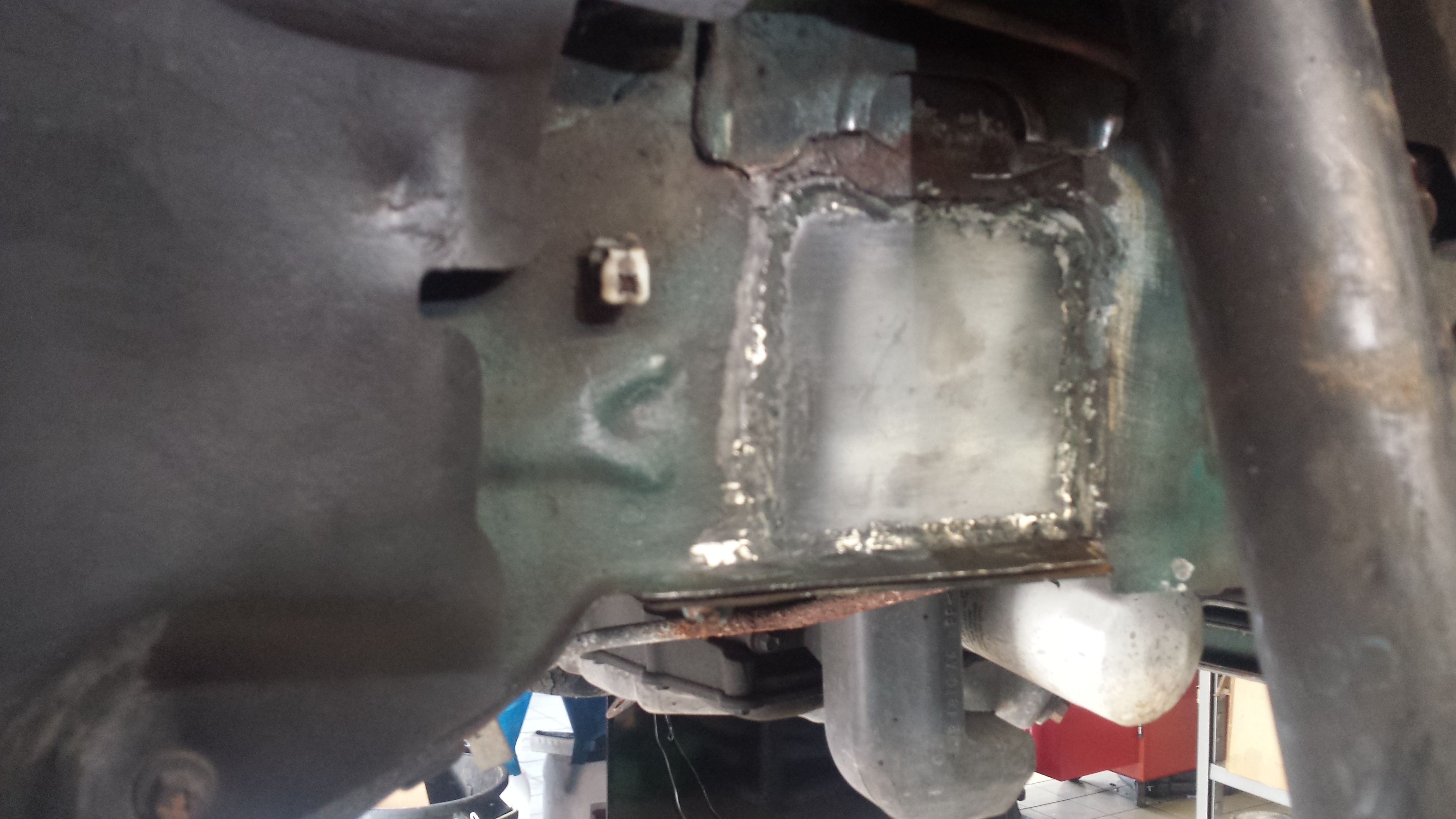
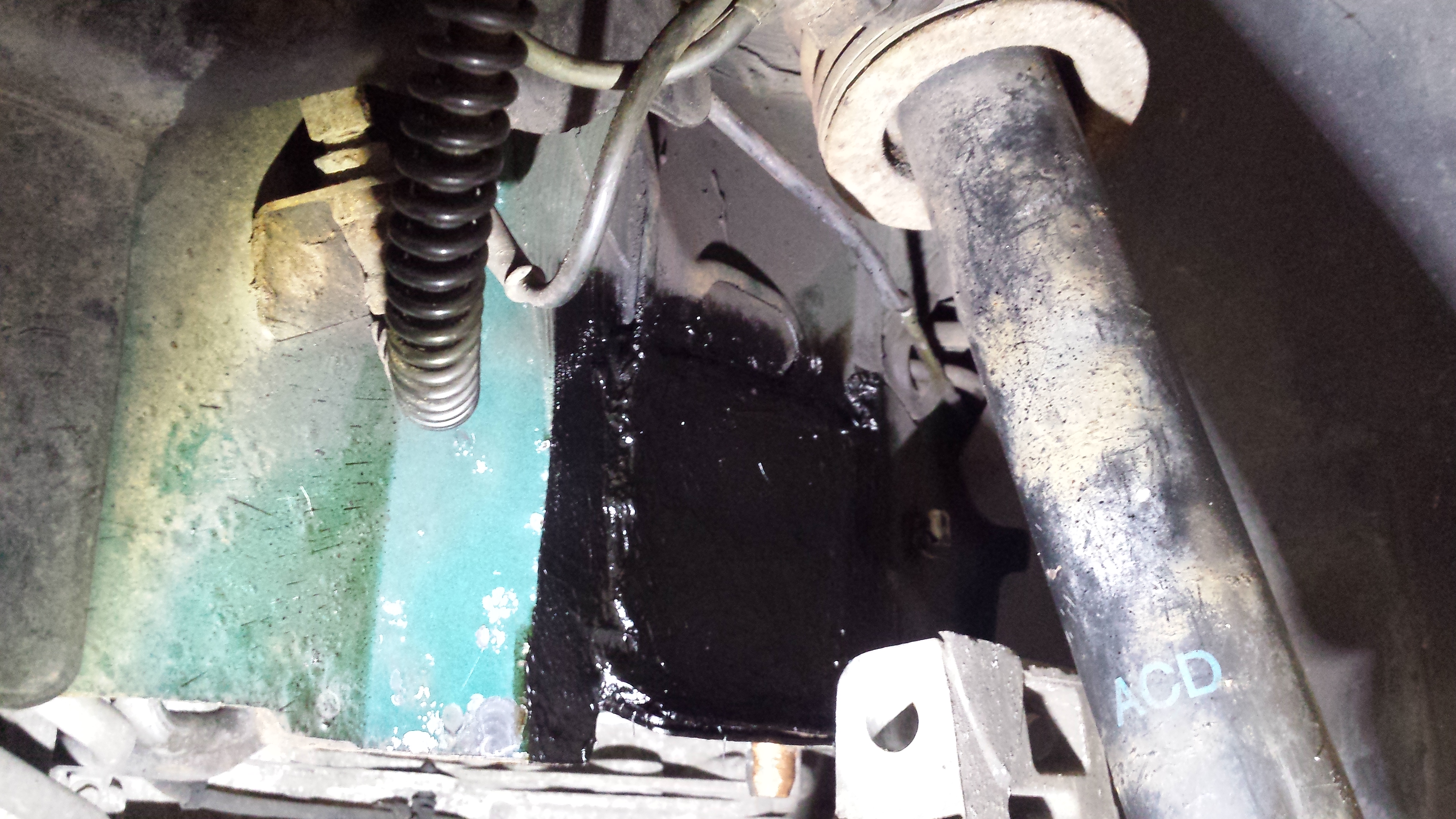
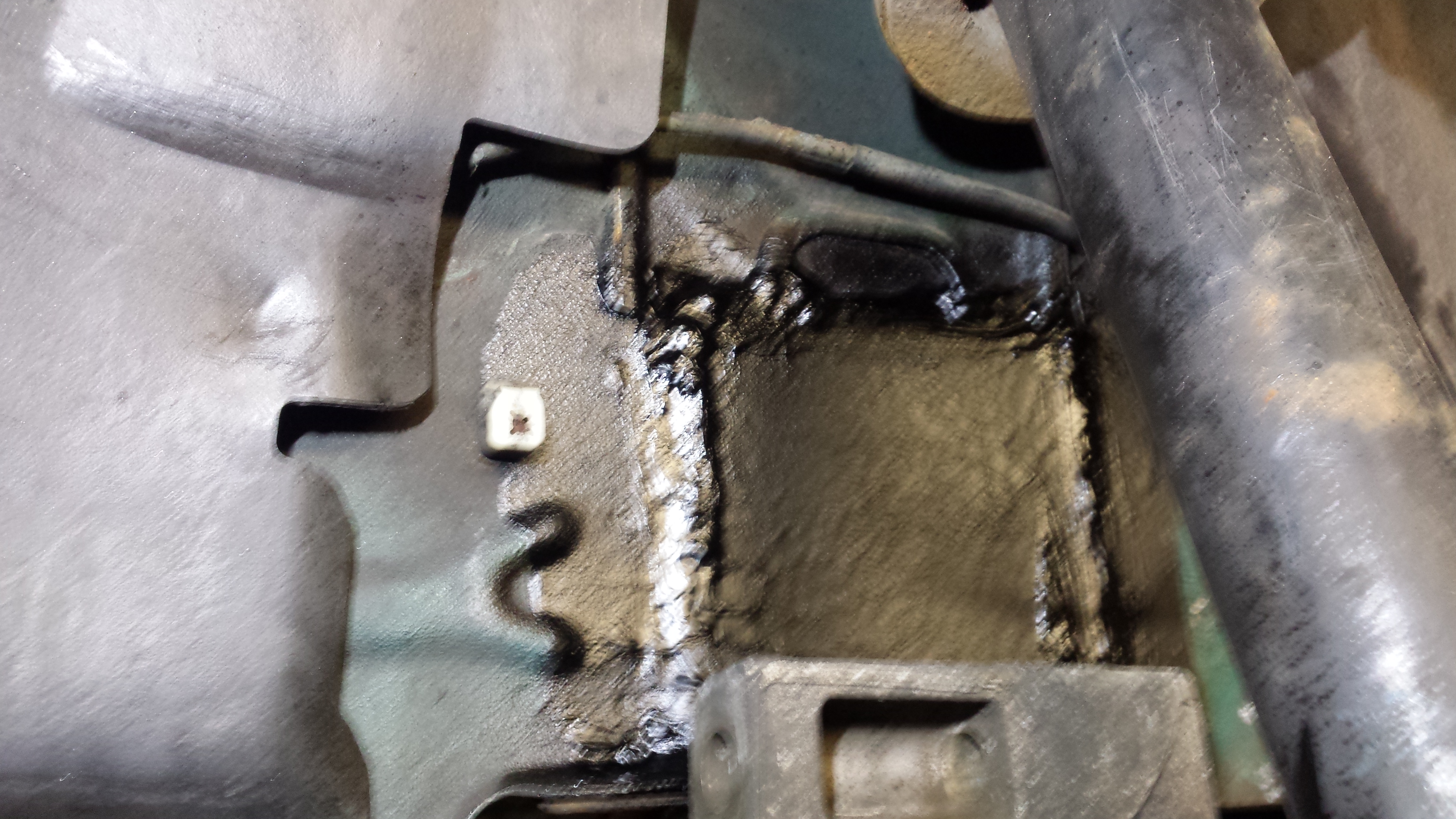
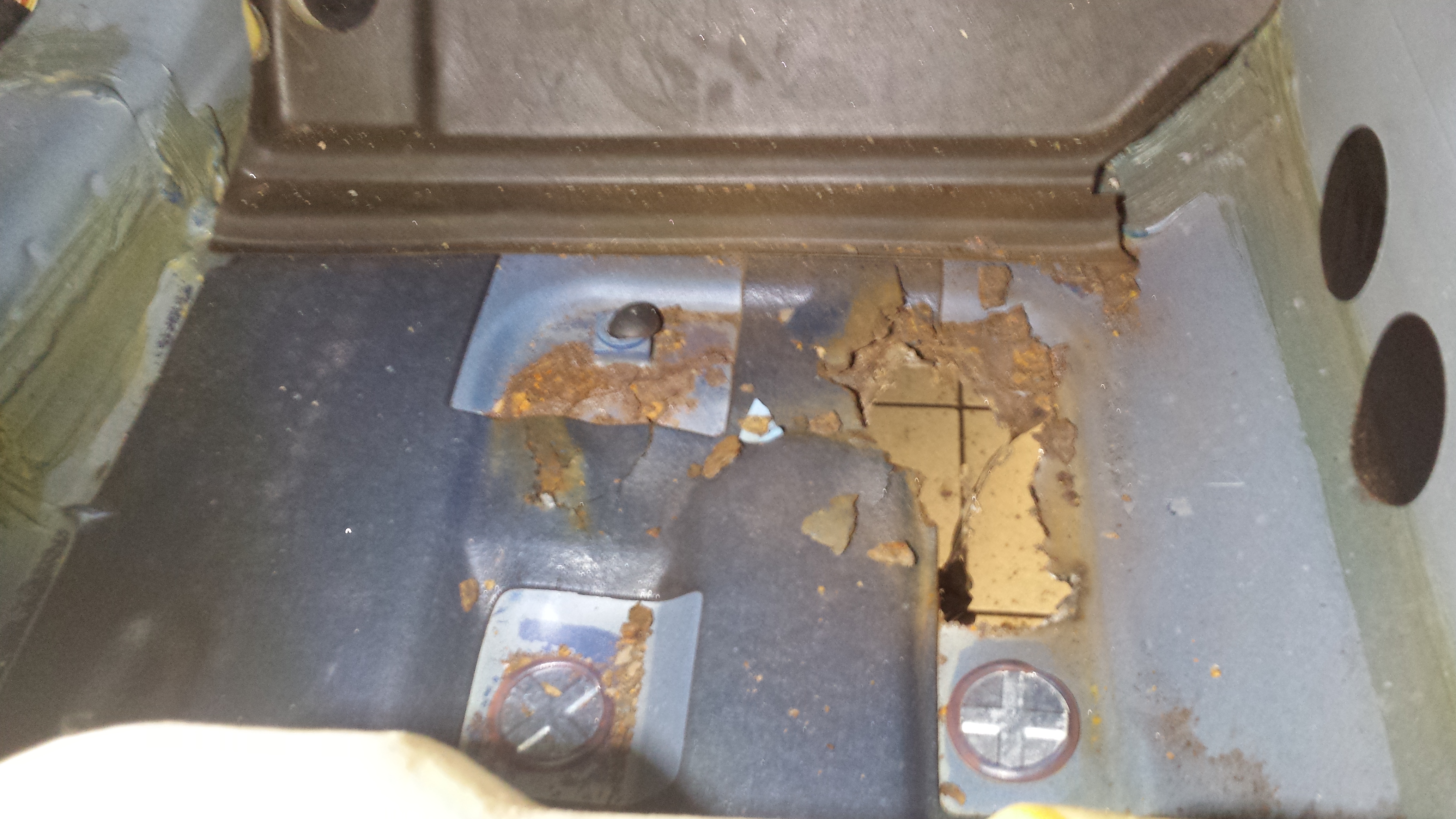
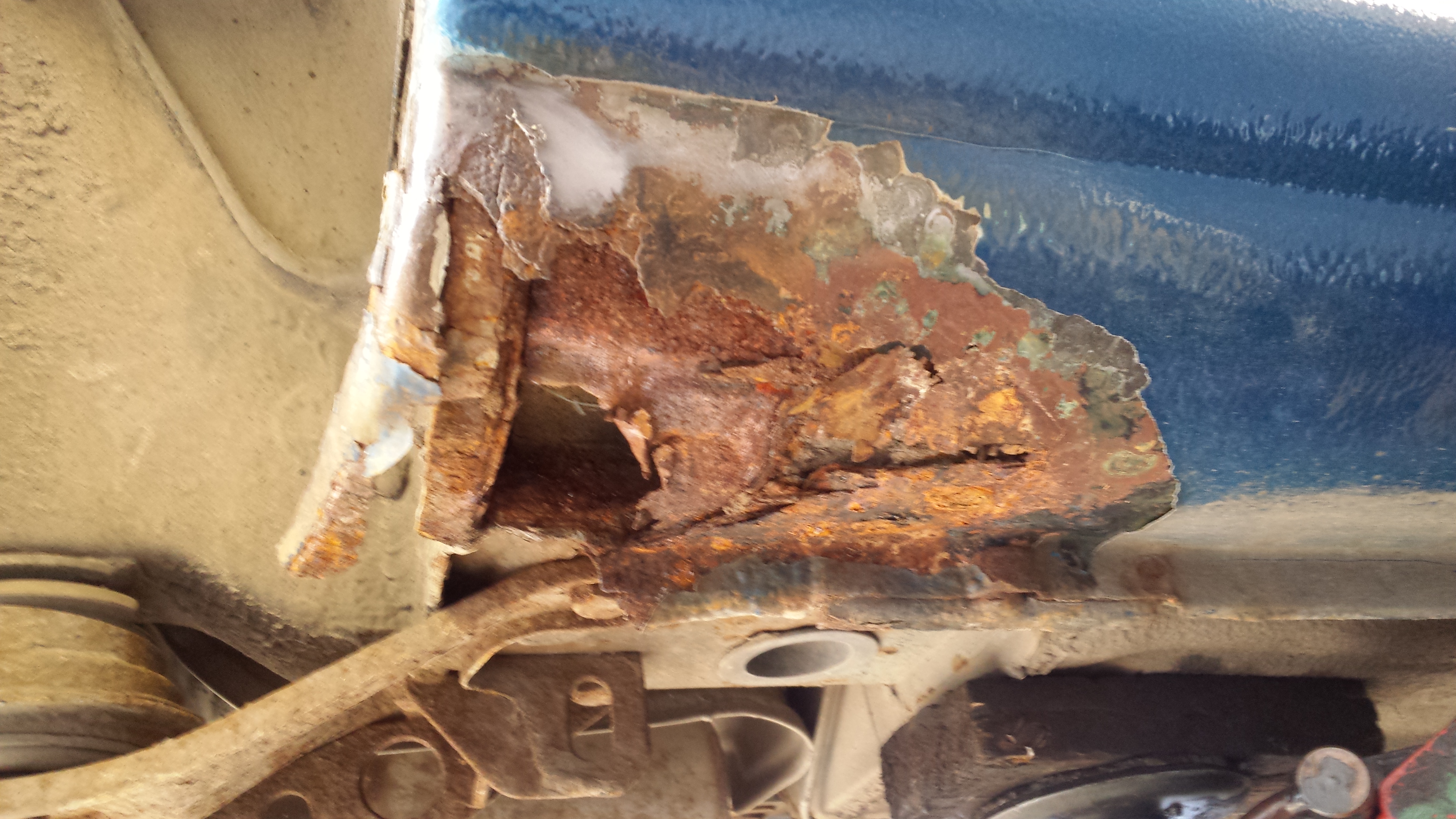
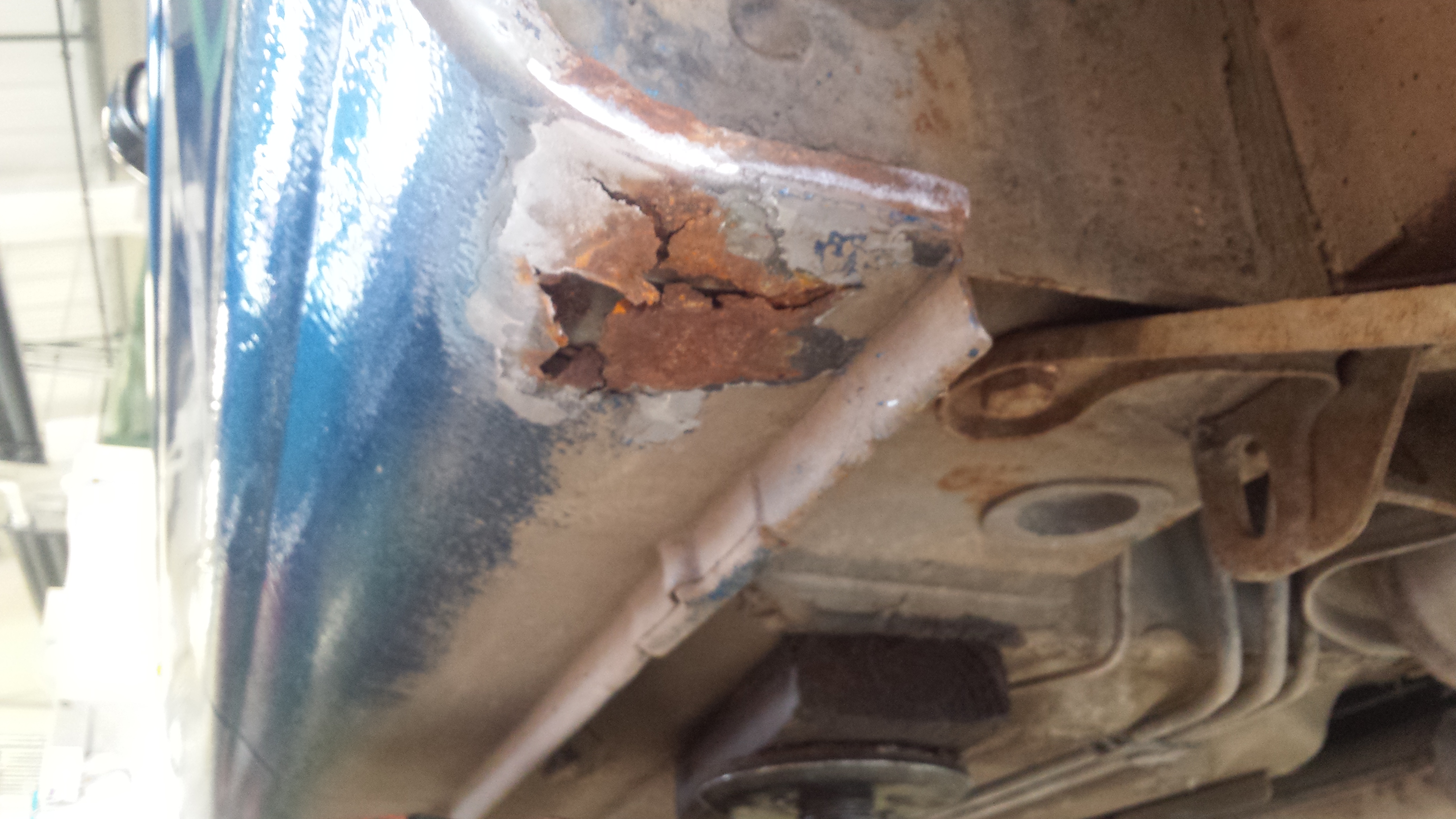
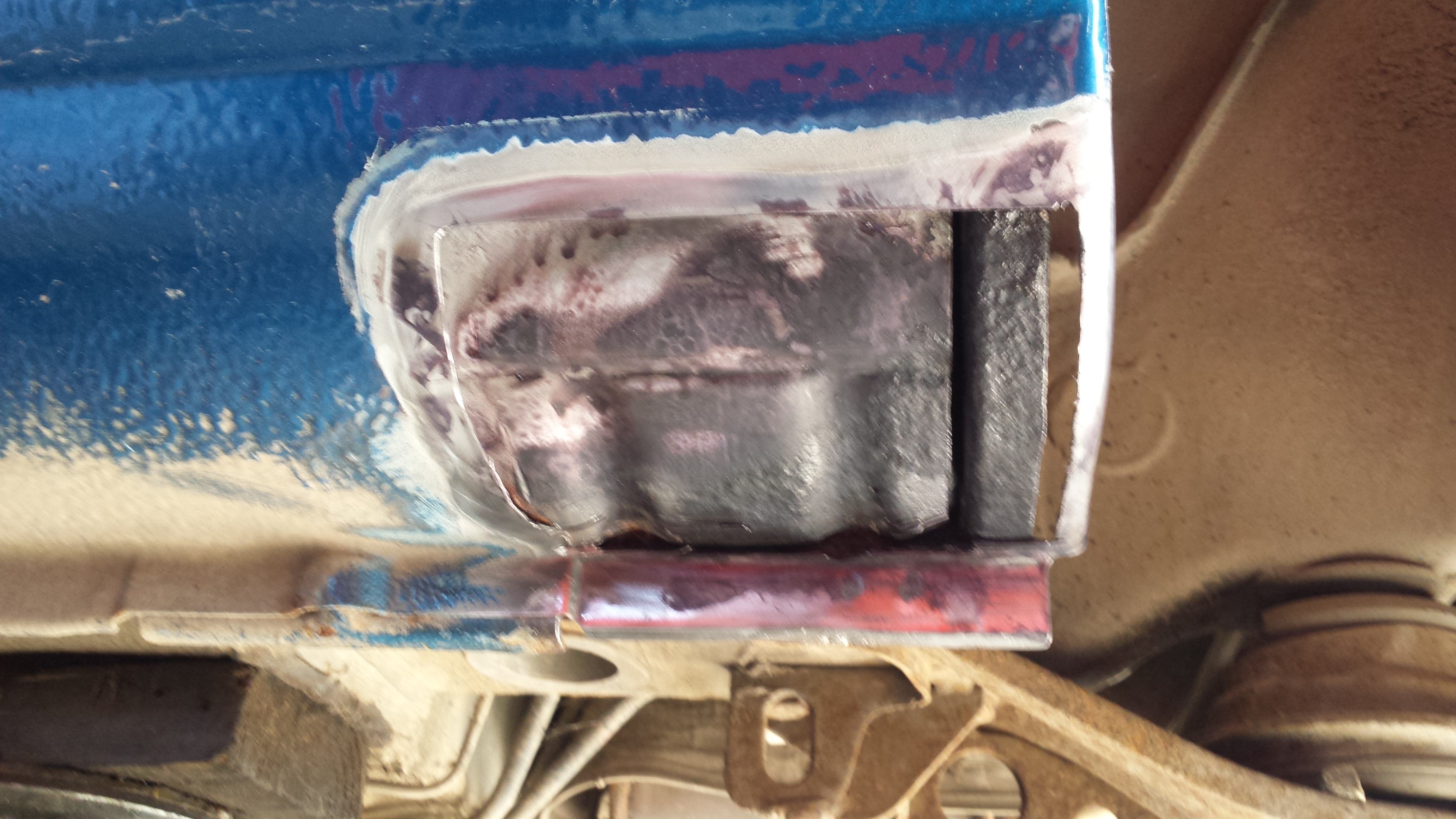
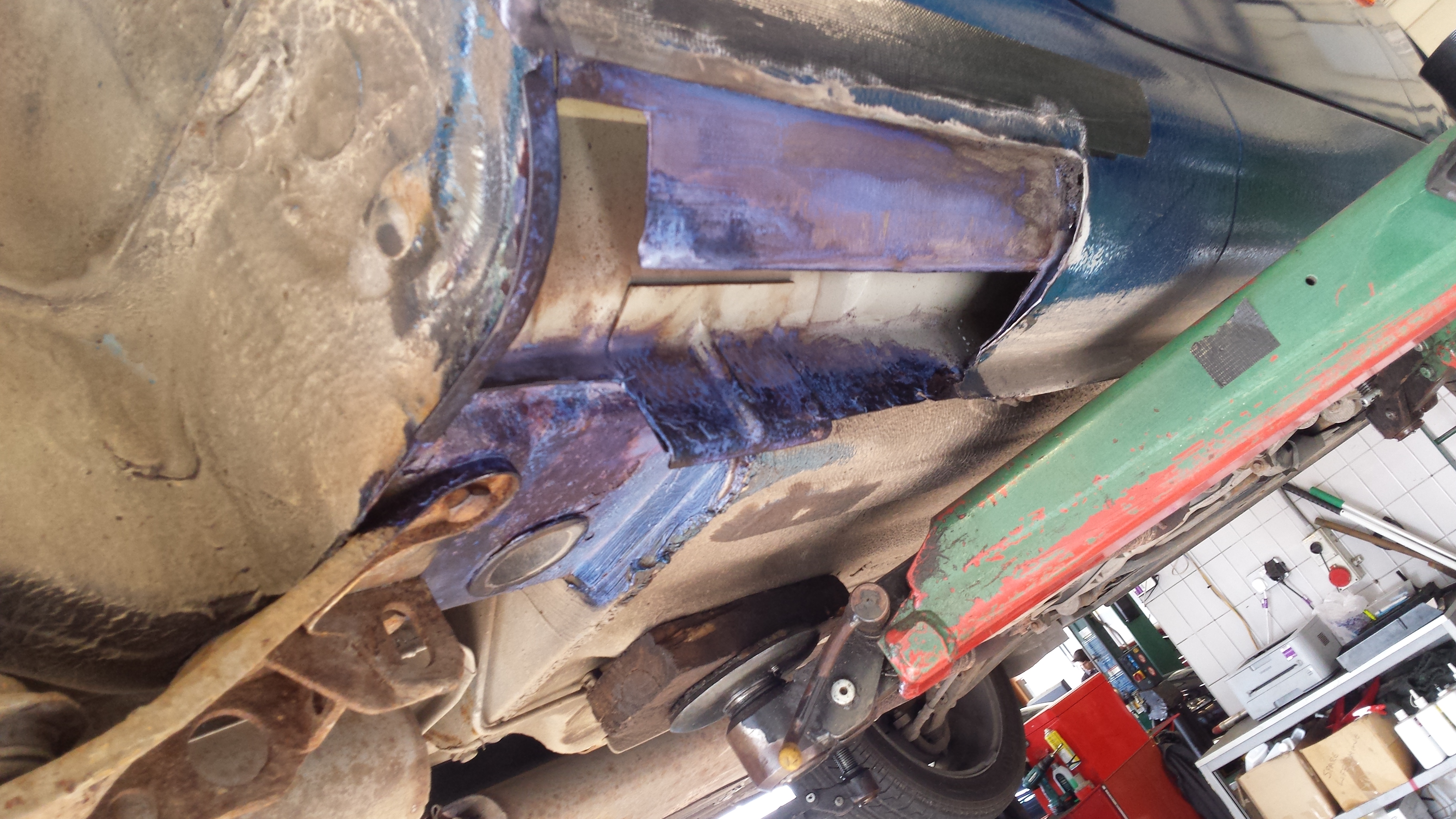
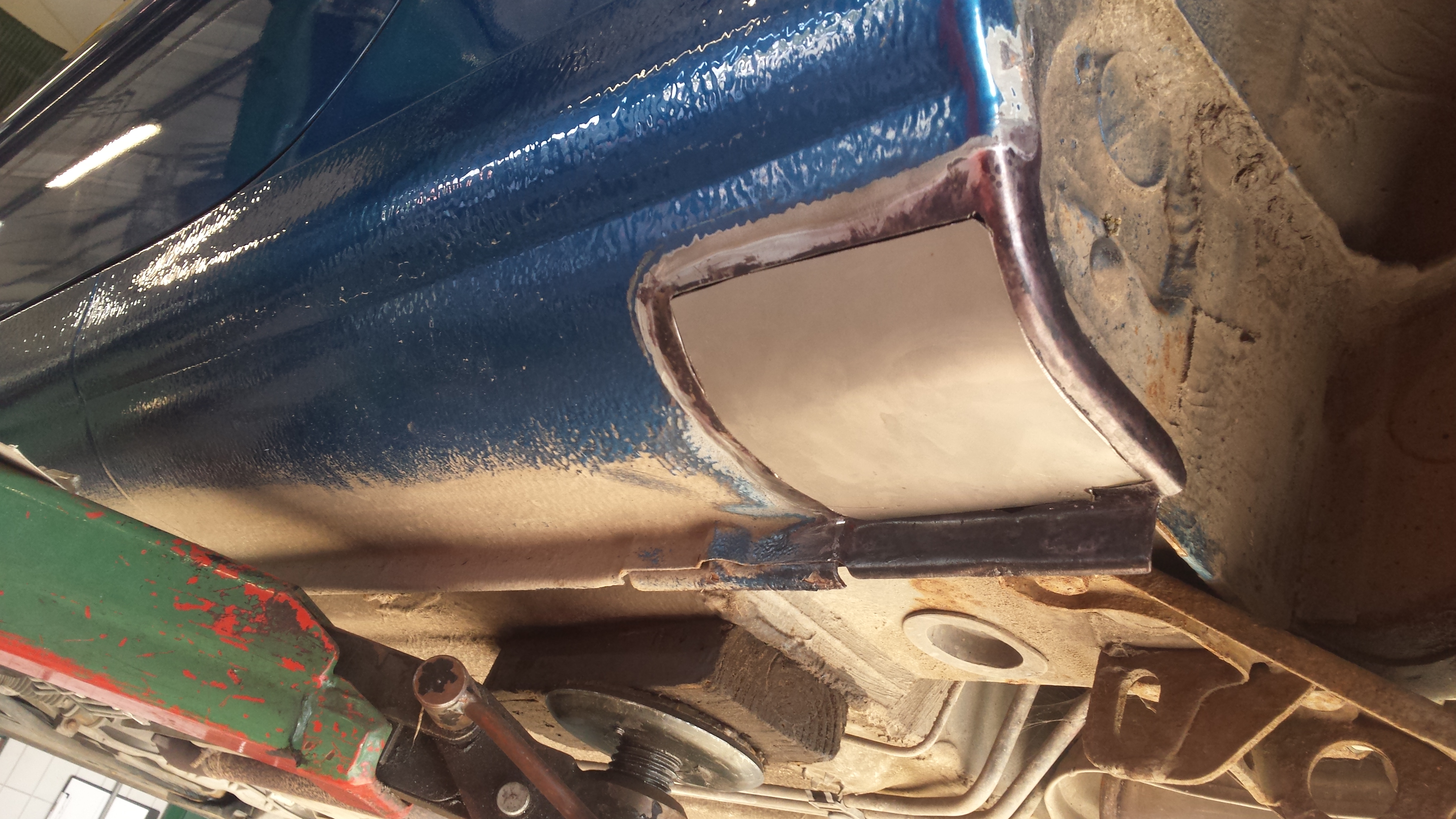
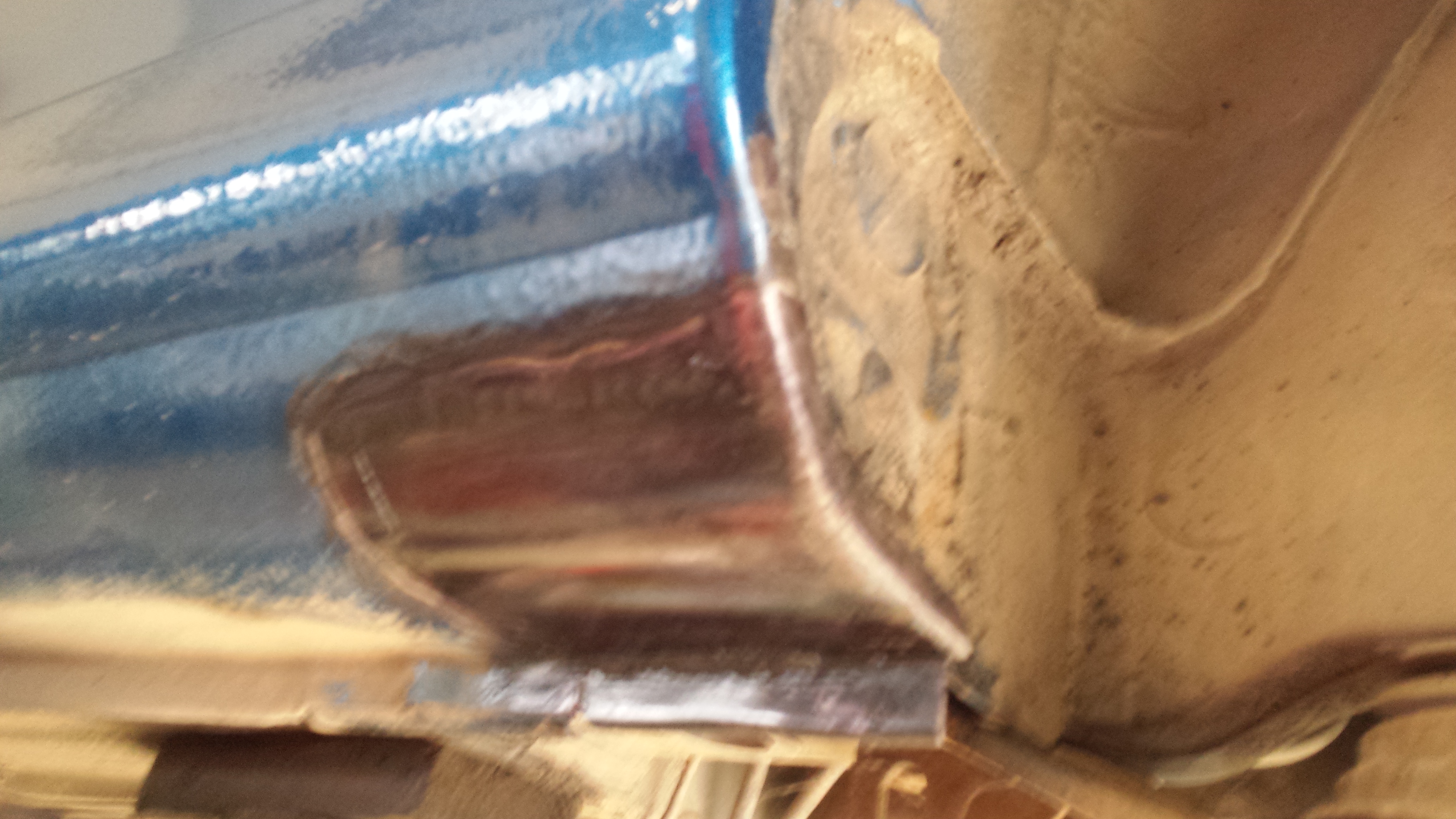
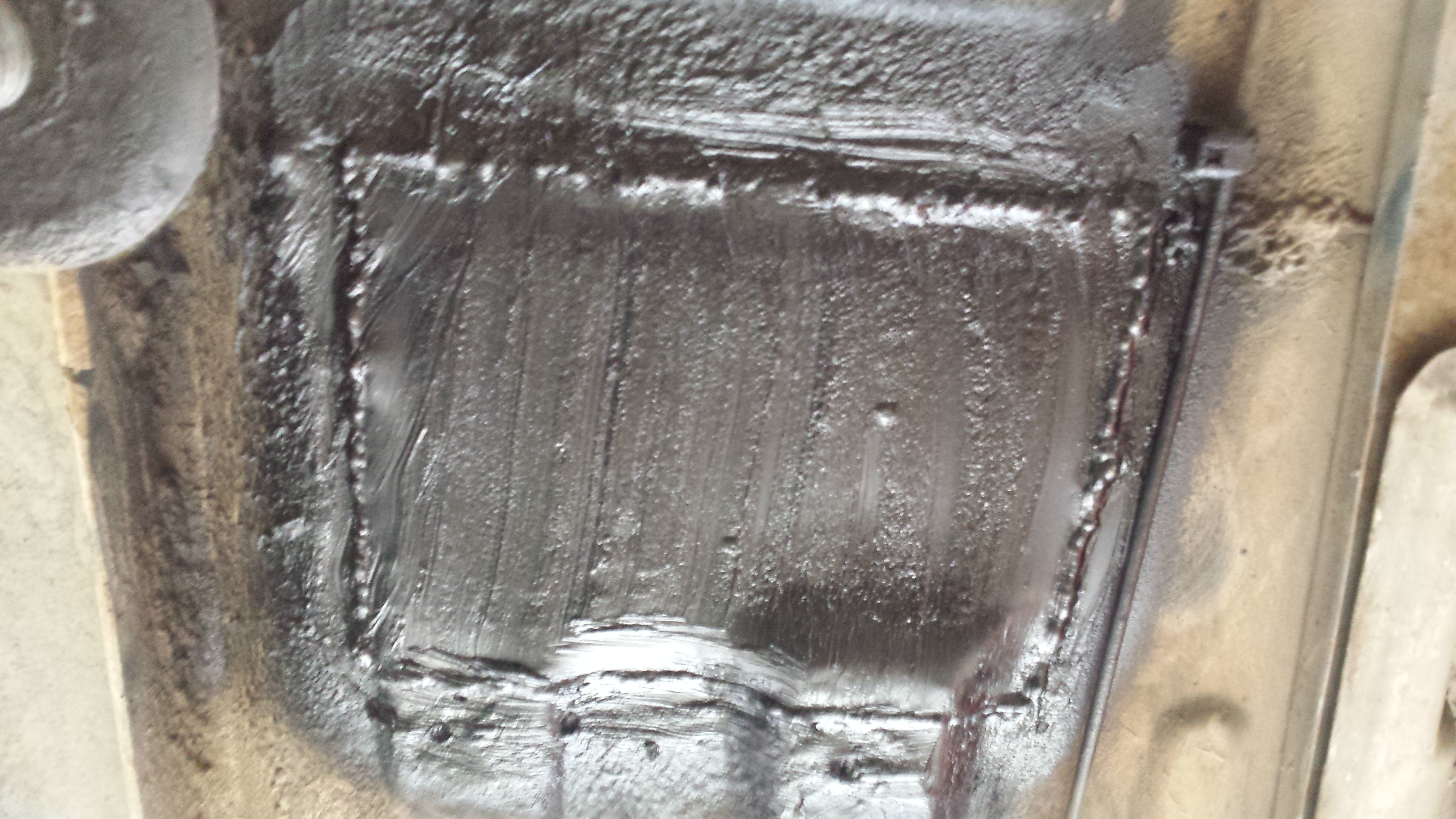
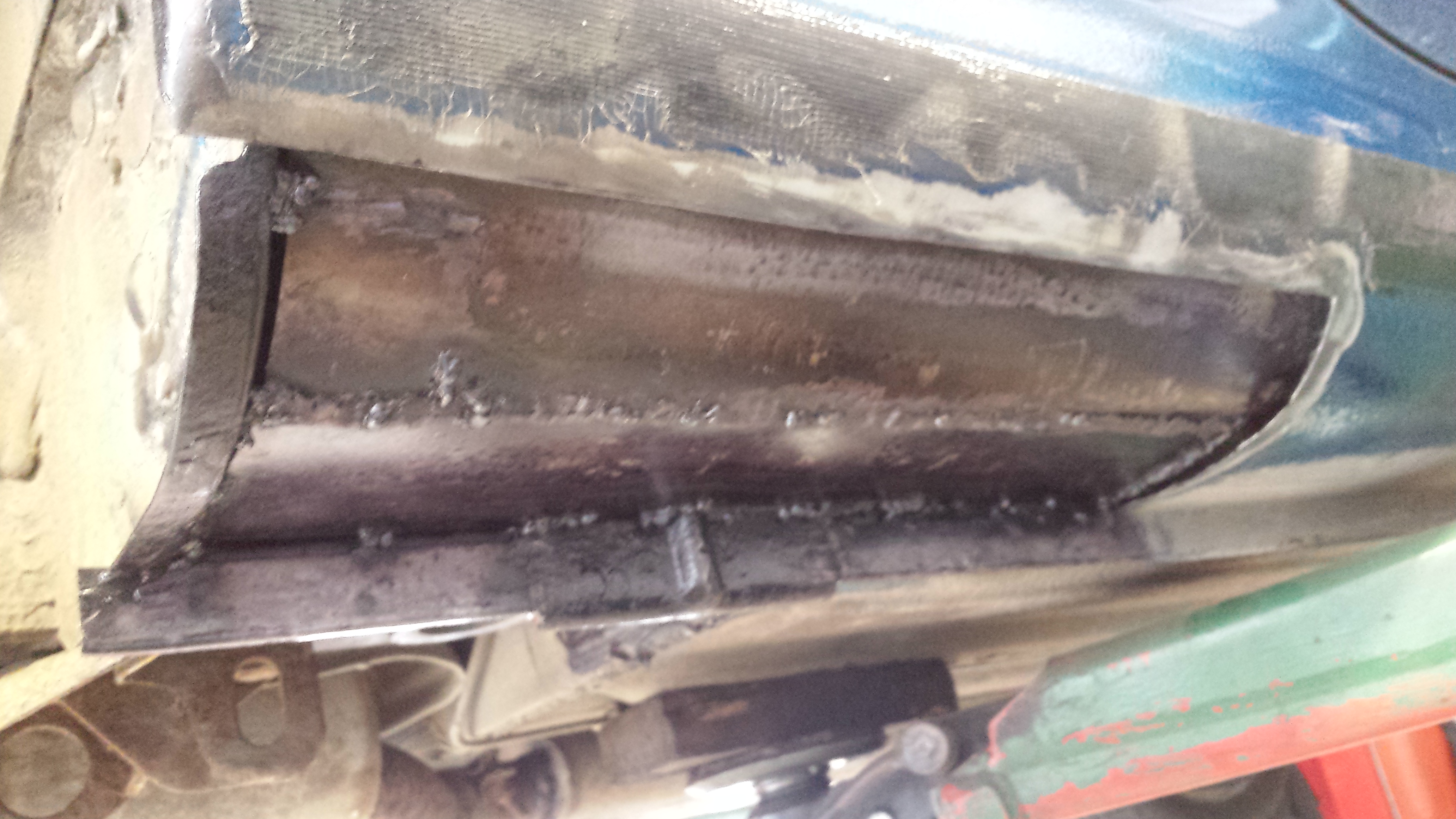
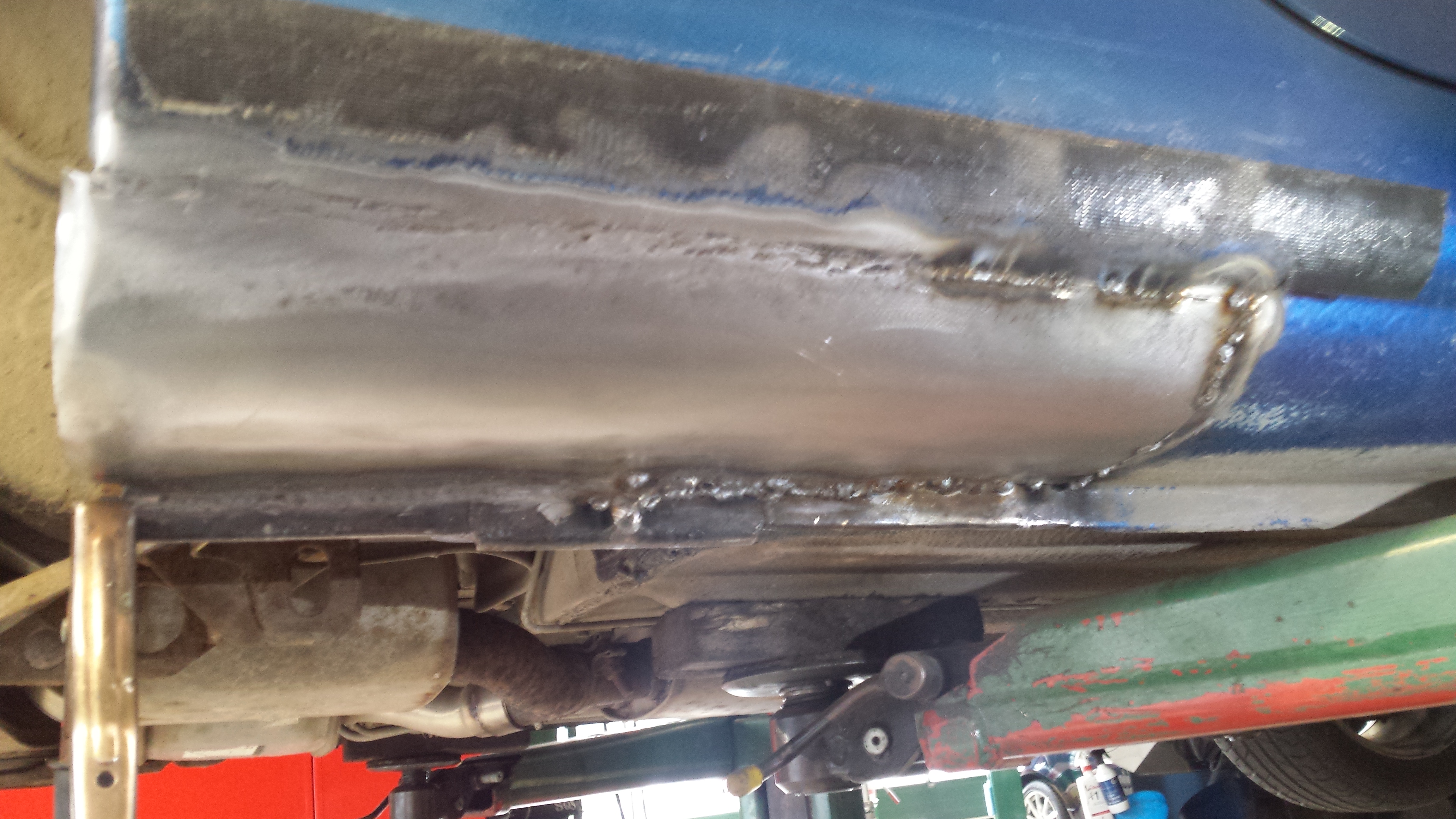
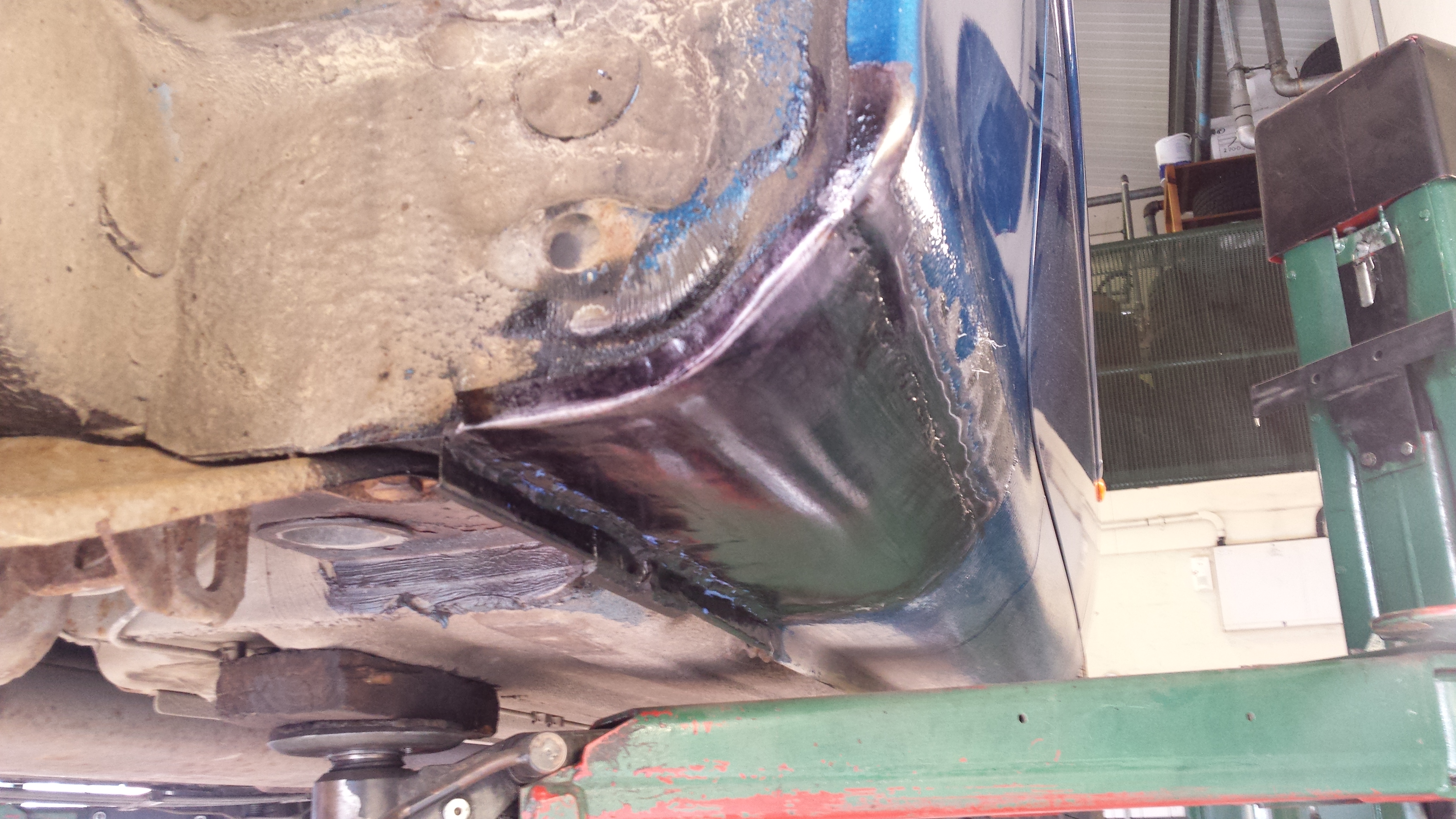
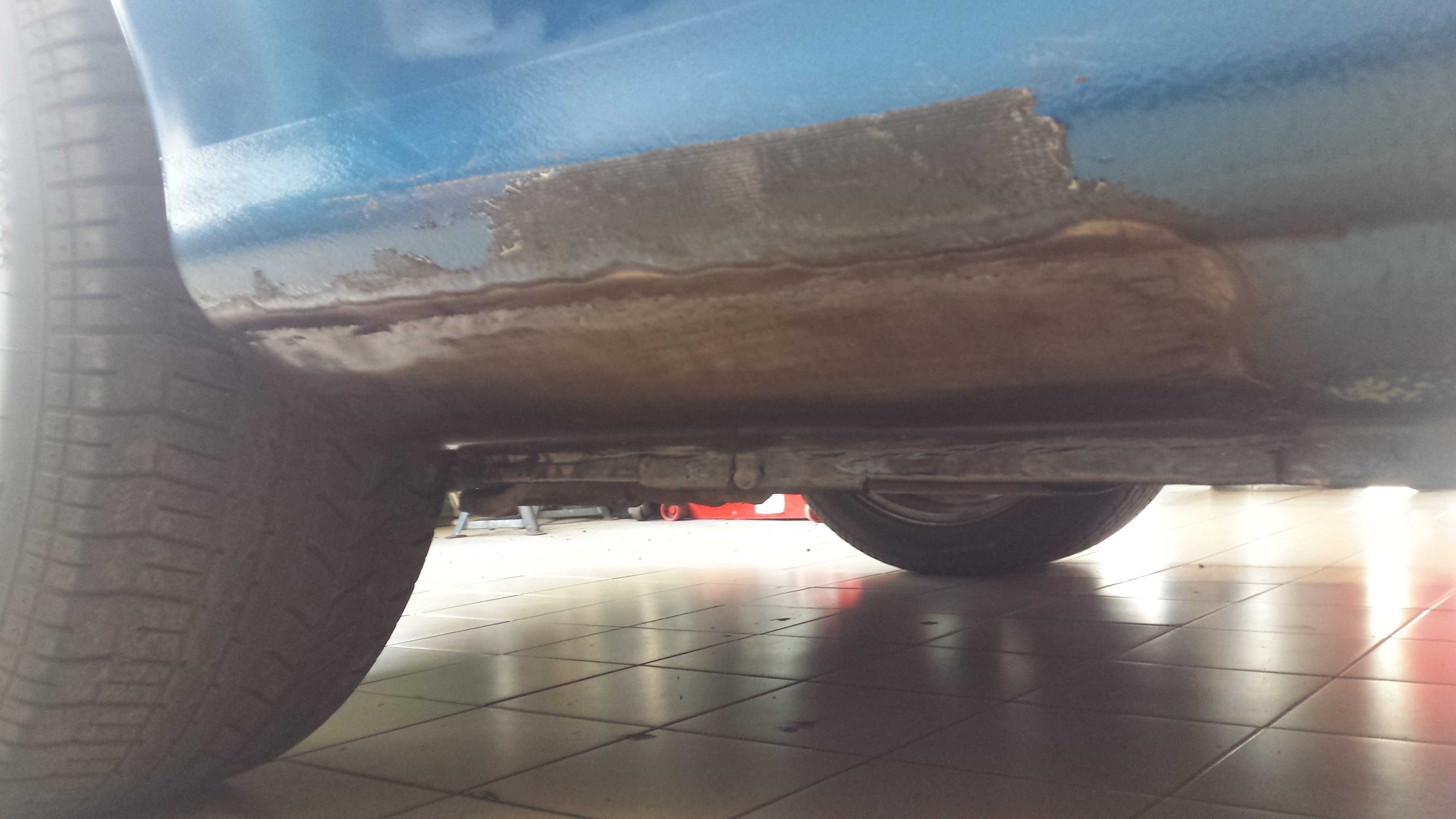
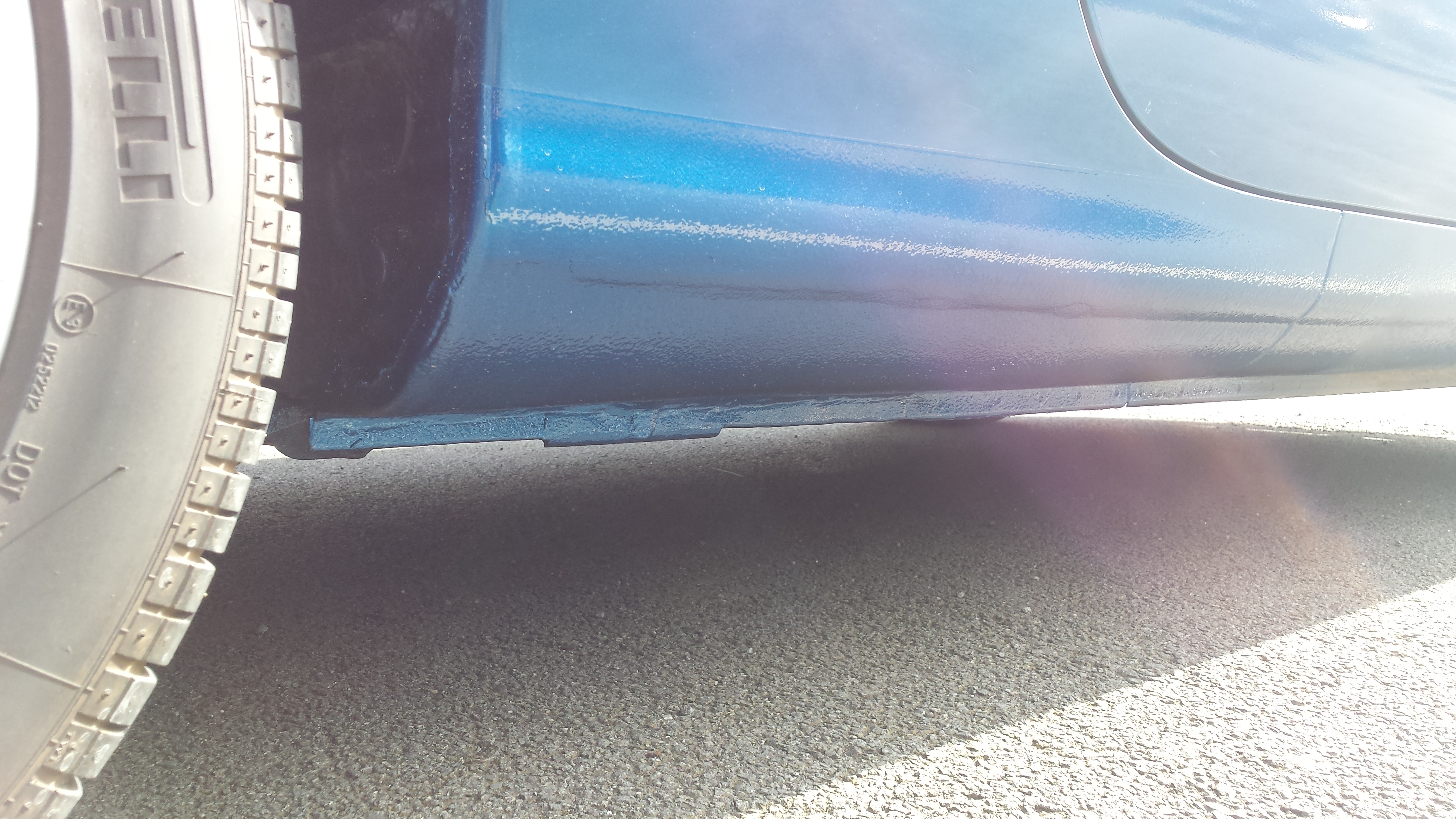
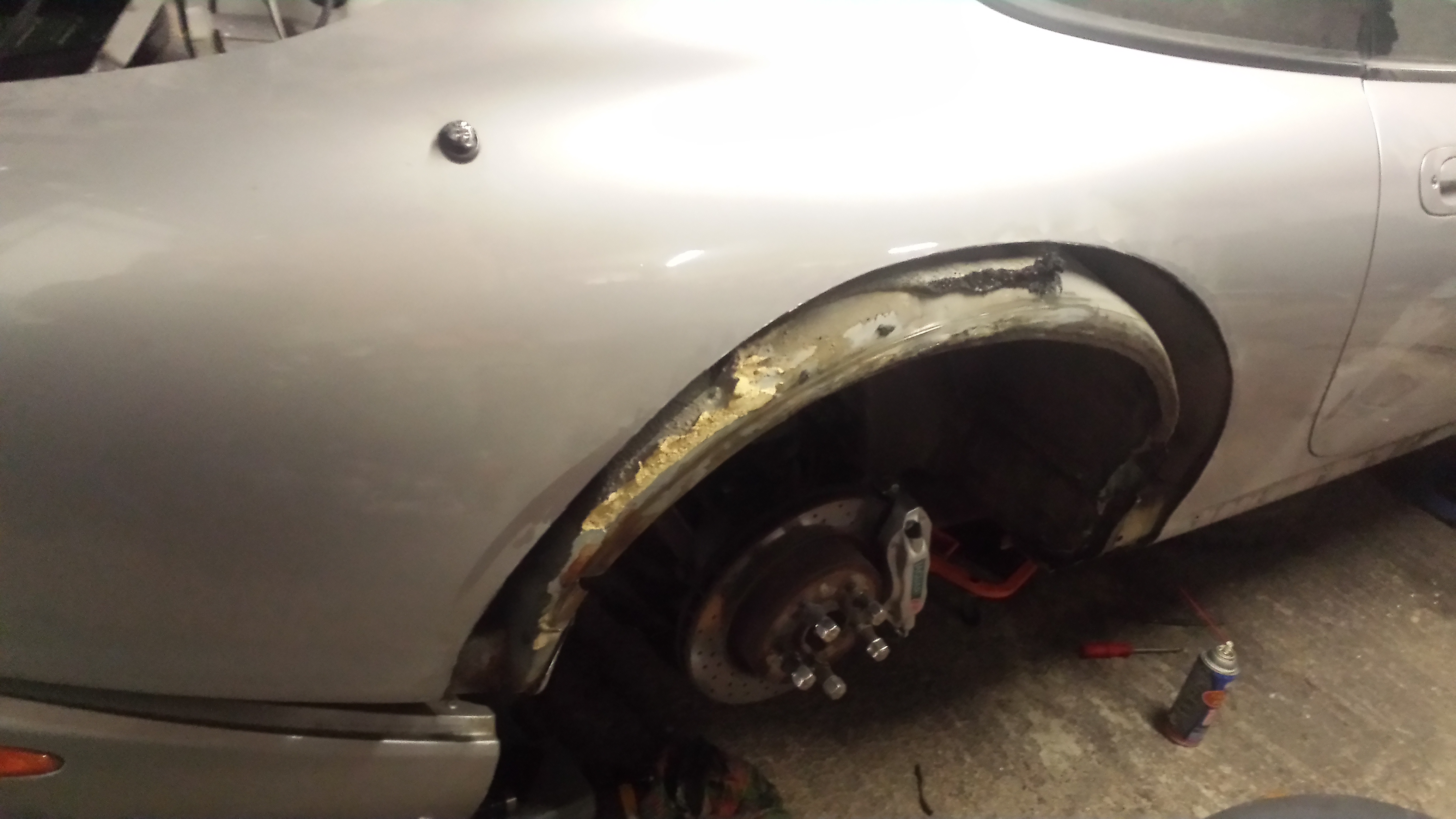
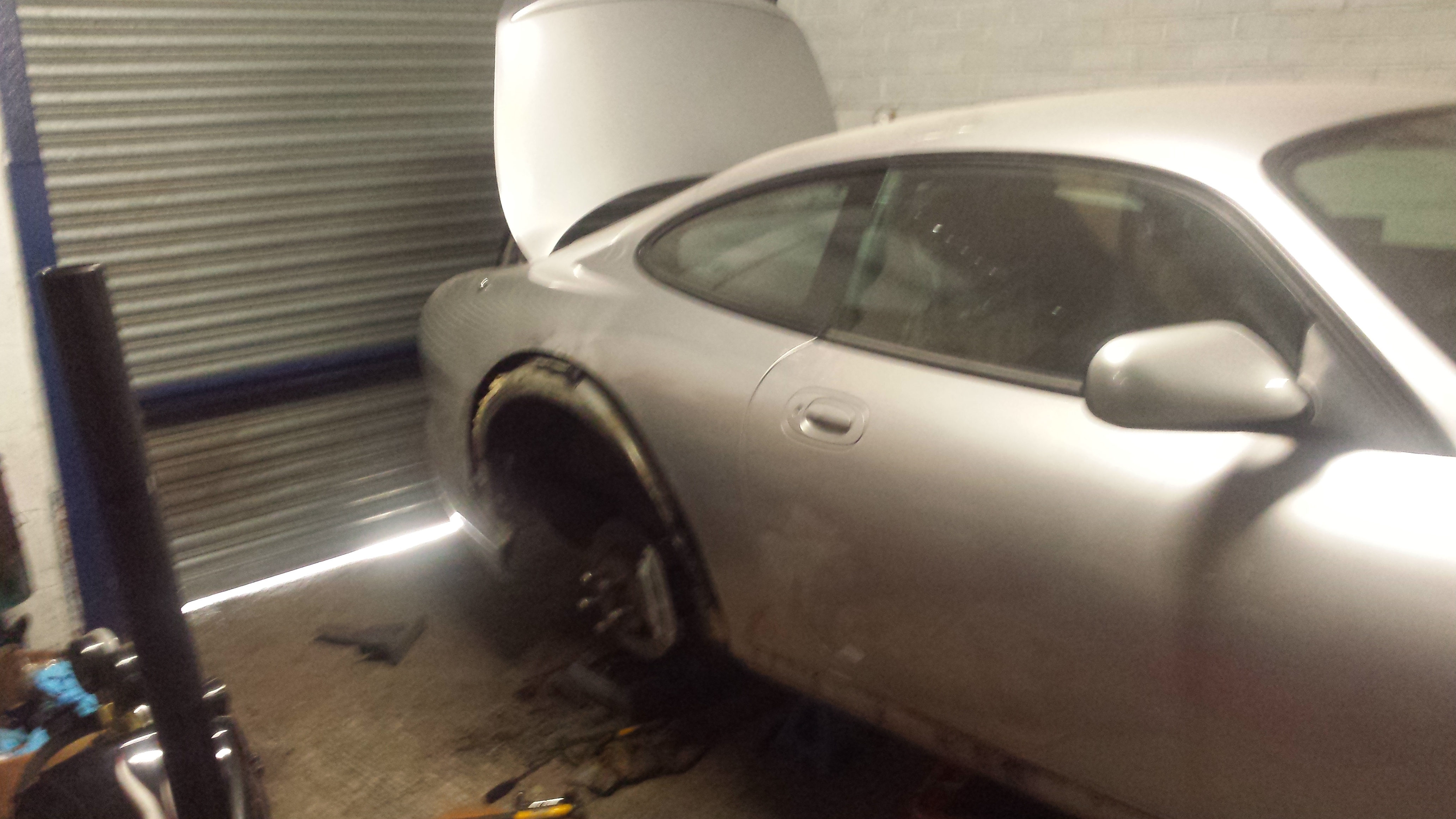
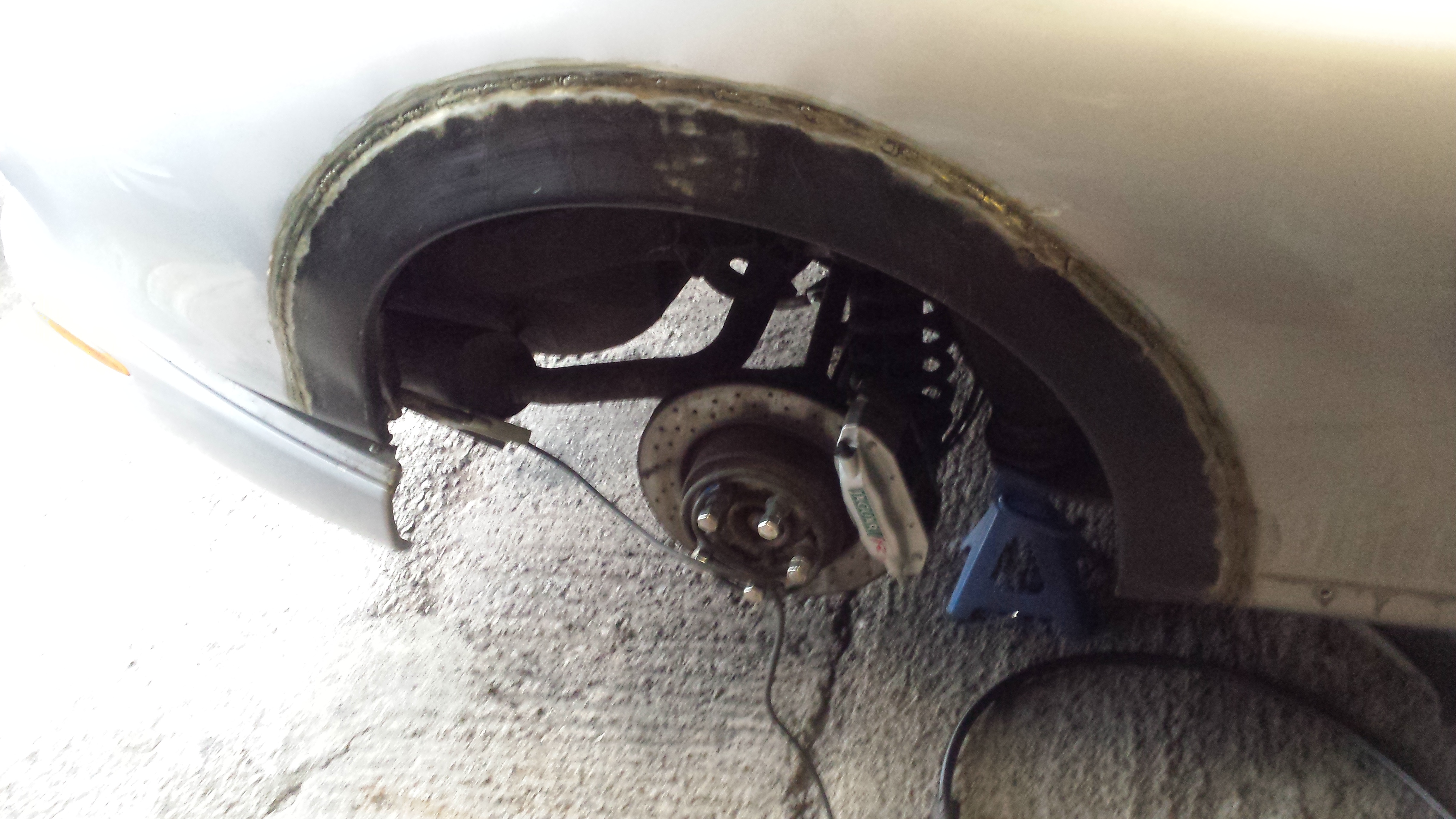
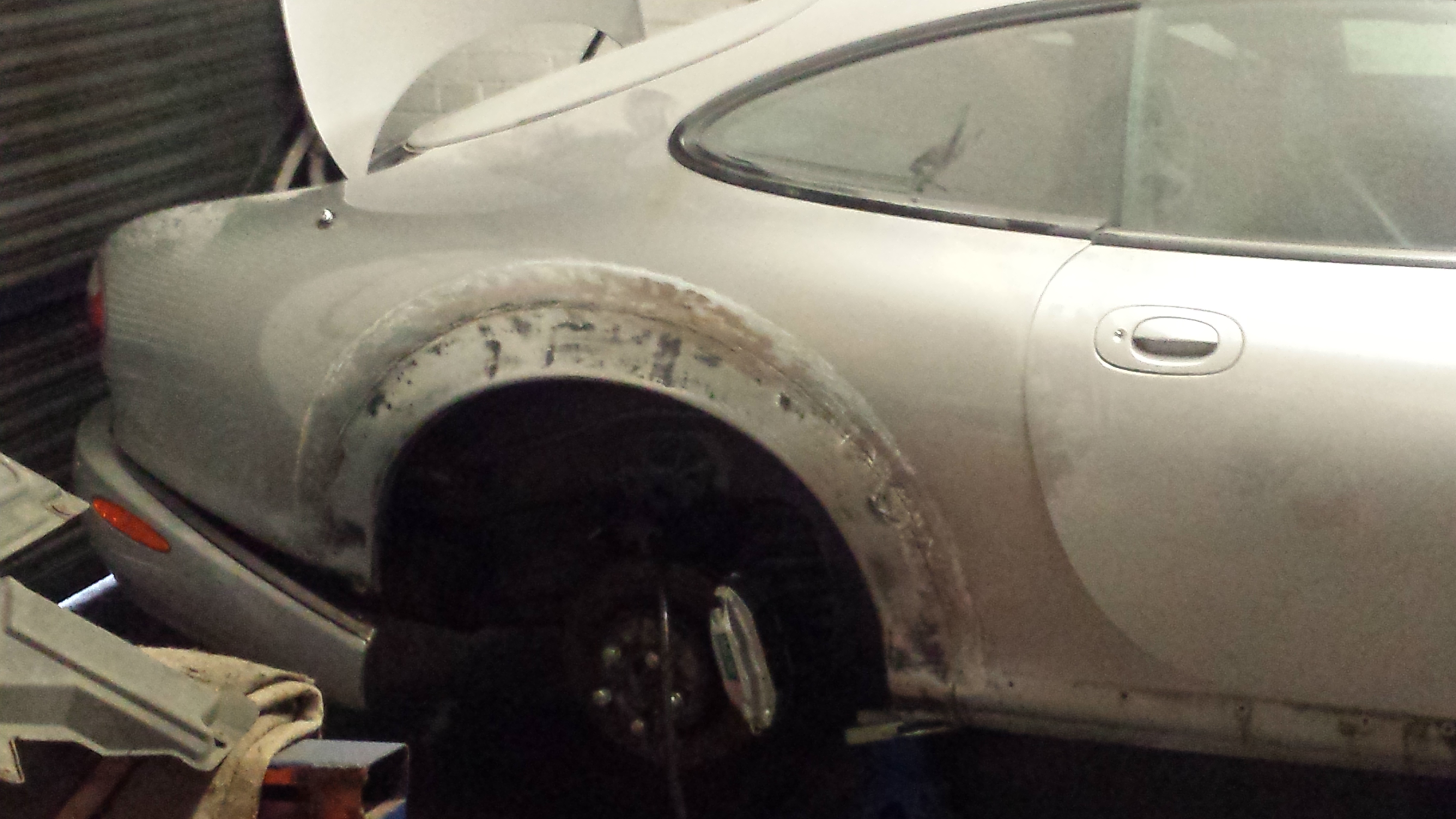
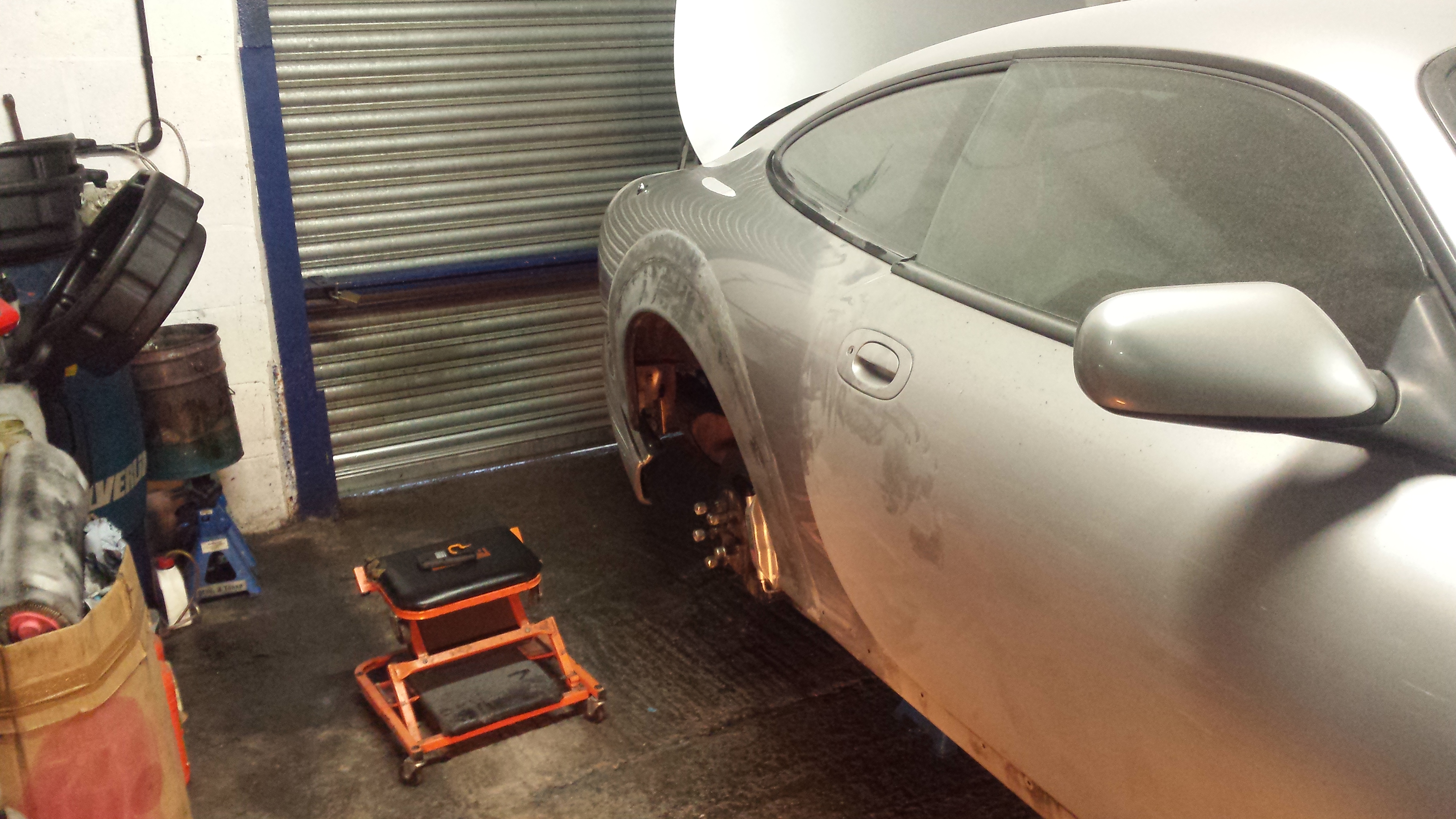
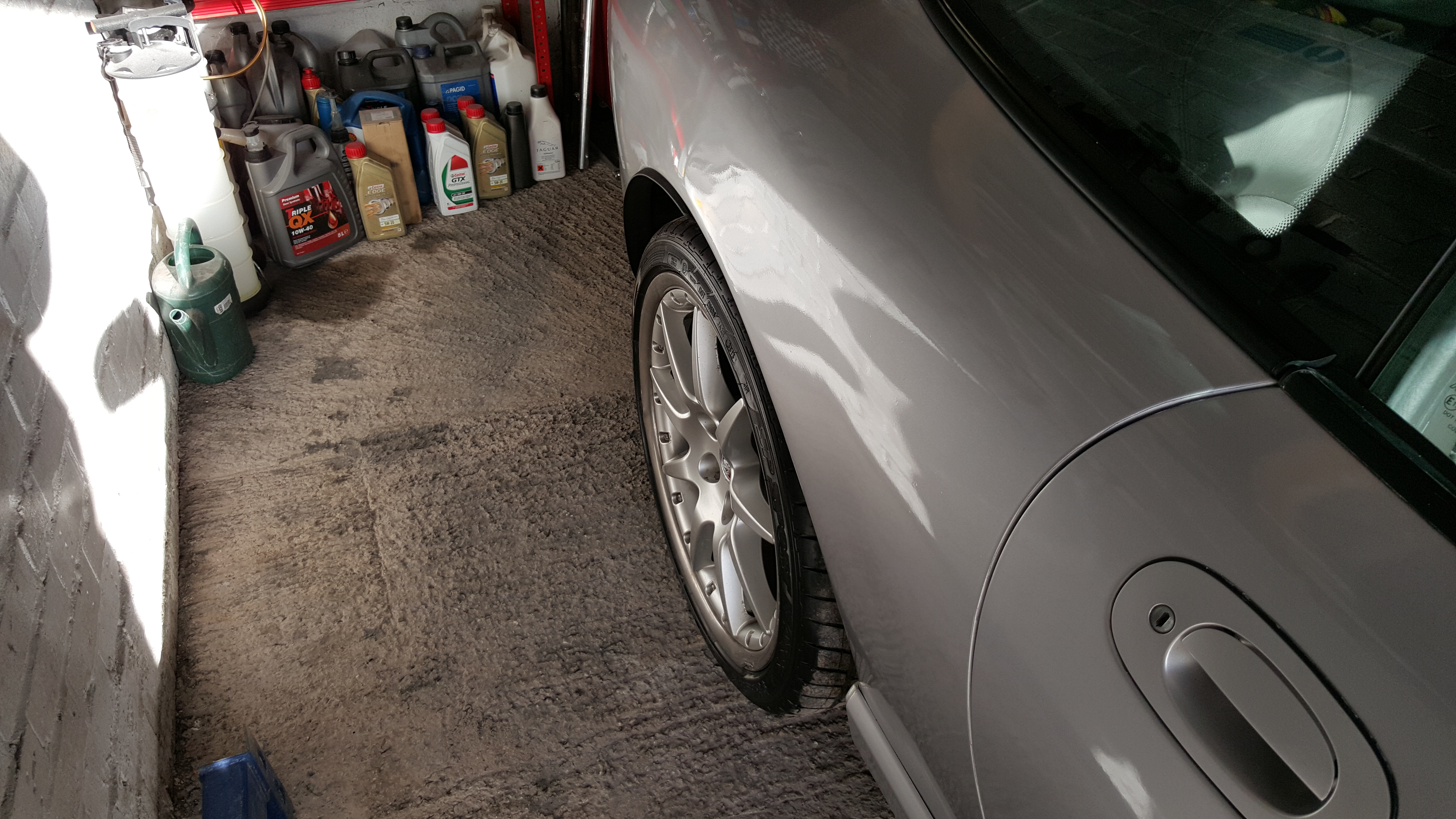
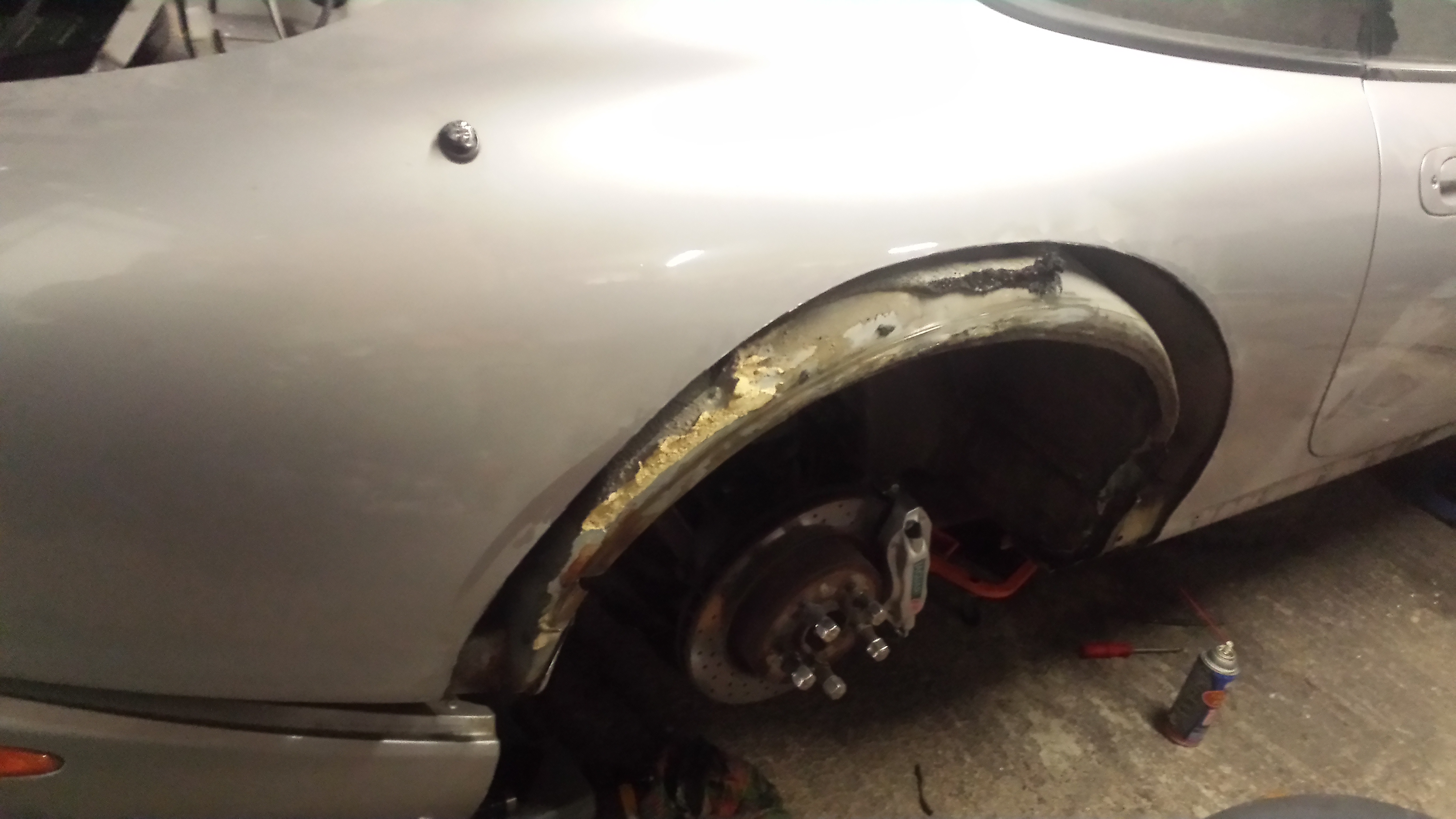
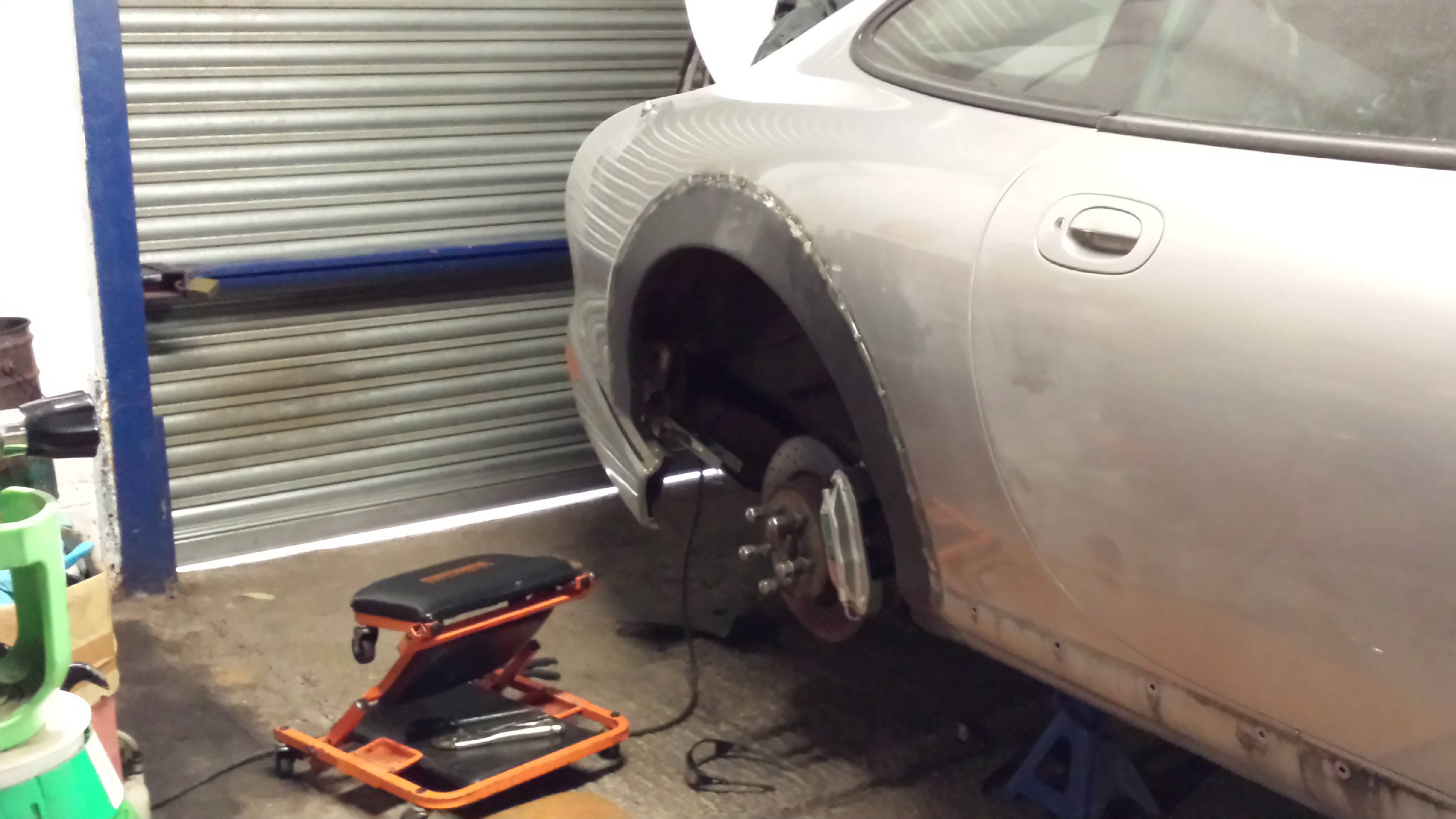
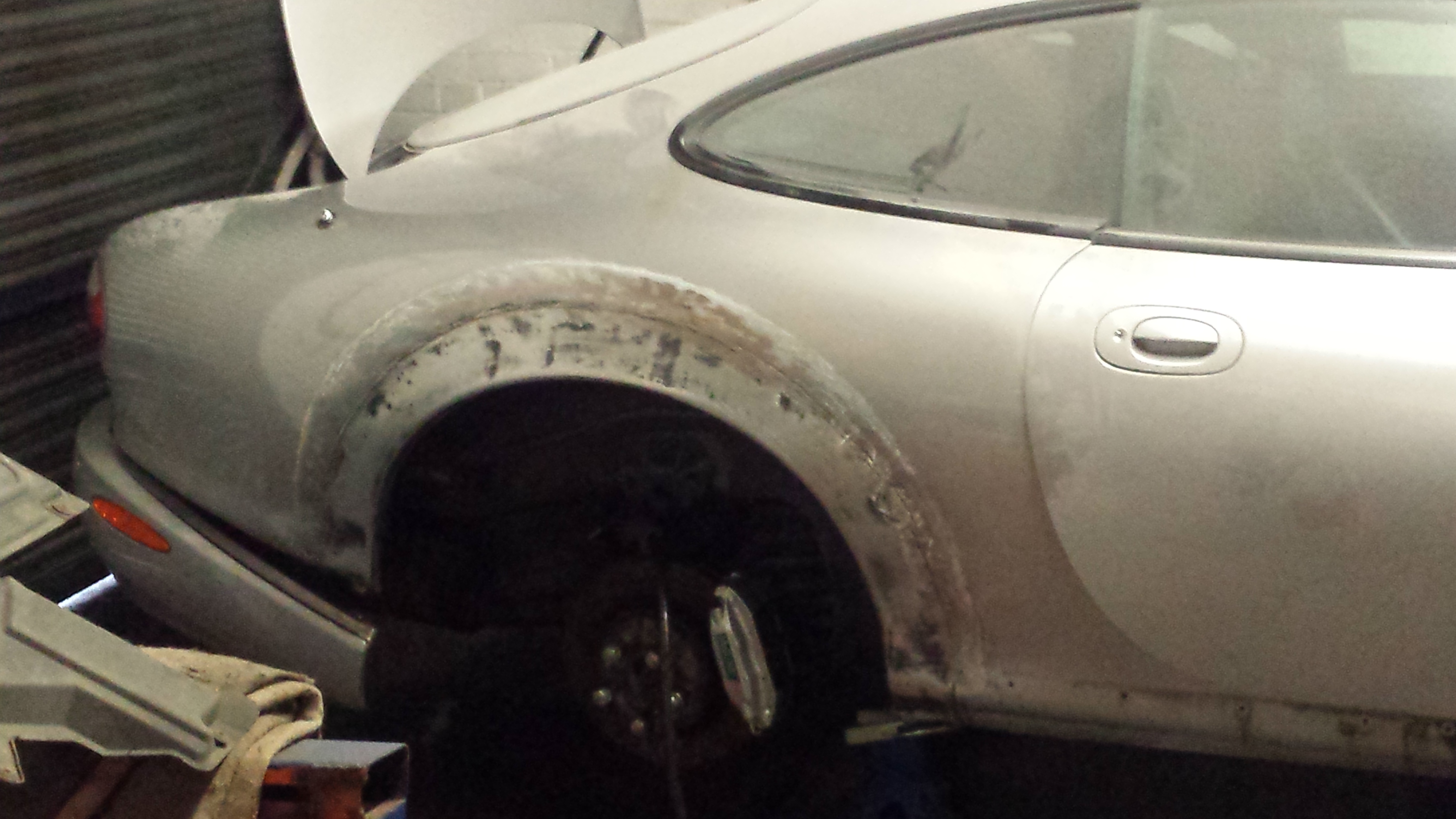
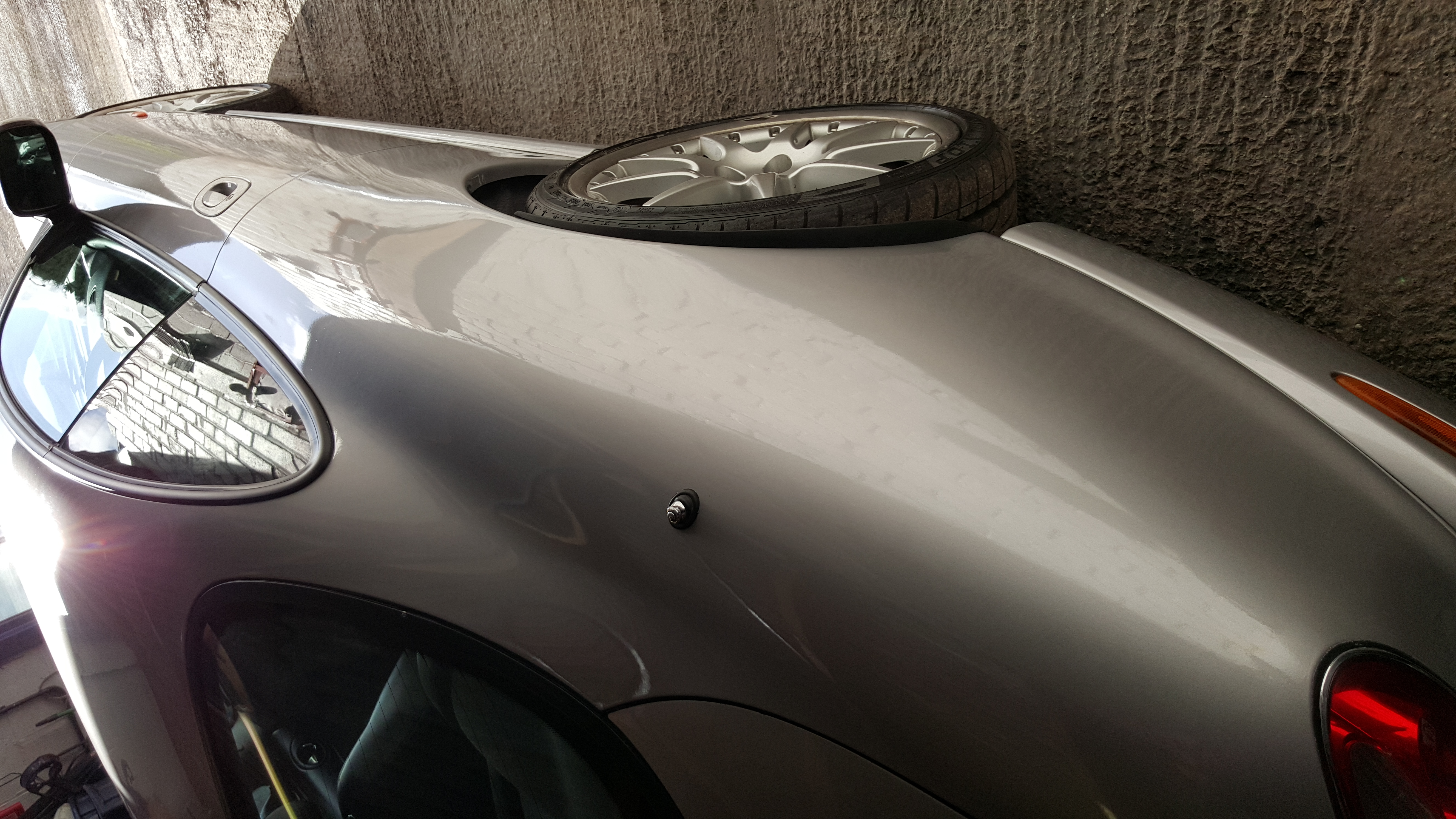
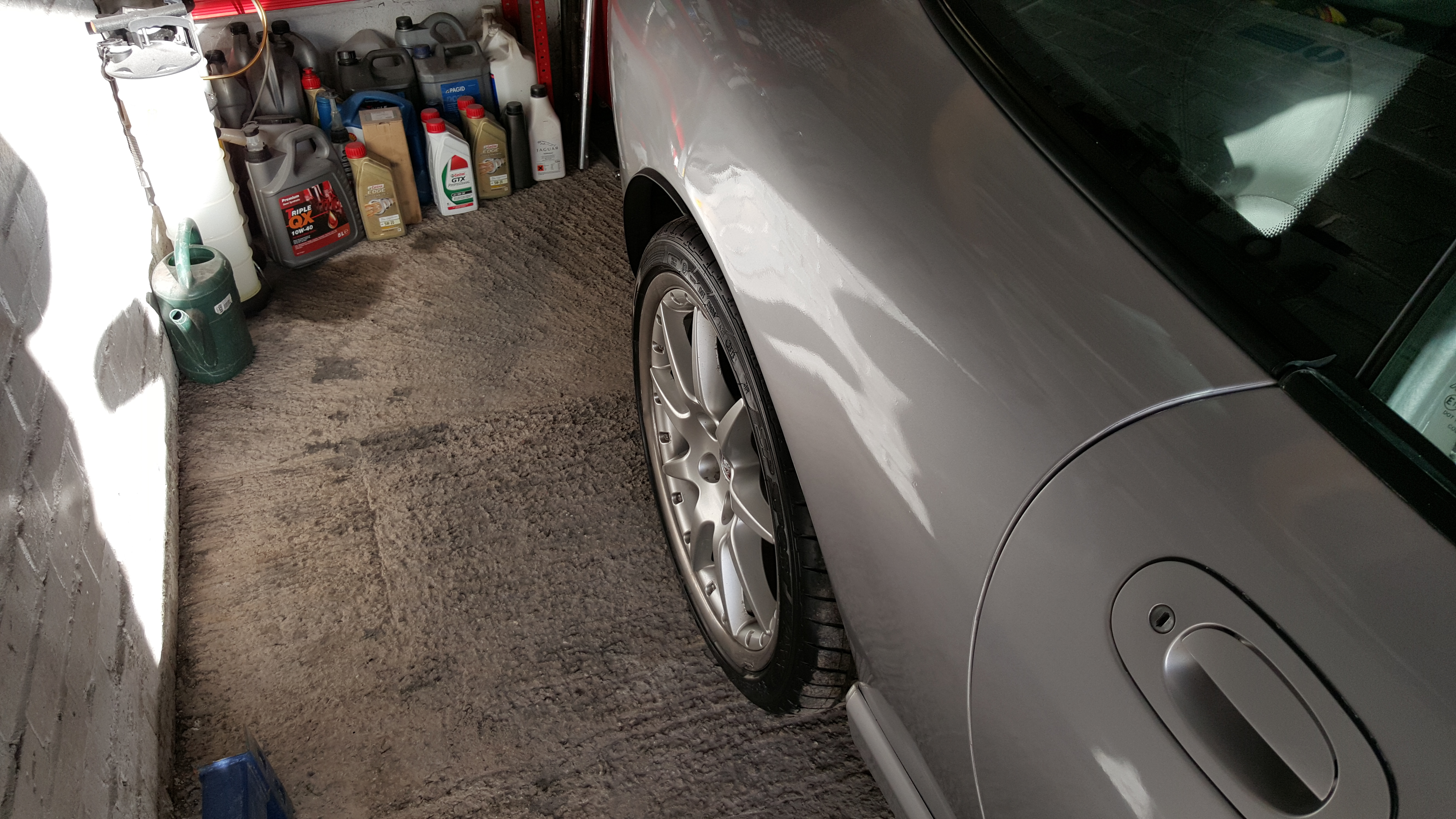
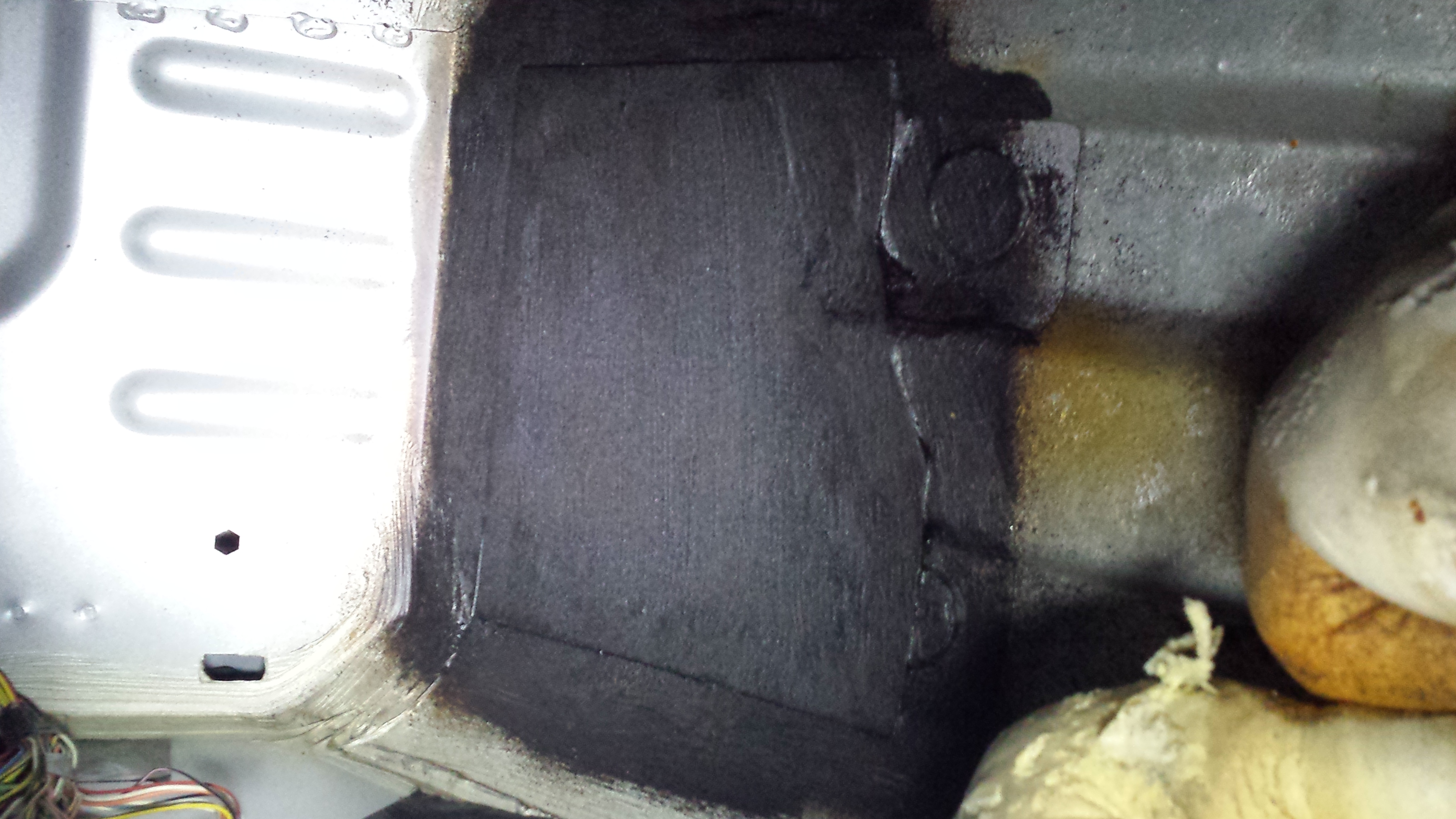
  5. Just like to share some of the work I have done on some nice Xk8's.
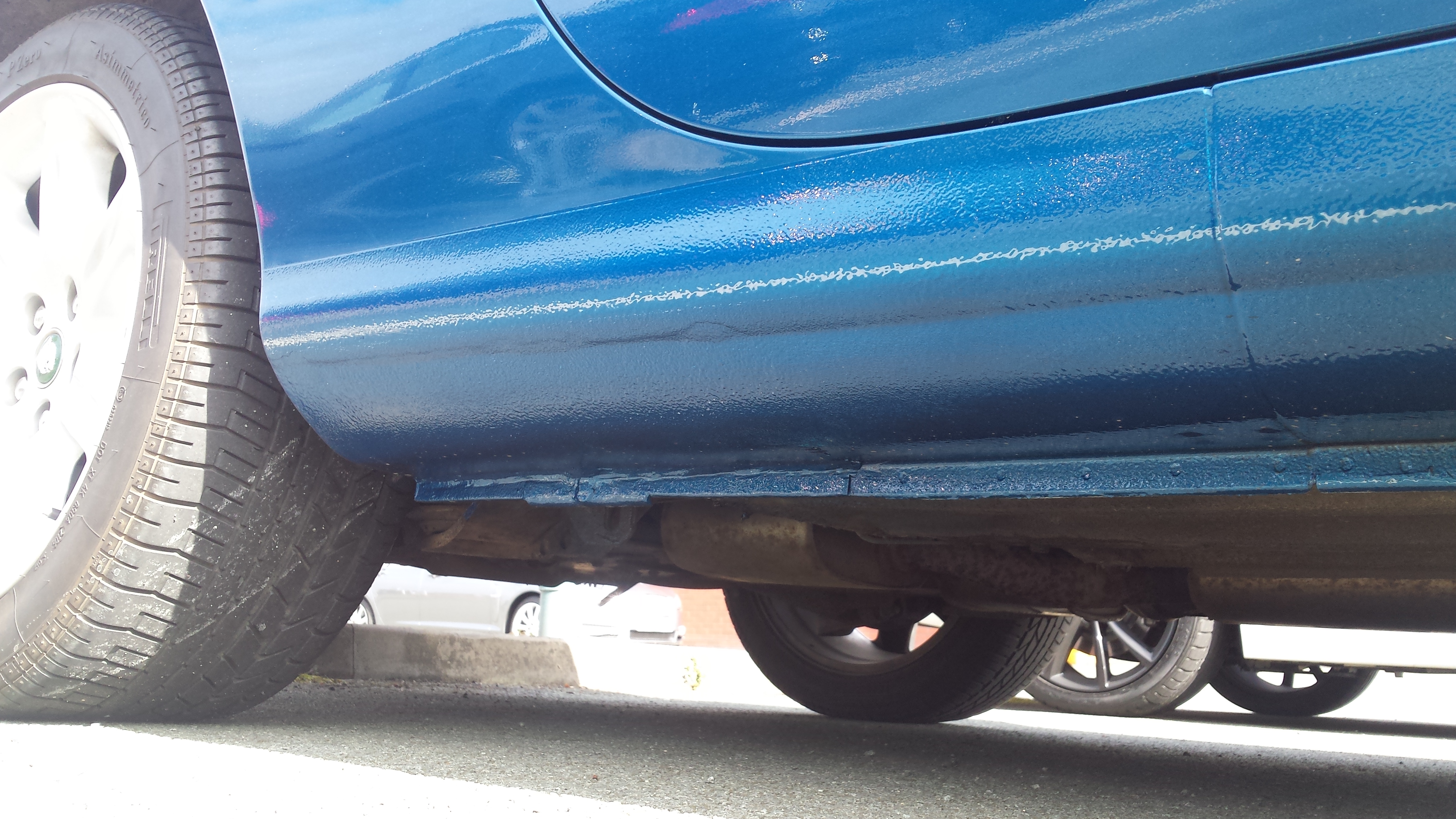
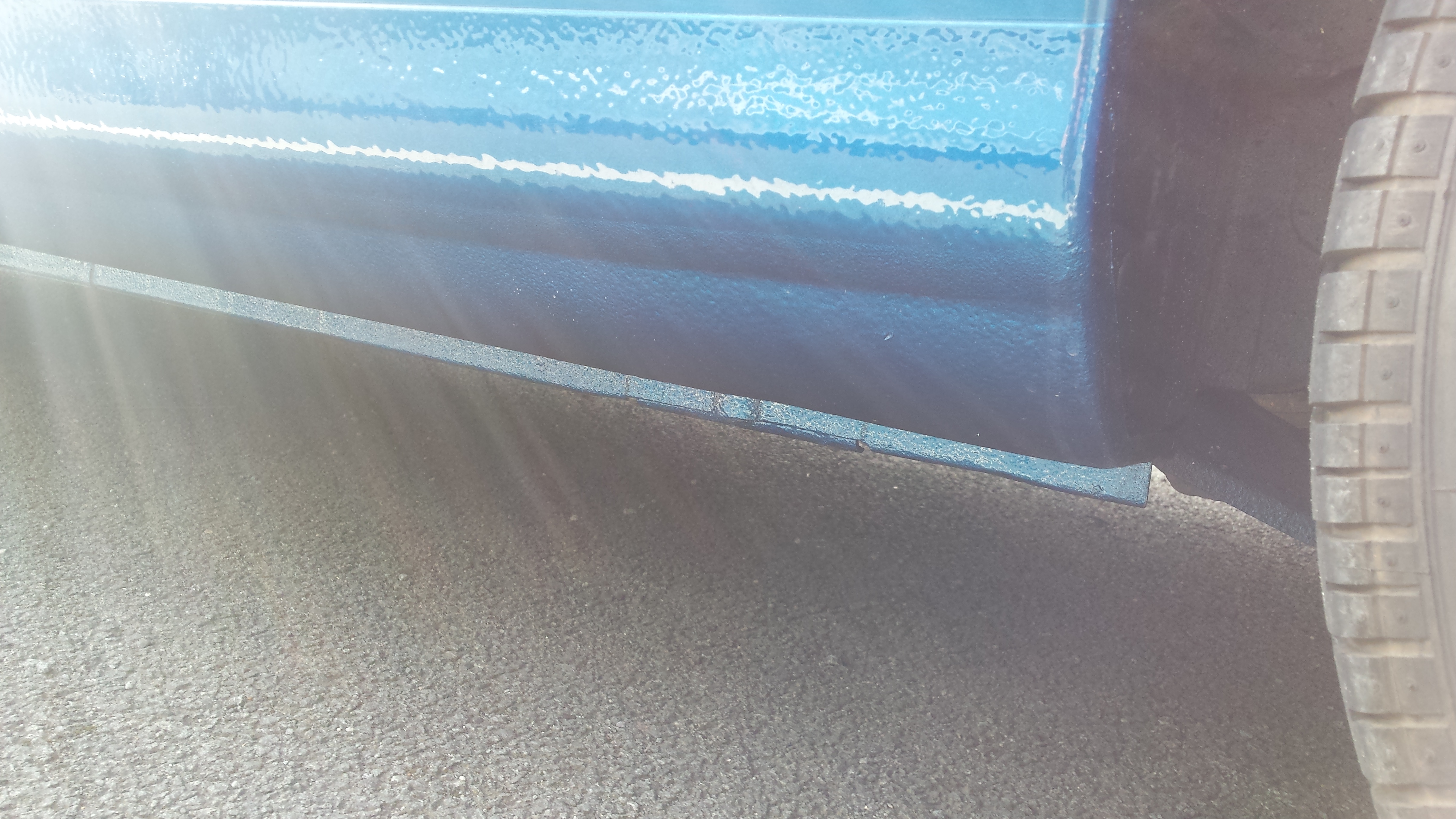
  6. Hi all, New to the forum. I dont currently own a Jaguar, but I work on them daily and I love the brand. Been doing a few x100 floor pans, sills and arch repairs in my spare time, some pics to follow.


Background Picker
Customize Layout

Account

Navigation

Search

Configure browser push notifications

Chrome (Android)
  1. Tap the lock icon next to the address bar.
  2. Tap Permissions → Notifications.
  3. Adjust your preference.
Chrome (Desktop)
  1. Click the padlock icon in the address bar.
  2. Select Site settings.
  3. Find Notifications and adjust your preference.