


Garethg
Members
-
Joined
-
Last visited
-
 Hi all, Has anyone removed or blanked the EGR valve? Does it make a big diffrence and does it make the EML light come on if you blank it off.will it cause any problems at MOT time. Cheers Gareth.
 -
Peter sorry to correct you but one duff sensor will indeed knock the other three out.I bought my x type with that very same problem.you have to get your ear right up to the sensors to hear which ones are clicking.only cost 10.00 for a new one.easy fix.
-
Garethg changed their profile photo
-
Morning all, can anyone recomend a companyin the slough area that can repair my drivers seat,the padded bit that rests on my right hip has signs of wear on it,. I live in langley Slough area. Would i have to remove the seat for this? thanks Gareth
-
Hi all, Thanks for taking the time to answer,really helpful stuff.. will fit it tomorrow.
-
Hi all, I have purchased spring loaded mascot for my bonnet, I was wondering is there a standard distance from the front of the bonnet to set it? Thanks Gareth.
-
Hi Jim. 53 years young and have full NCD.
-
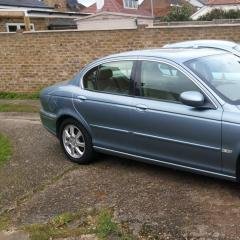
Hi all, Have just purchased my first Jaguar,an Xtype 2.0D. It's a real dream come true for me.totally smitten with it,never thought I would get to own one. I just have to find the best insurance quote now,it seems to be hovering in the 450.00 to 1000 mark,loads of price variations.really shocked by some of the quotes so far.Any suggestions would be most welcome. Thanks Gareth
