Do Not Sell My Personal Information
Jump to content
View in the app

A better way to browse. Learn more.

Jaguar Owners Club

A full-screen app on your home screen with push notifications, badges and more.

To install this app on iOS and iPadOS
  1. Tap the Share icon in Safari
  2. Scroll the menu and tap Add to Home Screen.
  3. Tap Add in the top-right corner.
To install this app on Android
  1. Tap the 3-dot menu (⋮) in the top-right corner of the browser.
  2. Tap Add to Home screen or Install app.
  3. Confirm by tapping Install.

Adzy

Members
  • Joined

  • Last visited

Everything posted by Adzy

  1. Hi any on had problems with there xjr keep going in to limp mode ?
  2. Yeah think I got break down cover will have to check many one in the Surrey are that could plug it in for me?
  3. Battery was shot but put a new one on and still the same and none of my pals have the right software to read into the abs 😔
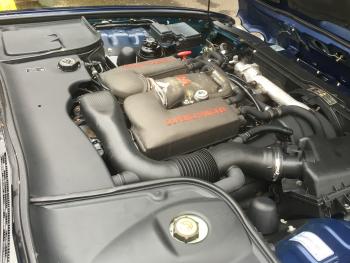
  4. Hi I've just brought an xjr 4.0 supercharged but it has an abs light on dash and the message tc not available and asc not available any one able to give me an idea of the problem other than all the tyre shredding I'm doing driving it thanks in advance Adzy


Background Picker
Customize Layout

Account

Navigation

Search

Configure browser push notifications

Chrome (Android)
  1. Tap the lock icon next to the address bar.
  2. Tap Permissions → Notifications.
  3. Adjust your preference.
Chrome (Desktop)
  1. Click the padlock icon in the address bar.
  2. Select Site settings.
  3. Find Notifications and adjust your preference.