Marvvvv
Members
-
Joined
-
Last visited
-
Hi Peter, I hope you are well and also enjoying retirement. Thank you for your help. I was just a bit concerned but I am now happy that you have cleared this up for me. I will also look in to the DPF cleaning additives. I just want to insure I do all that I can to keep the engine in good working order. Thanks again Peter. Kind Regards Marvin.
-
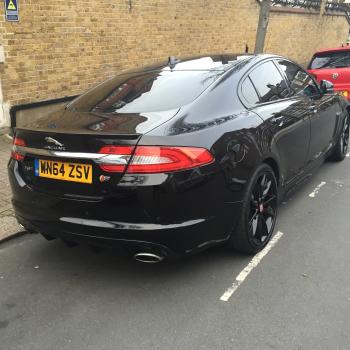
Hi there, I am new to the owners club, Hi guys!. I recently purchased a Jaguar XF S 3.0l diesel with 6500 miles on the clock. I have had it nearly a month now and I have been getting the "DPF FULL" message in orange on the dash. I have read (on here) that the way to sort this out is to take it for a run, it works every time. In the space of a fortnight I have had the message twice. I live in London so a lot of town driving and traffic. I only fill up with shell V power diesel too. Should I be concerned that I'm getting the message that frequently?. Also if it is a fault will it be covered by warranty?. Any help would be much appreciated. Thank you Marvin.