


Ryan_G_B
Members
-
Joined
-
Last visited
Everything posted by Ryan_G_B
-
 Hi everyone. My Fuel Filler flap wouldn't lock close. I have read on here, and looked at the YouTube Video about the actuator. I moved the carpet on the drivers side inside and pulled the manual release a few times and this let the actuator unsitick itself. I'm not sure if that is the official solution but it worked for me! Thanks
 -
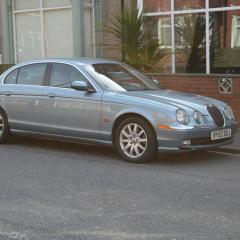
I am a proud owner of my S-Type. 4.2 V8 (300bhp) It's a beautiful car...





