


Leaderboard
-
S - Type Driver 2022
Members2Points10Posts
Popular Content
Showing content with the highest reputation on 04/13/2025 in Posts
-
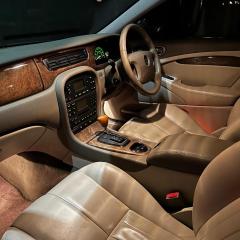
1 pointI have to admit, it was quite far gone I think most sane people would’ve called it a day but sometimes a car is valued more sentimentally than financially. Mechanically the S Types seem quite robust so I think providing I can keep up with the rust it will live on for a few more years. I’m currently torn between getting an X Type or another S Type to replace my main car with, perhaps a later model than the one I have with a few more toys.1 point
-
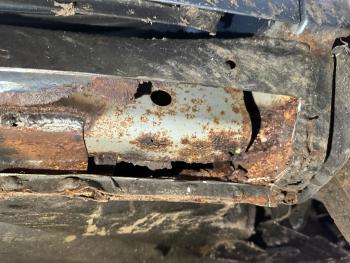
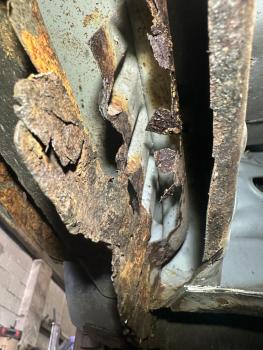
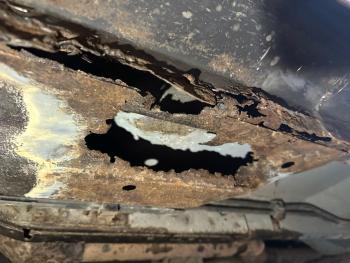
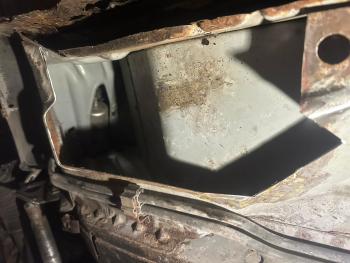
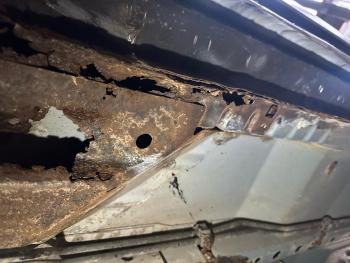
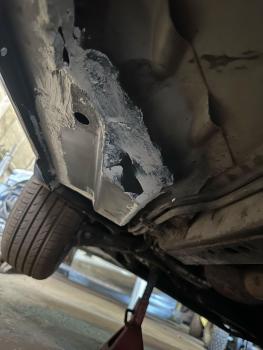
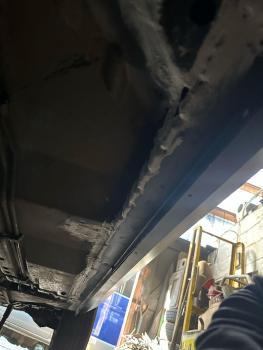
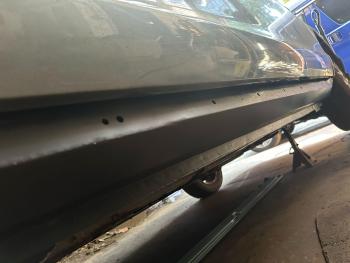
1 pointHi all, a long overdue update on my rust problems. I have finally gotten around to having the work done almost 2 years later, the main driving force behind it has been moving house and loosing the luxury of storage. It’s ended up being £3000 worth of welding but ultimately worth it to preserve another S Type for a few more years. My decision to save the car has actually proven to be quite a blessing because in between my Jag going for welding I was unfortunate enough to have quite a nasty smash in my main car on a rural road that resulted in it being written off, My S Type was my first car so I have ended up being back exactly where I started which makes me question if I should’ve stuck with an S Type all along. I’ll post some more photos once it’s all completed. Cameron.
 1 point


