


John Pappy
Members
-
Joined
-
Last visited
Everything posted by John Pappy
-
 OK. I switched the left & right lamp control module, both modules work ,(and will work without being grounded) both bulb holders work, I checked all fuses (not knowing what fuse is for what , covers missing). My next question what plug supplies the power to the module ? The large round one with 4 wires or the square one with like 12 wires ?
 -
Thanks Joe
-
Thanks
-
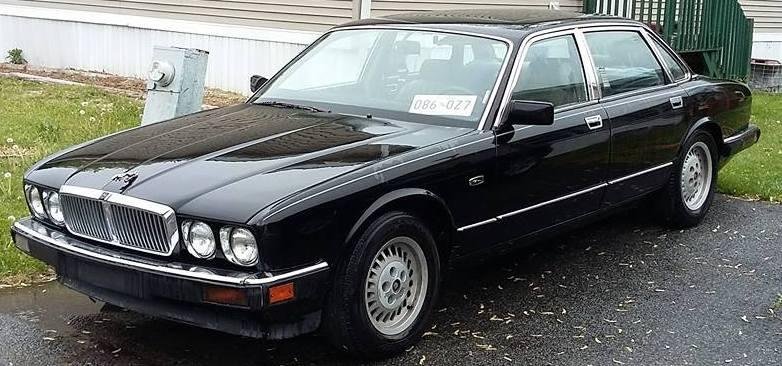
HELP needed, 1988 XJ6 (XJ40) ,Left turn & break lights not working, I checked the bulbs, OK. I checked the fuses, OK. I removed the module and tested it on the right side, module OK.I'm at a loss for what else to check, ........ any ideas would be appreciated Thanks, John.
-
Thanks
-
Hello New here, I have an 1988 XJ6 the fuse box covers are missing, could someone Please tell me what fuse is for what and what size fuse, Thanks , John
