
Do Not Sell My Personal Information
Jump to content
View in the app

A better way to browse. Learn more.

Jaguar Owners Club

A full-screen app on your home screen with push notifications, badges and more.

To install this app on iOS and iPadOS
  1. Tap the Share icon in Safari
  2. Scroll the menu and tap Add to Home Screen.
  3. Tap Add in the top-right corner.
To install this app on Android
  1. Tap the 3-dot menu (⋮) in the top-right corner of the browser.
  2. Tap Add to Home screen or Install app.
  3. Confirm by tapping Install.

Jampot100

Members
  • Joined

  • Last visited

Everything posted by Jampot100

  1. Nah ?? is that some kind of Chinky takeaway.
  2. Yes I had one of those, never again, driving 40 miles on the bump stops because the suspension decided to lower itself.
  3. Come to think of Joe there is, the 88000 volt ones. , when I tell anyone they think I am crazy. Cheers.
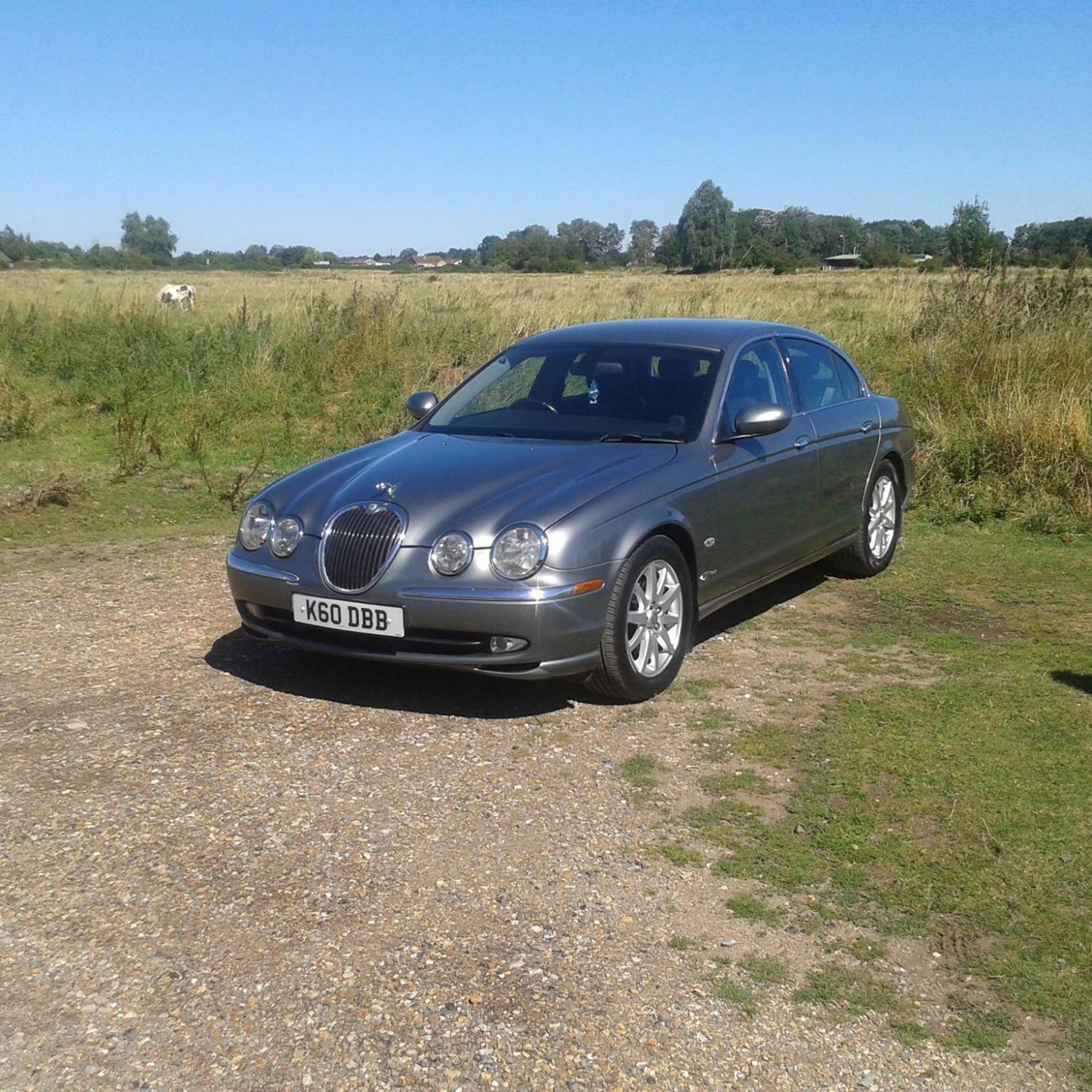
  4. Ok here is a good one for you, I have a 2003 beautiful S Type, I can travel anywhere in the UK and sometimes do with no problem, but on a stretch of road that runs past a huge vegetable packing place my engine management comes on (not every time) , I have a friend with a P38 Range Rover and it brings his EAS light on, on the very. the same stretch of road.


Background Picker
Customize Layout

Account

Navigation

Search

Configure browser push notifications

Chrome (Android)
  1. Tap the lock icon next to the address bar.
  2. Tap Permissions → Notifications.
  3. Adjust your preference.
Chrome (Desktop)
  1. Click the padlock icon in the address bar.
  2. Select Site settings.
  3. Find Notifications and adjust your preference.