


Buckley
Members
-
Joined
-
Last visited
Everything posted by Buckley
-
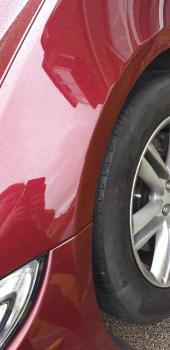
Cant beleive some people scratch you car drive off and dont leave any details. Luckly it did t-cut out



-
Emac service plan Hi I was just wondering if a emac service plan is worth it. I have a jaguar xf 2.2 diesel and pay £50 a month for 30 months. This pays for 3 services this is a total of £1500 the car is on a 64 plate with 23000 miles I only do about 5000/6000 miles a year is it worth paying all this money. Thoughts please
-
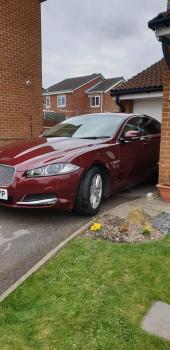
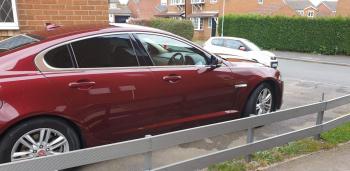
What a way to spend a Sunday washing and waxing my pride and joy. The beast looks so shiny


-
-

-

-

-
Hi Guys, I'm picking up my Xf 2.2 auto (2014) later this week does anyone know the mpg and how many miles you get to a full tank. I know it my differ with driving styles. Thanks
-
Hi, West Yorkshire between Leeds and Wakefield
-
Hi Gareth pleased to me you I'm not that far from York I'm only in Leeds
-
Hello everyone, I am new to this site and just thought I would introduce myself. I am picking up my xf 2014 next week can't wait. I used to have an X type about 5 years ago. I'm from Yorkshire so is there anyone else from this part of the country
-
Well pick my baby up on Thursday, Cant wait





