


DonnyGaz
Members
-
Joined
-
Last visited
-
 Hi Steve, Bell Lane Garage (Jaguar Independent), Langthwaite Business Park, South Kirby. Between doncaster & Barnsley. Great bloke with good service and prices, also gives you a courtesy car if booked in for work, not rotherham / sheffield but not much further. Give Richard a ring you might be surprised - 01977 651100, Gary
 -
Hi Gezzag swear by Maguiars products myself, there Tech Wax 2 is fantastic, dont know what your idea of costing a packet is but its about £18 but it lasts me over a year so dont consider it expensive, used to use MER and then Autoglym but the lasting shine and easy polish and lack of residue of Maguiars is tops for me, the tire gel is good too makes tyres look better than new and lasts well too. Gaz
-
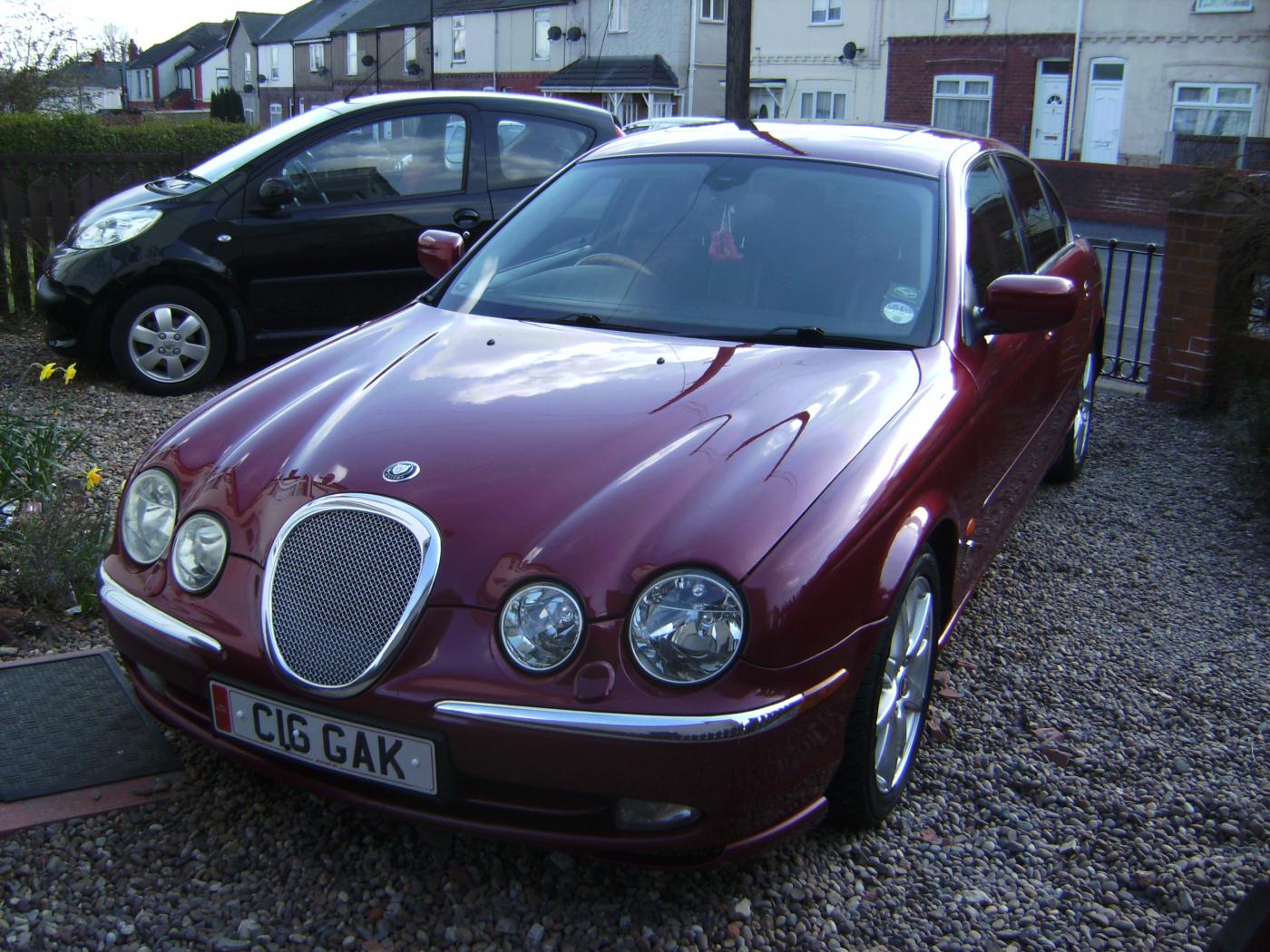
Haven't got a name for mine myself but the wife calls it "tThat Big Bag Of Sh#te" as she says it makes it akward to get her MASSIVE PEUGEOT 107 on and off the drive !, does this count as a pet name ?
-
Football ? Leeds ? am i missing something ?
-
Doncaster :( (someone has to live there !)
-
Hi Frank, Welcome from another new member with a 99 3.2 Sport, i used Footman James (through JEC) and they were £200 cheaper minimum than other companies i tried (all recomended by owners club) one of whom i had used for 5 years for my Pajero !. Hope your enjoying your new car as much as im enjoying mine :D. Gary
