
Norfolk Ian
Premium Member
-
Joined
-
Last visited
Everything posted by Norfolk Ian
-

From the album: Norfolk Ian
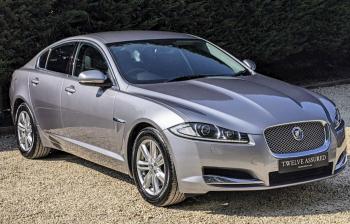
Dealers photo of my XF -
Cigarette
-
Thank you, can’t wait to finally get behind the wheel.
-
Hi John, Thank you for advice. Kr Ian🐾
-
Expense
-
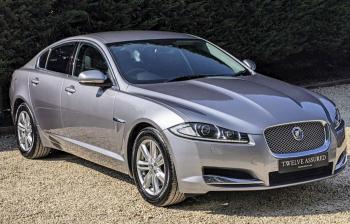
Hi All, Delighted to be able to join you as today I’ve signed on the dotted line and purchased an XF. The Jaguar is the only car I’ve ever actually desired, and as I’m just over 60 (I can’t believe I’m that age) it’s now or never. Test drove it on Saturday it’s a dream, one owner, full Jaguar service history and 37k miles. Awaiting deliver later this week, really excited. Look forward to help and advice from all of you in the “Prowl” which is one of the collective nouns for a group of Jaguars 🐆the other two being “Leap” or “Parade” Catch up soon, Norfolk Ian 🐾 PS I have posted same message in new owners forum topic
-
Hi All, Delighted to be able to join you as today I’ve signed on the dotted line and purchased an XF. The Jaguar is the only car I’ve ever actually desired, and as I’m just over 60 (I can’t believe I’m that age) it’s now or never. Test drove it on Saturday it’s a dream, one owner, full Jaguar service history and 37k miles. Awaiting deliver later this week, really excited. Look forward to help and advice from all of you in the “Prowl” which is one of the collective nouns for a group of Jaguars 🐆 the other two being “Leap” or “Parade” Catch up soon, Norfolk Ian 🐾