


pkj926
Members
-
Joined
-
Last visited
Everything posted by pkj926
-
 Thanks for your reply Yes the car is drivable and everything else is normal - so I will carry on and get it reset when I get back to the UK. Thanks again Paul
 -
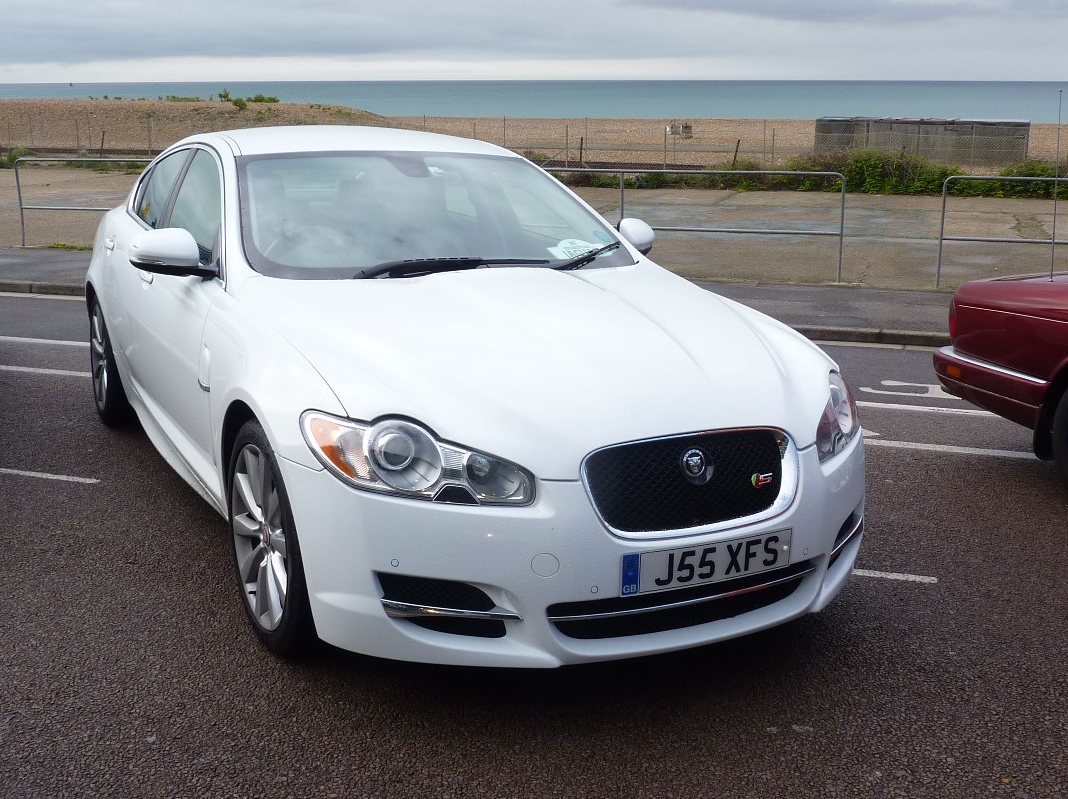
Hi, I am on holiday in France/Italy at the moment in my 2011 XF S Luxury 3.0d. I lightly touched a chain link fence whilst going forward into a tight space nil damage and not a mark on the car (thank goodness) But now I have the "Check Pedestrian System" message permanently displayed. Anyone know if I can reset this by disconnecting the battery or any other method? I don't particularly want to take it to a dealer over here - so hoping someone can help? Paul
