
Do Not Sell My Personal Information
Jump to content
View in the app

A better way to browse. Learn more.

Jaguar Owners Club

A full-screen app on your home screen with push notifications, badges and more.

To install this app on iOS and iPadOS
  1. Tap the Share icon in Safari
  2. Scroll the menu and tap Add to Home Screen.
  3. Tap Add in the top-right corner.
To install this app on Android
  1. Tap the 3-dot menu (⋮) in the top-right corner of the browser.
  2. Tap Add to Home screen or Install app.
  3. Confirm by tapping Install.

andrewno1

Members
  • Joined

  • Last visited

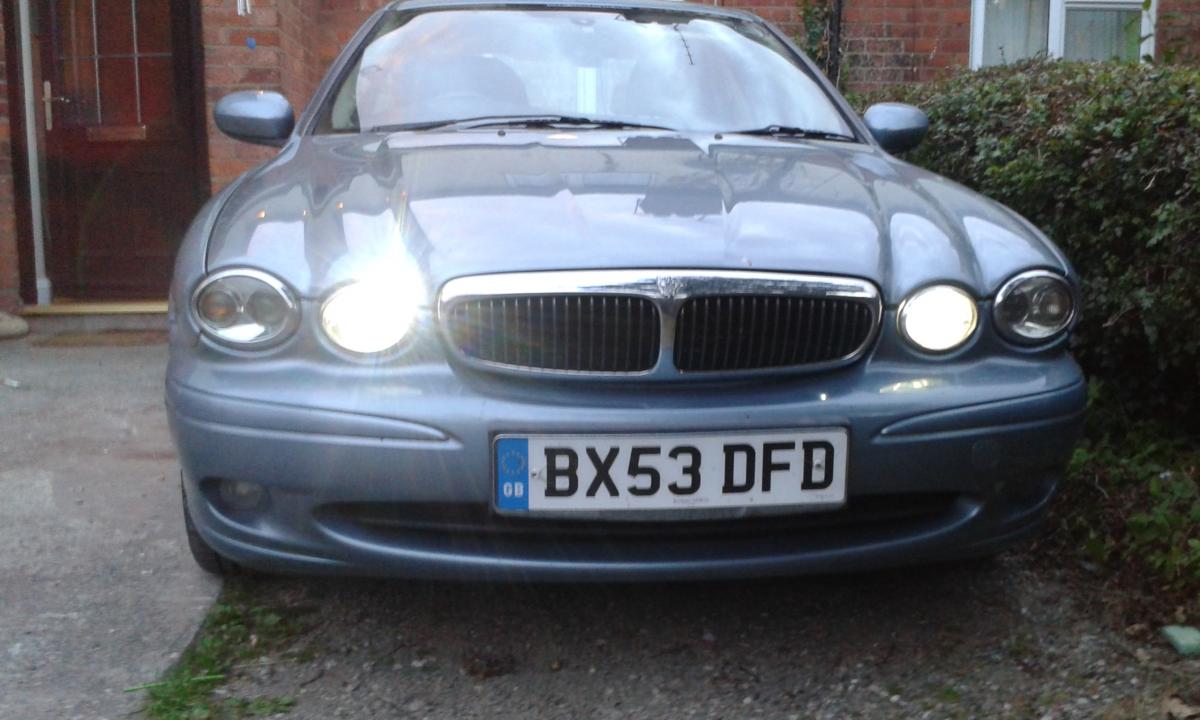
  1. heres mine and no faults
  2. im in shrewsbury shropshire
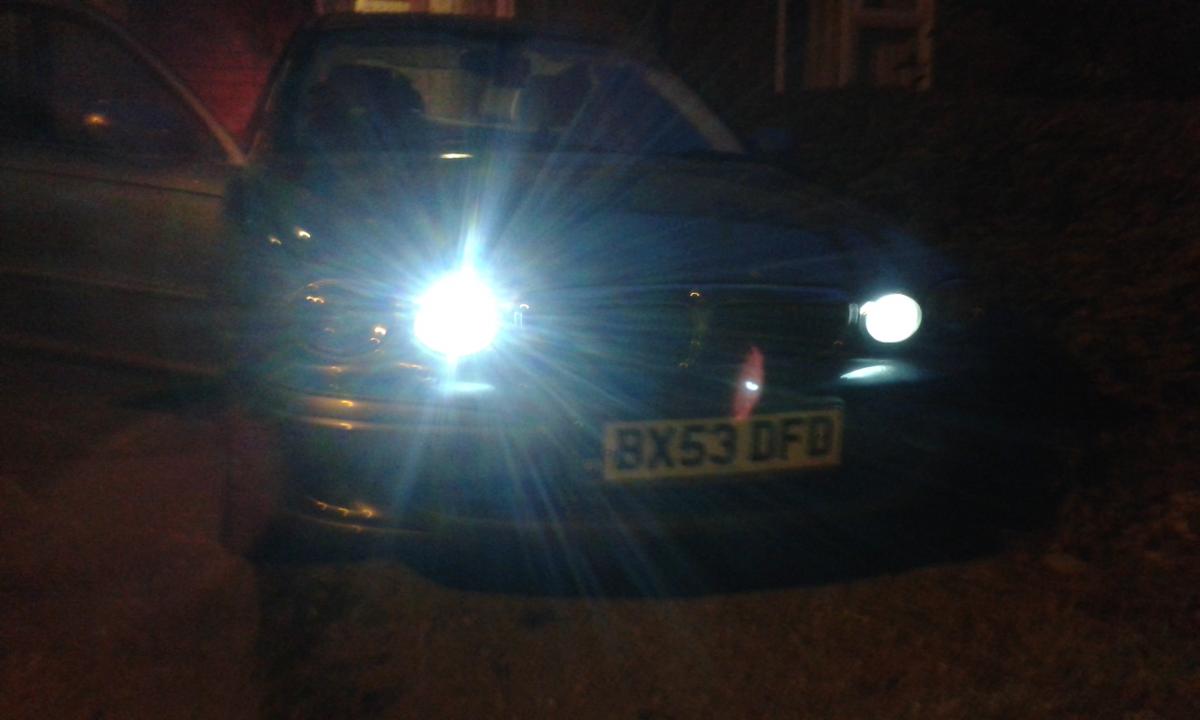
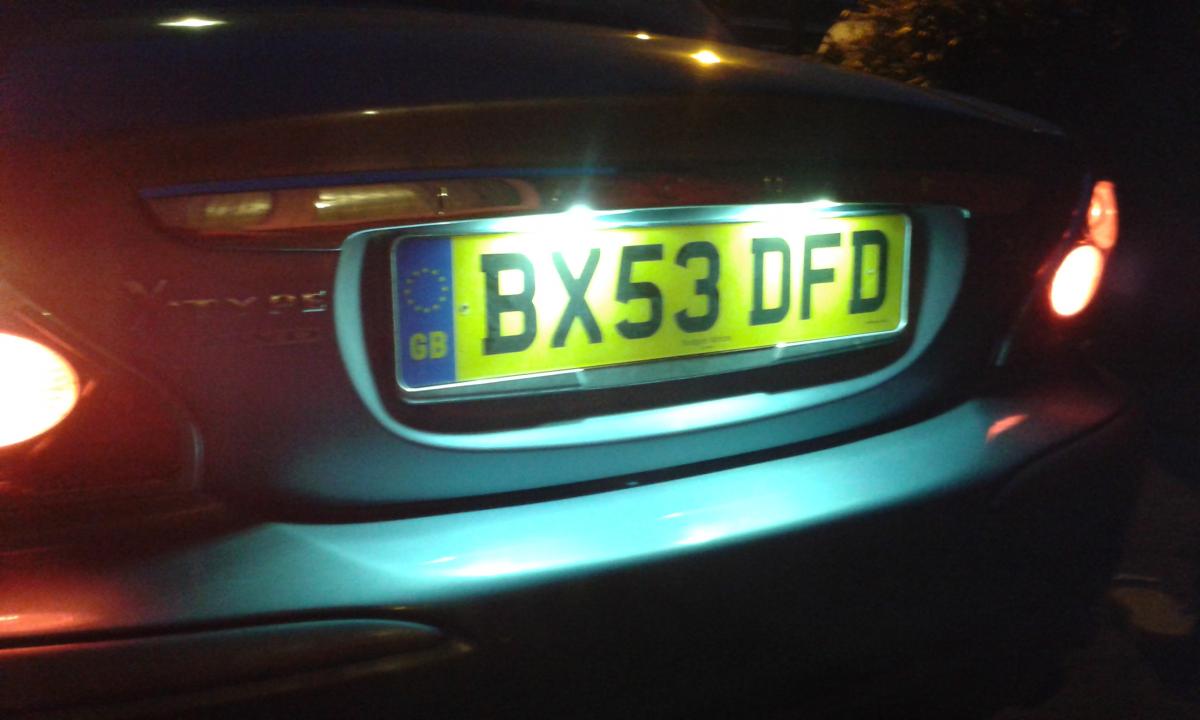
  3. i replaced the side light bulbs and have 5watt cree in mine loads better
  4. i would be intrested as well as i live in shrewsbury
  5. just saying hi to you all as got my first jaguar x type this saturday 2.5 v6 and very happy with the car and have become a premium member today so i can learn more from this forum about the car says on the reg 53 plate but was registered in 2005 as was a deemo car so has a lot of extras fitted
  6. got my jaguar this saturday very impressed so far xtype 2.5 and have just payed today to a premium member so hope to learn more from this club and its members about the car as first time jag owner cheers from andrew
Background Picker
Customize Layout

Configure browser push notifications

Chrome (Android)
  1. Tap the lock icon next to the address bar.
  2. Tap Permissions → Notifications.
  3. Adjust your preference.
Chrome (Desktop)
  1. Click the padlock icon in the address bar.
  2. Select Site settings.
  3. Find Notifications and adjust your preference.