-Dan-
Members
-
Joined
-
Last visited
Everything posted by -Dan-
-
 Hi, right few weeks back my key fob died so I thought it's ok I'll just use the key in the lock, but I got to say what a job that was, the key would not work took ages for me to unlock it! Now the key I have works in the ign fine and the lock moves both ways, but I can work out why it wouldn't unlock, now I have a feeling it maybe the auctuator or the micro switches in the door lock mech, now if I buy a secondhand unit will it need coding to the car?
 -
Blimey that looks good!
-
Is there anything left from this? I'm after a few bits
-
Hi all ever since I've owned my x type the fuel flap has never opened properly, am I right in thinking there should be some sort of spring in there to aid it opening? I can lift the handle in the car and the release pin moves but the flap doesn't Spring open it just stays shut!
-
The owner before fitted a huge smd strip goes from one side to the I'll whack a nighttime pic if I remember to take on tonight!
-
Mine does this! About the only thing I hate about my car! I thought it was just me being a div but clearly not
-
-
Think I'll follow this thread as mine is doing the same! But I get it at lower speeds, seems only to do it when under load,
-
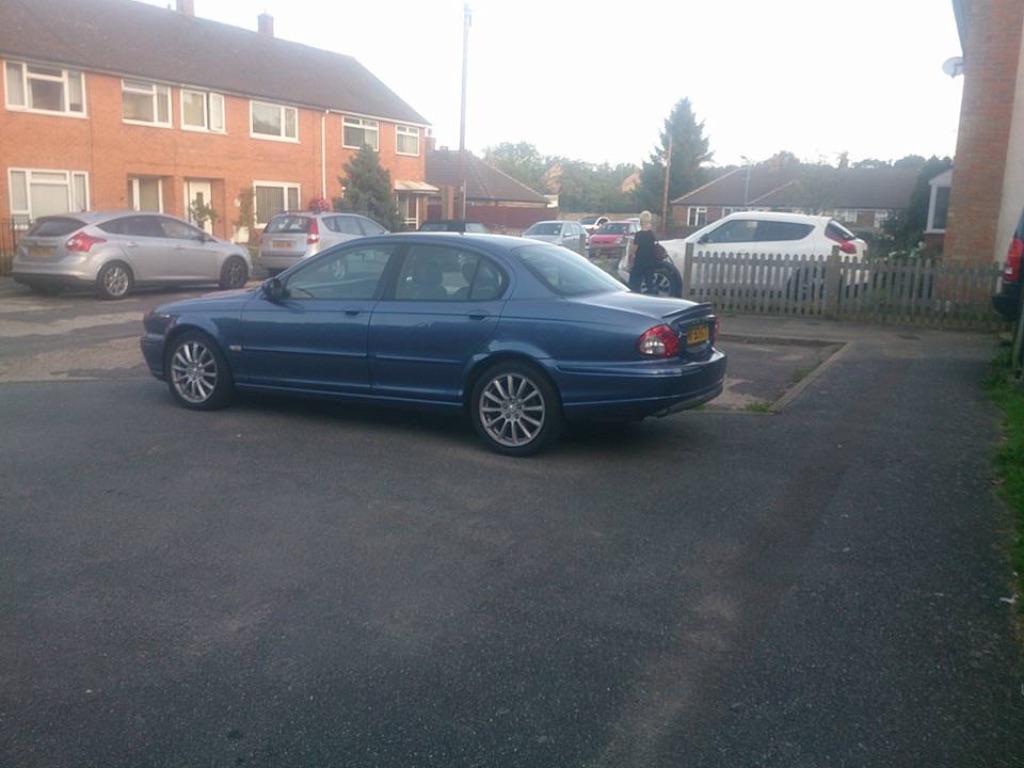
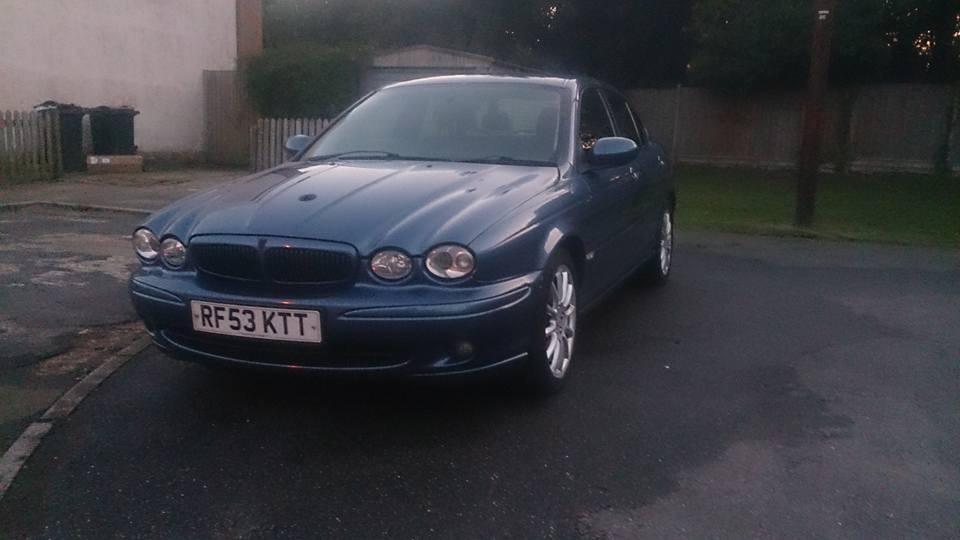
Hi all I'm Dan and from Kent, I picked up my first jag yesterday I've got to say what a lovely car, I decided to go for an x type 2lt sport, I personally think in one of the best colours as well had to travel half a day to get it but well worth it