Do Not Sell My Personal Information
Jump to content
View in the app

A better way to browse. Learn more.

Jaguar Owners Club

A full-screen app on your home screen with push notifications, badges and more.

To install this app on iOS and iPadOS
  1. Tap the Share icon in Safari
  2. Scroll the menu and tap Add to Home Screen.
  3. Tap Add in the top-right corner.
To install this app on Android
  1. Tap the 3-dot menu (⋮) in the top-right corner of the browser.
  2. Tap Add to Home screen or Install app.
  3. Confirm by tapping Install.

hutch67

Members
  • Joined

  • Last visited

  1. Thanks Peter for a great morning, good to put faces to names and see some fantastic cars too. For those who wanted to know where I got my brakes it was from here www.mtecbrakes.com
  2. Thanks for sorting this Peter, see you Sunday Any idea of what cars may be available for test drives?
  3. Hi Peter, I'll come if there's still room. SWMBO will be with me also. Steve Hutchings
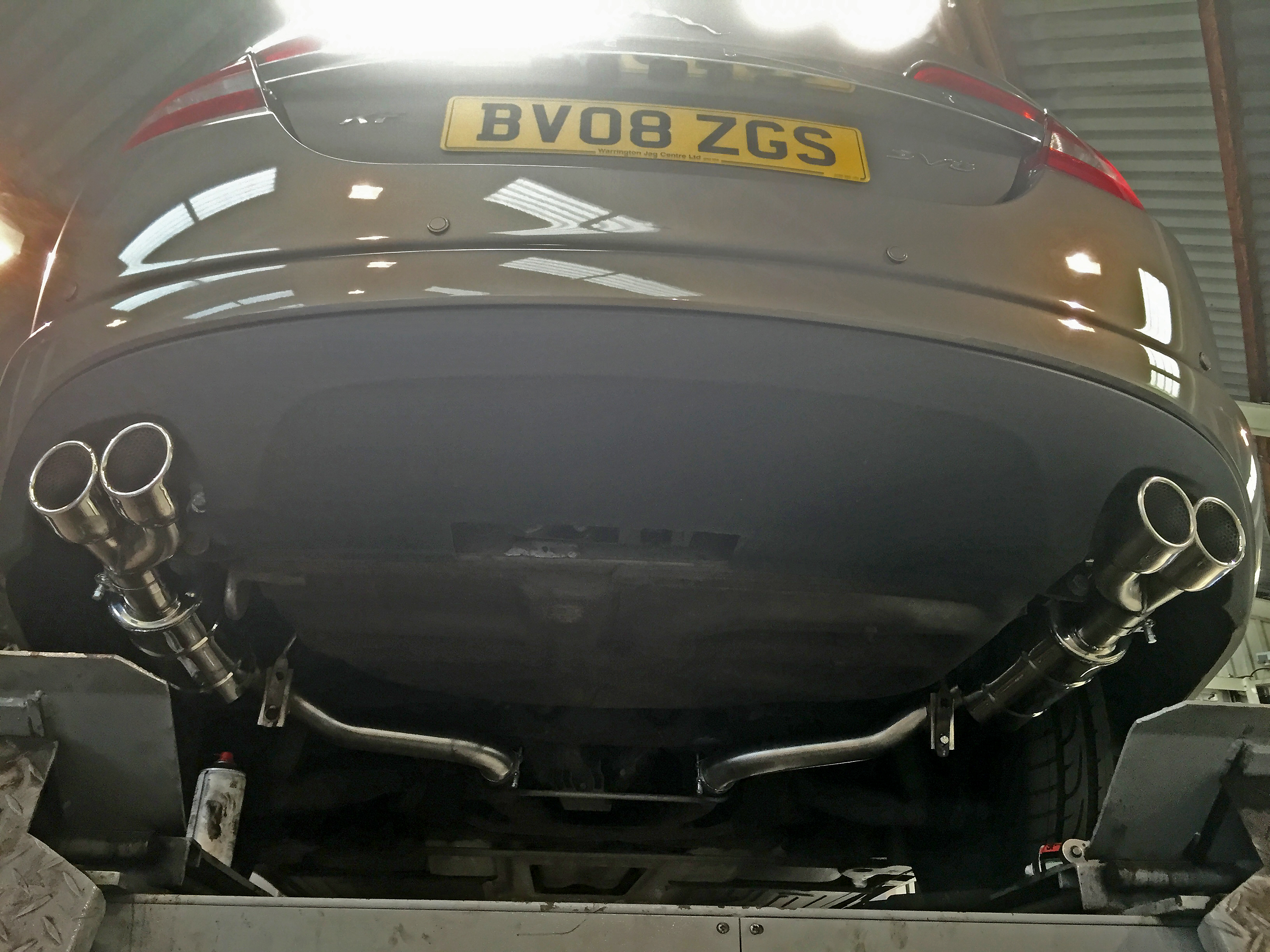
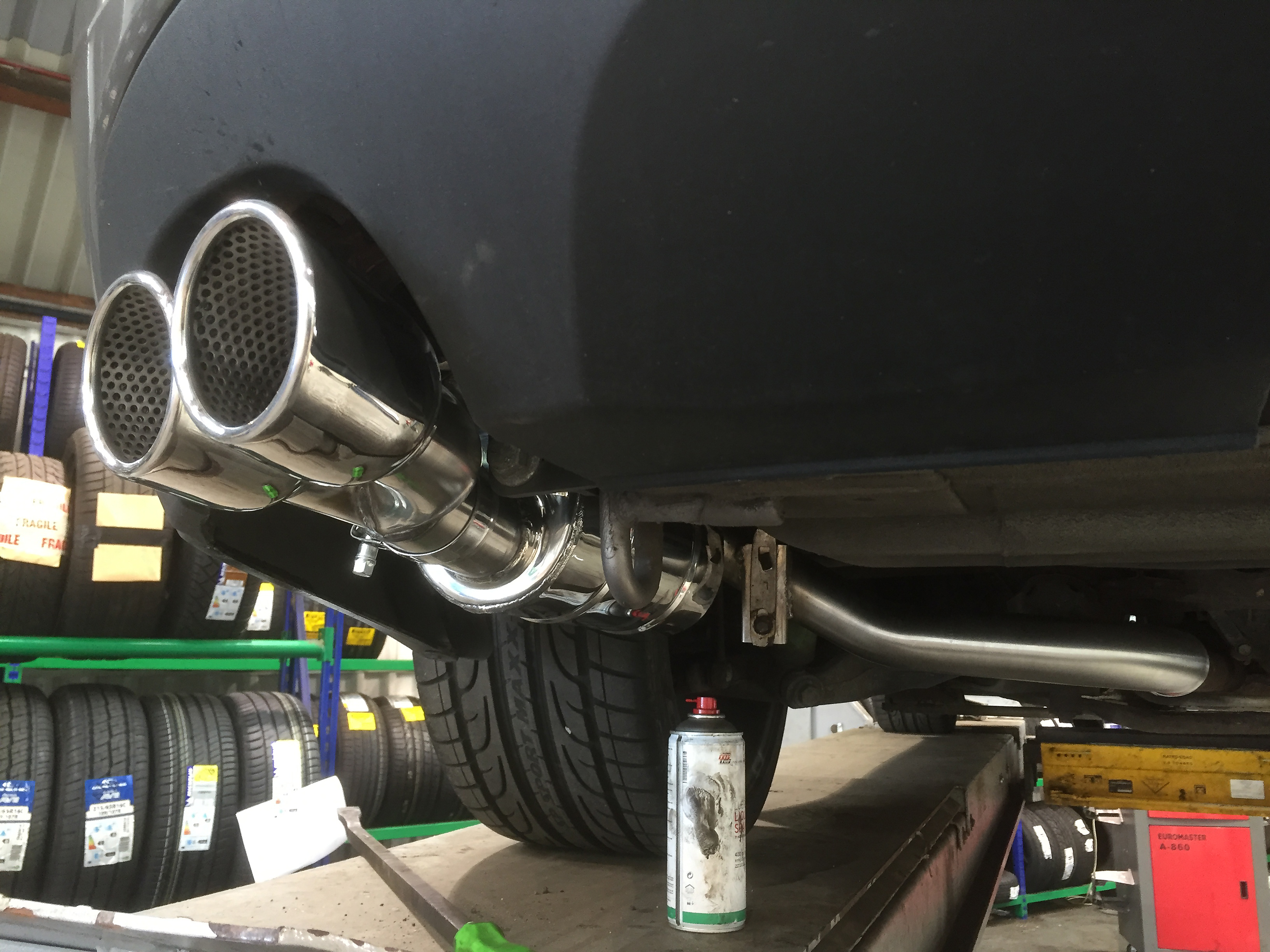
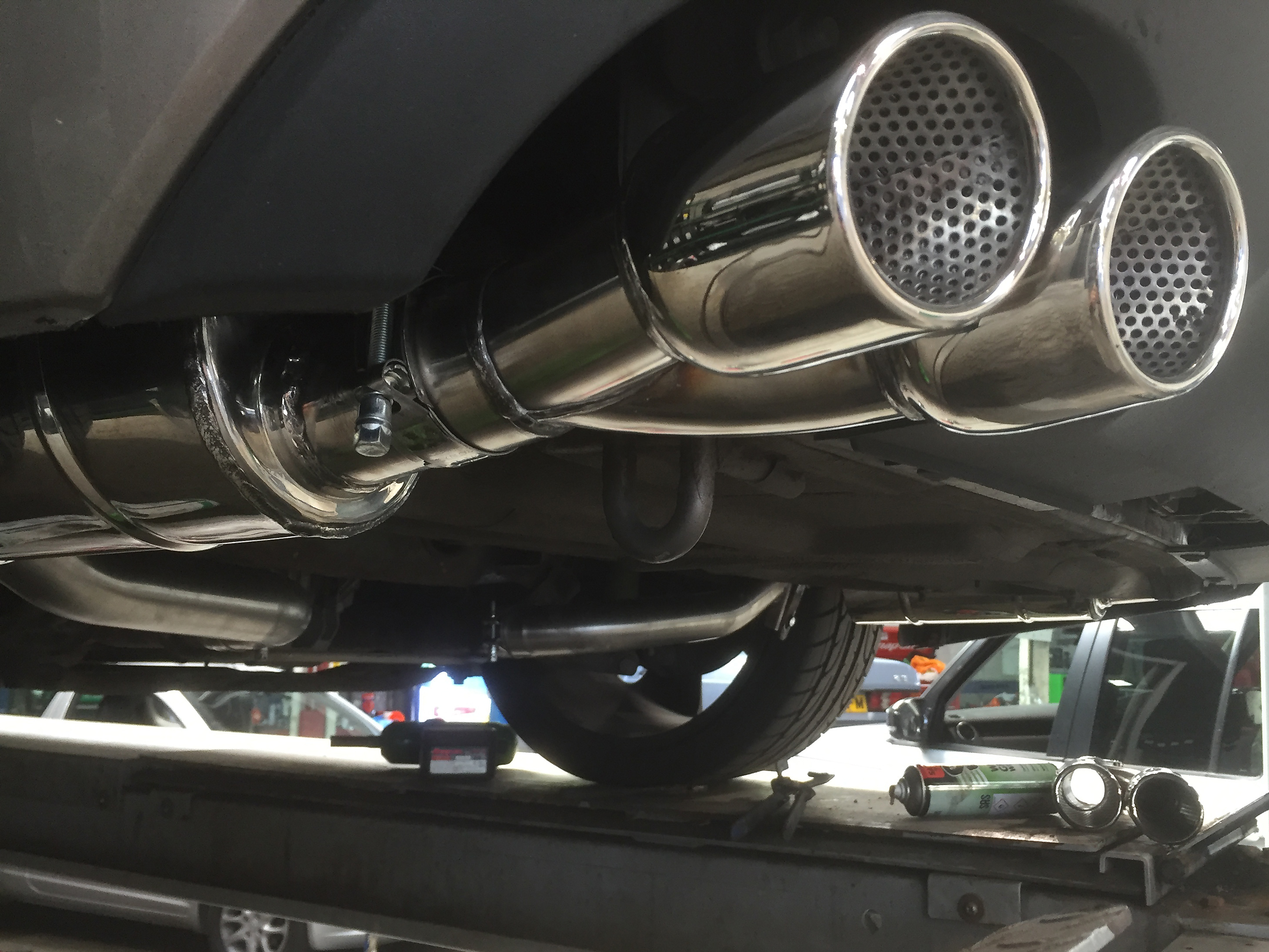
  4. Have a look at Spires for exhausts, just had my SV8 done and it sounds superb. http://www.spires-st.com/product-category/jaguar/xfr/xfr-sports-exhaust/
  5. hutch67 changed their profile photo
  6. Hi, I'm the proud owner of my very first Jaguar a Vapour Grey XF SV8. Looking forward to contributing to the forum and asking questions as I get used to my new car. Steve

Background Picker
Customize Layout

Configure browser push notifications

Chrome (Android)
  1. Tap the lock icon next to the address bar.
  2. Tap Permissions → Notifications.
  3. Adjust your preference.
Chrome (Desktop)
  1. Click the padlock icon in the address bar.
  2. Select Site settings.
  3. Find Notifications and adjust your preference.