Do Not Sell My Personal Information
Jump to content
View in the app

A better way to browse. Learn more.

Jaguar Owners Club

A full-screen app on your home screen with push notifications, badges and more.

To install this app on iOS and iPadOS
  1. Tap the Share icon in Safari
  2. Scroll the menu and tap Add to Home Screen.
  3. Tap Add in the top-right corner.
To install this app on Android
  1. Tap the 3-dot menu (⋮) in the top-right corner of the browser.
  2. Tap Add to Home screen or Install app.
  3. Confirm by tapping Install.

Leaderboard

Popular Content

Showing content with the highest reputation on 12/15/2023 in Posts

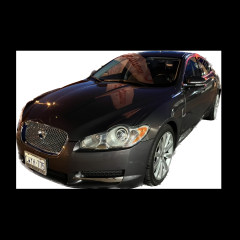
  1. I live in Toronto Ontario Canada 🇨🇦 I have a 2010 XF premium luxury v8 5.0 n/a currently in winter storage. cheers
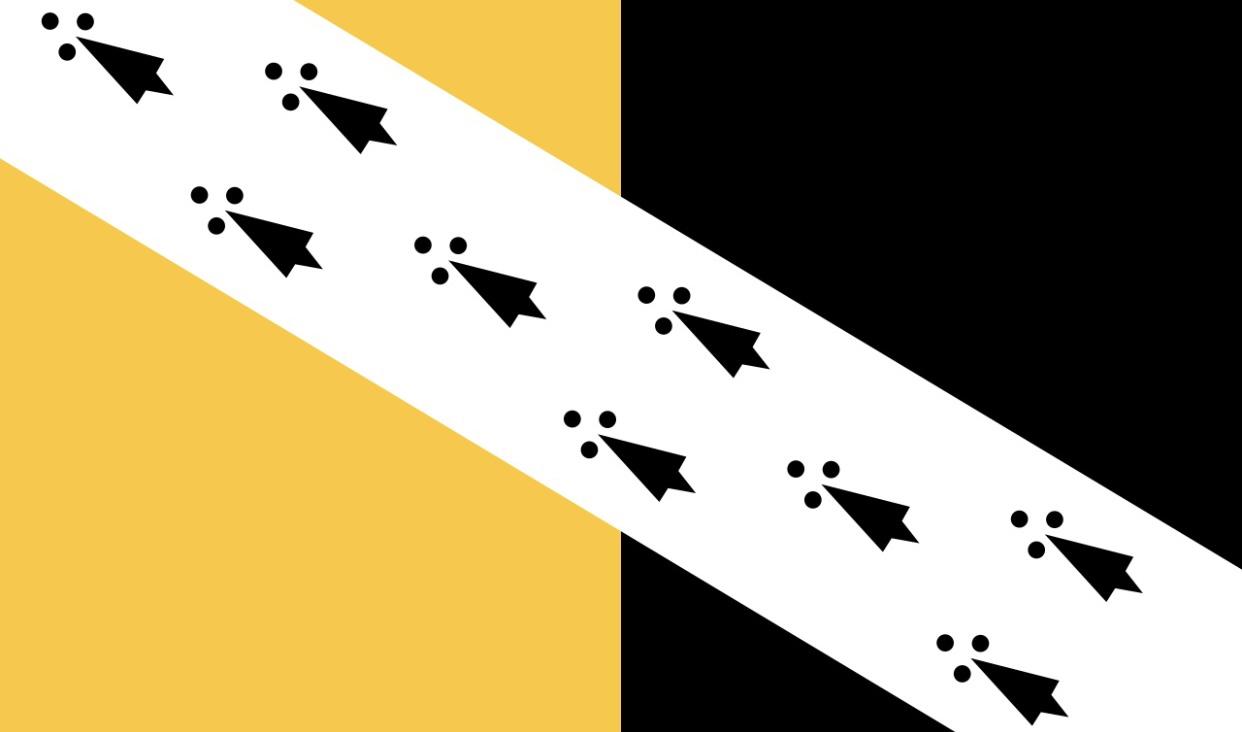
  2. I’m from a village near Swaffham, Norfolk
  3. Hi Dave, 115 miles Dorchester to Draycott, round trip - very busy and mixed traffic flows 27.5 mpg overall. Just as the book says on for those conditions. Very smooth drive 1,750 revs @ 60 mph. I hope that you had a good day as well. Have a good w/e Kind Regards Dominic
  4. Lakenheath aka "next door to Top Gun".........


Background Picker
Customize Layout

Account

Navigation

Search

Configure browser push notifications

Chrome (Android)
  1. Tap the lock icon next to the address bar.
  2. Tap Permissions → Notifications.
  3. Adjust your preference.
Chrome (Desktop)
  1. Click the padlock icon in the address bar.
  2. Select Site settings.
  3. Find Notifications and adjust your preference.