
Do Not Sell My Personal Information
Jump to content
View in the app

A better way to browse. Learn more.

Jaguar Owners Club

A full-screen app on your home screen with push notifications, badges and more.

To install this app on iOS and iPadOS
  1. Tap the Share icon in Safari
  2. Scroll the menu and tap Add to Home Screen.
  3. Tap Add in the top-right corner.
To install this app on Android
  1. Tap the 3-dot menu (⋮) in the top-right corner of the browser.
  2. Tap Add to Home screen or Install app.
  3. Confirm by tapping Install.

Leaderboard

Popular Content

Showing content with the highest reputation on 10/26/2025 in Posts

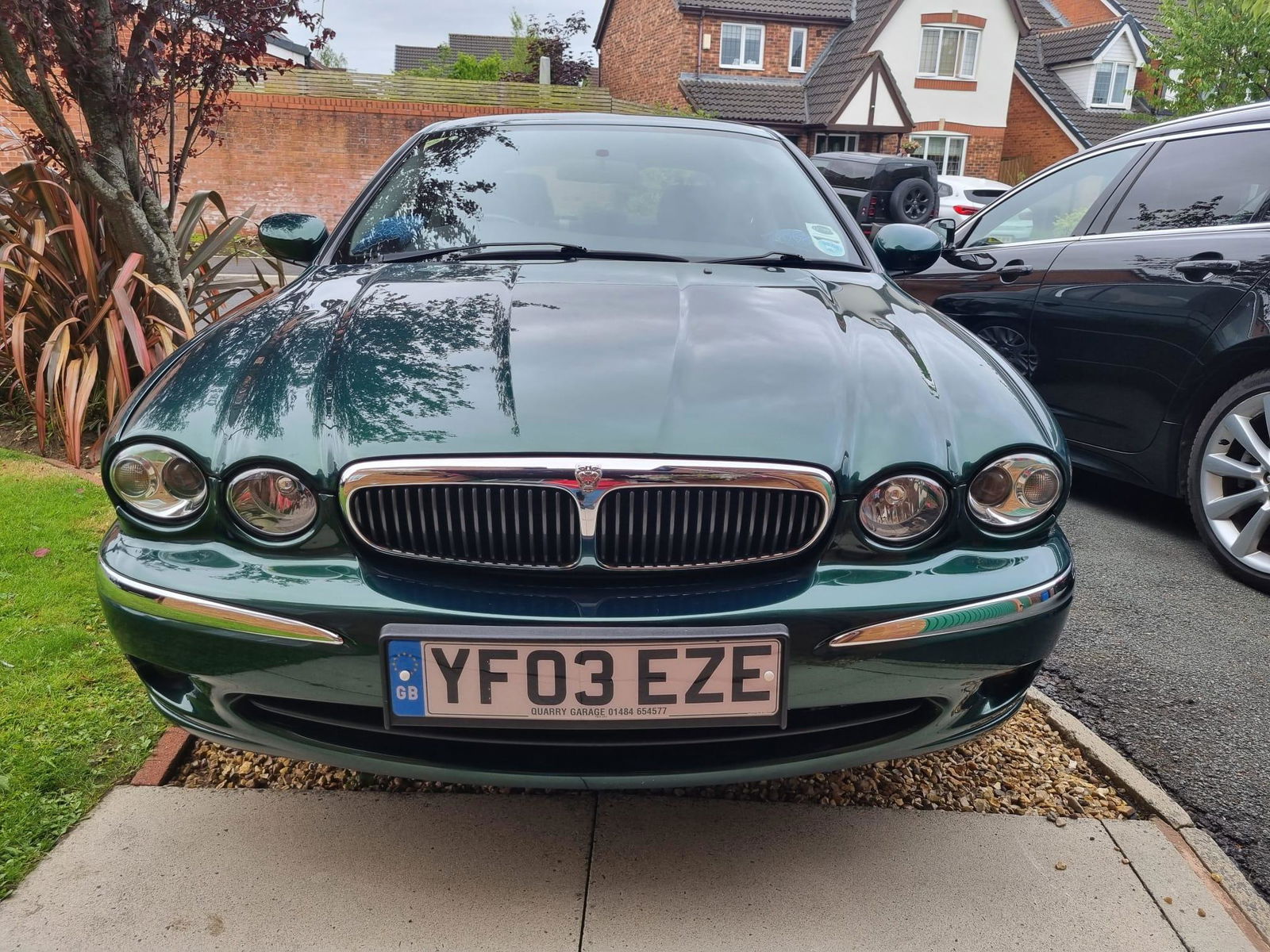
  1. Thank you all for your help and advice! I have managed to get into the boot via the ‘secret’ keyhole!
  2. Hi Alex I would expect you to be getting DTC codes if you are getting dashboard error messages It is possible you need Jag specific software. Have you checked the Fuel Pump Driver Module? Also I would re-check the need to recode a new fuel pump as Gemini (AI search) suggests it is needed. This might also help if you have not already found it. http://www.jagrepair.com/images/Electrical/XFWorkshopManual/Fuel System.pdf Good luck John


Background Picker
Customize Layout

Configure browser push notifications

Chrome (Android)
  1. Tap the lock icon next to the address bar.
  2. Tap Permissions → Notifications.
  3. Adjust your preference.
Chrome (Desktop)
  1. Click the padlock icon in the address bar.
  2. Select Site settings.
  3. Find Notifications and adjust your preference.