fat sting
Members
-
Joined
-
Last visited
Everything posted by fat sting
-
My 58 plate 2.2D auto When in reverse, one of the front sensors beeps, like it is close to something (it's beeping, not a continous sound) but there is nothing there any ideas? thanks
-
cheers someone at work has an aurel, looks like MAF sensor
-
Hi everyone, I have my EML on, used a cheap code reader but couldnt make it work very well, said something about air pressure What readers do you guys recommend TIA
-
yep mine ends in BG too
-
thanks Rod
-
Hi guys, my parking sensors don't click and I get the long 3 second beep when I select reverse. From my reading up, it sounds like the module The numbers on mine are 4X43-15K866-BG underneath that is VALEO-601.841 Germany HW02 SW04 CODE01 29 05 08F/2/11/91 0814917684 I'm finding similar numbers but not the same. What am I looking for thanks in advance
-
yep, took a couple of tries but all sorted, cheers
-
cheers Joe, I'll try it tonight
-
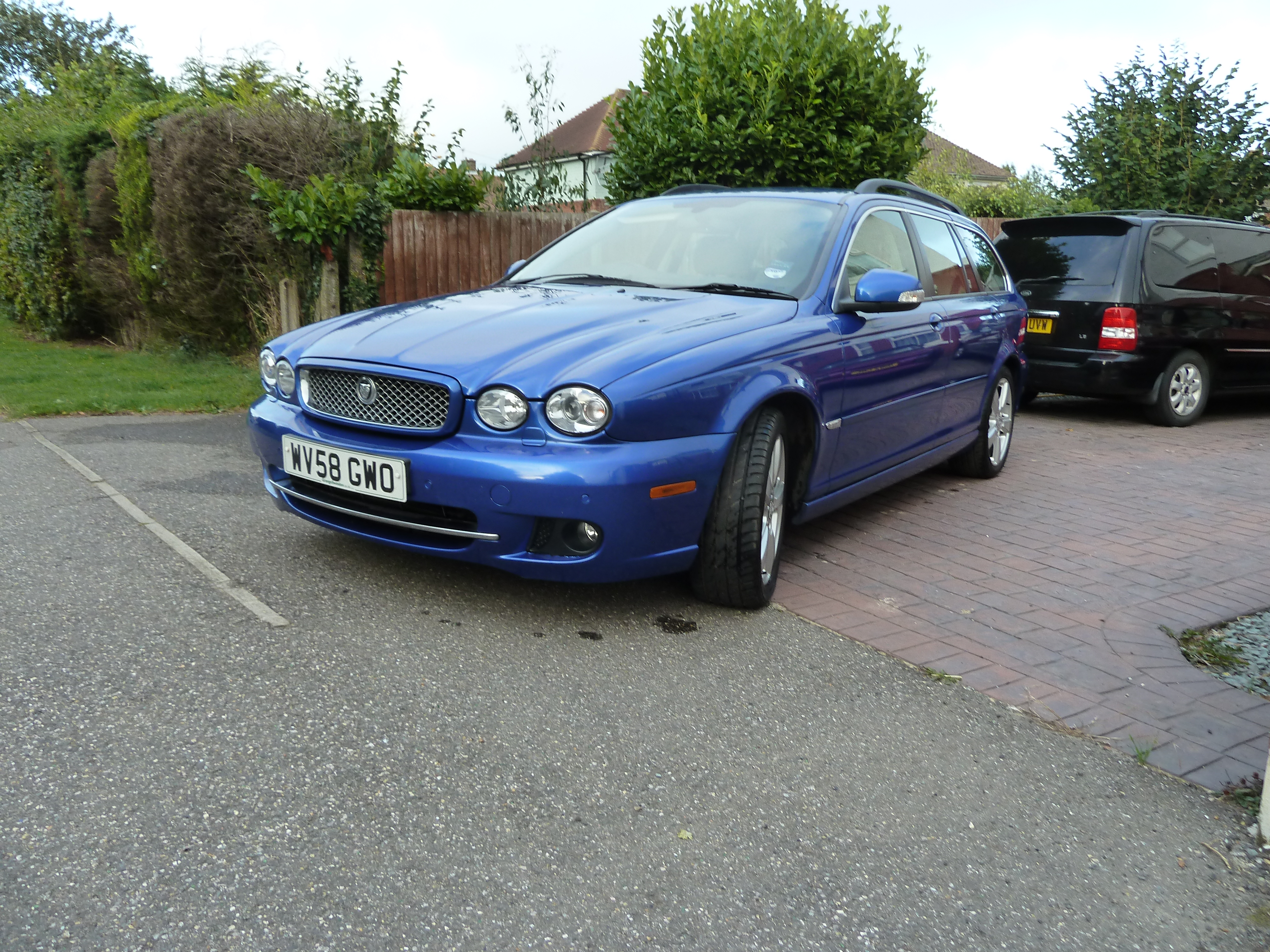
Hi guys, new here, just collected a Lazuli blue 2.2 auto estate. It's been serviced but the service required message is showing. Is there a way to reset it myself TIA
-
yes Frank, thanks I've done all that. I'd love to find it
-
Thanks Peter, I didn't think the DVLA passed details, like that, on
-
I would love to find my wife's old x-type. I know it's out there because it shows up on the DVLA website. I'd love to get it back for her any one here seen it, got it thanks